Free trial
No credit card is required to start. A permanent free plan exists, and the homepage lists a time-limited offer of a free first Premium month, then $19 a month, ending 31 October.
Learn moreAcademic writing assistant with 200M+ real citations and Word integration
Own GenText AI Assistant? Verify ownership to get a dofollow link

GenText AI Assistant is an academic writing tool that drafts sections, summarizes, rephrases and locates peer-reviewed citations from a database of over 200 million papers. It works in the browser or as a Microsoft Word add-in, with a free tier of 500 words a day and paid plans at $19 and $39 monthly.
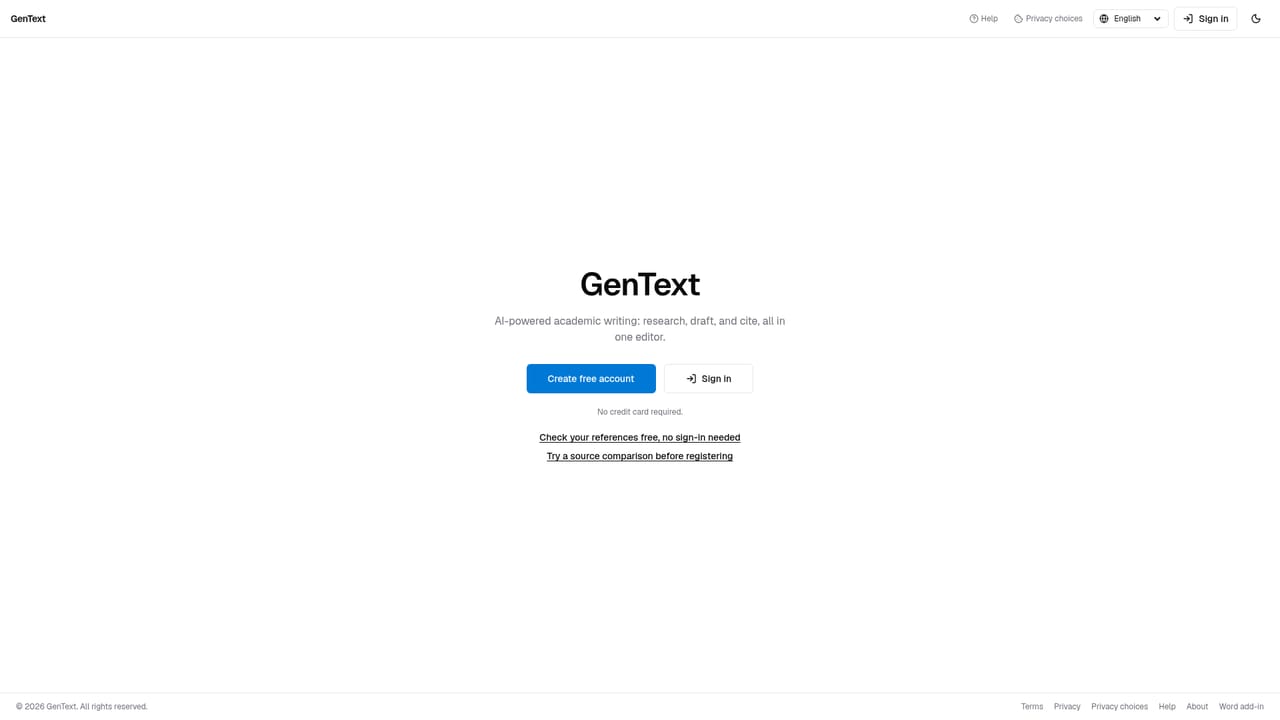
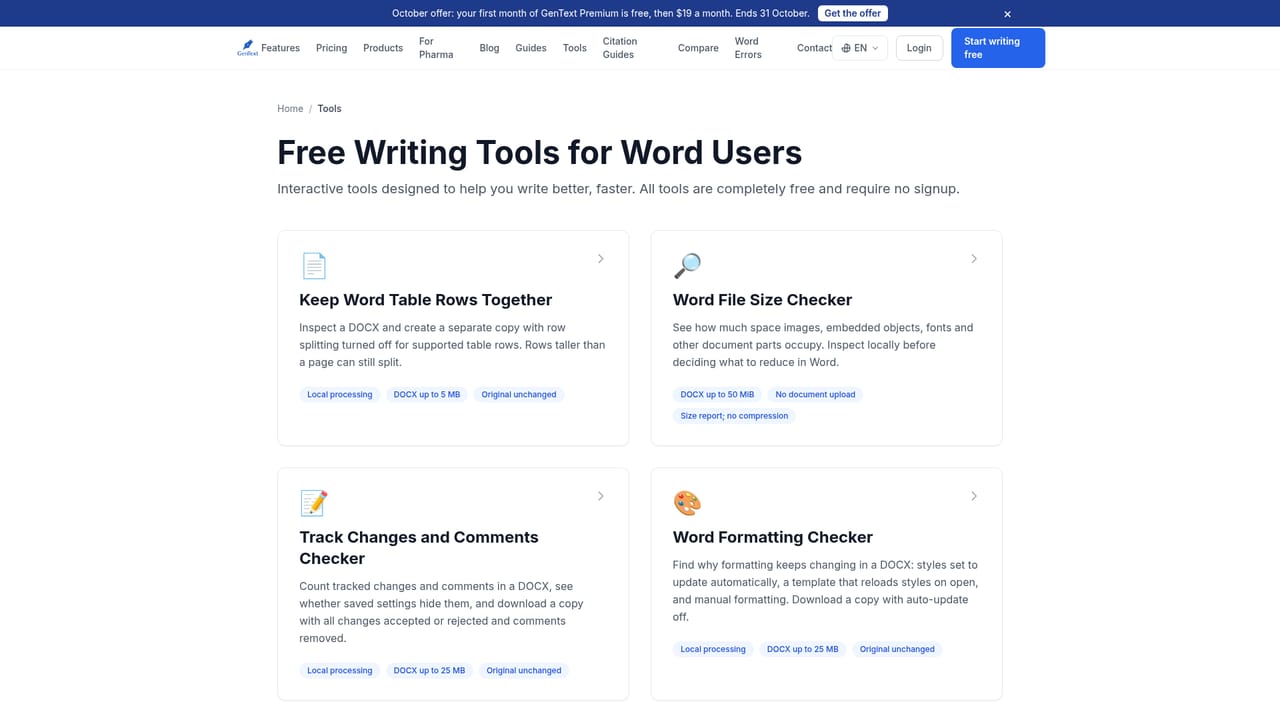
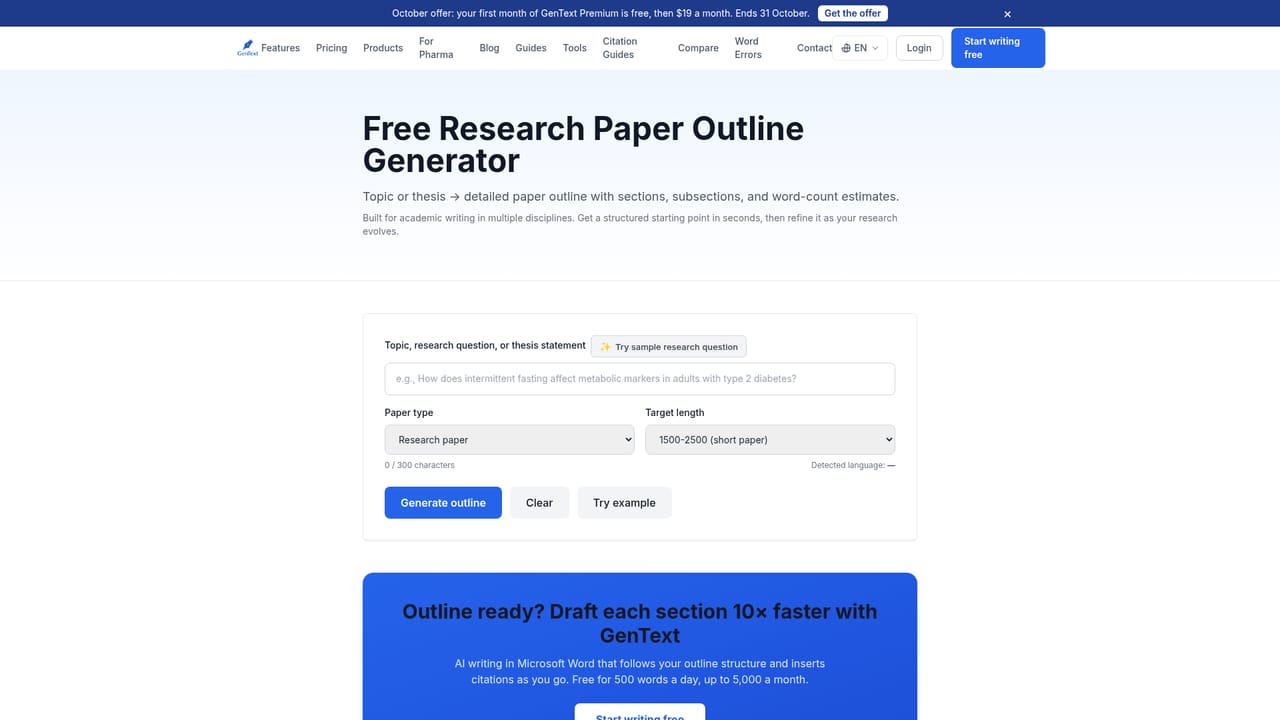
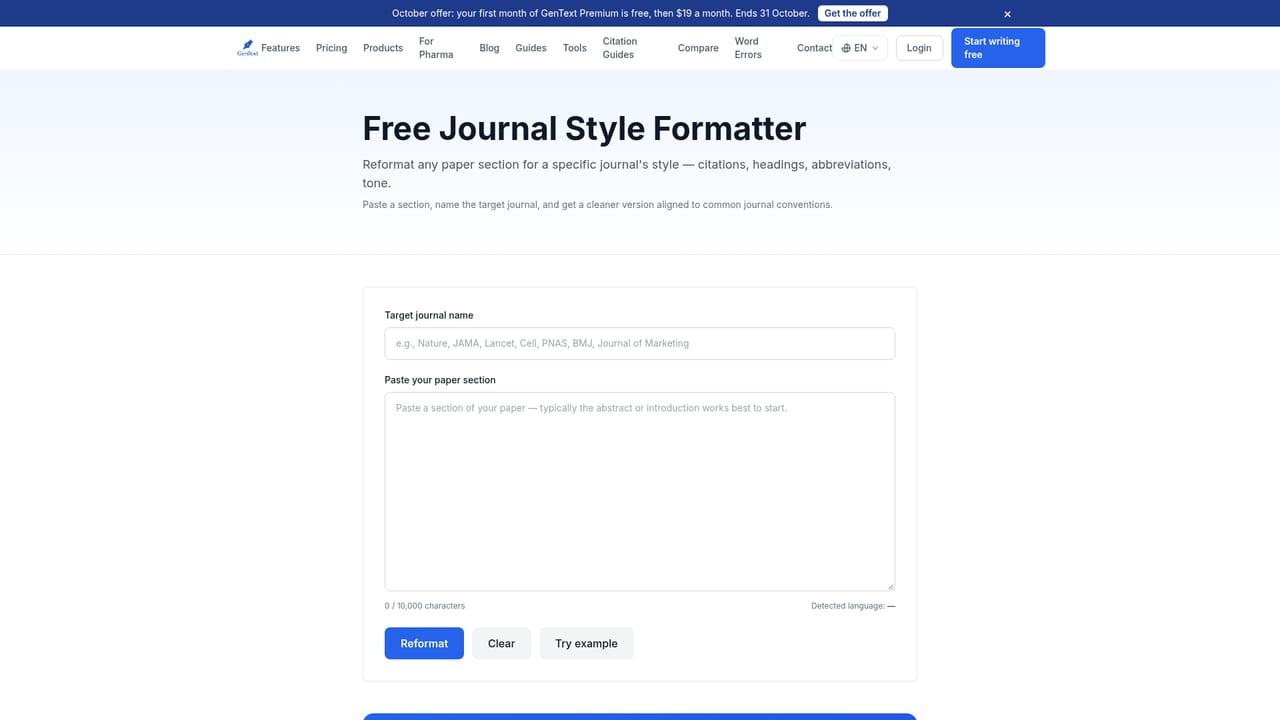
GenText AI Assistant is an academic writing tool built for students and researchers who need to produce papers with real, verifiable sources. Rather than generating text from an open-ended model, it pairs writing assistance with a database of more than 200 million academic papers, so citation suggestions point to peer-reviewed literature instead of invented references. The product runs in a browser at app.gentext.ai and is also distributed as a Microsoft Word add-in from AppSource, with the same account, drafts and license carrying across both surfaces. The core workflow covers the parts of paper writing that consume the most time. An outline can be expanded into drafted sections, dense passages can be condensed into summaries, and sentences can be rephrased while keeping their meaning, which is useful for paraphrasing correctly and for non-native English speakers polishing academic prose. Citation lookup is the centrepiece: the tool searches the paper database for sources that support a specific claim and returns formatted references. Beyond the main editor, GenText publishes 17 free browser tools for narrower jobs, including a thesis statement evaluator, an outline generator, an abstract rewriter, a citation generator covering APA, MLA, Chicago, Harvard, IEEE, Vancouver and AMA, a citation converter, a bibliography cleaner, a plagiarism risk explainer, a citation cross-checker and a journal style formatter. The audience is clearly academic: undergraduates, master's students, PhD candidates and supervisors, with the vendor citing signups from universities such as Oxford, Stanford, Cornell and Toronto. It competes less with general chatbots than with reference managers and other scholarly AI writers, positioning itself on source quality and Word compatibility. Output can be exported to .docx or .pdf, drafts autosave to the cloud, and the interface supports 11 languages including English, Arabic, Hebrew, French, German, Mandarin, Korean, Japanese, Brazilian Portuguese, Spanish and Russian. A free tier caps usage at 500 words a day, Premium raises that to 100,000 words monthly, and Business removes the word limit.
No credit card is required to start. A permanent free plan exists, and the homepage lists a time-limited offer of a free first Premium month, then $19 a month, ending 31 October.
Learn moreThree tiers. Free is $0 with 500 words a day up to 5,000 a month and all five AI tools. Premium is $19 a month or $190 a year for 100,000 words monthly. Business is $39 a month or $390 a year for unlimited words plus priority support. Annual billing saves 17 percent.
Learn morePriority support is listed on the Business plan only. No public help centre or documentation page is cited on the homepage.
Available as a Microsoft Word add-in via Microsoft AppSource for Word on Windows, Mac and the web, sharing accounts and licenses with the browser editor. The citation database draws on Semantic Scholar.
Learn moreFive core writing tools: draft generation from an outline, multi-paragraph summaries, rephrasing that preserves meaning, citation lookup against 200M+ academic papers, and research-backed writing suggestions. Also 17 free standalone browser tools for thesis evaluation, outlines, abstracts, citation generation and conversion, bibliography cleaning, plagiarism risk, citation cross-checking and journal formatting. Export to .docx or .pdf and cloud autosave.
Learn more AI Angels400+ customizable AI girlfriends for NSFW chat, voice calls, and roleplay
 Candy AIExperience the future of companionship with AI friends who chat, role-play, and connect with you on a human level.
 ourdream.aiA vast AI roleplay platform with millions of characters for chat, images, video and voiceAI Angels400+ customizable AI girlfriends for NSFW chat, voice calls, and roleplayCandy AIExperience the future of companionship with AI friends who chat, role-play, and connect with you on a human level.ourdream.aiA vast AI roleplay platform with millions of characters for chat, images, video and voice


