Free trial
After sign-up, each account can generate one 6-second 480p preview with Grok Imagine from a text prompt, with no credit card required. Further generations and premium models use purchased credits.
Learn morePrompt-based AI video drafts for social clips, ads and demos

GenVideo is a web text-to-video workspace that converts prompts into short AI clips in widescreen, square or vertical formats. It offers reusable example prompts, a credit-based balance across several video models, and a saved My Creations area.
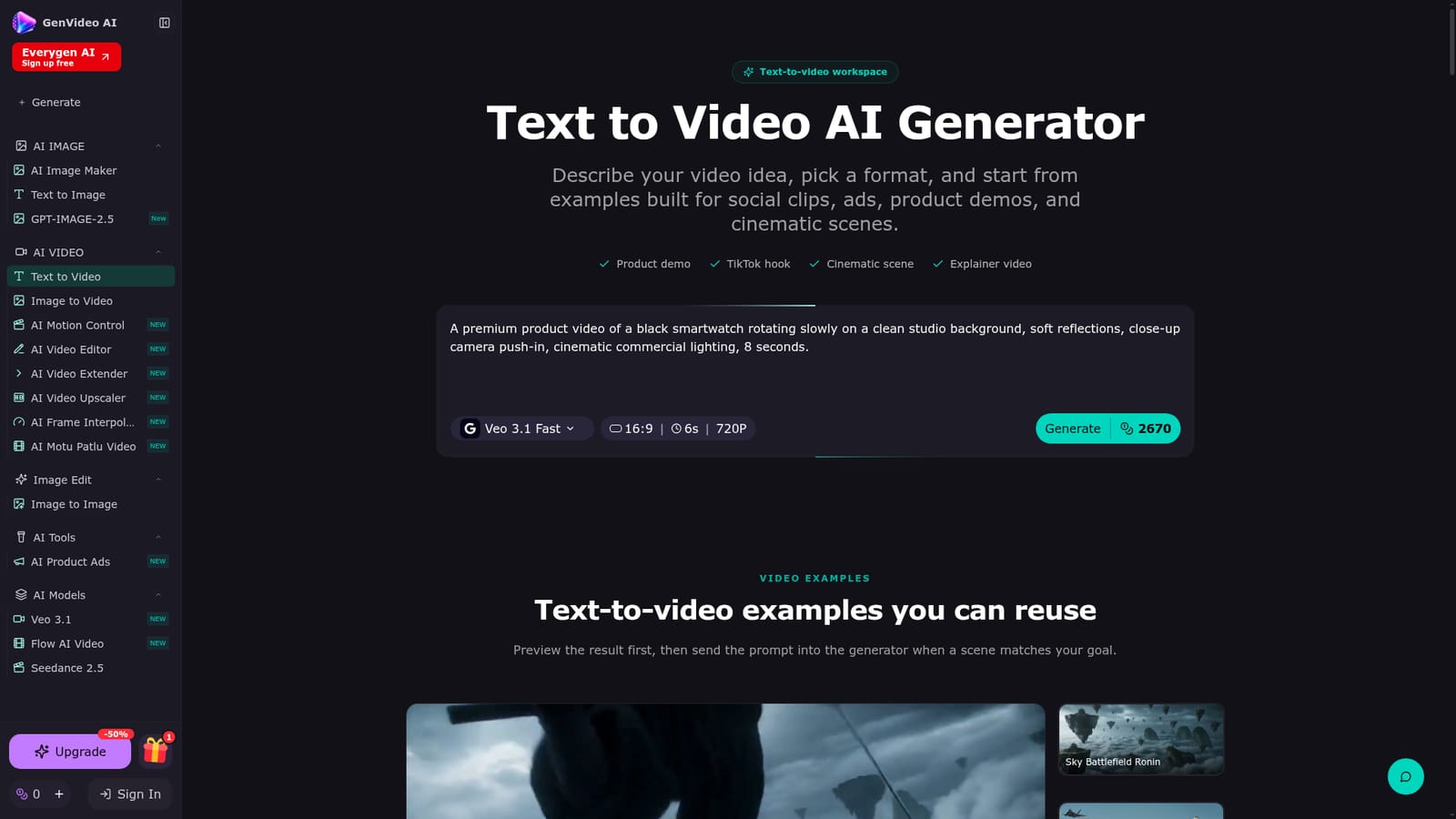
GenVideo is a web-based text-to-video workspace that turns written prompts into short AI video drafts. The user describes a subject, an action, camera movement, style, lighting and mood, picks an output format, and the tool renders a clip without any filming setup or editing timeline. The page is built around short, focused scenes rather than long multi-part briefs, and it recommends a simple prompt formula (subject, action, camera, style, lighting, mood) to keep results controllable. The audience is broad but practical: creators and social teams making vertical hooks for TikTok, Reels and Shorts, founders and stores drafting product demos, performance and brand teams testing ad concepts, filmmakers prototyping a scene before production, and product or education teams sketching explainer motion. Each of these jobs has a workflow card with a reusable prompt, plus a gallery of example prompts (a fantasy action scene, a fighter jet dogfight, a glass strawberry close-up) that can be copied into the generator and edited. In practice, the generator exposes a model selector (Veo 3.1 Fast appears as the default, with settings such as 16:9, 6 seconds and 720p), widescreen, square and vertical aspect ratios, and a credit estimate shown on the Generate button before a job starts. Finished clips are kept in a My Creations area. The pricing panel says one balance covers Grok, Veo, Seedance, Kling, Wan and HappyHorse workflows, so the same credits work across several underlying models. Neighbouring tools on the site cover image-to-video, video editing, extending, upscaling and frame interpolation, plus image generation. Among alternatives, GenVideo sits in the aggregator category: instead of building one proprietary model, it offers access to several third-party video models through one account and a credit system. That suits people who want to compare models or avoid separate subscriptions, but it also means output quality and clip length depend on the chosen model, and the drafts are short by design. It is better suited to concepting and social-length content than to finished, long-form production.

After sign-up, each account can generate one 6-second 480p preview with Grok Imagine from a text prompt, with no credit card required. Further generations and premium models use purchased credits.
Learn moreCredit-based: one-time packs of 7,000 credits for $49, 20,000 (18,000 plus 2,000 bonus) for $109, and 45,000 (40,000 plus 5,000 bonus) for $229. Monthly and yearly toggles also appear, with a yearly saving of 50% advertised.
Learn moreNo third-party app integrations are listed. The pricing panel names access to Grok, Veo, Seedance, Kling, Wan and HappyHorse video models through one credit balance.
Text-to-video generation with model selection, widescreen, square and vertical formats, short durations, reusable example prompts and workflow cards, a credit estimate before each job, and a My Creations library. Related tools cover image-to-video, editing, extending, upscaling and frame interpolation.


