GetWebsite.Report

AI website audits that turn landing pages into conversion assets

Beginner
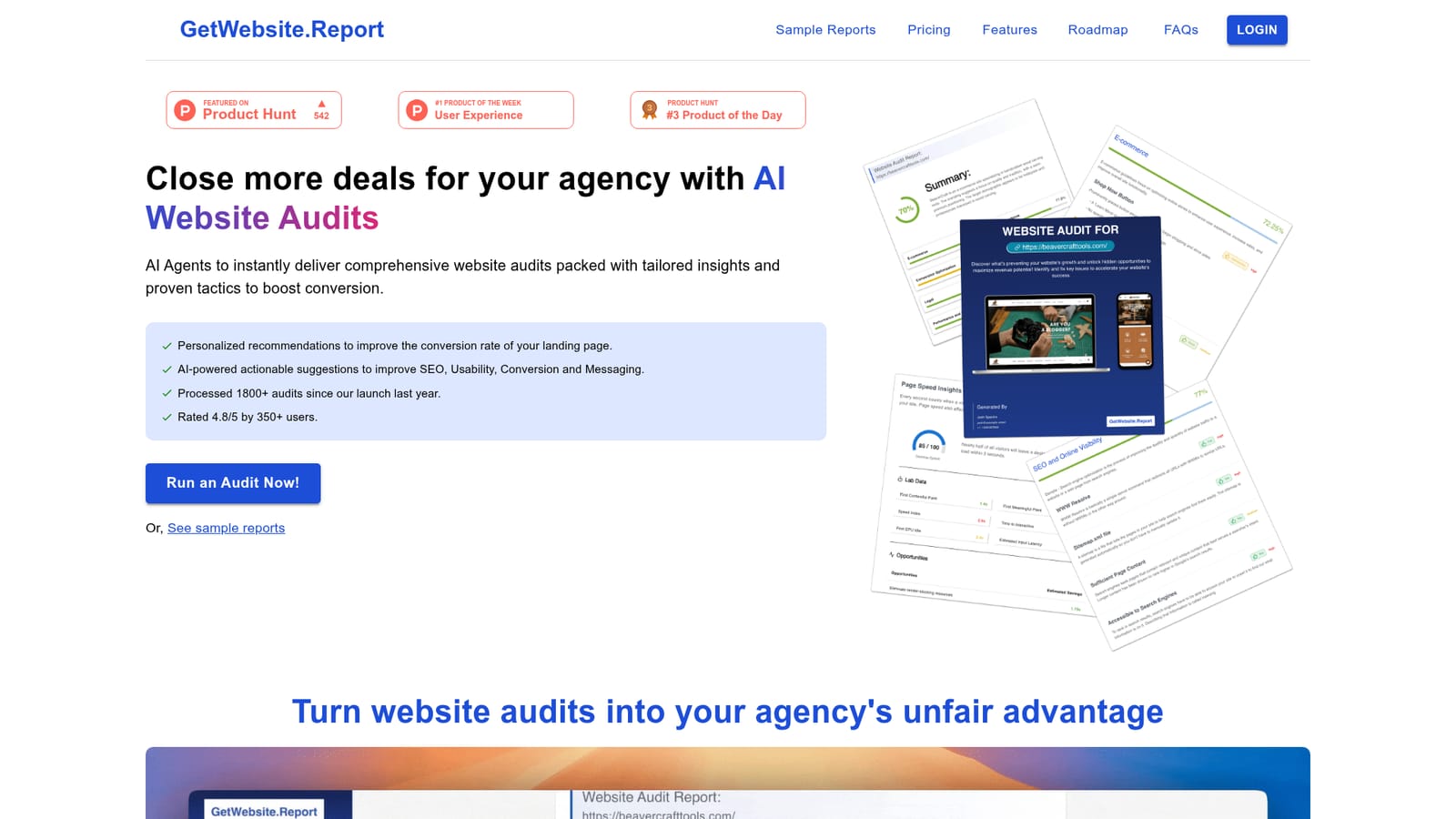
Screenshot of GetWebsite.Report, AI website audits that turn landing pages into conversion assets

What is GetWebsite.Report?

GetWebsite.Report is a landing page analysis tool. AI powered landing page audit tool that scores a URL across UI, UX, visual design, content and SEO, then returns a white labelable PDF report with conversion focused recommendations. Aimed at agencies and freelancers who want audit driven outreach and lead magnets.

GetWebsite.Report is a web service that runs an automated audit of a single landing page and returns a structured report within a few minutes. The engine scores the page across five areas (user interface, user experience, visual design, content and SEO) and layers on category and section level scoring so the feedback points at specific blocks of the page rather than generic advice. Reports include personalized, prioritized recommendations aimed at improving conversion, usability, messaging and search performance. The product is built with agencies and freelancers in mind. Reports can be exported as PDFs with full white labeling, including a custom logo, an editable introduction and closing write up, and a scheduling page that invites the reader to book a demo. The Agency tier goes further and hosts the white label audit experience on the agency's own subdomain, which makes it usable as a lead magnet or a value first outreach asset before a sales call. Newer versions add AI agents that reason about the page in the context of the business type, so an e-commerce store, a SaaS product and a lead generation site are judged against different expectations. In practice the workflow is short: submit a URL, wait roughly three to four minutes, then review the generated report on the reports page where past audits are also stored. The tool handles non-English sites, which widens its use for agencies serving local markets. It sits alongside manual heuristic reviews and broader SEO suites. It is narrower than a full technical crawler and lighter than a CRO consultant engagement, which is the point: it packages repeated expert style critique into a repeatable, shareable deliverable.

How do you use GetWebsite.Report?

  1. 1Open the site and view a sample report
    Start on the homepage and open one of the sample reports to see how categories, scores and recommendations are laid out before spending a credit.
    GetWebsite.Report — Open the site and view a sample report
  2. 2Create an account and pick a plan
    Sign up, then choose between the Starter, Pro or Agency tiers depending on how many audits you need each month.
  3. 3Submit a landing page URL
    Enter the page you want audited and start the run. Processing takes about three to four minutes and the report appears on the generated reports page.
  4. 4Review category and section feedback
    Work through the scores for UI, UX, visual design, content and SEO, then read the section level notes against your actual screens.
  5. 5Customize and export the PDF
    Add your logo, edit the introduction and closing write up, and include a scheduling link so readers can book a call.

Pros and cons

Pros

  • Reports are generated in roughly three to four minutes, fast enough to use during prospecting.AI
  • Category and section level scoring points to specific page blocks rather than broad advice.AI
  • PDF exports support full white labeling with a logo, editable intro and closing notes.AI
  • Industry aware critique adapts recommendations to e-commerce, SaaS or lead generation contexts.AI
  • Agency plan hosts white label audits on the customer's own subdomain for lead generation.AI

Cons

  • Audits cover single pages, so a full site review requires one credit per page.AI
  • Multi page audits and competitor analysis are listed as coming soon, not available today.AI
  • No API or third party integrations are documented, which limits automated pipelines.AI
  • Credit based limits mean heavy usage adds per audit overage costs on top of the plan fee.AI
  • Support is email only, with no phone or live chat option mentioned.AI

How much does GetWebsite.Report cost?

Pricing

Monthly plans run from $29 for 4 single page audits, to $39 for 20 audits, to $79 for 60 audits; annual billing is offered with two months free. Lifetime Pro costs $490 and Lifetime Agency $990. Extra credits are billed per audit, and the Agency tier adds subdomain hosting for white label reports.

Learn more

Support

Email support at support@getwebsite.report is included on every plan. Agency and lifetime tiers add priority support, and custom versions of the tool can be discussed through the same address.

Features

AI agents critique pages the way an experienced specialist would, covering SEO, performance and security alongside conversion. Audits score UI, UX, visual design, content and SEO with category and section level detail, run across multiple devices, and adapt to the business type. Output is a white labelable PDF with editable intro and closing write ups and a booking page, and plans include a monthly allotment of audits.

Frequently asked questions about GetWebsite.Report

  • How much does GetWebsite.Report cost?
    Monthly plans run from $29 for 4 single page audits, to $39 for 20 audits, to $79 for 60 audits; annual billing is offered with two months free. Lifetime Pro costs $490 and Lifetime Agency $990. Extra credits are billed per audit, and the Agency tier adds subdomain hosting for white label reports.
  • How do you use GetWebsite.Report?
    The walkthrough on this page covers 5 steps: 1. Open the site and view a sample report 2. Create an account and pick a plan 3. Submit a landing page URL 4. Review category and section feedback 5. Customize and export the PDF.
  • What platforms does GetWebsite.Report support?
    GetWebsite.Report is available on Web App.
  • What are the limitations of GetWebsite.Report?
    Audits cover single pages, so a full site review requires one credit per page. Multi page audits and competitor analysis are listed as coming soon, not available today. No API or third party integrations are documented, which limits automated pipelines.

Status

StatusActive
Views0
Outbound clicks0
Added10/21/2026

Platforms

Web App

Pricing

Free TrialPaidSubscription