Free trial
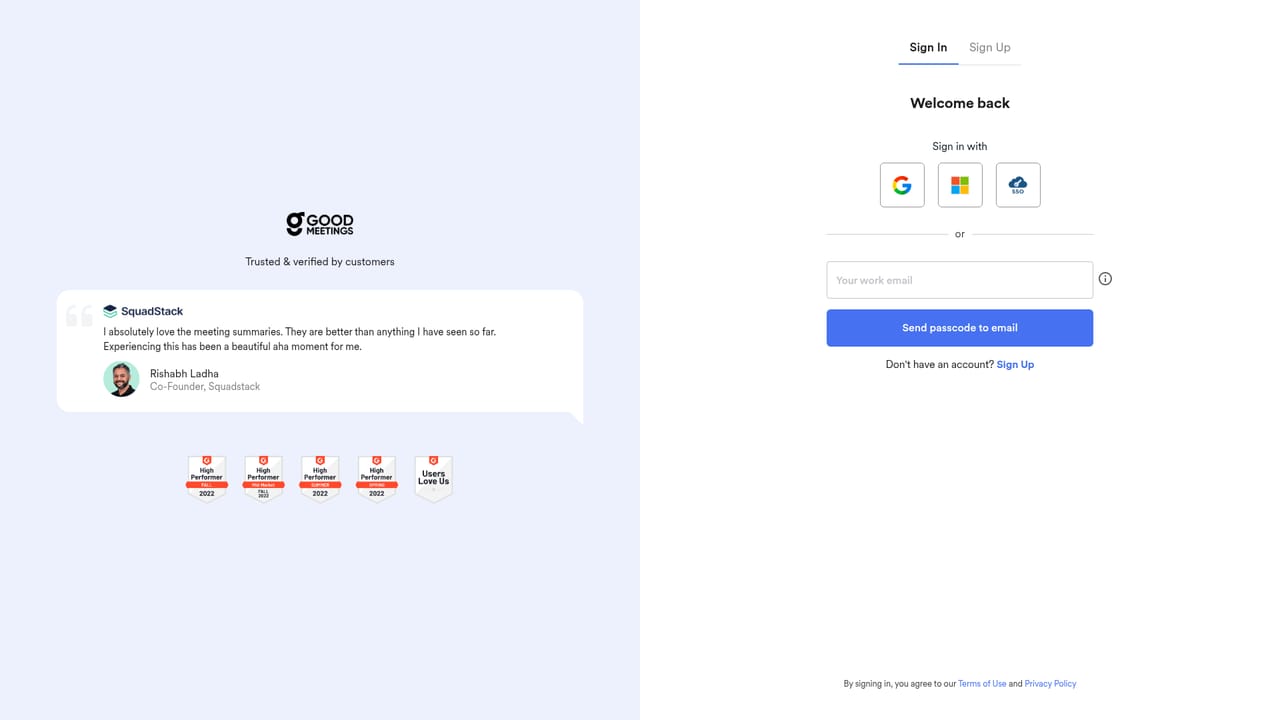
A 14 day free trial is offered with no credit card required. Sign up is available from the login page, and a free demo can be booked separately.
Learn moreAI meeting intelligence built for sales and customer success teams

Goodmeetings is an audio file transcription tool. Meeting intelligence platform for sales and customer success teams. Records calls, transcribes in multiple languages, generates human level summaries and action items, and surfaces AI curated key moments for coaching and CRM follow through.
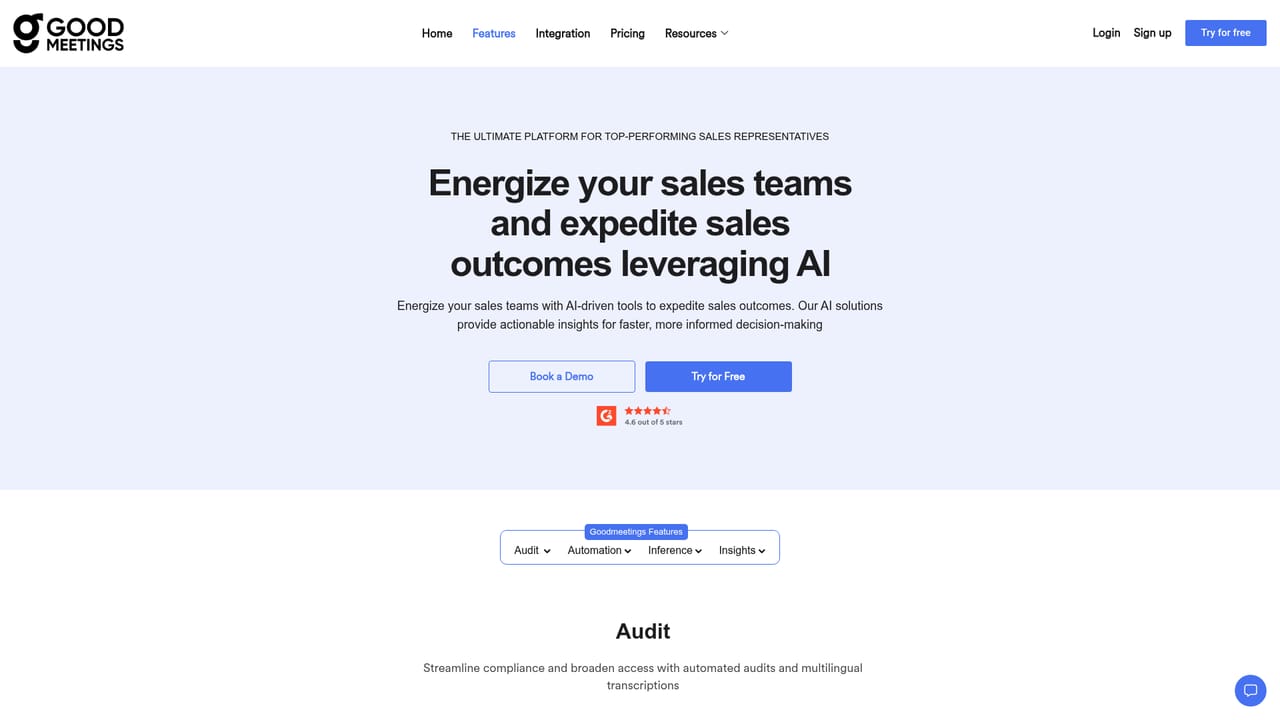
Goodmeetings is a meeting intelligence tool aimed squarely at sales and customer success organisations. It records calls and customer meetings, transcribes them at high quality, and then applies AI to pull out what actually mattered: summaries that read like a human wrote them, automated action items, and curated reels of key moments from each conversation. The stated goal is narrow and practical, helping reps spend less time on note taking and reporting and more time on the parts of a deal that need a person. The product is organised around three jobs. Capture covers call recording, multi language transcription, call analytics and a searchable video meeting library, so a team builds an archive of real customer conversations rather than scattered notes. Automate covers the follow through: summaries, action items, performance insights, customised reporting dashboards and CRM sync. Close covers the coaching layer, with questions you can ask of a meeting, screenshare analytics and sentiment analysis that show how a conversation actually unfolded. In practice a rep joins a call, the recording and transcript land in the library, and the AI produces notes and next steps without anyone writing them up. Managers then review those artefacts instead of sitting in on every call, and can coach from specific moments rather than vague recollections. The blog and resource library lean heavily into sales methodology topics such as call reporting, dashboards, demos and conversation skills, which signals the intended buyer is a sales leader rather than a general productivity user. Among alternatives, Goodmeetings positions itself in the conversation intelligence space, and the team publishes its own comparison with the better known Gong. It suits small and mid sized revenue teams that want recording, summaries and coaching in one place without building a data practice around it. Teams that only need plain transcription, or that live entirely inside a single conferencing tool, may find the sales focus narrower than they need.
A 14 day free trial is offered with no credit card required. Sign up is available from the login page, and a free demo can be booked separately.
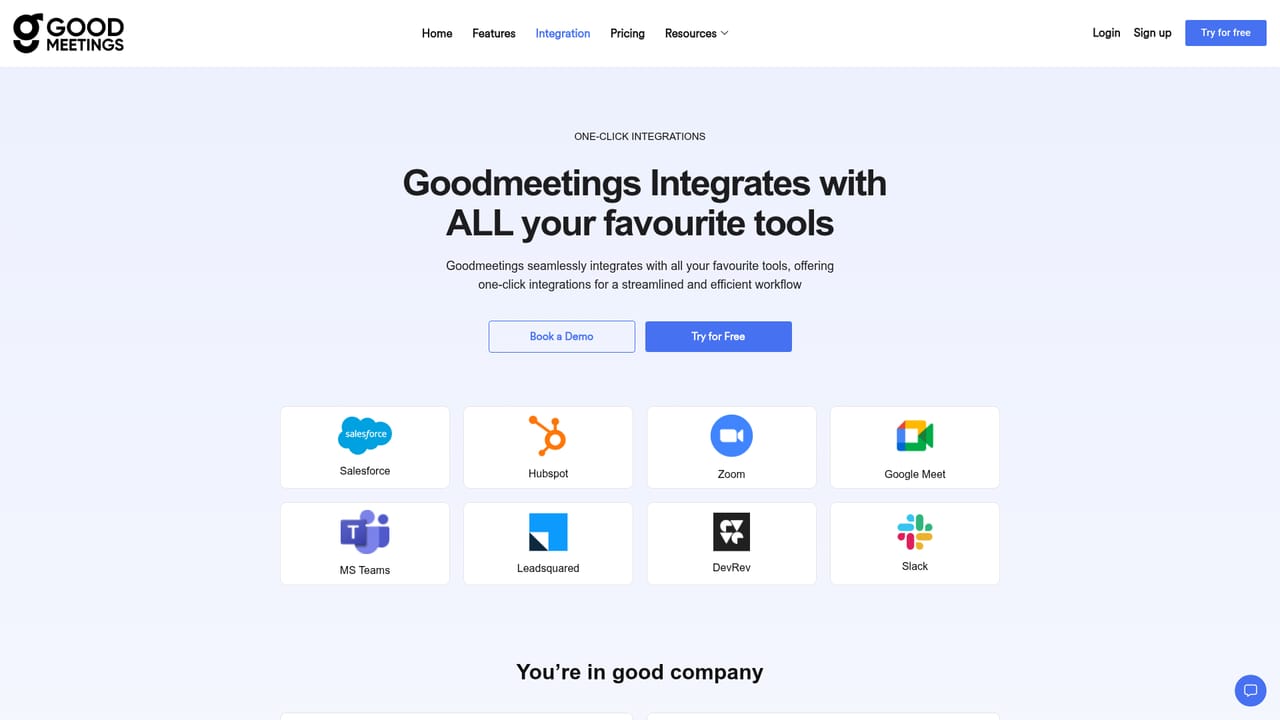
Learn moreThe site maintains a dedicated integrations page, and deep CRM integration is listed as a core feature for pushing meeting output into existing systems.
Learn moreRecording and multi language transcription, call analytics and a video meeting library. On top of that, AI generated summaries, automated action items, meeting performance insights, customised reporting dashboards, AI key moments, deep CRM integration, coaching, questions you can ask about any meeting, plus screenshare and sentiment analytics.
Learn more AI Angels400+ customizable AI girlfriends for NSFW chat, voice calls, and roleplay
 Candy AIExperience the future of companionship with AI friends who chat, role-play, and connect with you on a human level.
 ourdream.aiA vast AI roleplay platform with millions of characters for chat, images, video and voiceAI Angels400+ customizable AI girlfriends for NSFW chat, voice calls, and roleplayCandy AIExperience the future of companionship with AI friends who chat, role-play, and connect with you on a human level.ourdream.aiA vast AI roleplay platform with millions of characters for chat, images, video and voice


