Free trial
A free trial is offered with no credit card required; the homepage does not state its length.
Learn moreAn AI executive assistant that lives inside your Gmail inbox

HeyHelp is an AI assistant built into Gmail that tags and archives incoming mail, drafts replies in the user's voice, handles follow-ups and proposes calendar events from email context. It is aimed at heavy Gmail users and teams who want less inbox admin, with a choice of Gemini, OpenAI or Anthropic models behind it.
HeyHelp is an AI assistant that runs inside Gmail rather than as a separate app. It reads incoming mail, sorts it into labels, drafts replies in the user's own writing style, and proposes calendar events pulled from email context. The stated goal is to reclaim roughly five hours a week per person by removing repetitive triage, typing and chasing. Everything happens in the Gmail interface, so drafts, labels and follow-ups stay in sync with an existing setup and no new inbox has to be adopted. The feature set covers four areas. AI sorting filters out spam, promotions and low-value mail while filing the rest under actionable labels. AI drafts pre-write replies that wait for review and a send click. AI follow-ups nudge stalled threads, whether the user is closing a deal or waiting on an answer. AI scheduling reads context from messages and creates draft events with title, description and attendees for confirmation. The product is designed to learn from usage over time, adjusting to a person's tone, priorities and workflows as more mail passes through. It is aimed at founders, operators, sales people, consultants and freelancers who live in Gmail and lose hours to inbox management. Because it is native to Gmail and listed as a Google Verified App, the practical draw is minimal setup and no migration. Security claims include CASA Tier 2 certification, end to end encryption and privacy first infrastructure. Users can choose the underlying model from Google Gemini, OpenAI or Anthropic and switch between them, paying for what they consume. Beyond Gmail, HeyHelp advertises syncing with a CRM and other tools to keep contacts, tasks and notes current. The obvious alternatives are general writing assistants bolted onto email or full inbox replacement apps. HeyHelp bets on staying inside Gmail instead of replacing it, and on automatic drafting and tagging rather than asking users to prompt it each time. The vendor previously built the Drag email tool, which is offered as evidence of experience in this category.
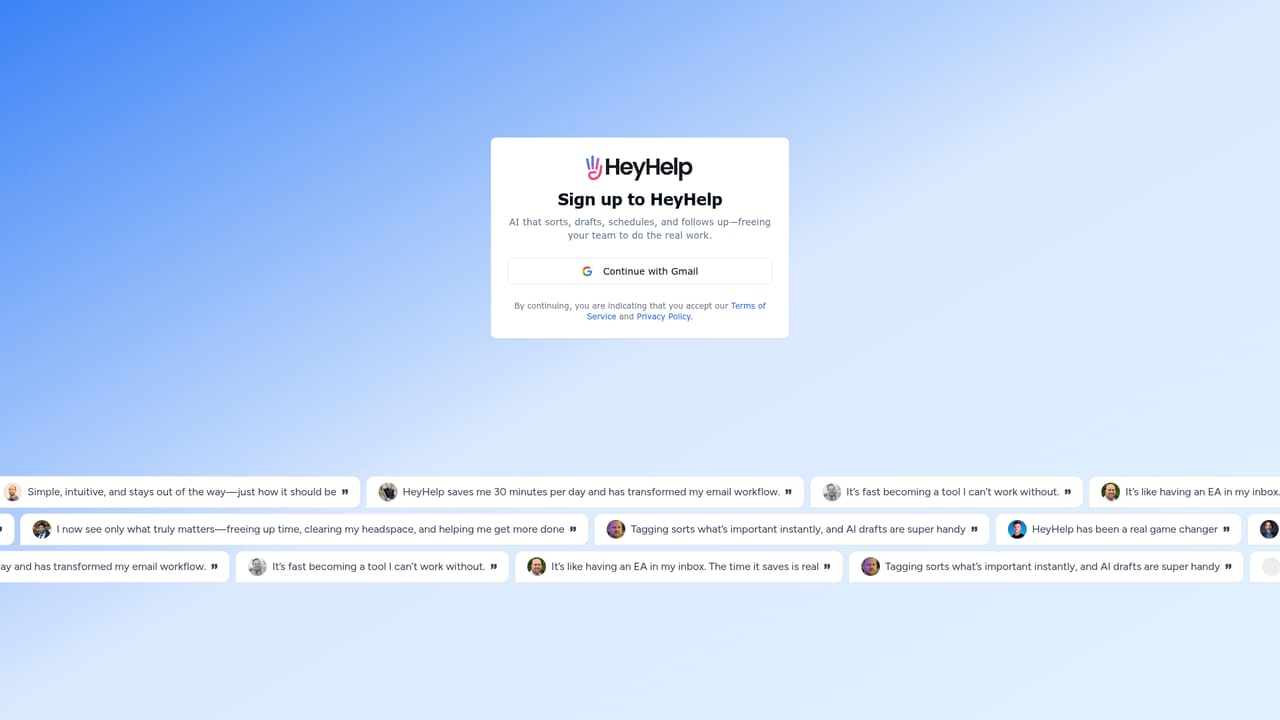

A free trial is offered with no credit card required; the homepage does not state its length.
Learn moreThe homepage advertises a limited-time Black Friday Pro plan at $12 per month (offer ended 23 November 2025) and a HeyHelp Connect lifetime deal at a one-off $199. No standard monthly tier or per-seat detail is published on the homepage.
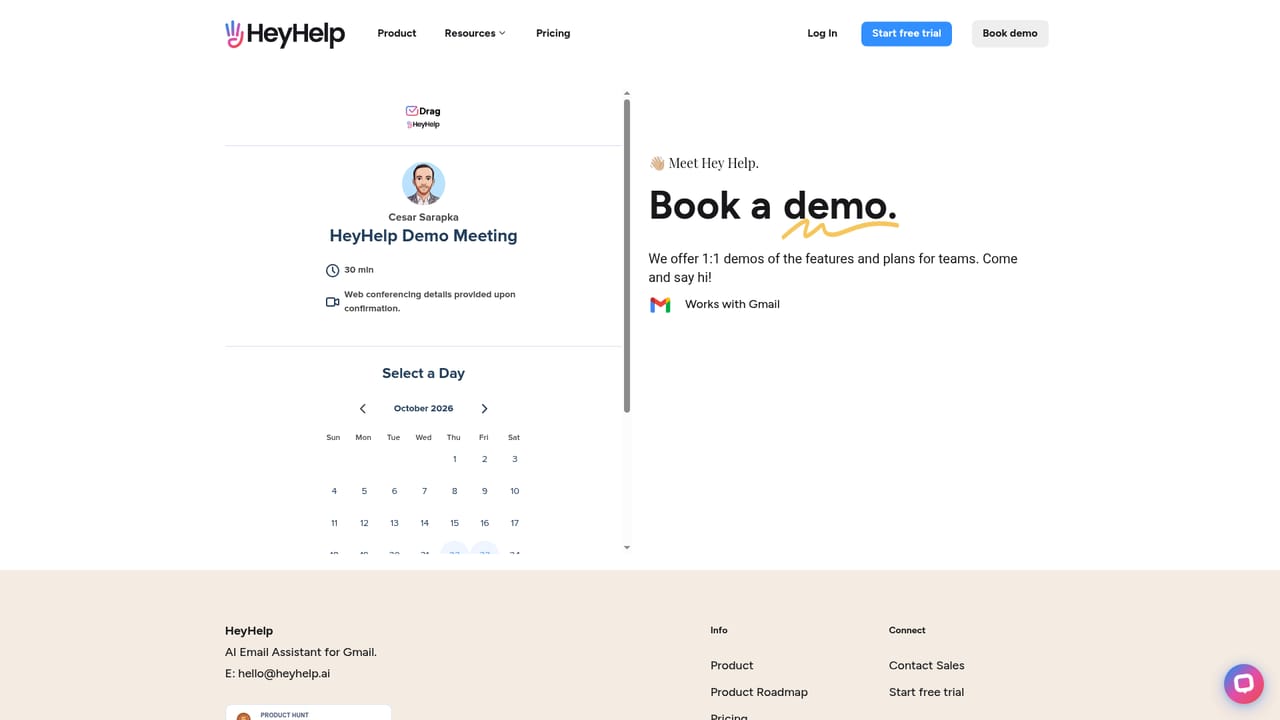
Learn moreContact is available by email at hey@heyhelp.ai, and the site offers a demo booking option; no help centre or documentation portal is linked from the homepage.
HeyHelp runs inside Gmail and links to Google Calendar. The homepage also mentions syncing with a CRM and other tools for contacts, tasks and notes, but names no specific products.
Core features are AI sorting (filtering noise and filing mail into actionable labels), AI drafts written in the user's voice, AI follow-ups that keep threads moving, and AI scheduling that turns email context into draft calendar events with attendees. A self-learning layer adapts to writing style and priorities over time.
 AI Angels400+ customizable AI girlfriends for NSFW chat, voice calls, and roleplay
 Candy AIExperience the future of companionship with AI friends who chat, role-play, and connect with you on a human level.
 ourdream.aiA vast AI roleplay platform with millions of characters for chat, images, video and voiceAI Angels400+ customizable AI girlfriends for NSFW chat, voice calls, and roleplayCandy AIExperience the future of companionship with AI friends who chat, role-play, and connect with you on a human level.ourdream.aiA vast AI roleplay platform with millions of characters for chat, images, video and voice


