Support
A help center is linked from the site, and the company lists a contact email for inquiries. A blog and customer case studies provide additional guidance.
Learn moreAI video editor that turns scripts and brand assets into full-length videos

Hypernatural is an AI video platform with an end to end editor: set up a Brand once, then generate, storyboard and edit full-length videos from scripts, prompts, characters and images, with narration, captions, B-roll and remixable ad templates. Aimed at brands, agencies and solo creators producing video content regularly.
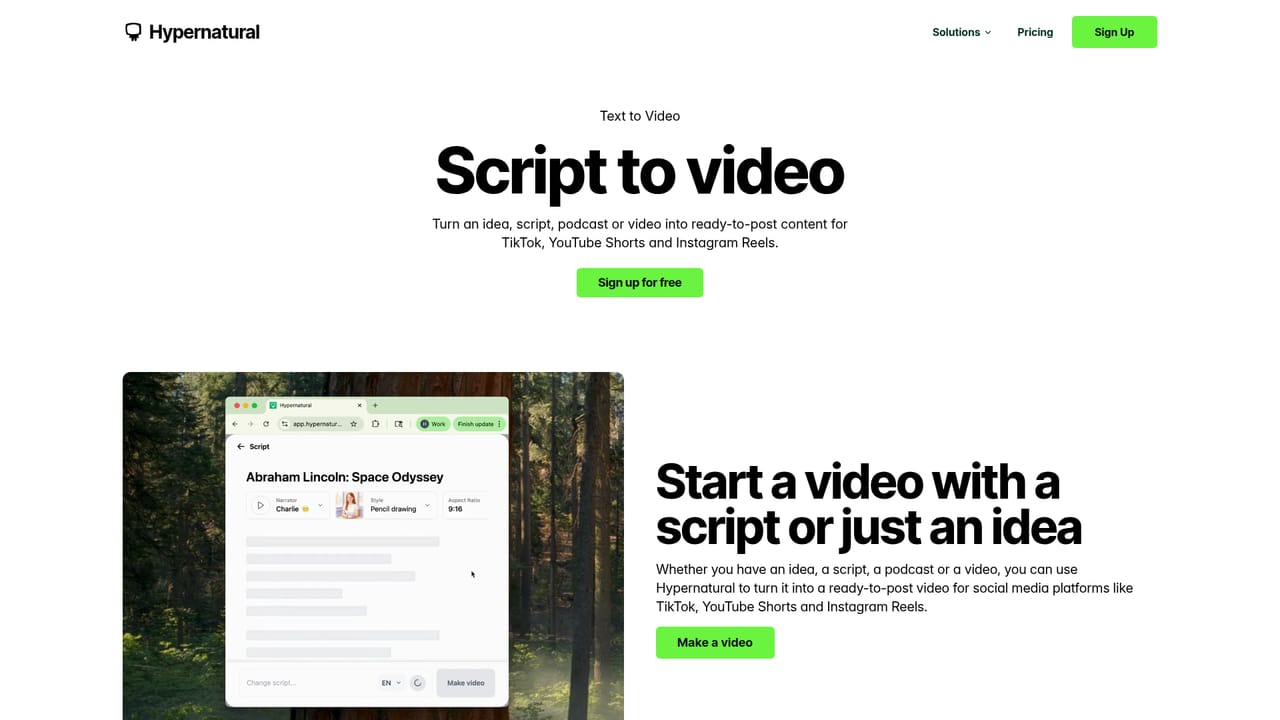
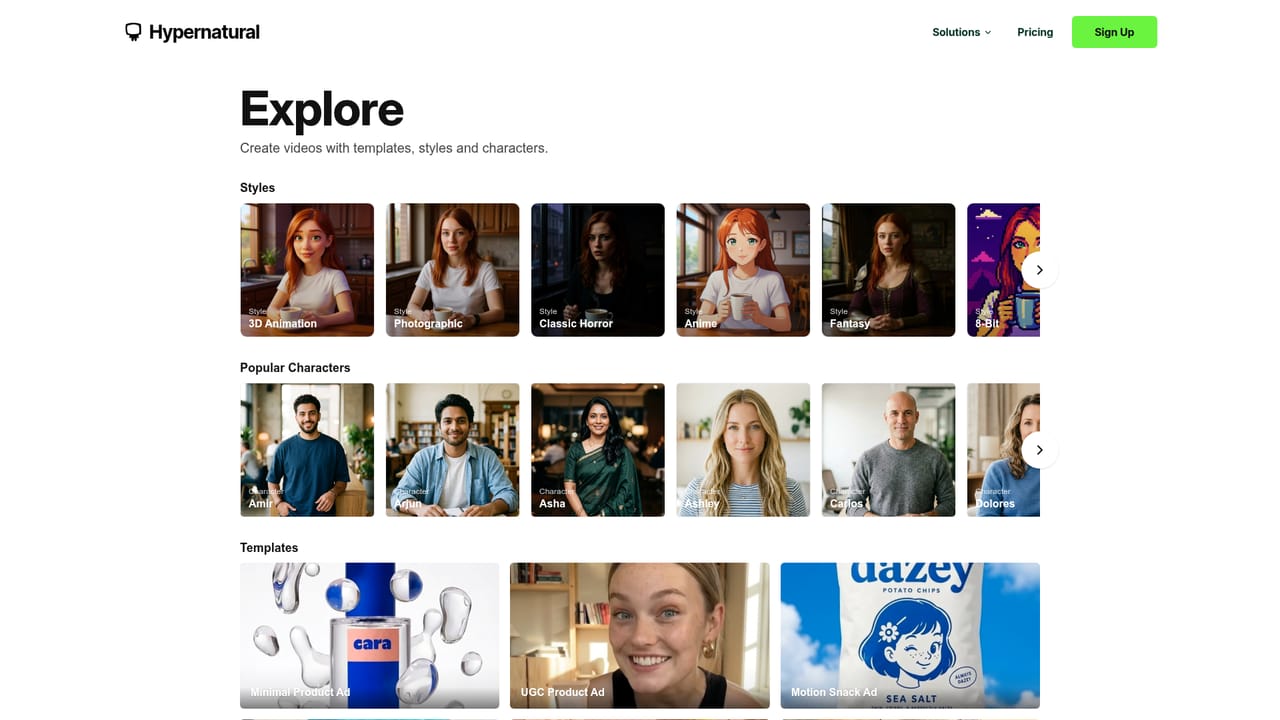
Hypernatural is a browser-based AI video platform built around an end to end editor rather than a single generation box. It takes prompts, scripts, images, characters and brand references and turns them into finished, ready-to-share video. The company positions it explicitly against short clips, pitching full-length video assembled from script, visuals and audio in the same workspace. The workflow is the differentiator. A Brand is set up once with a logo, visual style and product references, and every video made inside that Brand draws on those assets, so output stays consistent without manual restyling. From there, EditorAgent handles generation, Storyboard lets you lay out scenes before committing, and the editor itself supports references and brand context. Script to Video converts a written script into scenes, while separate features cover custom characters, custom styles, AI narration with selectable voices, captions and B-roll. Templates cover common formats such as minimal product ads, UGC product ads, beverage and snack spots, and home product ads, and they can be remixed. Who it is for: small brands and DTC, CPG and food-and-beverage marketers producing ad content in volume; agencies turning client briefs into polished video quickly; and individual creators such as writers, podcasters, influencers and entrepreneurs. Hypernatural also publishes use cases for storyboarding and family memories, and a customer story describes previsualizing a feature film at a fraction of typical cost, so the range runs from commercial spots to pre-production. The trade-off is depth against speed. This is an editor with an opinionated structure (brand first, then scenes, then edits), not a general purpose NLE, and teams with existing post-production pipelines should expect it to sit alongside, not replace, their current tools. Competitors in AI video tend to specialize in short social clips or single-model generation; Hypernatural competes on continuity across a video and on brand consistency over repeated output. Pricing tiers are published on the site.

A help center is linked from the site, and the company lists a contact email for inquiries. A blog and customer case studies provide additional guidance.
Learn moreCore features: a Brand system for logo, style and product references; Script to Video; text-to-video with selectable AI models; custom characters and custom video styles; AI narration and custom voices; AI captions; AI B-roll; storyboarding; and an AI video editor with an EditorAgent. A template gallery covers ad, explainer, social and seasonal formats, all remixable.
Learn more AI Angels400+ customizable AI girlfriends for NSFW chat, voice calls, and roleplay
 Candy AIExperience the future of companionship with AI friends who chat, role-play, and connect with you on a human level.
 ourdream.aiA vast AI roleplay platform with millions of characters for chat, images, video and voiceAI Angels400+ customizable AI girlfriends for NSFW chat, voice calls, and roleplayCandy AIExperience the future of companionship with AI friends who chat, role-play, and connect with you on a human level.ourdream.aiA vast AI roleplay platform with millions of characters for chat, images, video and voice


