Free trial
Free users receive a monthly allocation of image transformations, and the site mentions free credits, though paid features such as watermark free output require an upgrade.
Learn moreTransform existing photos with text prompts while keeping their structure
Own Image To Image AI? Verify ownership to get a dofollow link

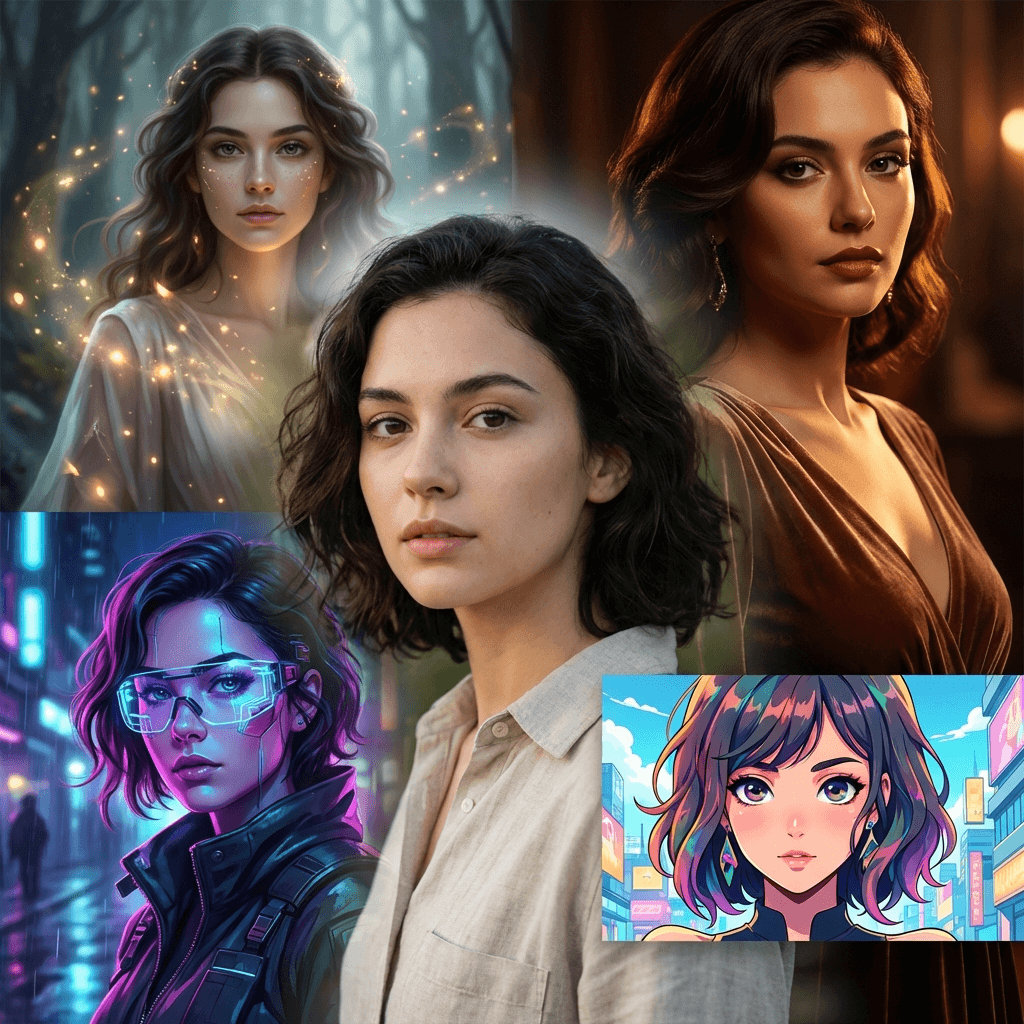
Image To Image AI is an image morpher tool that transforms existing photos with text prompts while keeping their structure. A web app that reworks an uploaded photo using text prompts while preserving its composition. Users control aspect ratio, resolution, output count and transformation strength, then download results.
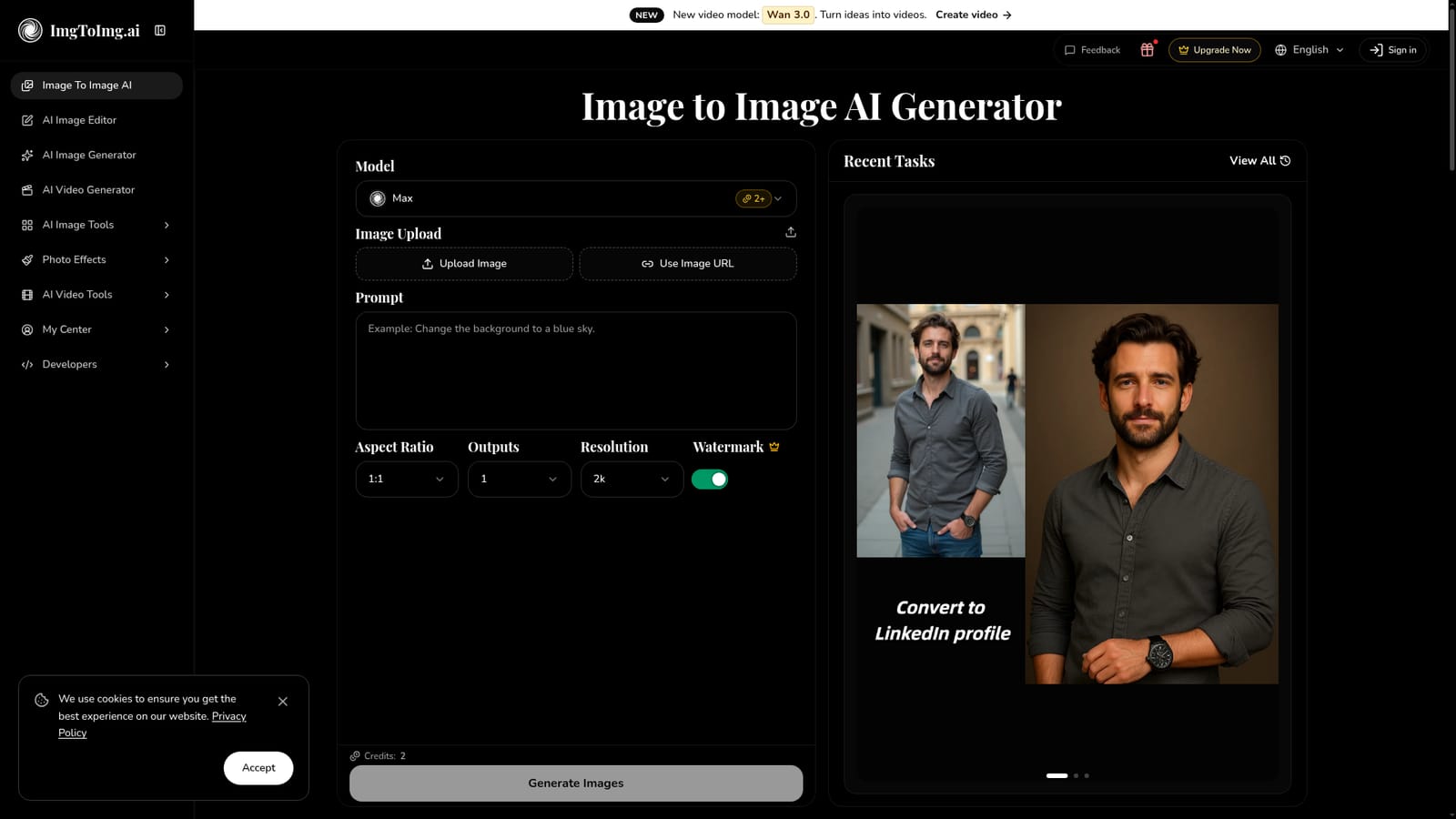
Image to Image AI is a browser based photo transformation tool that takes an existing picture and rebuilds it according to a written prompt. Where a standard text to image generator starts from nothing, this one keeps the skeleton of the uploaded photo, its composition, subject placement and overall layout, and then applies the style, colour or content changes the user describes. The site pitches it at designers visualising concepts, marketers producing campaign variants, and hobbyists experimenting with artistic looks. The workflow is deliberately short. An image is uploaded from a device or pulled in by URL, a prompt describes the intended change, and then the user adjusts aspect ratio, resolution (2k or 4k), output count (up to four) and transformation strength. That last control is the practical lever: push it high and the result drifts toward the prompt, pull it back and the original dominates. Generation runs in seconds for simple edits, with heavier changes cited at up to a minute. Outputs land in a My Assets library for browsing and download. The engine accepts JPEG, PNG and WEBP files up to 24MB and 4096 x 4096 pixels, and the homepage says paid subscription plans carry commercial licensing, which matters for agency and product work. A credit system meters usage, watermark free output unless you are on a paid tier, and free accounts get a monthly allowance. A model picker on the generator page (Max2+, Nano Banana variants, GPT Image 2) hints at routing across several back ends. Around the core transformer, the site bundles adjacent utilities: background removal and replacement, upscaling, photo restoration, cartoon and Ghibli style filters, and image to video. That makes it a general purpose creative suite rather than a single function tool, and it competes with dedicated editors and with the image features baked into larger design platforms. The API management page suggests programmatic access for teams that want to wire the transformation into their own pipelines.

Free users receive a monthly allocation of image transformations, and the site mentions free credits, though paid features such as watermark free output require an upgrade.
Learn moreThe site runs on a credit system: each generation costs credits, free users get a monthly allocation of transformations, and paid subscription plans raise the monthly limit with the option to buy extra credits. A particular credit cost is shown next to the generate button, and commercial licensing and watermark removal are tied to paid plans.
Learn moreAn API management page exists for developer access, but the homepage does not detail endpoints, SDKs or third party integrations.
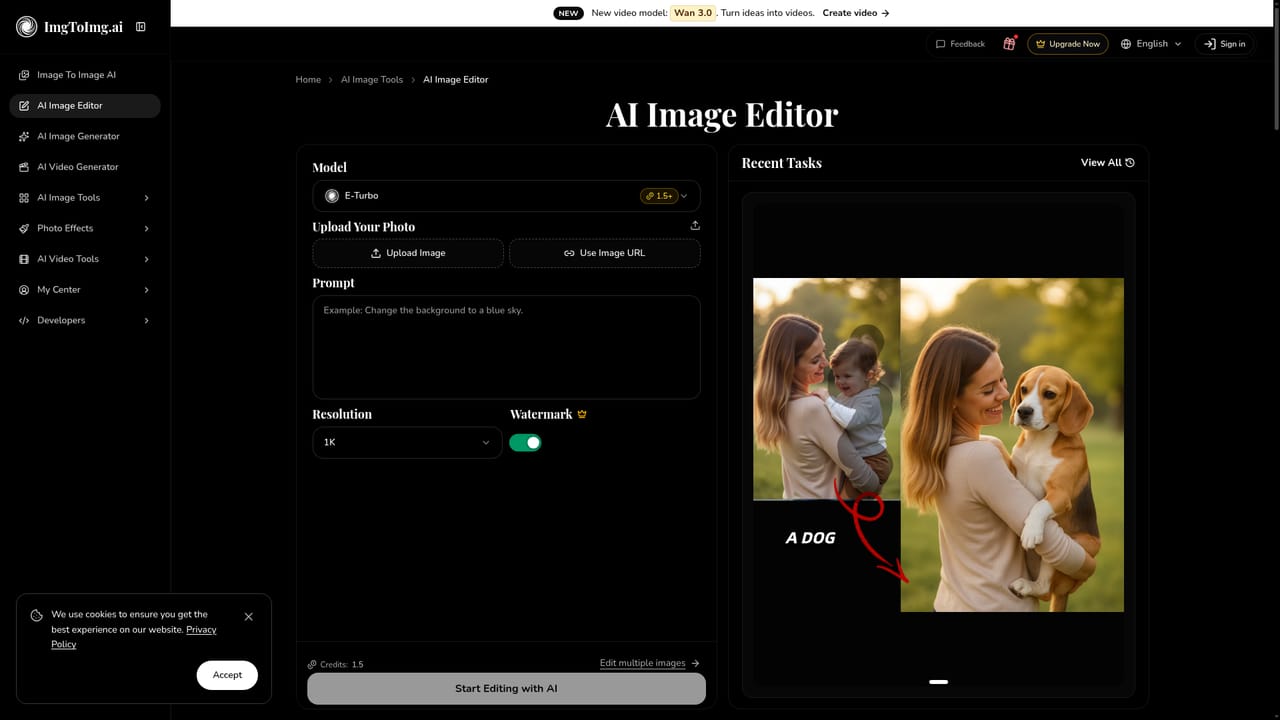
Learn moreCore transformation from an uploaded image plus prompt, with controls for aspect ratio, 2k or 4k resolution, output count and transformation strength. JPEG, PNG and WEBP up to 24MB and 4096 x 4096 are accepted. A model selector offers Max2+, Nano Banana variants and GPT Image 2. Supporting tools include background removal and changing, upscaling, enhancement, photo restoration, cartoon and Ghibli styles, and image or text to video.
Learn more AI Angels400+ customizable AI girlfriends for NSFW chat, voice calls, and roleplay
 Candy AIExperience the future of companionship with AI friends who chat, role-play, and connect with you on a human level.
 ourdream.aiA vast AI roleplay platform with millions of characters for chat, images, video and voiceAI Angels400+ customizable AI girlfriends for NSFW chat, voice calls, and roleplayCandy AIExperience the future of companionship with AI friends who chat, role-play, and connect with you on a human level.ourdream.aiA vast AI roleplay platform with millions of characters for chat, images, video and voice