Free trial
Free use is built in rather than offered as a timed trial: 5 generations per day, resetting daily, with no credit card required.
Learn moreTurn any image into a ready-to-use AI prompt

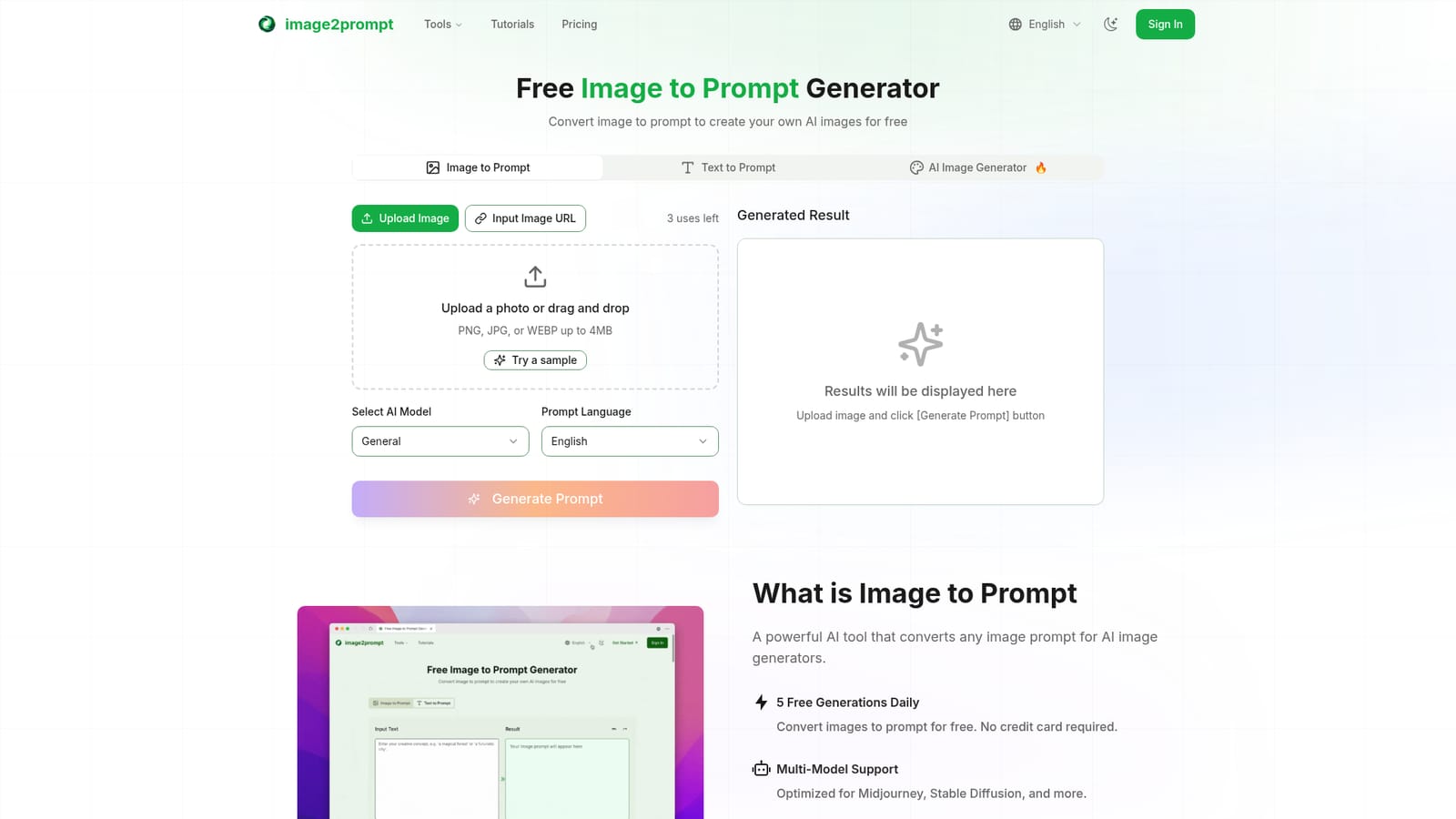
Image2Prompt is a generative image tool that turns any image into a ready-to-use AI prompt. Image2Prompt converts uploaded images into detailed text prompts optimized for Midjourney, Stable Diffusion and Flux AI, with output in 15+ languages and an editable, enhanceable result.
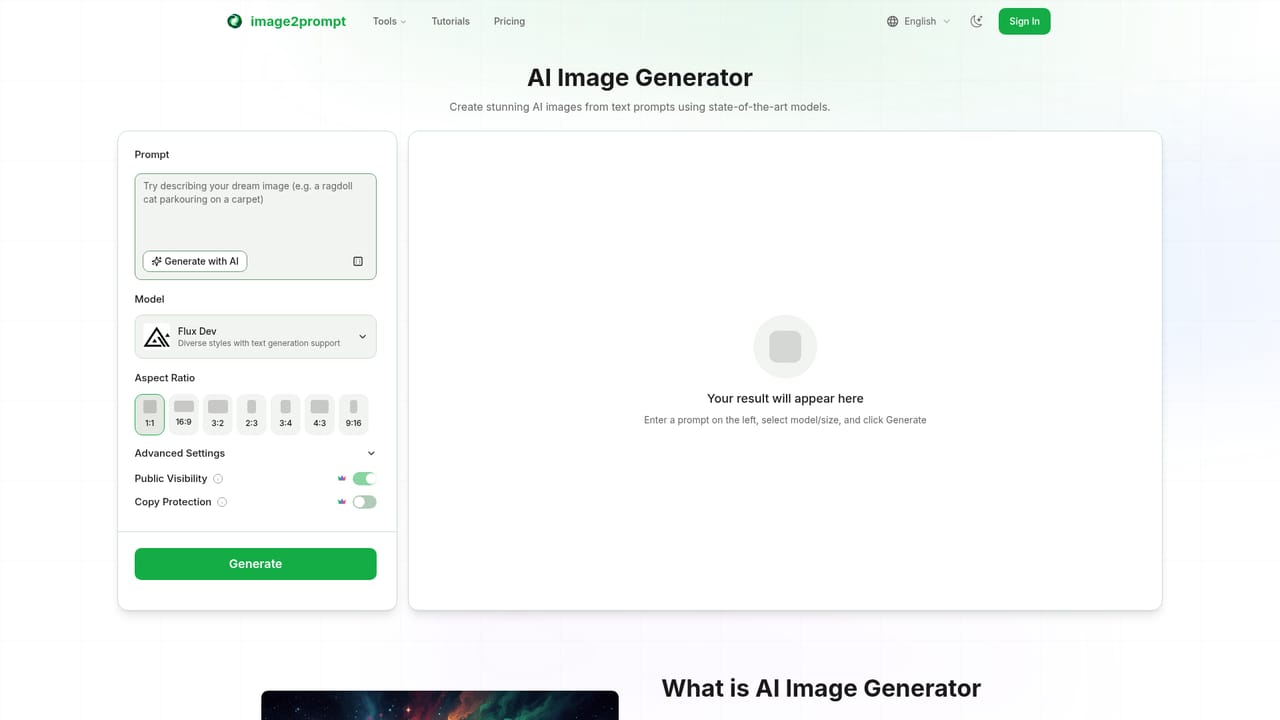
Image2Prompt is a browser-based reverse prompt tool. Instead of writing descriptions from scratch, you upload a picture and the service produces a text prompt that describes its subject, scene, style, lighting and composition. That prompt can then be pasted into an image generator to recreate a similar look or to push the aesthetic in a new direction. The workflow is deliberately short. A JPG, PNG or WEBP file up to 4MB is uploaded or linked by URL, and clearer, higher-quality source images give the analysis more to work with. Before generating, you pick a target model and an output language. Prompts can be tuned for Midjourney, Stable Diffusion or Flux AI, and the site states that output is available in more than 15 languages, including English, Spanish, French, German, Chinese, Japanese, Korean and Arabic. The result appears in an editable panel, so you can accept it as written, sharpen it with a one-click enhancement, or rewrite sections by hand before copying it out. The tool suits illustrators, hobbyist prompt crafters and designers who already have a reference image and want a starting point rather than a blank text box. It is also handy for studying why a particular render works: the analysis names the objects, artistic style and visual techniques it detects. Compared with general chatbots, which can describe a picture but rarely format output for a specific model, Image2Prompt specializes in model-aware prompt phrasing. It does not generate images itself, though the site links to a separate AI image generator for that step. The free tier is the main draw. Visitors get 5 prompt generations per day with no credit card, and the counter resets daily. The site advertises over 1000 daily prompts and three supported models. Because the page lists no paid plan, paid tiers, API access or customer support channels, treat it as a lightweight utility for occasional use rather than a production pipeline component.
Free use is built in rather than offered as a timed trial: 5 generations per day, resetting daily, with no credit card required.
Learn moreThe homepage advertises a free tool with 5 prompt generations per day that reset daily, no credit card required. No paid tiers, subscription prices or usage-based plans are listed on the page, so higher limits and costs beyond the free quota are unstated.
Learn moreSmart image analysis identifies objects, scenes, styles, lighting and composition. Prompts can be formatted for Midjourney, Stable Diffusion or Flux AI, delivered in 15+ languages, enhanced in one click and edited by hand before export. Uploads support JPG, PNG and WEBP up to 4MB.
 AI Angels400+ customizable AI girlfriends for NSFW chat, voice calls, and roleplay
 Candy AIExperience the future of companionship with AI friends who chat, role-play, and connect with you on a human level.
 ourdream.aiA vast AI roleplay platform with millions of characters for chat, images, video and voiceAI Angels400+ customizable AI girlfriends for NSFW chat, voice calls, and roleplayCandy AIExperience the future of companionship with AI friends who chat, role-play, and connect with you on a human level.ourdream.aiA vast AI roleplay platform with millions of characters for chat, images, video and voice


