Free trial
The homepage advertises free image to STL conversion, but does not detail the allowance or limits.
Learn moreTurn JPG and PNG images into printable STL and GLB 3D models
Own ImageToSTL.org? Verify ownership to get a dofollow link

ImageToSTL.org is an image to image tool that turns JPG and PNG images into printable STL and GLB 3D models. ImageToSTL.org is a web converter that turns JPG and PNG images into STL and GLB 3D models for printing, with multi-image input, a 3D preview, adjustable settings, and credit-based plans plus a free option.
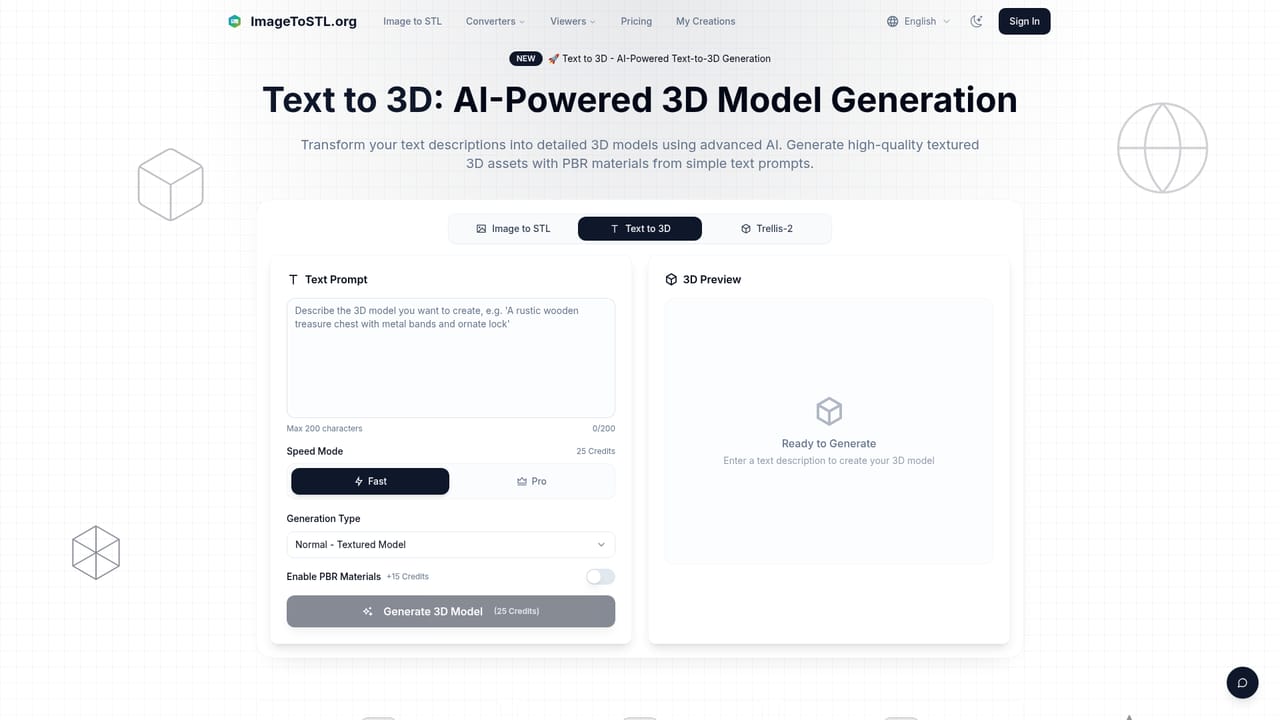
ImageToSTL.org is a browser-based converter that turns flat 2D pictures into 3D models ready for printing. A user uploads a JPG or PNG (files up to 10MB), picks a quality tier, and the service generates a mesh that can be downloaded as an STL or GLB file. The site also offers a text-to-3D page and a page for the Trellis-2 model, so image input is one of several ways to reach a 3D result. The tool targets hobbyists, designers, engineers and makers who want a printable object without learning 3D modeling software. According to the site, the AI estimates depth and contours from the picture, then builds geometry that suits FDM, SLA and other printing methods. A single image works, and a multiple-image mode accepts several angles of the same subject for more faithful reconstruction. Batch processing lets many images be converted in one go, which suits larger print runs. In practice the workflow is short: upload, choose Basic, Pro or Ultra quality (each generation spends credits, with the default shown as 2 credits), generate, inspect the result in an integrated 3D viewer, and download. Settings such as height, base thickness, detail level and resolution can be adjusted before export. Most conversions are said to finish within about a minute, depending on image complexity and the chosen quality. Pricing is credit based. A free conversion option is advertised, and paid subscriptions (Basic, Advanced and Professional) add monthly credit allowances, faster processing and email support, with yearly billing discounted by over 20 percent. Credit packs are also listed as an alternative to subscriptions. Among alternatives, it sits between classic heightmap or lithophane-style converters and full AI image-to-3D generators. The site claims its approach preserves object boundaries and smoother surfaces than heightmap tools. Buyers who need precise parametric CAD parts will still want dedicated modeling software, but for quick photo-to-print experiments the focused interface and print-oriented output are the main draw.
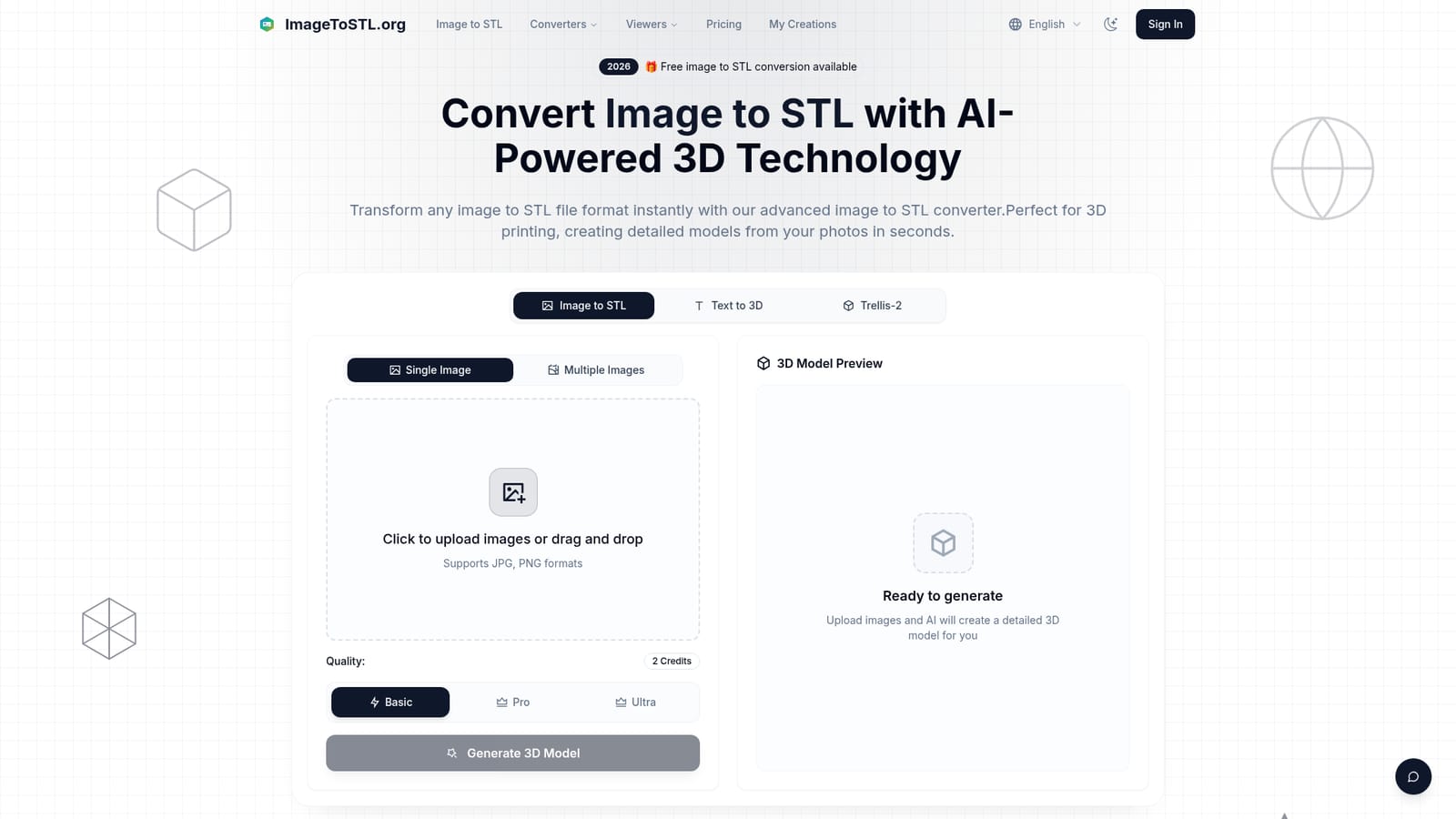
The homepage advertises free image to STL conversion, but does not detail the allowance or limits.
Learn moreCredit-based. Free image to STL conversion is advertised. Subscriptions: Basic at $10/month (300 credits), Advanced at $13/month (600 credits), Professional at $21/month (1000 credits), with yearly billing. Credit packs are also offered.
Learn moreEmail support on all plans, with priority email support on Professional. Plan changes and cancellations are handled by emailing support@imagetostl.org.
AI image to 3D conversion, single and multi-image input, batch processing, STL and GLB export, integrated 3D preview, adjustable height, base thickness and detail, high-resolution output, cloud processing, plus text-to-3D and Trellis-2 pages.


