Free trial
Free trial offers 2,000 words and 50 commands, covering both hands-free and push-to-talk modes, with no credit card required to start.
Learn moreVoice control that types, sends, and switches apps without touching a keyboard.

Infina is a voice chat tool. Infina lets developers and heavy AI users dictate prompts, send them, and switch apps by voice alone, using on-device processing and a wake-word trigger, with a metered free trial before a paid annual license.
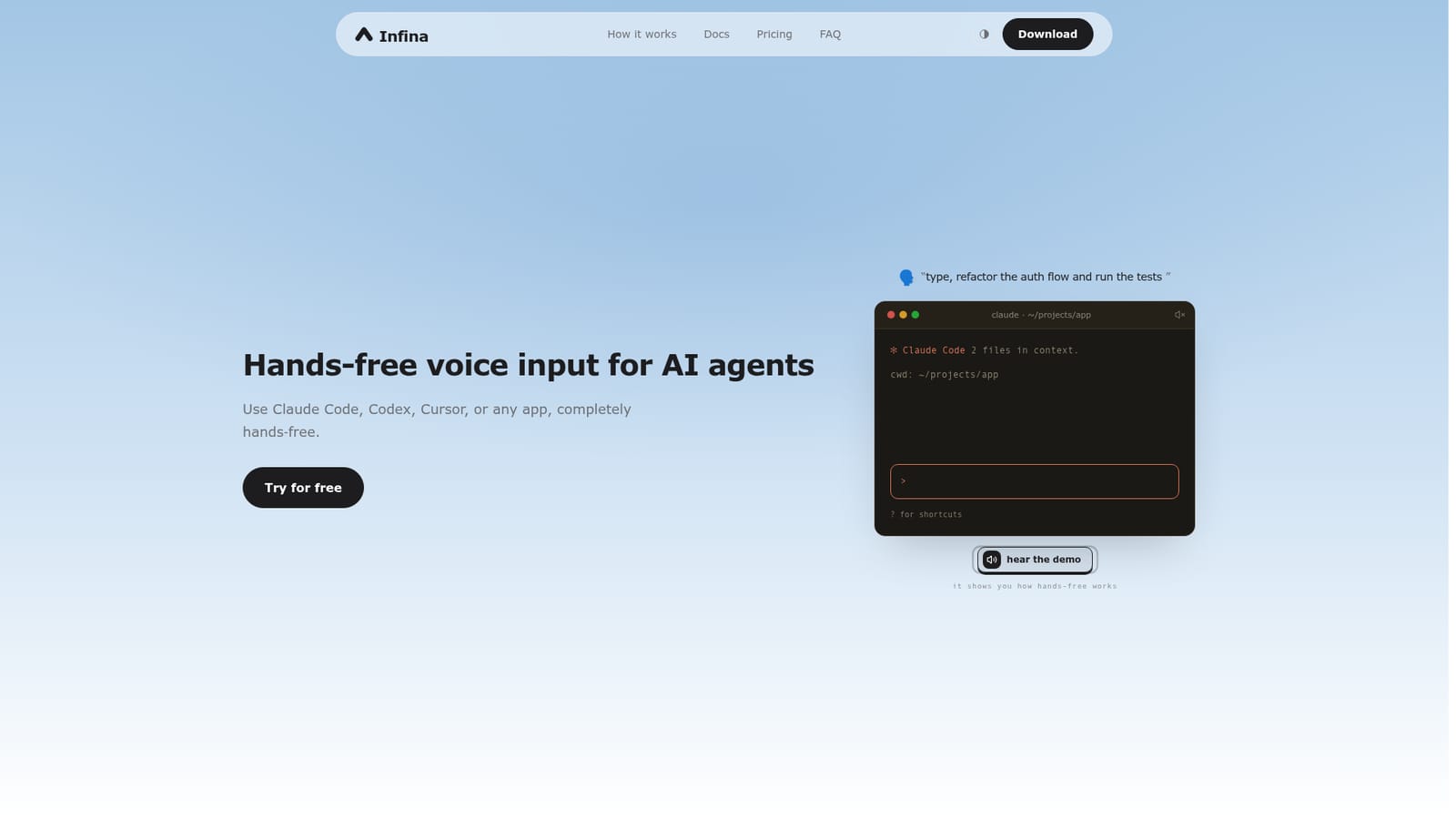
Infina is a voice interface for people who spend their day typing prompts into AI tools and switching between apps. Instead of typing or holding down a push-to-talk key, users speak a trigger word to wake the listener, dictate a prompt or command, and Infina types it, sends it, and can even switch to the target application, all without a hand touching the keyboard or trackpad. The tool is aimed at developers, engineers, and other heavy prompt users who work across coding assistants and productivity apps throughout the day. The homepage lists compatibility with tools such as Claude Code, Codex, Cursor, ChatGPT, claude.ai, Gemini, Perplexity, Terminal, VS Code, Xcode, Slack, Gmail, Notion, and Linear, suggesting it is built around developer and knowledge-worker workflows rather than casual dictation. In practice, the interface is described as three spoken actions repeated on a loop: open an app, dictate what to type, and send it. Users who prefer a manual trigger can hold the Left Option key instead of relying on the wake word. Privacy is handled through on-device processing: a small local model listens only for the trigger word, and no audio is recorded, stored, or transmitted until that word is spoken, after which transcription also happens locally before the mic returns to a dormant state. Infina sits in the growing space of voice-to-text and voice-command tools, but distinguishes itself from typing and push-to-talk dictation apps by removing the keyboard step entirely, positioning it as a hands-free layer over existing AI agents and apps rather than a standalone assistant. It only runs on Apple Silicon Macs and 64-bit Windows machines, so it is not an option for Linux users or anyone expecting mobile or browser-based access.
Free trial offers 2,000 words and 50 commands, covering both hands-free and push-to-talk modes, with no credit card required to start.
Learn moreFree trial includes 2,000 words and 50 commands with no card required. The Unlimited plan is $99 per year for unlimited words and commands, with all processing still running on-device.
Learn moreWorks with apps including Claude Code, Codex, Cursor, ChatGPT, claude.ai, Gemini, Perplexity, Terminal, VS Code, Xcode, Slack, Gmail, Notion, and Linear.
Hands-free voice control that types, sends, and switches apps using a spoken trigger word, an optional push-to-talk key, on-device transcription with no recording until triggered, and support for coding, browser, and productivity apps.
 AI Angels400+ customizable AI girlfriends for NSFW chat, voice calls, and roleplay
 Candy AIExperience the future of companionship with AI friends who chat, role-play, and connect with you on a human level.
 ourdream.aiA vast AI roleplay platform with millions of characters for chat, images, video and voiceAI Angels400+ customizable AI girlfriends for NSFW chat, voice calls, and roleplayCandy AIExperience the future of companionship with AI friends who chat, role-play, and connect with you on a human level.ourdream.aiA vast AI roleplay platform with millions of characters for chat, images, video and voice


