Free trial
Access runs through a beta signup rather than a conventional trial, and the homepage does not state whether beta participation is free or how long it lasts.
Learn moreBlocks AI transcription of your voice during live meetings

Kalypta is a local macOS utility from Deveillance that disrupts AI transcription of your voice during live calls on Google Meet, Zoom and Teams. It runs on-device, stores nothing after the meeting, and is currently available through a beta signup.
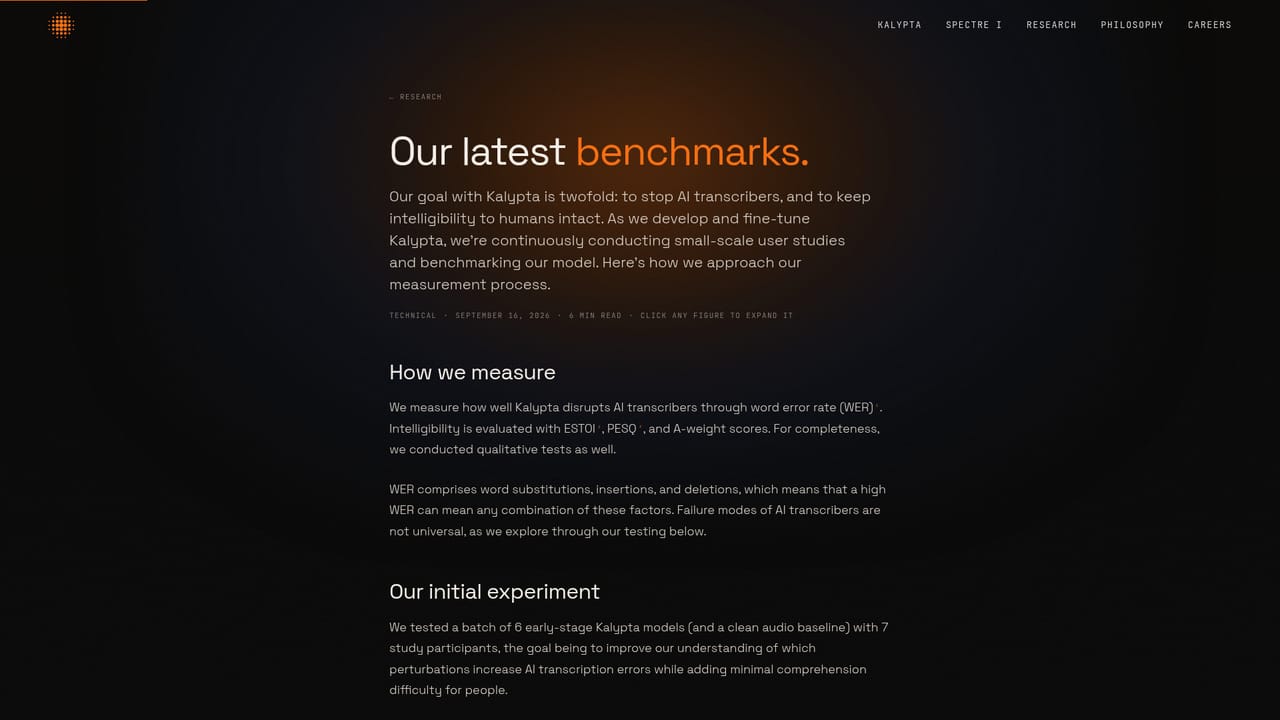
Kalypta is a privacy utility from Deveillance that sits on your machine during a call and quietly works against the AI transcribers that many meeting platforms now attach to conversations. The premise is narrow and deliberate: anyone using an automated note taker or live captioning system will receive unusable text when Kalypta is switched on, while the humans on the call continue to hear you. It is aimed at people who accept that their meeting audio is being processed and would prefer it not to be turned into a searchable transcript. The mechanism is a small model running locally. Instead of muting or masking your speech, Kalypta reshapes the audio in real time so that transcription architectures struggle to resolve words, a technique Deveillance traces back to its Spectre work on human speech. Because the model runs on the device, voice data is not sent to a cloud service and nothing is retained after the meeting finishes. Deveillance reports that speech remains broadly intelligible to listeners even though the noise signature is noticeable in the current build, and it states that roughly two out of three words fail to transcribe with the feature active. In practice the tool lives on a single supported configuration: Apple Silicon macOS machines, tested against Google Meet, Zoom and Microsoft Teams. Other platforms may function but have not been benchmarked. Access currently runs through a beta signup rather than a standard product page, and there is no published price list, which means the practical question for most buyers is whether they own the right hardware and are willing to run prerelease software. The obvious comparison is a transcript ban policy or a platform-level recording toggle, both of which are simpler but depend on the host and the meeting owner. Kalypta works from the participant side, which is a different trade: it affects how everyone's note-taking treats your voice, including colleagues who are transcribing for legitimate reasons. Deveillance publishes its scoring method and benchmark detail for anyone who wants to audit the claim before committing.
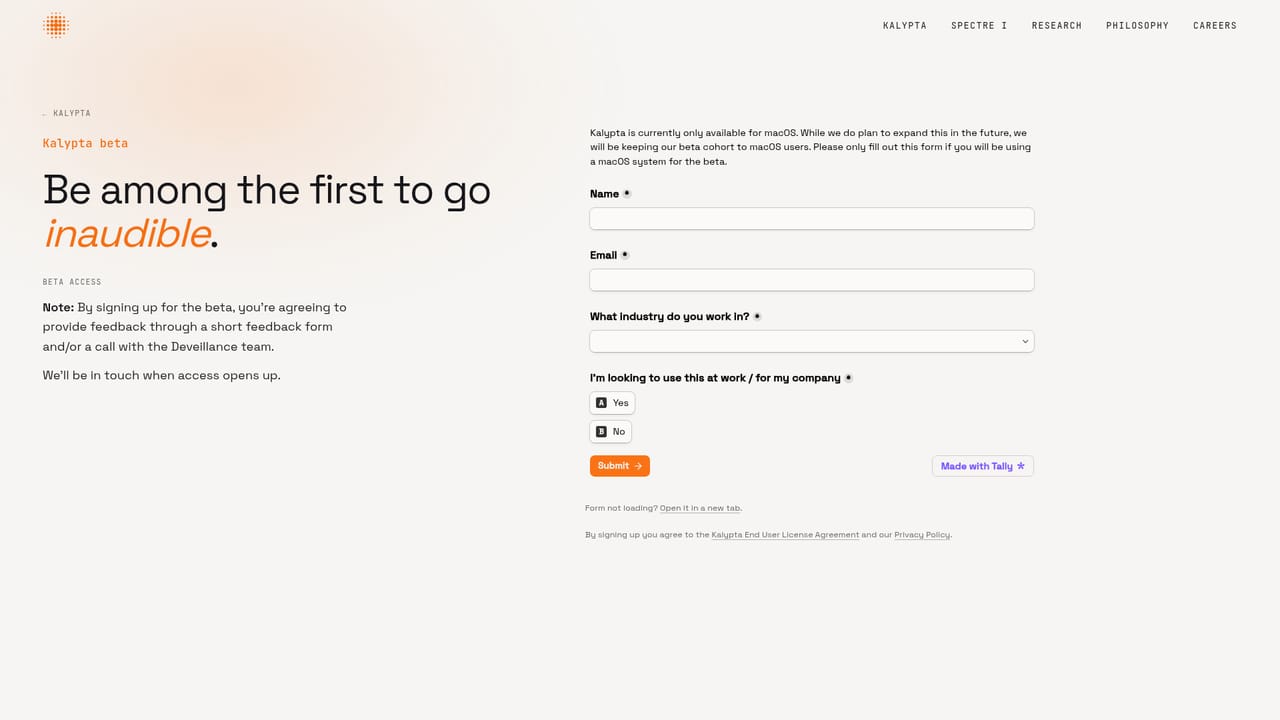
Access runs through a beta signup rather than a conventional trial, and the homepage does not state whether beta participation is free or how long it lasts.
Learn moreBenchmarked against Google Meet, Zoom and Microsoft Teams. Deveillance notes that other meeting platforms may work but have not been tested.
Learn moreA local model reshapes outgoing audio in real time to disrupt AI transcription while keeping your voice broadly intelligible to listeners. Voice data stays on the device and nothing is stored after the meeting. Tested against Google Meet, Zoom and Microsoft Teams on Apple Silicon macOS.
 AI Angels400+ customizable AI girlfriends for NSFW chat, voice calls, and roleplay
 Candy AIExperience the future of companionship with AI friends who chat, role-play, and connect with you on a human level.
 ourdream.aiA vast AI roleplay platform with millions of characters for chat, images, video and voiceAI Angels400+ customizable AI girlfriends for NSFW chat, voice calls, and roleplayCandy AIExperience the future of companionship with AI friends who chat, role-play, and connect with you on a human level.ourdream.aiA vast AI roleplay platform with millions of characters for chat, images, video and voice


