KardsAI

Turn any PDF, note or prompt into smart flashcards and quizzes

Beginner
Screenshot of KardsAI, Turn any PDF, note or prompt into smart flashcards and quizzes

What is KardsAI?

KardsAI is an exam preparation tool that turns any PDF, note or prompt into smart flashcards and quizzes. KardsAI turns PDFs, PowerPoint files, notes, handwriting and topic prompts into editable flashcards, then supports study through quizzes, matching games, an AI voice tutor and adaptive spaced repetition.

KardsAI is an AI flashcard maker that converts study material into editable decks in seconds. The source can be a PDF, a PowerPoint deck, a Word document, pasted text, a photo of a handwritten page, or simply a topic prompt. KardsAI extracts what matters from the material and writes the cards, which the learner can then edit before studying. The site reports more than 10 million flashcards generated and support for over 100 input languages. Once a deck exists, KardsAI offers four ways to practise: plain flashcards, multiple choice quizzes, true or false questions, matching games, and an AI Tutor mode that runs an interactive voice session grounded in the learner's own deck and gives immediate feedback. Adaptive spaced repetition schedules each card for review at the point it is about to be forgotten, and progress and retention tracking keeps weak cards in focus. The stated aim is fewer hours spent building materials and more time on active recall. The tool is aimed at students preparing for exams, language learners building vocabulary with context and examples, and self-directed learners who want a deck on any subject. KardsAI says a deck saves about 60 minutes on average. It runs as a web app and as native iOS and Android apps, with study possible online or offline, so a session can continue on a phone without a connection. Compared with generic chat assistants that can produce a list of questions on request, KardsAI keeps the material inside a study system: decks persist, review scheduling is handled for you, and the tutor works from your own cards rather than a blank conversation. Against traditional flashcard apps, the differentiator is automated card creation from files and images rather than manual authoring. The trade-off is that generated cards still need a human pass for accuracy, especially on dense technical PDFs.

How do you use KardsAI?

  1. 1Open the web app and create an account
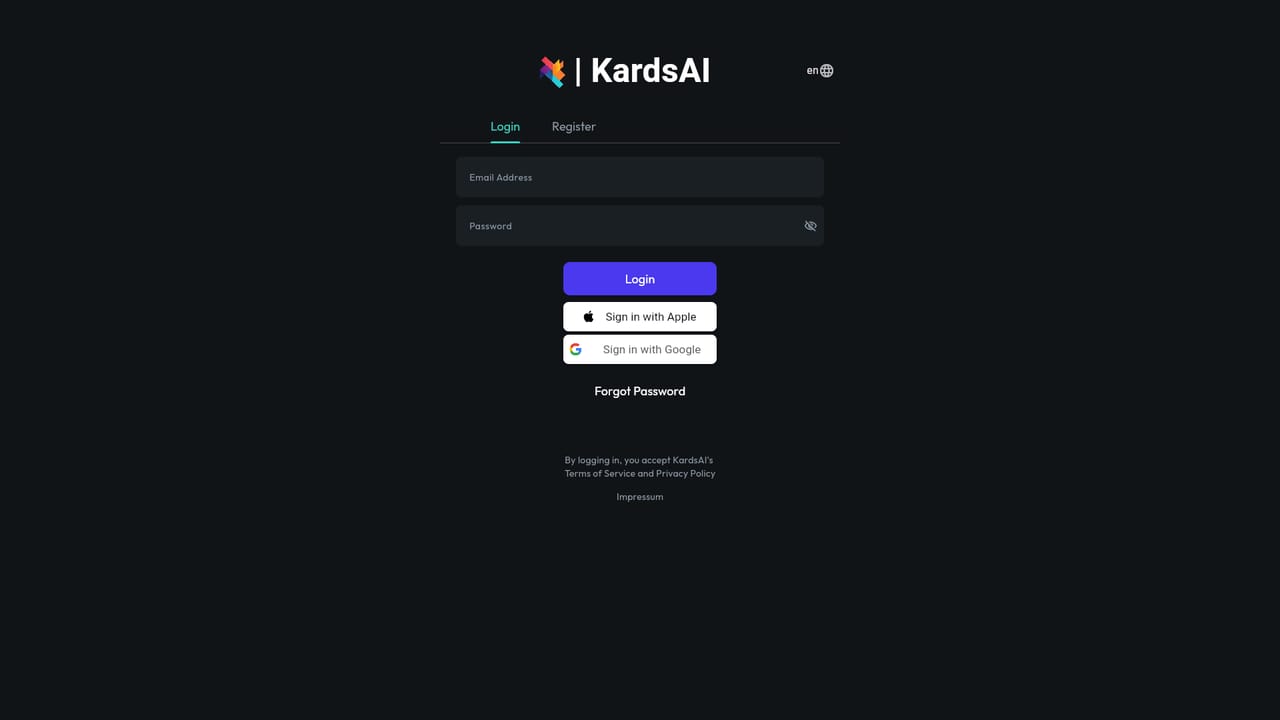
    Start at the KardsAI web app in a browser. Signing in is the first requirement, since decks and review scheduling are tied to the account.
    KardsAI — Open the web app and create an account
  2. 2Pick a source for your first deck
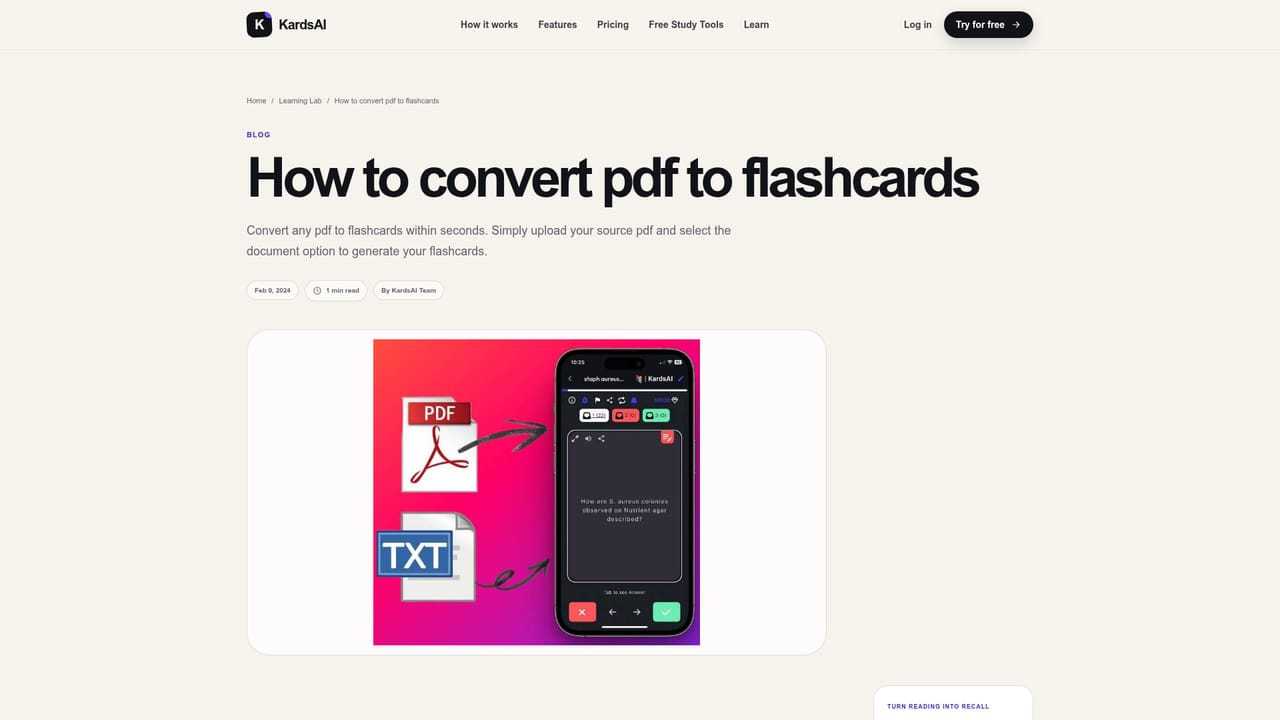
    Upload a PDF or PowerPoint, paste notes, photograph a handwritten page, or type a topic prompt. KardsAI extracts the essentials and writes editable cards.
    KardsAI — Pick a source for your first deck
  3. 3Edit the generated cards
    Review the deck before studying. Fix any card that misreads the source, then save. Corrections carry through to every study mode and the tutor.
  4. 4Study in the mode that fits
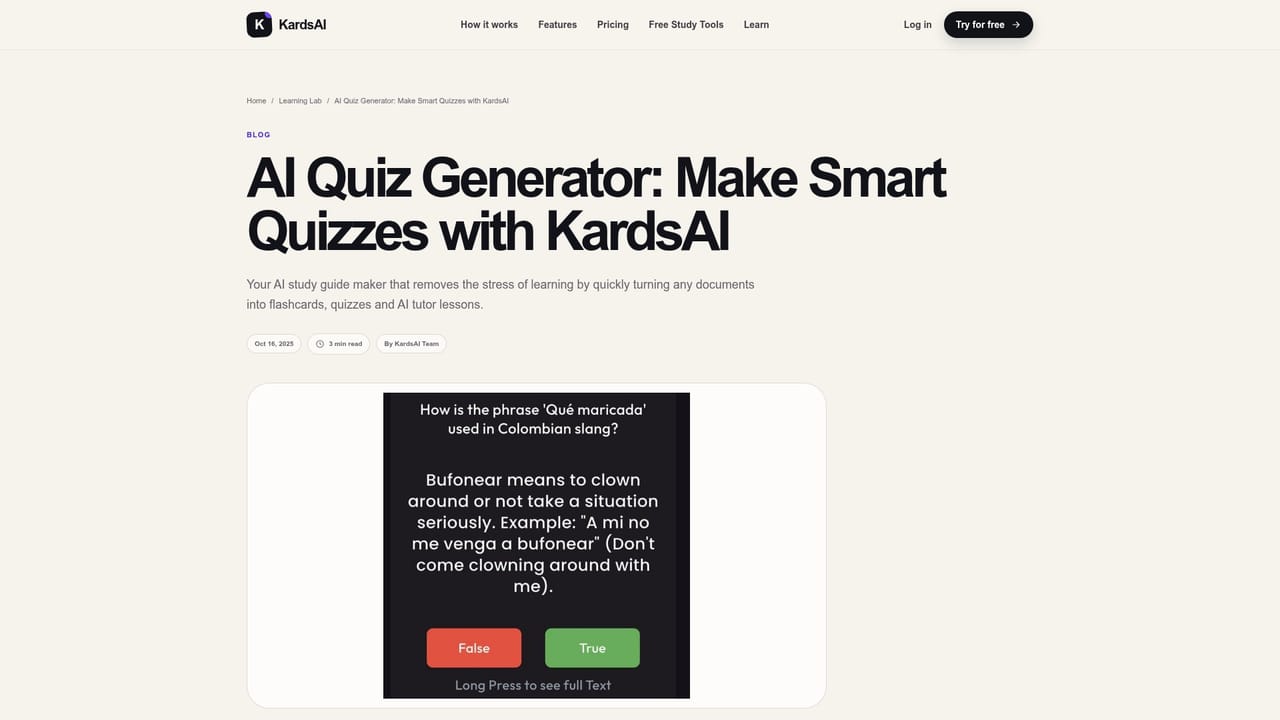
    Switch between flashcards, multiple choice, true or false and matching games. Use the AI Tutor for a spoken session on the same deck with immediate feedback.
    KardsAI — Study in the mode that fits
  5. 5Let spaced repetition schedule reviews
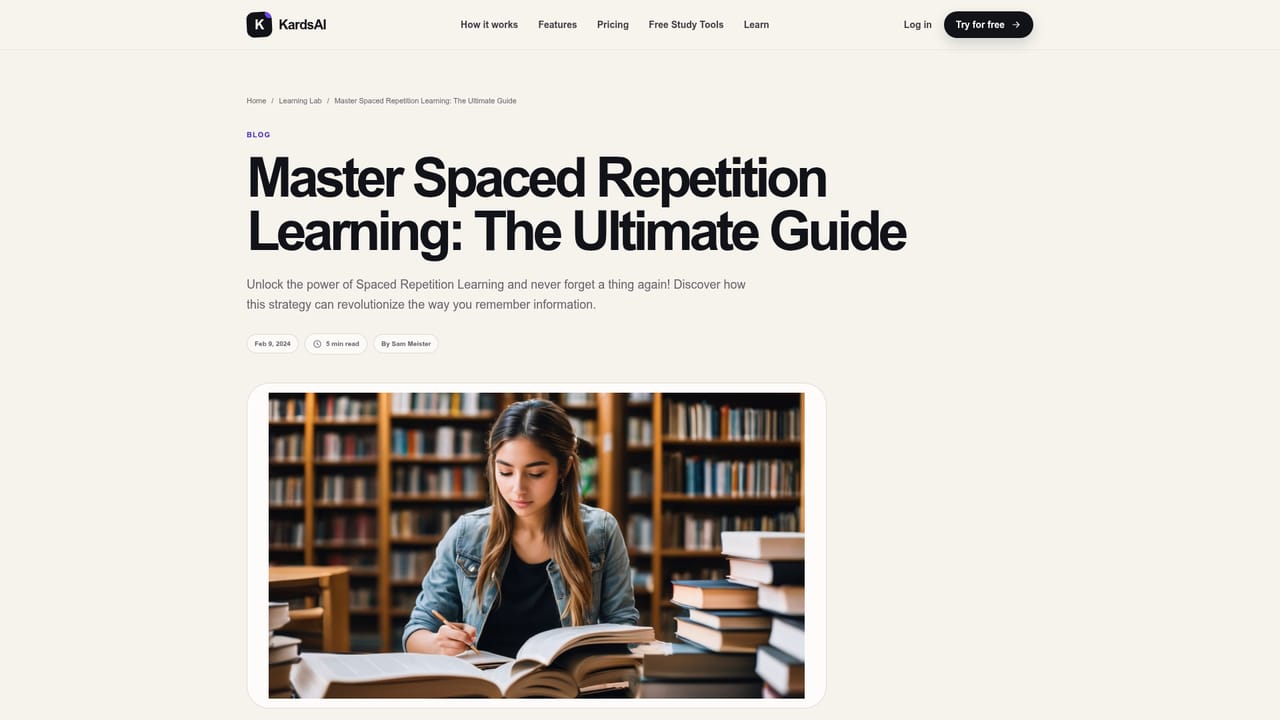
    Turn on spaced repetition so cards return at the moment they are about to slip. Retention and progress tracking shows which cards need another look.
    KardsAI — Let spaced repetition schedule reviews
  6. 6Install the mobile app for offline study
    Download the iOS or Android app to keep studying without a connection. Decks sync to the account used on the web.

Pros and cons

Pros

  • Card creation from multiple sources: PDF, PowerPoint, Word, pasted text, images and handwriting, plus topic promptsAI
  • Four study modes plus an AI Tutor that works from the learner's own deck rather than general knowledgeAI
  • Adaptive spaced repetition with progress and retention tracking built into the same appAI
  • Native iOS and Android apps with online or offline study, so sessions survive a commuteAI
  • Support for over 100 input languages suits vocabulary building across languagesAI

Cons

  • No pricing figures appear on the homepage, so cost has to be checked inside the app before committingAI
  • Generated cards from dense or badly formatted PDFs still need manual correction, which eats into the time savedAI
  • AI Tutor is described as a voice session, which may not suit quiet or shared environmentsAI
  • Excel support is limited to template import for bulk card creation rather than direct spreadsheet parsingAI
  • The homepage makes broad retention claims without published study data behind themAI

How much does KardsAI cost?

Features

Deck creation from PDF, PowerPoint, Word, pasted text, images and handwriting, and topic prompts, with editable output. Study modes include flashcards, multiple choice, true or false, matching games and an AI Tutor voice session on the learner's own material. Adaptive spaced repetition, progress and retention tracking, online or offline study, and support for over 100 input languages.

Learn more

Frequently asked questions about KardsAI

  • How do you use KardsAI?
    The walkthrough on this page covers 6 steps: 1. Open the web app and create an account 2. Pick a source for your first deck 3. Edit the generated cards 4. Study in the mode that fits 5. Let spaced repetition schedule reviews 6. Install the mobile app for offline study.
  • What platforms does KardsAI support?
    KardsAI is available on Web App, iOS and Android.
  • What are the limitations of KardsAI?
    No pricing figures appear on the homepage, so cost has to be checked inside the app before committing. Generated cards from dense or badly formatted PDFs still need manual correction, which eats into the time saved. AI Tutor is described as a voice session, which may not suit quiet or shared environments.

Status

StatusActive
Views0
Outbound clicks0
Added10/21/2026

Platforms

Web AppiOSAndroid

Pricing

FreemiumFree