KittensAI

Text to kitten image generator with a shared public gallery

Beginner
Screenshot of KittensAI, Text to kitten image generator with a shared public gallery

What is KittensAI?

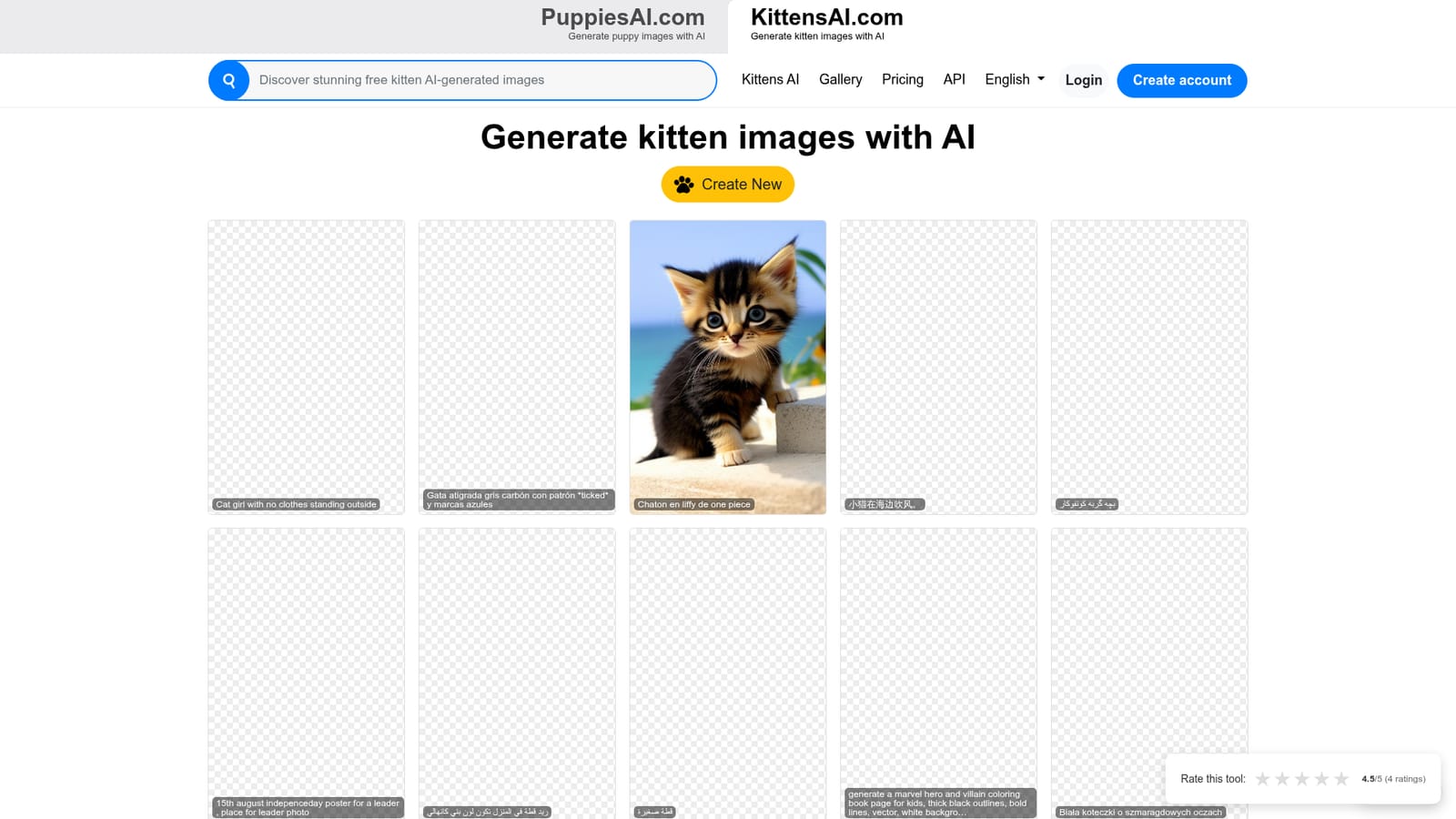
KittensAI turns short text descriptions into kitten images. It is a simple, prompt driven generator with a public gallery of results, a separate create page and no documented pricing tiers on the homepage. Prompts are shown in many languages.

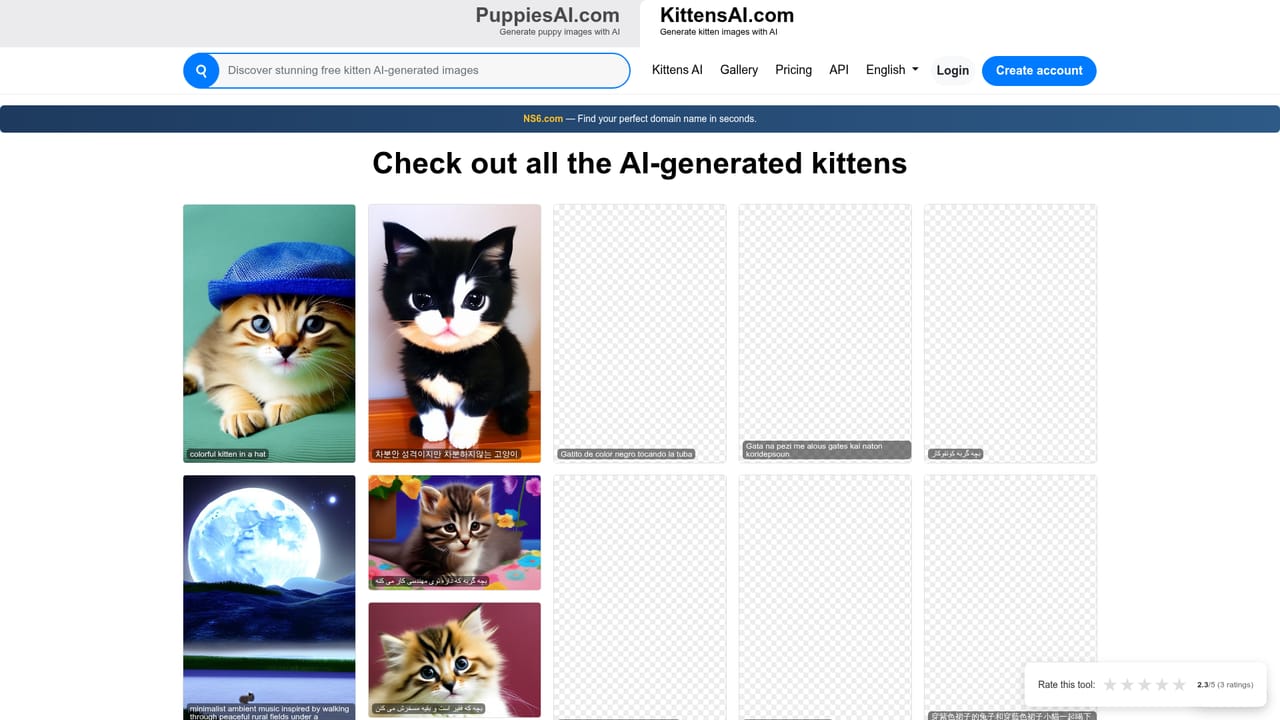
KittensAI is a narrow, single purpose image generator built around one subject: kittens. You type a description of the cat scene you want, and the service returns a generated image. There is no editing suite, no style library and no model picker to learn, which is the point. The homepage frames the whole product in one line, telling users to describe what they want and let the AI handle the rest. Behind the scenes the workflow is a standard text to image prompt, and the sample output shown on the site carries generation metadata that points to a Stable Diffusion style pipeline rather than a proprietary model. The gallery on the homepage is the most revealing part of the product. Prompts are displayed next to their results, and they arrive in many languages: Arabic, Persian, Vietnamese, Chinese, French, Dutch, Korean, Polish, Greek, Spanish and Croatian all appear. Some requests stay close to the brief (a kitten in a forest, a tuxedo kitten rolling on its back, ten kittens together in bed). Others drift well outside the cat theme, including coloring book pages, holiday posters, character poses and prompts that are clearly not safe for work. In practice KittensAI behaves as a general purpose image generator wearing a cat costume, so a user who expects strict feline-only output should not count on it. The tool suits casual users, cat owners, social media posters and anyone who wants a quick themed image without opening a full design application. It also works for multilingual users, since prompts are accepted and displayed in whatever language they are typed. Because there is no documented pricing tier, credit system or account policy on the homepage, the practical fit is light experimentation rather than production work. For teams that need controlled output, upscaling, inpainting or brand consistency, a broader platform such as Midjourney, Ideogram or Adobe Firefly offers more levers. KittensAI competes on simplicity and a fun, focused premise rather than on features. A sister site, PuppiesAI, applies the same model to dogs, which suggests a small family of themed generators rather than a deep product roadmap. Treat it as a quick creative toy with a public gallery attached.

How do you use KittensAI?

  1. 1Start on the KittensAI homepage
    Open kittensai.com and read the one line premise. Scroll the sample grid to see the kind of results the generator returns and the prompts that produced them.
    KittensAI — Start on the KittensAI homepage
  2. 2Open the create page
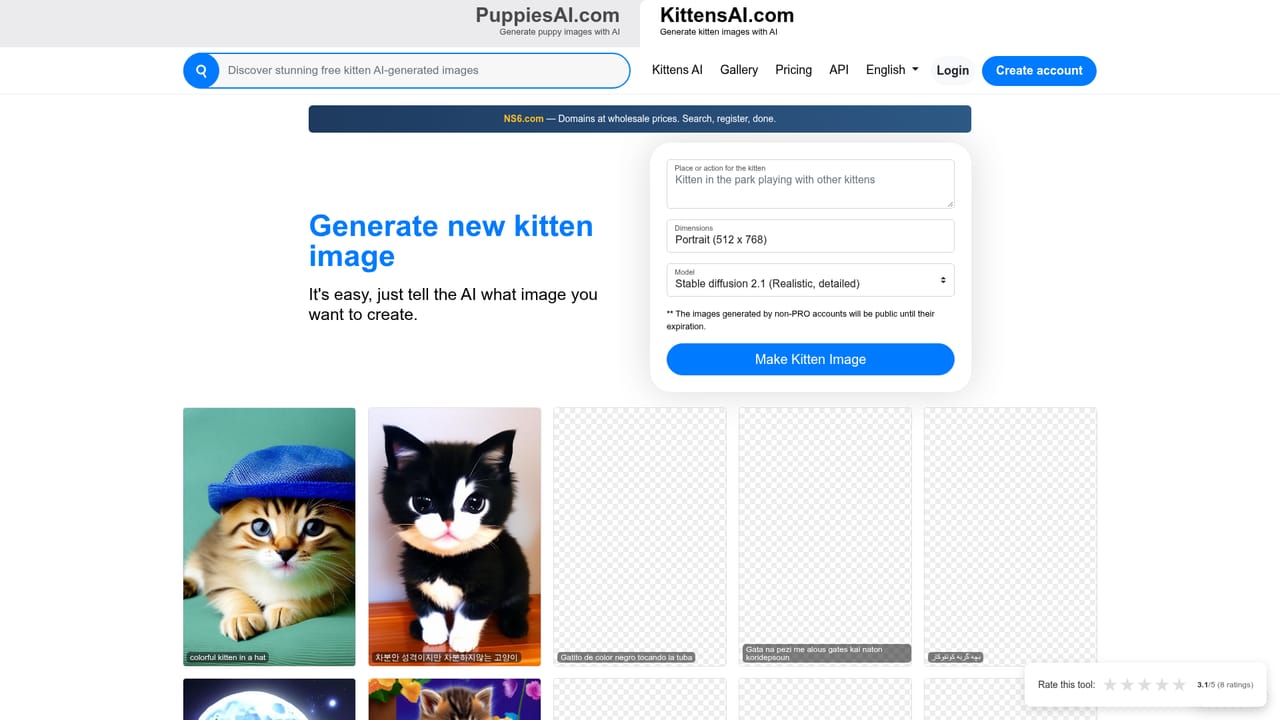
    Click Create New to reach the prompt form. This is the only input surface the product exposes, so there are no settings to work through first.
    KittensAI — Open the create page
  3. 3Write a specific kitten prompt
    Describe the cat, the setting and the mood in plain language. You can type in your own language. Add detail such as breed, pose, lighting or props to steer the result away from generic output.
  4. 4Review the generated image
    Compare the result against your description and note which parts of the prompt were ignored. Rewriting the prompt is the main way to iterate, since no style or parameter controls are documented.
  5. 5Browse the explore gallery for ideas
    The explore page collects generated results with their prompts. Use it to borrow wording patterns, or to judge whether the tool handles your subject matter at all.
    KittensAI — Browse the explore gallery for ideas

Pros and cons

Pros

  • Extremely low friction: one prompt box and a generate page, nothing else to configureAI
  • Public explore gallery gives concrete examples of what the generator can produceAI
  • Prompts on the gallery appear in many languages, so non English users are not excludedAI
  • The narrow kitten framing makes it easy to explain and easy to tryAI
  • A companion PuppiesAI site serves the same workflow for dog imagesAI

Cons

  • No pricing, credit or account policy is stated on the homepage, so cost is unclear before useAI
  • Gallery output shows the generator is not kitten specific and will accept unrelated or unsafe promptsAI
  • No documented controls for resolution, aspect ratio, styles or seedsAI
  • No listed integrations, API documentation, help centre or support channelAI
  • Public gallery pages expose other users' full prompts, including explicit requests, with no visible moderationAI

How much does KittensAI cost?

Features

Text to image generation focused on kittens. Users enter a natural language description and receive a generated image. The site includes a create page for prompts and a public explore gallery where results are shown alongside the prompts that produced them, in multiple languages. No resolution, style, aspect ratio or editing controls are documented on the homepage.

Frequently asked questions about KittensAI

  • How do you use KittensAI?
    The walkthrough on this page covers 5 steps: 1. Start on the KittensAI homepage 2. Open the create page 3. Write a specific kitten prompt 4. Review the generated image 5. Browse the explore gallery for ideas.
  • What platforms does KittensAI support?
    KittensAI is available on Web App.
  • What are the limitations of KittensAI?
    No pricing, credit or account policy is stated on the homepage, so cost is unclear before use. Gallery output shows the generator is not kitten specific and will accept unrelated or unsafe prompts. No documented controls for resolution, aspect ratio, styles or seeds.

Status

StatusActive
Views0
Outbound clicks0
Added10/21/2026

Platforms

Web App

Pricing

Free