Support
Klynk offers forward deployed CS management, CS and support enablement training with custom playbooks, health score engineering and CS operations and analytics services. General support channels are not described on the homepage.
Learn moreModular CS operations platform for onboarding, renewals and QBRs

Klynk is a proactive AI assistant tool. Klynk Orchestra is a modular customer success operations platform combining onboarding automation, consumption analytics, 90 day renewal risk detection and QBR generation, with a conversational AI layer over CRM, support and usage data.
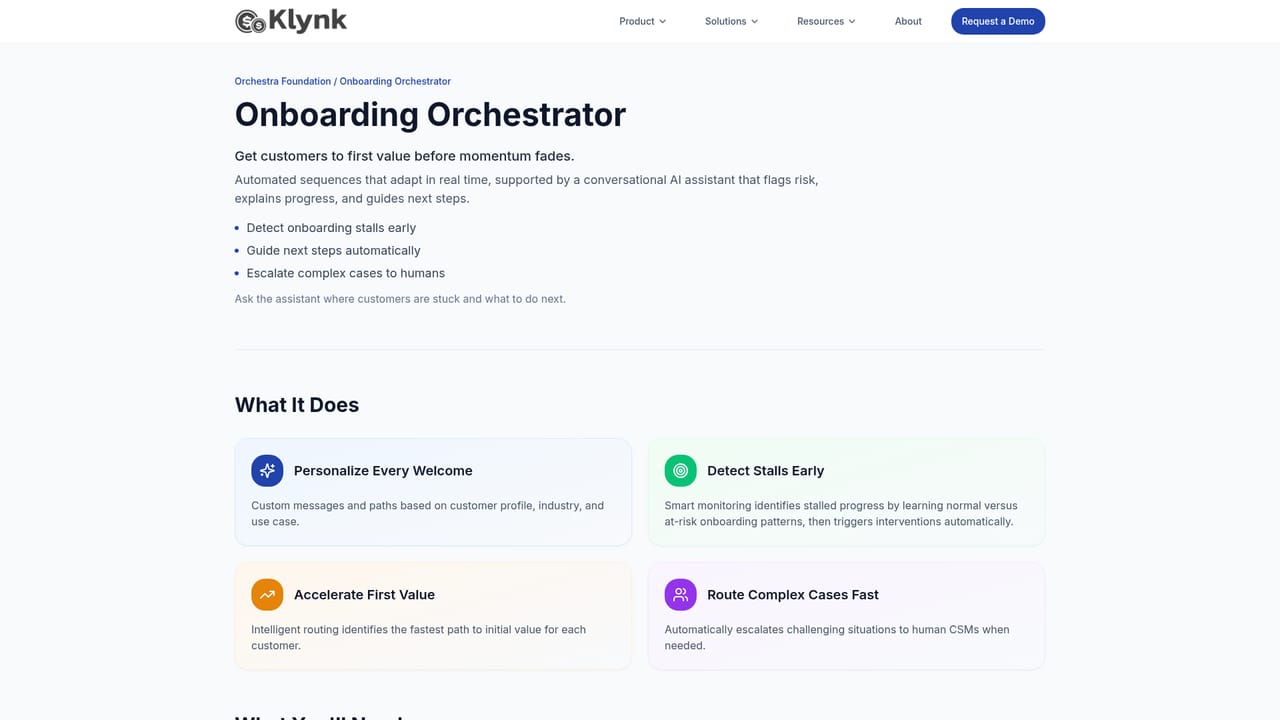
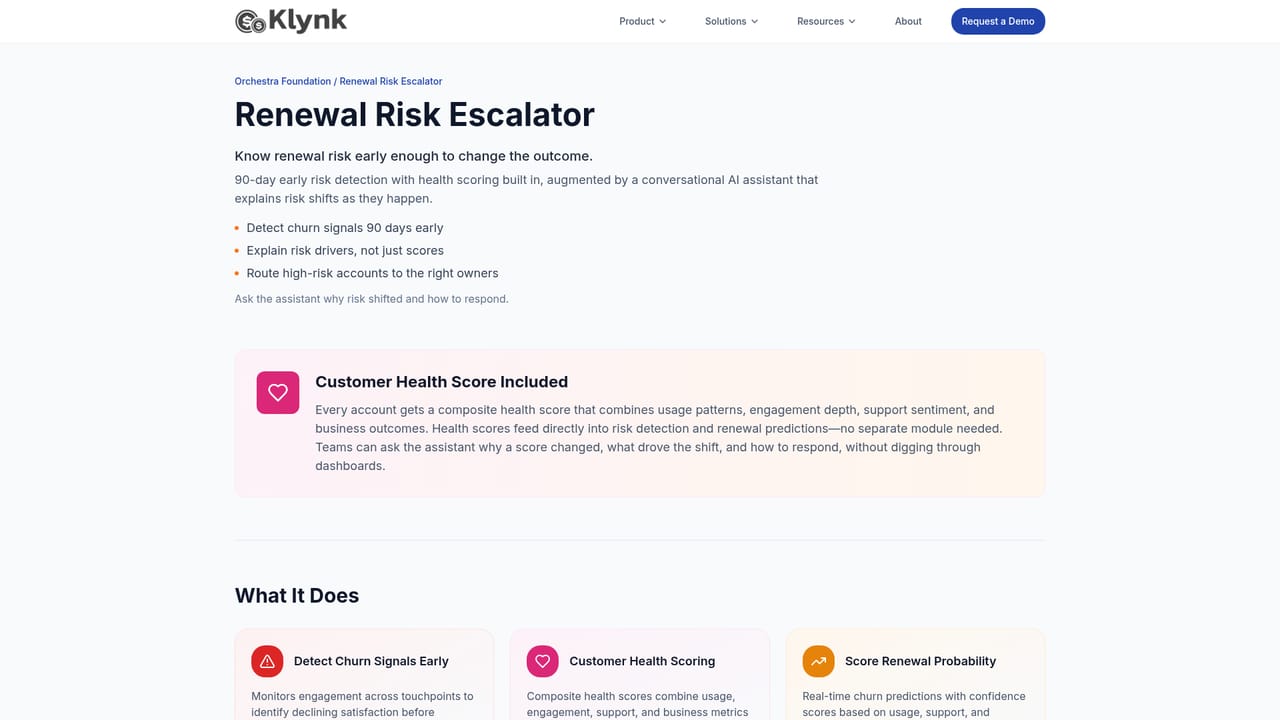
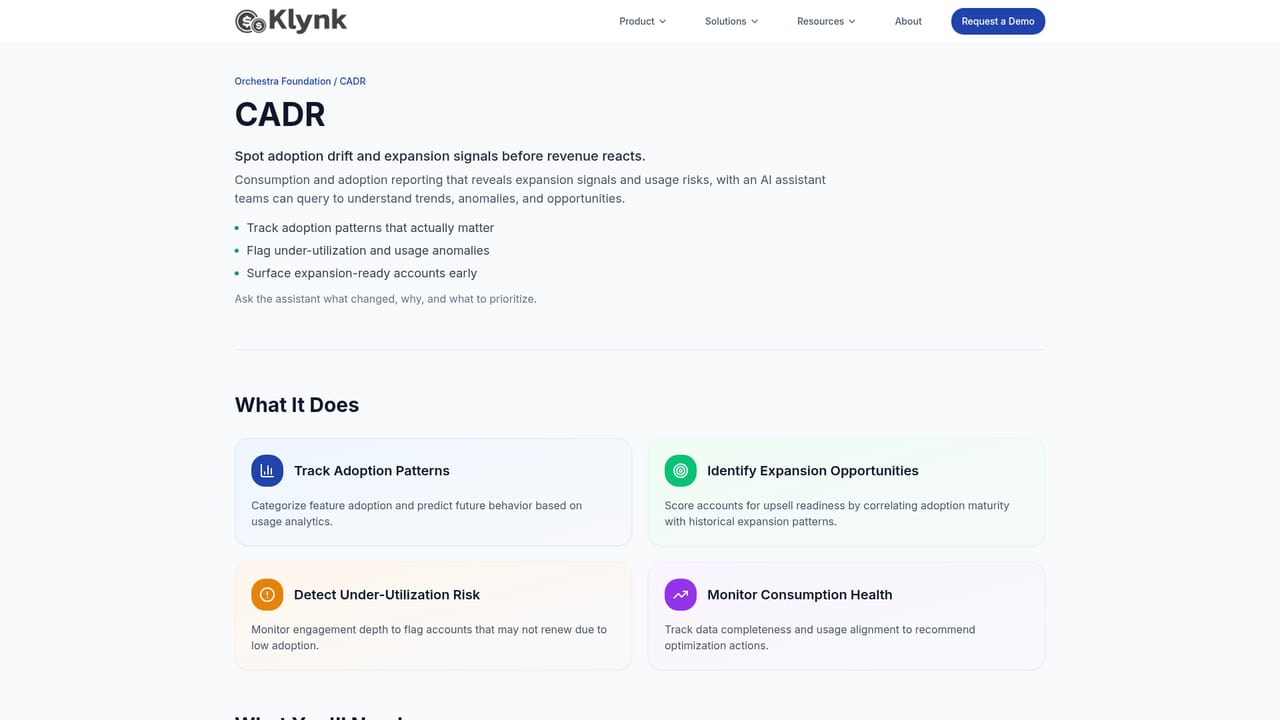
Klynk Orchestra is a customer success operations platform built from four modules that share one data foundation. The Onboarding Orchestrator handles customer launch with personalized steps, smart nudges and fast paths to first value, while an AI assistant points out where onboarding is breaking down so teams can step in before momentum fades. CADR (Consumption and Adoption Report) tracks usage in real time and surfaces expansion signals early, with conversational insights that explain shifts before they reach revenue reporting. The Renewal Risk Escalator adds 90 day early risk detection and built in health scoring, and its assistant helps account teams understand why an account is drifting long before the renewal call happens. The QBR Generator turns raw data into a clean narrative deck, aimed at teams who currently spend weeks assembling quarterly reviews. Underneath all four sits an insight layer that connects CRM, support and usage data, so users can ask questions in natural language about what changed across the account base. The platform is aimed at B2B customer success organizations, typically at SaaS and other subscription software companies, that run post sales motions in spreadsheets or in a CS platform that reports but does not act. Klynk markets the product as a way to scale CS without adding headcount: automated follow ups take routine work off CSMs, health scores and risk queues set daily priorities, and QBR work moves from a scramble to a repeatable process. Case quotes on the site cite onboarding time down by 60 percent and renewal risk visible 90 days earlier. In practice, teams connect their CRM and usage sources, configure onboarding paths and health scoring, then work from prioritized account lists and generated review decks. Klynk also offers forward deployed CS management, enablement training and health score engineering for organizations that want help standing the system up. It competes less with point tools than with the combination of a CRM plus a legacy CS platform, positioning itself as the operational layer that executes rather than just reports. Pricing is not published on the homepage, so buyers should expect a sales led evaluation.
Klynk offers forward deployed CS management, CS and support enablement training with custom playbooks, health score engineering and CS operations and analytics services. General support channels are not described on the homepage.
Learn moreCRM connections include Salesforce, HubSpot and Pipedrive, with customer success platforms such as Gainsight, ChurnZero, Totango and Planhat also listed on the homepage.
Four modules sit on one foundation: Onboarding Orchestrator (personalized steps, nudges, AI help spotting breakdowns), CADR (real time consumption and adoption reporting with expansion signals), Renewal Risk Escalator (90 day risk detection, health scoring, next best actions) and QBR Generator (data to executive ready narrative). An AI insight layer connects CRM, support and usage data, backed by an automation layer and SOC 2 aligned security.
Learn more AI Angels400+ customizable AI girlfriends for NSFW chat, voice calls, and roleplay
 Candy AIExperience the future of companionship with AI friends who chat, role-play, and connect with you on a human level.
 ourdream.aiA vast AI roleplay platform with millions of characters for chat, images, video and voiceAI Angels400+ customizable AI girlfriends for NSFW chat, voice calls, and roleplayCandy AIExperience the future of companionship with AI friends who chat, role-play, and connect with you on a human level.ourdream.aiA vast AI roleplay platform with millions of characters for chat, images, video and voice


