Free trial
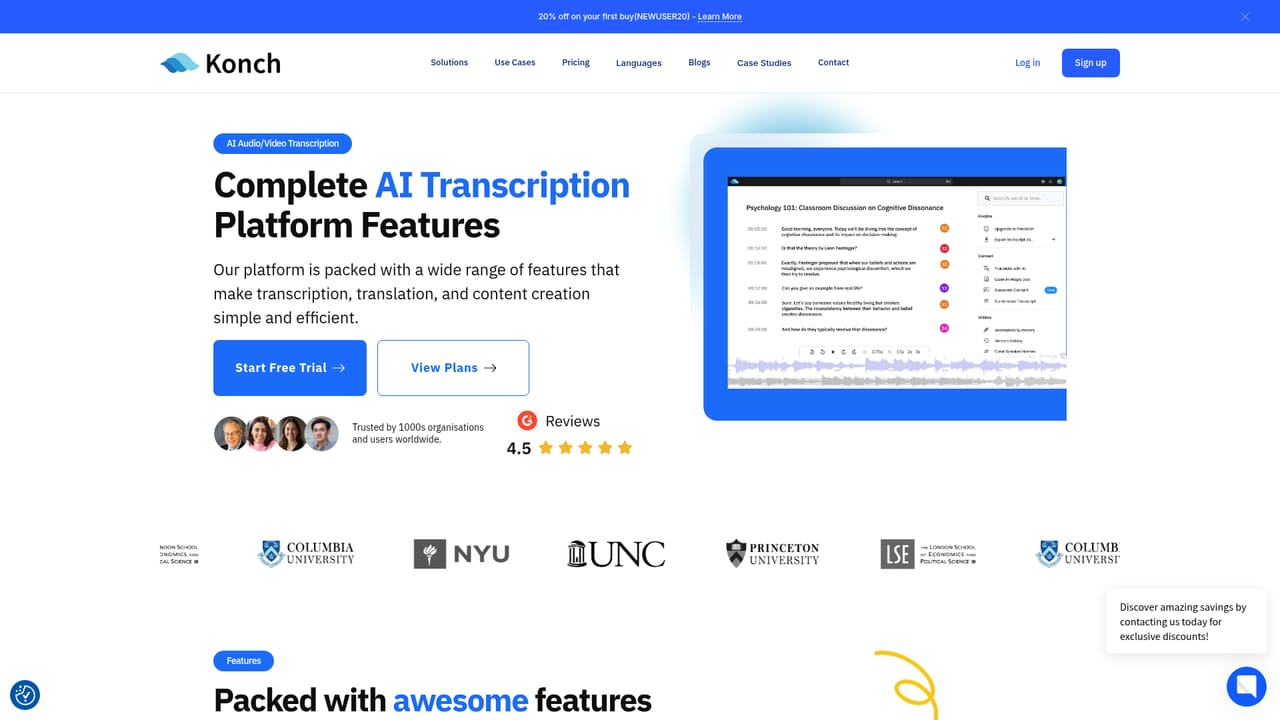
A free trial is promoted on the homepage through Start Free Trial buttons that lead to the app, but the trial length and included minutes are not specified on the site.
Learn moreAI transcription with a human accuracy check across 55+ languages

Konch converts audio and video to text using AI, then optionally routes the draft to human reviewers for a claimed 99% accuracy. It supports 55+ transcription languages, 74+ translation languages, a meeting note taker and human dubbing, and is pitched at research, academic, archive, podcast and legal users.
Konch is a transcription service that pairs automated speech recognition with a human review layer. A recording is uploaded through the web app, the AI produces a draft transcript in minutes, and certified human reviewers then correct that draft until it meets the 99% accuracy figure the company advertises. The site reports more than 10 million minutes transcribed since 2018, which puts the product in the established end of the market rather than the experimental one. The tool is aimed at people for whom a rough auto-transcript is not good enough. The homepage walks through research teams handling interviews, focus groups and lectures, universities that need accessible lecture and interview records, archivists digitising legacy audio and video, podcasters publishing episode notes, and legal professionals working with court proceedings, client interviews, dictations and case summaries. A separate Precision tier covers work that needs a human transcript from the outset rather than an AI draft. Beyond plain transcription, the platform bundles adjacent services: translation across 74+ languages (the transcription pages cite 55 to 56 spoken languages), a meeting note taker called KonchMate, and human voice-over and dubbing. In practice a user picks the relevant product from the site, signs into the app, and uploads a file in any common format and size. Output arrives in an editor where the text can be cleaned up before export or translation. Where it differs from pure self-serve tools is the human-in-the-loop option and the compliance framing. Konch states GDPR compliance and encryption for stored data, and positions itself for accessibility mandates such as ADA. Buyers comparing it against automated-only services are essentially choosing between speed at low cost and a verified transcript with a slower, more expensive human stage. Anyone who needs instant turnaround on high volumes should confirm current delivery expectations before committing.
A free trial is promoted on the homepage through Start Free Trial buttons that lead to the app, but the trial length and included minutes are not specified on the site.
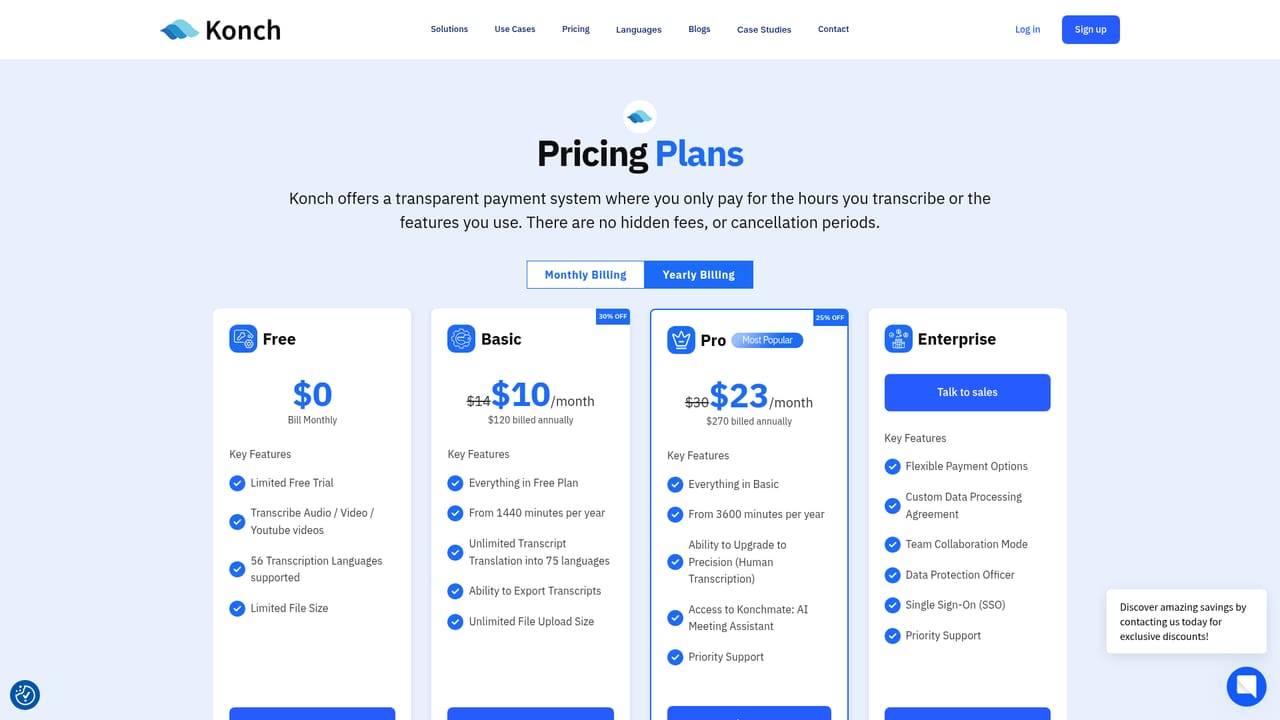
Learn moreThe homepage advertises a 20% discount on a first purchase with code NEWUSER20 and links to a separate plans page. No tier prices, minute allowances or human review costs are stated on the homepage itself.
Learn moreAI transcription for audio and video with 99% accuracy via human verification, transcription in 55+ languages, translation across 74+ languages, the KonchMate AI meeting note taker, human voice-over and dubbing, a Precision human transcription tier, an in-app transcript editor, any file format and size, and GDPR-compliant encrypted storage.
Learn more AI Angels400+ customizable AI girlfriends for NSFW chat, voice calls, and roleplay
 Candy AIExperience the future of companionship with AI friends who chat, role-play, and connect with you on a human level.
 ourdream.aiA vast AI roleplay platform with millions of characters for chat, images, video and voiceAI Angels400+ customizable AI girlfriends for NSFW chat, voice calls, and roleplayCandy AIExperience the future of companionship with AI friends who chat, role-play, and connect with you on a human level.ourdream.aiA vast AI roleplay platform with millions of characters for chat, images, video and voice


