Free trial
Mastering previews are free and unlimited, and no sign-up is needed to try the preview tool. Downloading the finished master requires a paid subscription or a one-time purchase.
Learn moreAI mastering that builds a custom chain for every track

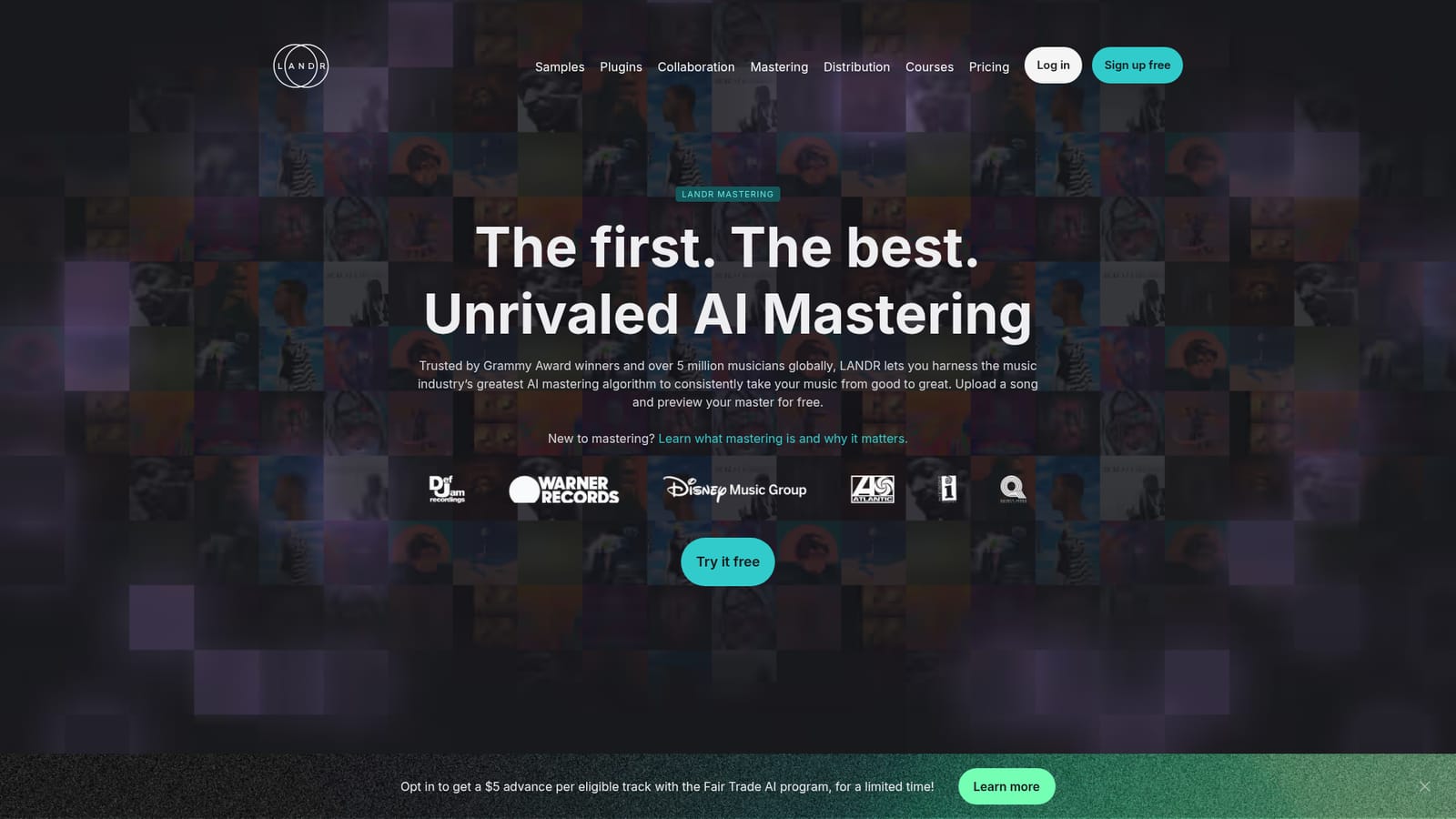
LANDR uses AI to master individual tracks or whole albums, generating a custom mastering chain per song. Unlimited free previews, multiple styles, reference and album mastering, plus outputs in MP3, WAV and HD WAV. Available as an online tool, DAW plugin and mobile app, with $10 per-track pricing or unlimited mastering via subscription.
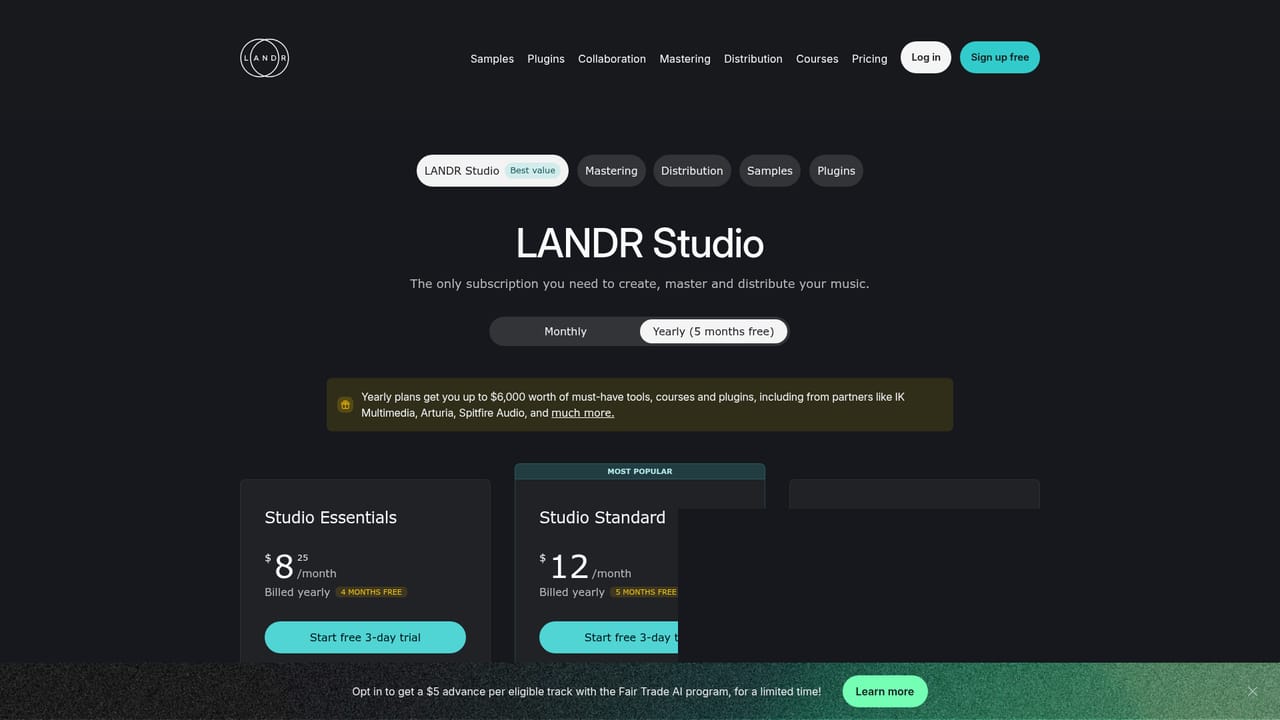
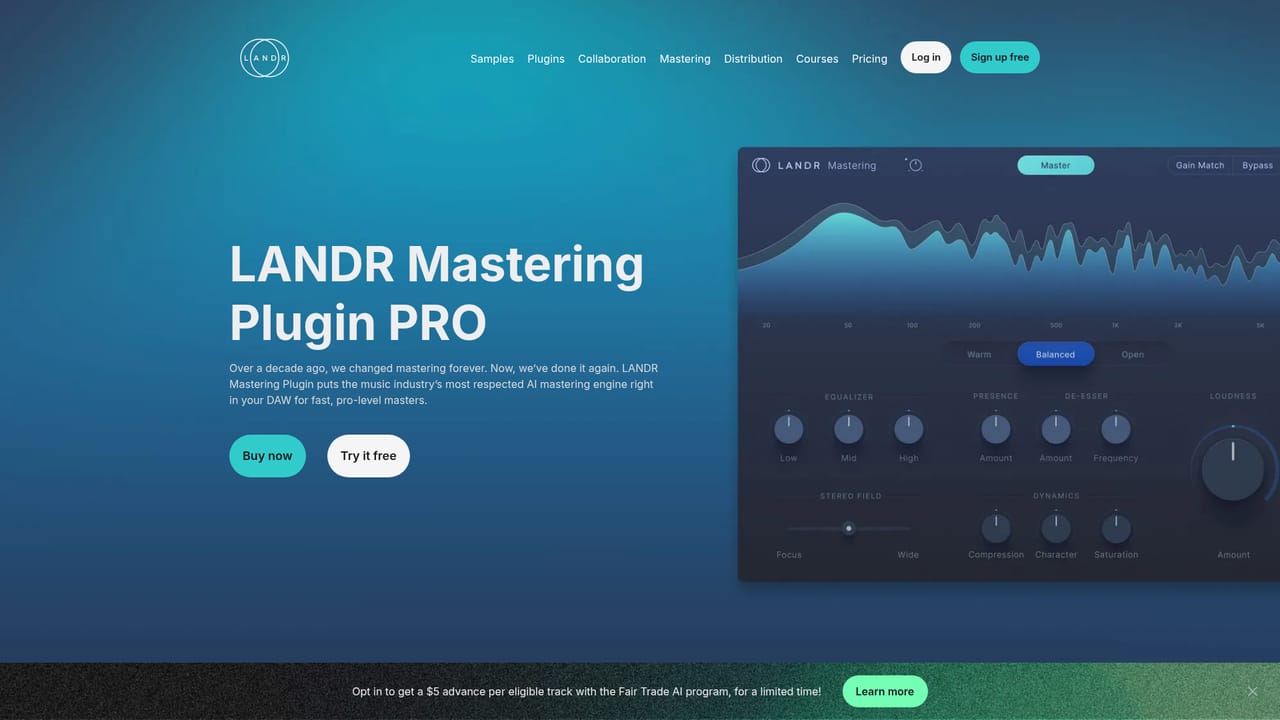
LANDR is an online mastering service that applies artificial intelligence to the final stage of music production. The engine is trained on the adjustments human mastering engineers make when preparing tracks for commercial release, and it draws on knowledge from thousands of mastered songs to build a distinct mastering chain for each upload rather than dropping in a preset. The result is a clear, loud and polished file with the light EQ, compression and stereo imaging work mastering normally involves. The workflow is drag and drop. You upload a mix (WAV, AIFF, FLAC or MP3, with lossless files giving the best results), preview different mastering styles at varying intensity and loudness, compare input against output with volume matching engaged, and only download once you are satisfied. Unlimited free previews mean the paid step happens at the end. Outputs arrive as MP3 at 320 kbps, 16-bit WAV or 24-bit HD WAV. Album mastering applies one set of settings and loudness standards across a batch of tracks, reference mastering analyses a track you admire and aims for a similar sound profile, and unlimited revisions let you keep reworking a master. Independent artists, producers and small labels are the core audience, particularly people who mix their own material and have no budget for a dedicated mastering engineer. The same engine is available as a plugin inside a DAW, through iOS and Android apps, and as a paid API for developers. Compared with hiring a human engineer, LANDR trades bespoke judgement for speed and cost, and it sits closer to automated mastering than to a full mix consultation. Pricing is flexible rather than subscription only: a single track master costs $10, while the three LANDR Studio tiers (Essentials, Standard, Pro) bundle unlimited online mastering. All tiers include MP3 downloads, and Standard and Pro add WAV and HD WAV plus the Mastering Plugin. One point worth knowing: distribution platforms accept LANDR masters, so the output is release ready.
Mastering previews are free and unlimited, and no sign-up is needed to try the preview tool. Downloading the finished master requires a paid subscription or a one-time purchase.
Learn moreA single track can be mastered for $10 with no subscription required. LANDR Studio subscriptions come in Essentials, Standard and Pro tiers; all include unlimited online mastering with MP3 at 320 kbps, while Standard and Pro add 16-bit WAV and 24-bit HD WAV exports and the Mastering Plugin.
Learn moreLANDR maintains a dedicated help centre at support.landr.com, alongside blog articles and guides covering mastering, distribution and music production topics.
Learn moreThe Mastering Plugin runs inside a DAW for in-session mastering, mobile apps sync masters through the LANDR library, and a dedicated Mastering API is offered for developers building mastering into their own products.
Learn moreAI mastering with a unique chain per track, unlimited revisions, album mastering for consistent settings across a project, reference mastering against an uploaded track, volume matching for honest A/B comparison, streaming-ready exports in MP3 320 kbps, 16-bit WAV and 24-bit HD WAV, plus a DAW plugin, mobile apps and an API.
Learn more AI Angels400+ customizable AI girlfriends for NSFW chat, voice calls, and roleplay
 Candy AIExperience the future of companionship with AI friends who chat, role-play, and connect with you on a human level.
 ourdream.aiA vast AI roleplay platform with millions of characters for chat, images, video and voiceAI Angels400+ customizable AI girlfriends for NSFW chat, voice calls, and roleplayCandy AIExperience the future of companionship with AI friends who chat, role-play, and connect with you on a human level.ourdream.aiA vast AI roleplay platform with millions of characters for chat, images, video and voice


