Free trial
A Start Free link is present, but the homepage does not state how many credits or which models a free account includes.
Learn moreOne platform for Veo, Nano Banana, Flux and other top image and video models

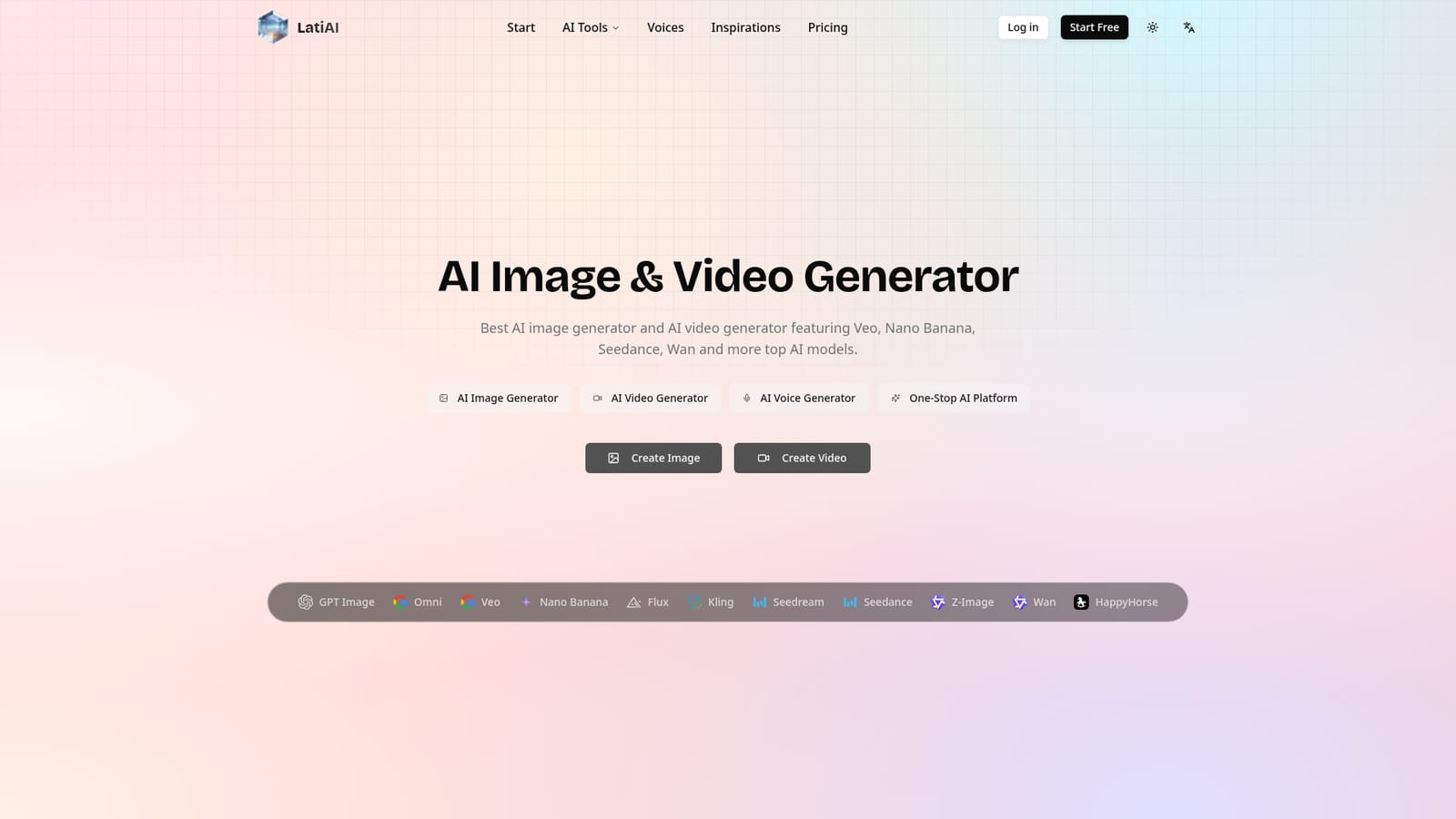
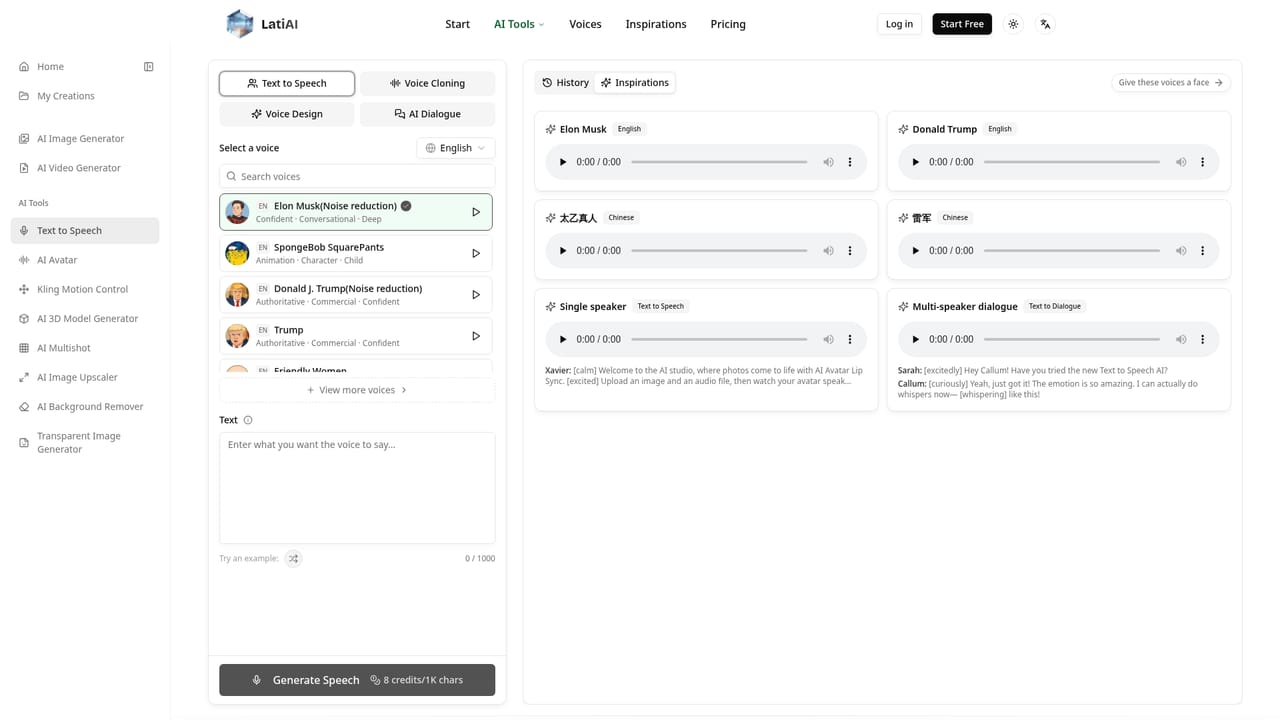
Latiai is a generative image tool. LatiAI bundles leading image models (Nano Banana, GPT Image, Flux, Seedream) and video models (Veo, Kling, Seedance, Wan) into one credit based web studio, with text to image, image to image, text to video, image to video and a text to speech tool.
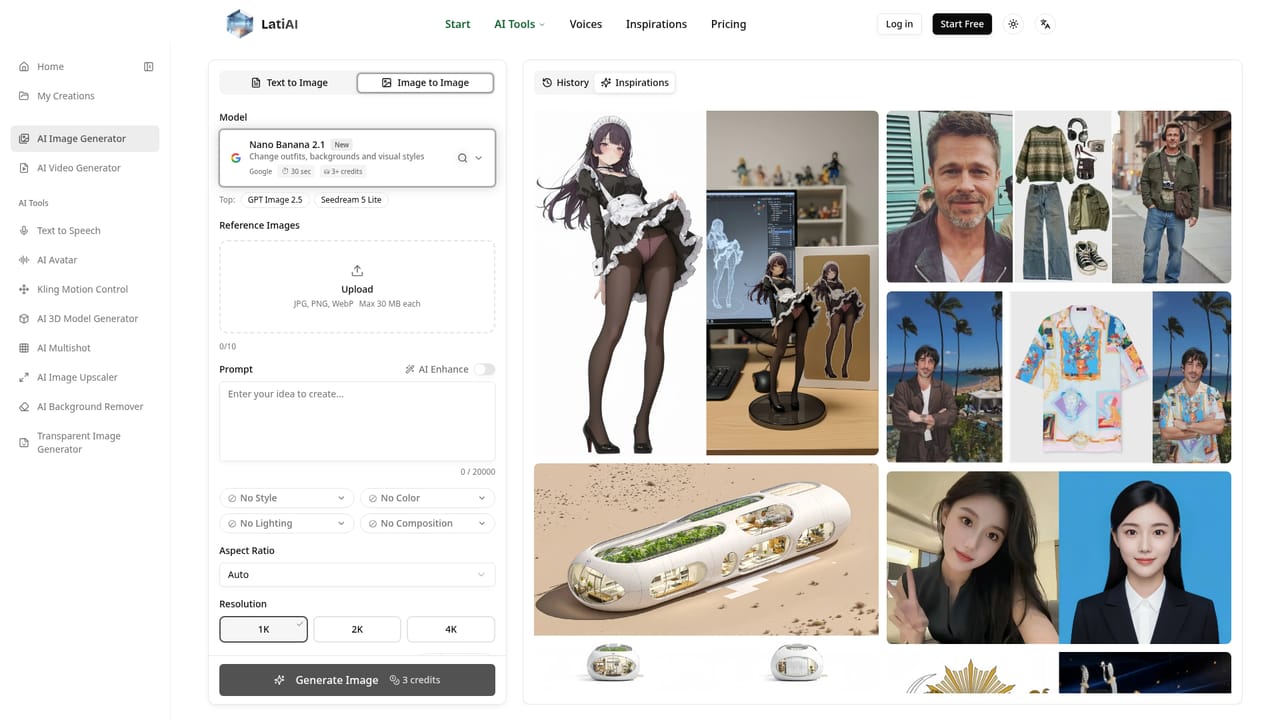
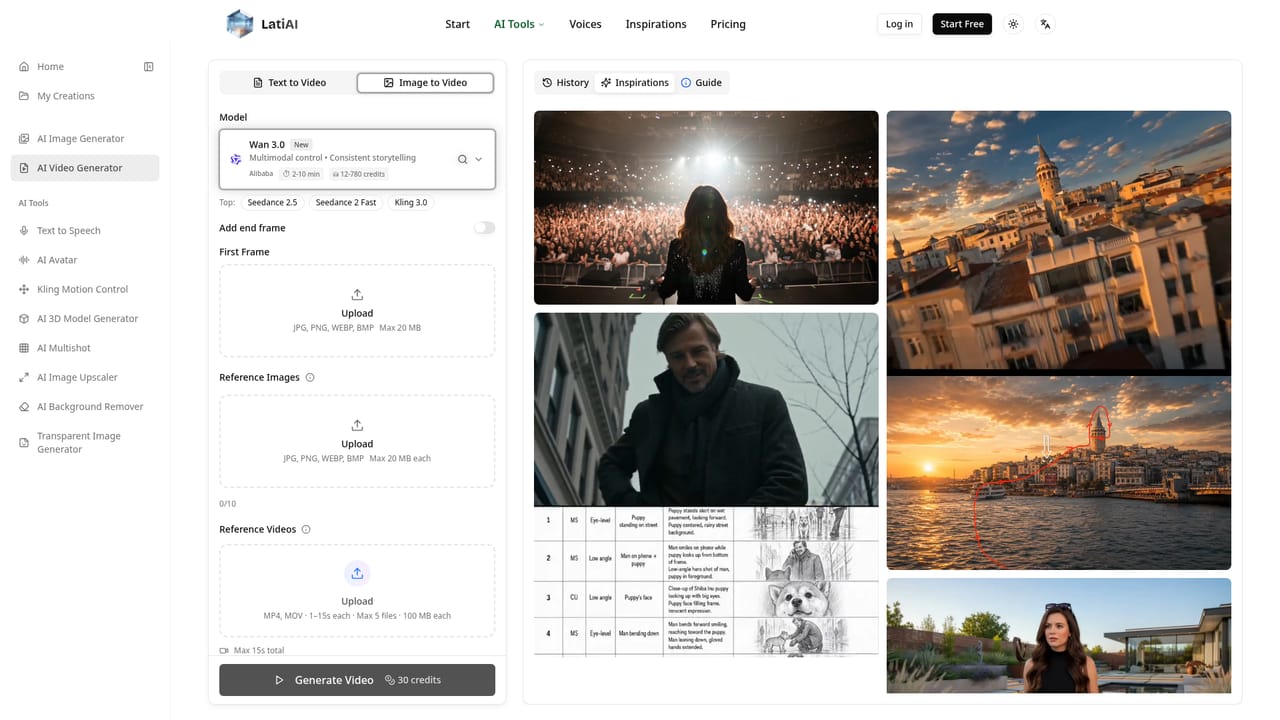
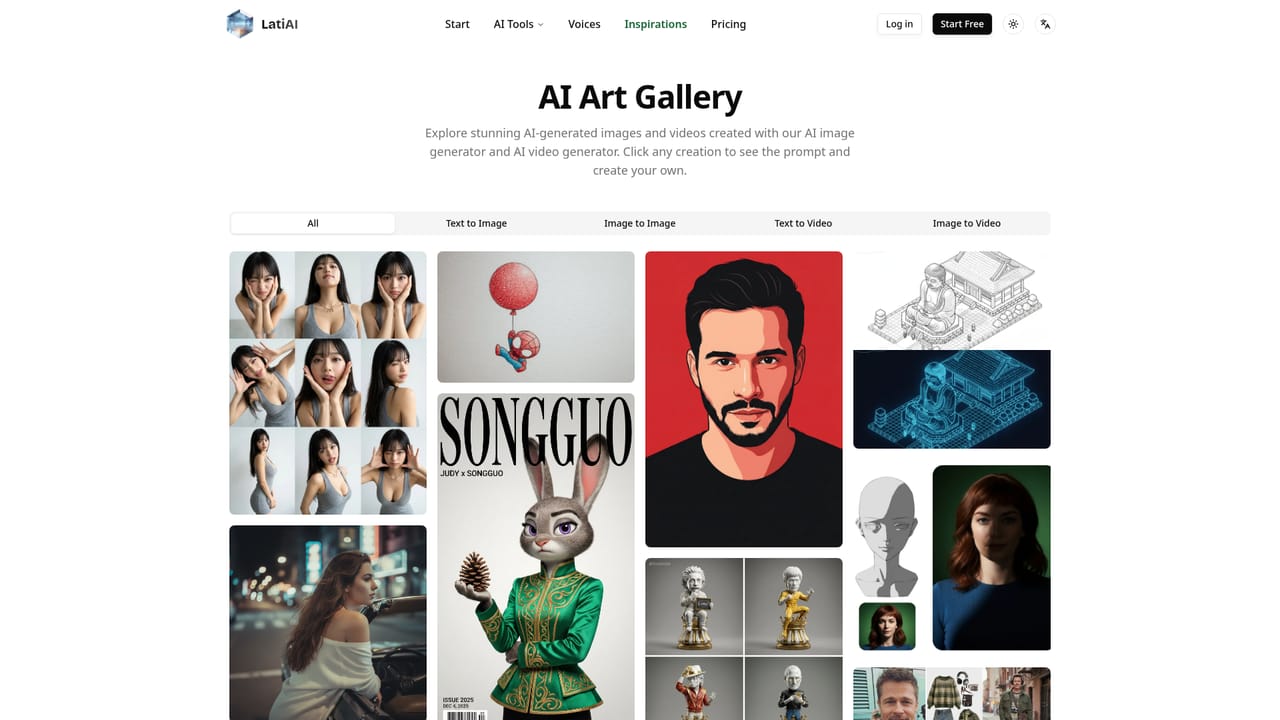
LatiAI is a browser based studio that gathers several well known generative image and video models behind a single interface. Instead of subscribing to each model provider separately, users pick a model from a dropdown and work inside one workspace. The image side lists Nano Banana, GPT Image 2.5, Seedream, Flux and Z-Image among others, while the video side covers Veo, Kling, Seedance, Wan and HappyHorse. A text to speech tool sits alongside the visual generators, making the product a broad content creation hub rather than a single model wrapper. The practical workflow is prompt driven. In the image generator, a user writes a description, optionally uploads up to ten reference images (JPG, PNG or WebP, 30 MB each), and selects an aspect ratio, resolution up to 4K and how many outputs to produce. Style, color, lighting and composition settings plus an AI Enhance button help refine weak prompts. The video generator follows the same pattern for text to video and image to video, where the choice of model decides whether the priority is speed, motion style or cinematic quality with sound. Each generation draws from a credit balance, and the site's own interface shows per run costs such as three credits for an image. Marketing teams, social media managers and independent creators are the obvious audience, since the platform targets commercial use and advertises downloads in 4K for stills and HD for video. Beginners get an intuitive form and a gallery of community creations where any item can be opened to copy its prompt. Users who already have deep attachments to one model's controls may find the shared interface less granular than that model's native tool, and the platform does not expose API access for developers. It competes with multi model aggregators and with the first party studios from Google, OpenAI and others, betting that convenience and model breadth matter more than native depth.
A Start Free link is present, but the homepage does not state how many credits or which models a free account includes.
Learn moreText to image and image to image with reference uploads, model choice across Nano Banana, GPT Image, Flux, Seedream and others, resolutions up to 4K, text to video and image to video through Veo, Kling, Seedance and Wan, HD video output, style and composition controls, a prompt gallery and a separate text to speech tool.
Learn more AI Angels400+ customizable AI girlfriends for NSFW chat, voice calls, and roleplay
 Candy AIExperience the future of companionship with AI friends who chat, role-play, and connect with you on a human level.
 ourdream.aiA vast AI roleplay platform with millions of characters for chat, images, video and voiceAI Angels400+ customizable AI girlfriends for NSFW chat, voice calls, and roleplayCandy AIExperience the future of companionship with AI friends who chat, role-play, and connect with you on a human level.ourdream.aiA vast AI roleplay platform with millions of characters for chat, images, video and voice


