Listnr AI

Text to speech, voice cloning, and audiobook narration in one browser studio

Beginner
Screenshot of Listnr AI, Text to speech, voice cloning, and audiobook narration in one browser studio

What is Listnr AI?

Listnr AI is a browser studio for AI voiceovers, combining 1,000+ text to speech voices, voice cloning, expressive style tags and audiobook narration across 142+ languages. Scripts are edited block by block with per-speaker voices, custom pronunciations and multi-format export.

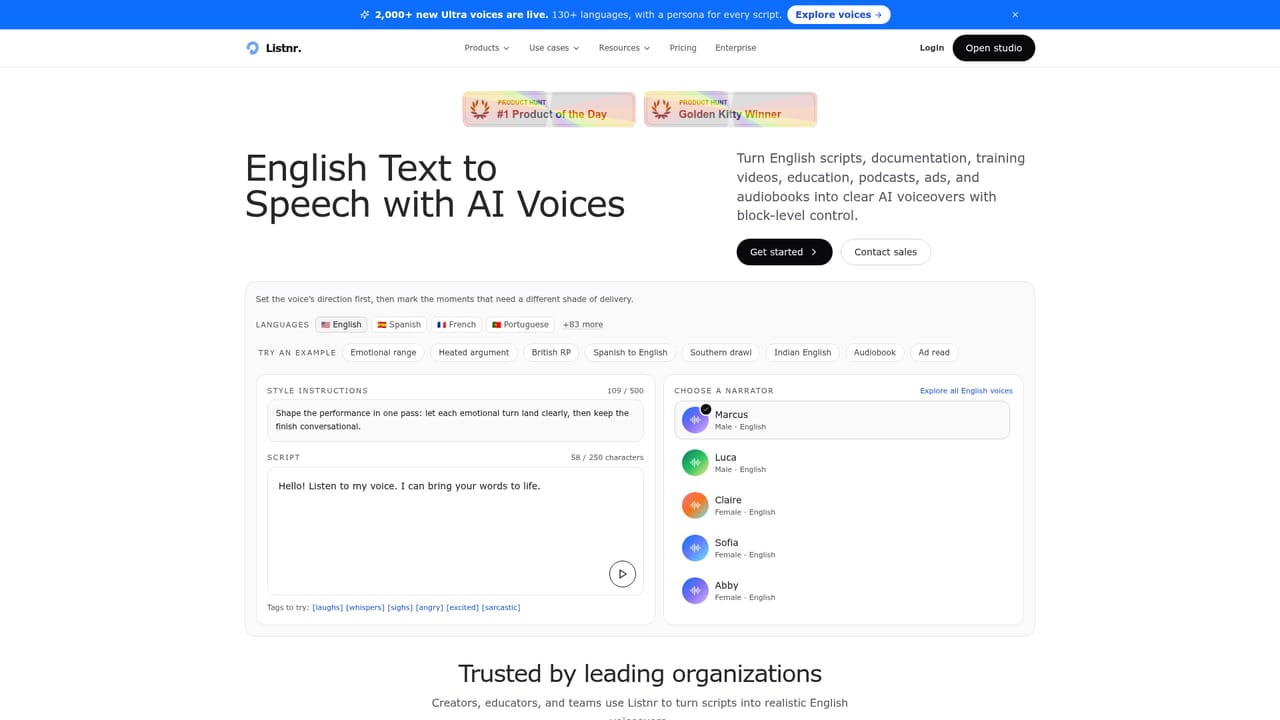
Listnr is a browser-based voice production workspace that turns written scripts into finished audio. It bundles three jobs that creators usually spread across separate subscriptions: text to speech from a library of more than 1,000 voices, voice cloning for keeping a single recognizable speaker across a series, and long-form audiobook narration. The homepage lists 142+ languages and accents, and dedicated landing pages exist for English, Spanish, French, German, Hindi, Portuguese, Chinese and dozens more, which signals that localized voiceovers are a core use case rather than an afterthought. In practice the product behaves like a document editor wired to a synthesizer. You paste or import a script, split it into block-based scenes, and assign a different voice to each speaker for dialogue or multi-host shows. Delivery is steered with bracketed tags such as [whispers], [angry] or [sarcastic] plus free-text style prompts, and the site is explicit that the emotion and style controls available depend on the voice you pick. Pauses, pacing cues and custom pronunciations can be inserted so brand names and technical terms stay consistent, and a single line can be regenerated without rebuilding the whole take. The audience is broad by design: video producers needing ad reads and demos, podcasters producing multi-speaker episodes, educators and publishers building course or audiobook material, and marketing teams localizing campaigns. Logos on the homepage (Honda, Amazon, Stanford Medicine, INSEAD, Citadel) point to enterprise and institutional buyers sitting alongside solo creators. The browser studio lowers the skill floor compared with DAW-style workflows, and output can be exported in multiple formats for video, podcast, training and advertising use. Where it fits: Listnr sits between raw TTS APIs that require engineering and full recording setups that require talent and a studio. Competitors in the same space differentiate on voice count, cloning fidelity and language coverage; Listnr leans on breadth of voices, expressive direction and the audiobook workflow. Note that some premium and PRO voices appear locked in the library, so the catalog you can actually use depends on your plan.

How do you use Listnr AI?

  1. 1Create a Listnr account
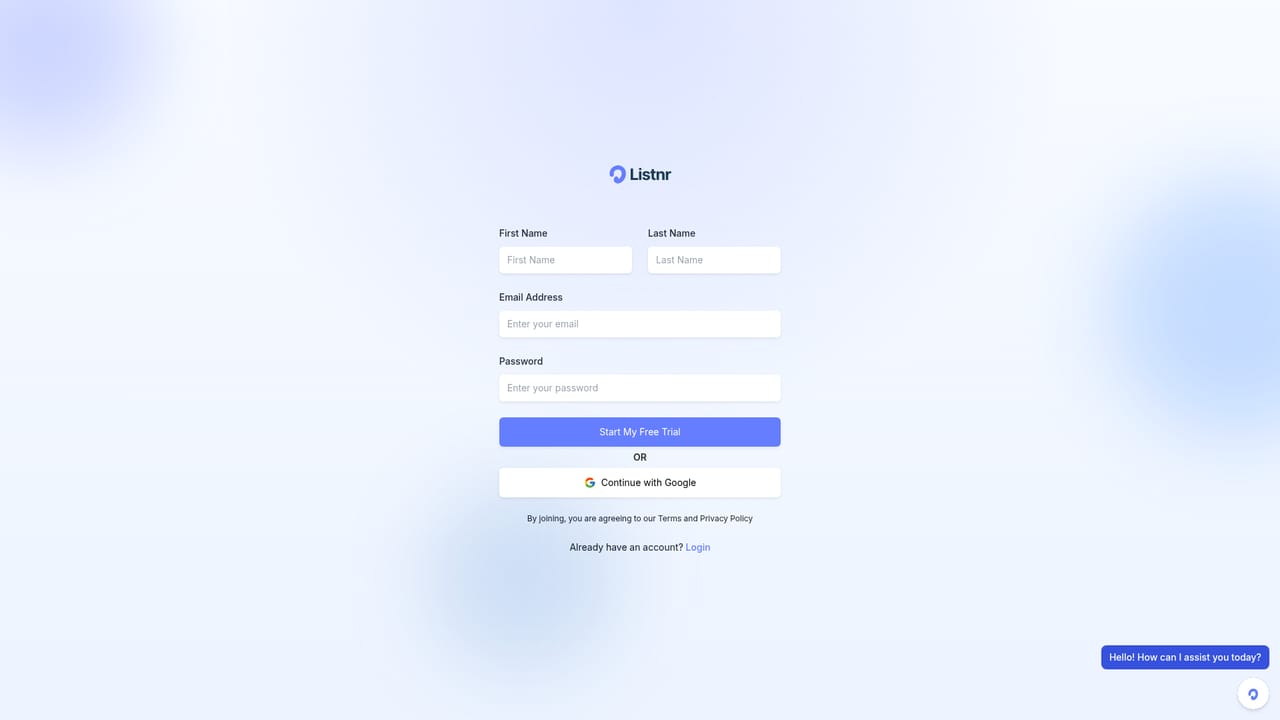
    Sign up with the link on the homepage to open Listnr Studio, where voices, scripts and exports live.
    Listnr AI — Create a Listnr account
  2. 2Import or paste your script
    Bring in a draft or production notes, then arrange the text into block-based scenes and assign a different voice to each speaker for dialogue.
  3. 3Choose a narrator from the voice library
    Audition candidates such as Carter, Rowan or Hades, then browse the full library inside the studio and pick a sound that fits the script.
    Listnr AI — Choose a narrator from the voice library
  4. 4Direct the delivery with tags and style prompts
    Add bracketed cues like [whispers] or [angry], set a warm or confident style, and insert pauses and pacing so the read breathes naturally.
  5. 5Lock in pronunciations and regenerate weak lines
    Add custom pronunciations for names and brand terms, then re-render individual lines while the rest of the voiceover stays intact.
  6. 6Preview and export
    Listen back in the browser, adjust timing, and export the finished audio for video, podcast, audiobook, training or ad use.

Pros and cons

Pros

  • Large voice library with 1,000+ options and distinct characters for narration, ads and dialogueAI
  • Style tags and free-text direction give finer control over delivery than plain text to speechAI
  • Block-based editing and multi-speaker scenes suit podcasts, audiobooks and dramatized scriptsAI
  • 142+ languages and accents with dedicated per-language pages for localized campaignsAI
  • Regenerate a single line without losing work elsewhere in the voiceoverAI

Cons

  • Emotion and style controls vary by voice, so results are inconsistent across the libraryAI
  • A visible share of premium and PRO voices are locked, meaning the advertised catalog is not fully available on every planAI
  • No pricing figures, plan tiers or usage limits are stated on the homepage, making cost comparison hardAI
  • No API or developer documentation is surfaced, which limits programmatic or pipeline useAI
  • Voice cloning requires an approved voice, and consent and verification details are not explained on the homepageAI

How much does Listnr AI cost?

Features

Core features include 1,000+ AI voices, 142+ languages and accents, voice cloning with an approved voice, block-based multi-speaker scripting, emotive style prompts, bracketed delivery tags, pause and cadence controls, custom pronunciations, multi-format script import and multi-format audio export. Availability of specific voices and delivery controls varies by voice.

Frequently asked questions about Listnr AI

  • How do you use Listnr AI?
    The walkthrough on this page covers 6 steps: 1. Create a Listnr account 2. Import or paste your script 3. Choose a narrator from the voice library 4. Direct the delivery with tags and style prompts 5. Lock in pronunciations and regenerate weak lines 6. Preview and export.
  • What platforms does Listnr AI support?
    Listnr AI is available on Web App.
  • What are the limitations of Listnr AI?
    Emotion and style controls vary by voice, so results are inconsistent across the library. A visible share of premium and PRO voices are locked, meaning the advertised catalog is not fully available on every plan. No pricing figures, plan tiers or usage limits are stated on the homepage, making cost comparison hard.