Free trial
Generating logo ideas and browsing concepts is free to try; payment is required to download files and obtain copyright.
Learn moreAI logo generation with a lifetime one-time payment

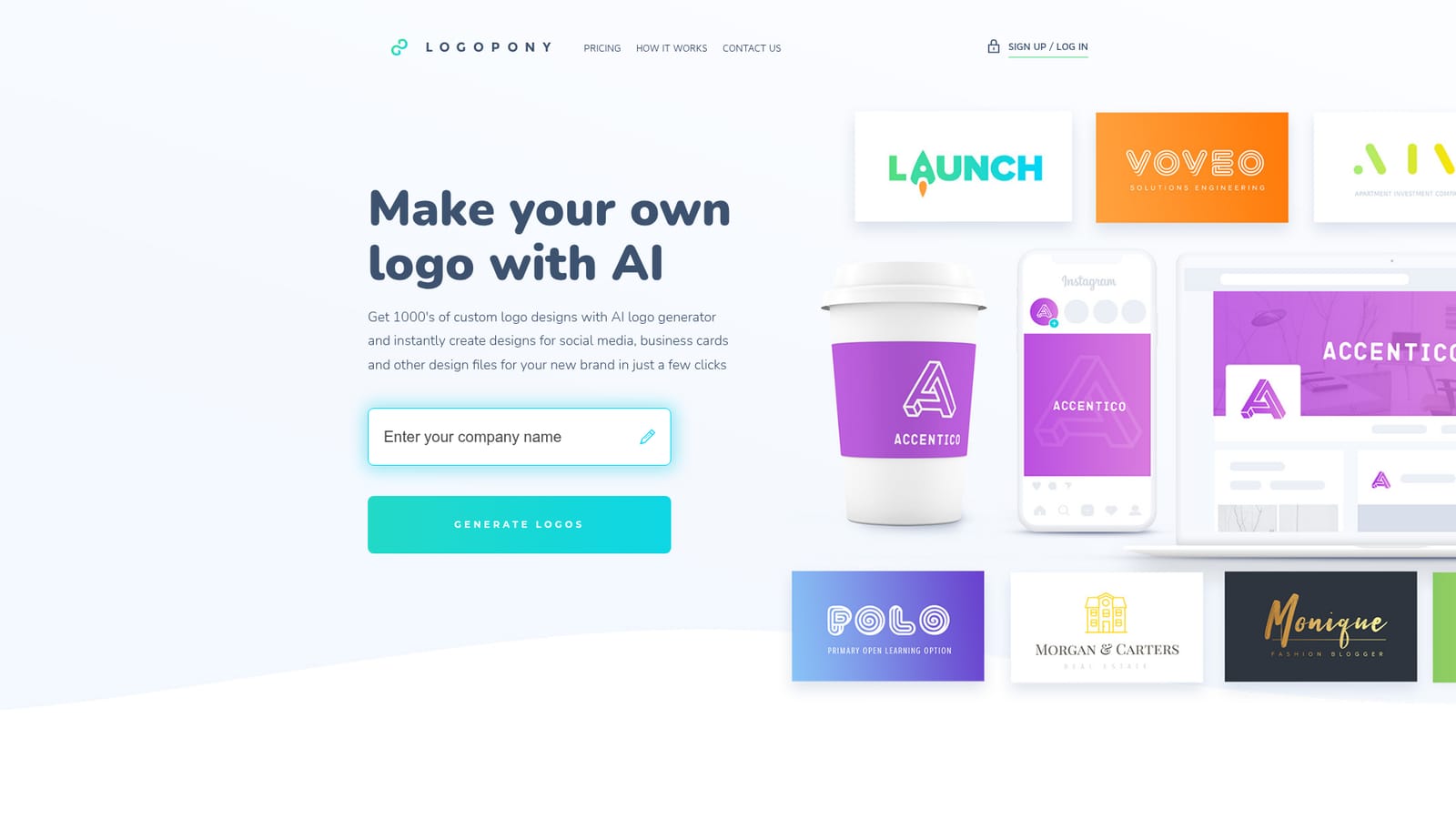
Logopony generates thousands of AI logo concepts, lets you refine one in an editor, and delivers a 30+ file branding package (web, print, social, business cards, style guide) for a one-time payment with lifetime edits and copyright included.
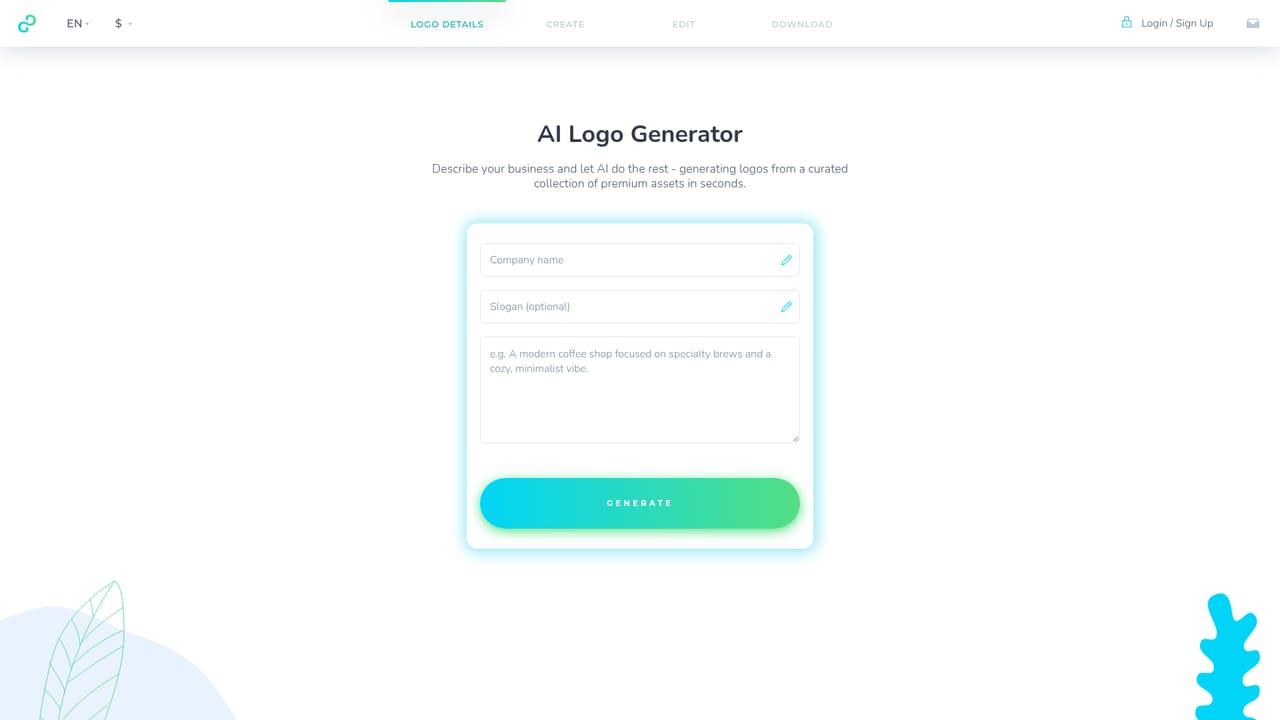
Logopony is an AI logo generator aimed at founders, freelancers and small business owners who need brand marks without hiring a designer. Its algorithms are trained on the work of professional designers and draw from hundreds of curated fonts, colors, icons and layout combinations, producing thousands of logo ideas from a single brief. The stated design philosophy leans toward timeless, minimal marks rather than trend-driven visuals, so the results are meant to stay usable as a brand matures. The workflow is deliberately short. A user generates a batch of logo concepts, picks a favorite and then refines it in a built-in editor that exposes individual details for adjustment. The company emphasizes that it does not sell template-based logos; the generator composes each idea itself, and the editor remains available afterward for tweaking colors, type and arrangement. No design background is assumed at any stage. Once a logo is settled, Logopony assembles a branding package rather than a single image. The download includes 30 or more assets: sliced logos in various sizes for websites, apps and email signatures, print-ready source files, black and white variants, favicons, business cards, a social media kit and a style guide with font names and color values. Commercial licensing and full copyright transfer come with the purchase, and the files are accessible around the clock with unlimited re-downloads. Compared with subscription logo makers, Logopony positions itself on ownership and cost: a one-time payment buys lifetime access to edits and downloads, with no monthly fee. It suits people who want a complete, print-ready identity kit in minutes and are comfortable starting from AI suggestions. It is a less natural fit for teams that need structured brand strategy work, multi-user collaboration or bespoke illustration, since the output stays within the generator's curated visual vocabulary. The same team also offers photoeditor.ai for adjacent image work.
Generating logo ideas and browsing concepts is free to try; payment is required to download files and obtain copyright.
Learn moreLogopony charges a one-time single payment rather than a subscription. That payment unlocks all logo files, lifetime access to the editor, unlimited edits and re-downloads, and copyright ownership. The exact price is not stated on the homepage.
Learn moreCustomer questions are answered quickly according to user testimonials on the homepage; no dedicated help centre or support channel details are published.
AI generator trained on professional designer work, producing thousands of concepts from hundreds of curated fonts, colors, icons and layouts. Includes a detail-level logo editor, 30+ downloadable assets (sliced web sizes, print-ready sources, black and white variants, favicons, business cards, social media kit, style guide), commercial licensing and copyright transfer, plus 24/7 file access with unlimited edits.
 AI Angels400+ customizable AI girlfriends for NSFW chat, voice calls, and roleplay
 Candy AIExperience the future of companionship with AI friends who chat, role-play, and connect with you on a human level.
 ourdream.aiA vast AI roleplay platform with millions of characters for chat, images, video and voiceAI Angels400+ customizable AI girlfriends for NSFW chat, voice calls, and roleplayCandy AIExperience the future of companionship with AI friends who chat, role-play, and connect with you on a human level.ourdream.aiA vast AI roleplay platform with millions of characters for chat, images, video and voice


