Free trial
A free tier is available and is the recommended way to test basic functionality. It is limited to two keyframes and slower, queued processing.
Learn moreTurn two cartoon keyframes into a short animated clip

ToonCrafter is a code animation tool that turns two cartoon keyframes into a short animated clip. Browser tool that generates short cartoon animations from two uploaded keyframes, preserving the original art style, with a free tier and paid credits for longer sequences and faster processing.
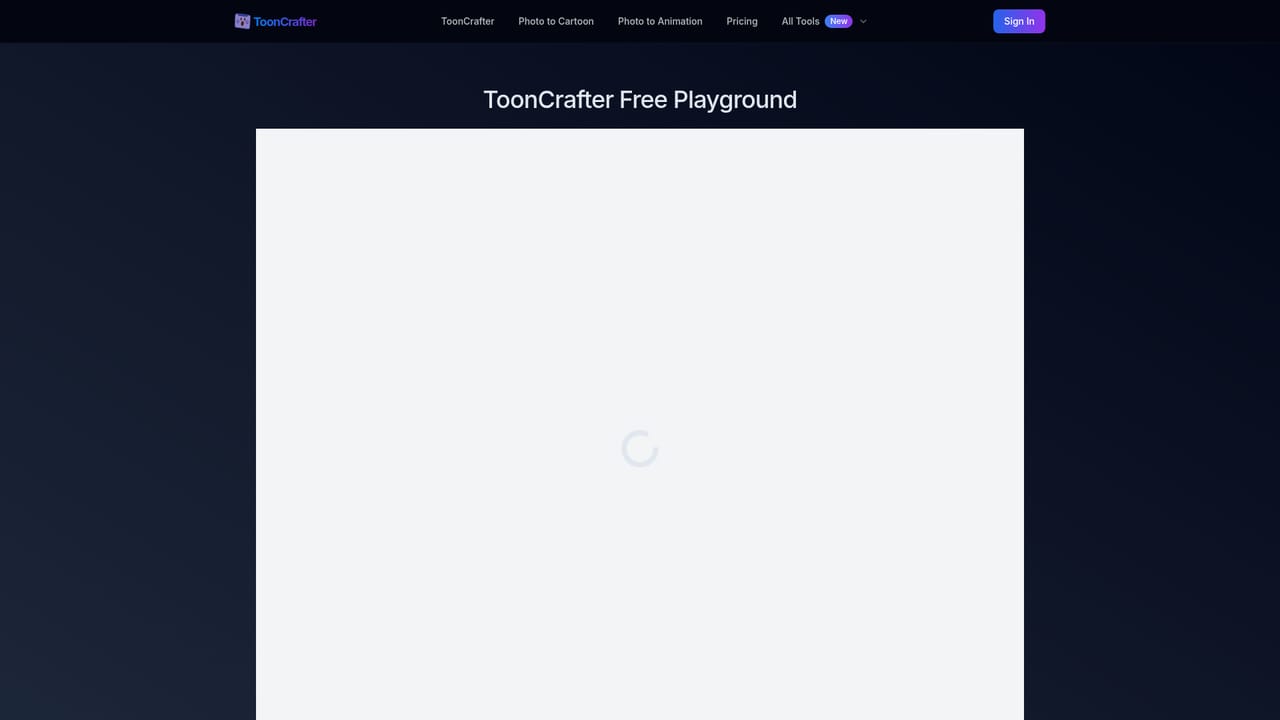
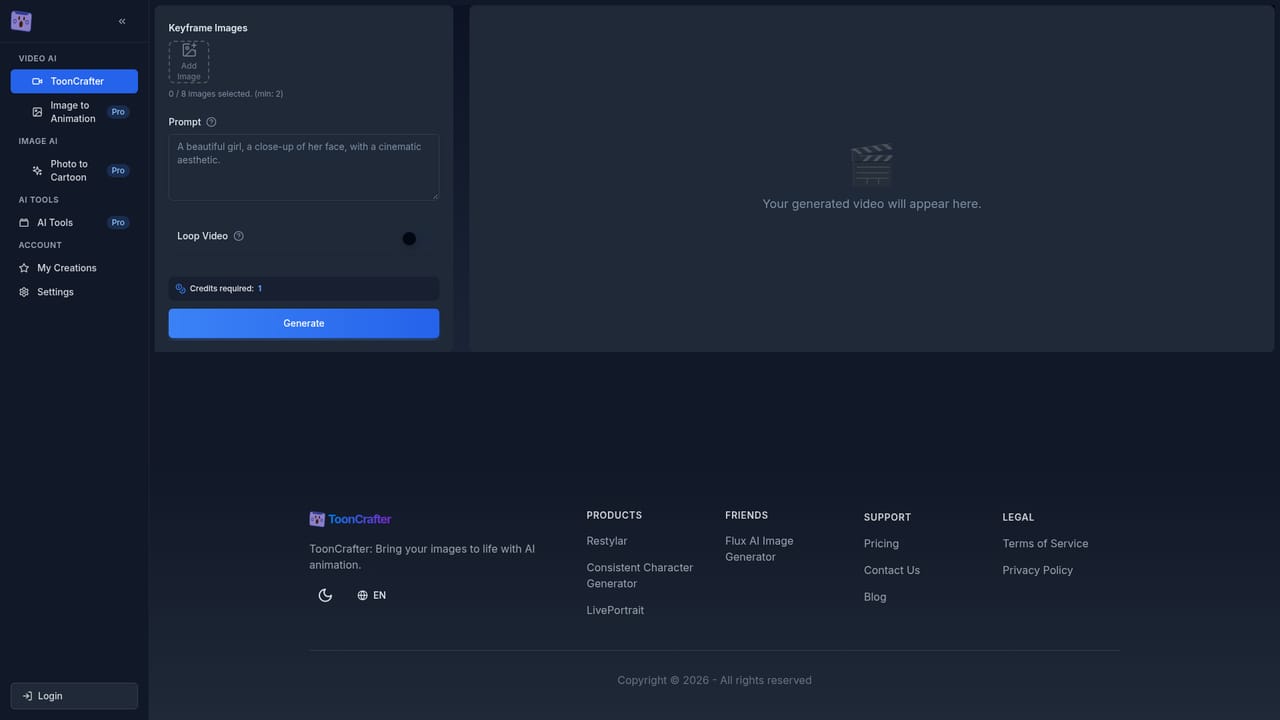
ToonCrafter is a browser-based animation tool that generates in-between frames from static cartoon artwork. Instead of drawing every transitional frame by hand, you upload keyframes (the site recommends two, with four supported) and the AI fills the motion between them. The commercial service is built on top of an open-source research project of the same name and adds optimizations, a hosted interface, and extras such as Animate Portrait for photographs. The workflow is deliberately narrow. You supply images in WEBP, PNG, or JPG up to 512x512 pixels, optionally type a prompt describing the motion you want, and press generate. Output arrives as an MP4 at 8 fps, usually around two seconds long, and paid accounts get a looping option plus faster processing with no queue. The site quotes roughly 20 seconds per generation for paid users. A style transfer component trained on cartoon datasets keeps the generated frames consistent with the source linework and textures, which is the feature that matters most for anyone protecting an established visual identity. Typical buyers are illustrators, hobby artists, social media marketers, and presenters who need a looping sticker, a short reaction clip, or a moving scene element without opening a full animation suite. The interface assumes no animation background, and the site positions the free tier as a way to test the basic pipeline before paying for longer sequences and multiple keyframes. The context to weigh is resolution and length. At 512x512 and roughly two seconds per pair of frames, this is a clip generator rather than a production animation tool, and it sits closer to AI video interpolation experiments than to a timeline-based editor. For long scenes or high-resolution delivery, a conventional animation or video tool remains the practical home for the final assembly.
A free tier is available and is the recommended way to test basic functionality. It is limited to two keyframes and slower, queued processing.
Learn moreFree tier: two keyframes per generation, one animation segment, basic features, queue-based processing. Paid tier: purchased credits, multiple keyframes for longer animations, looping mode, Portrait Animate tools, faster processing with no queues. Specific credit prices are not listed on the homepage.
Learn moreThe homepage directs users with specific inquiries to contact the support team directly. No separate help centre or documentation site is listed.
Two-keyframe animation generation, style transfer trained on cartoon datasets, pixel-level detail extraction from source frames, smooth transitions between keyframes, text prompts for motion guidance, roughly 20-second processing for paid users, creation history management, MP4 export at 8 fps and 512x512, looping mode for paid accounts, and an Animate Portrait tool for photographs.
 AI Angels400+ customizable AI girlfriends for NSFW chat, voice calls, and roleplay
 Candy AIExperience the future of companionship with AI friends who chat, role-play, and connect with you on a human level.
 ourdream.aiA vast AI roleplay platform with millions of characters for chat, images, video and voiceAI Angels400+ customizable AI girlfriends for NSFW chat, voice calls, and roleplayCandy AIExperience the future of companionship with AI friends who chat, role-play, and connect with you on a human level.ourdream.aiA vast AI roleplay platform with millions of characters for chat, images, video and voice