Free trial
A free tier exists with a monthly allowance of 10,000 characters, so the product can be evaluated at no cost before upgrading.
Learn moreFree text to speech in 70 languages with 200 AI voices
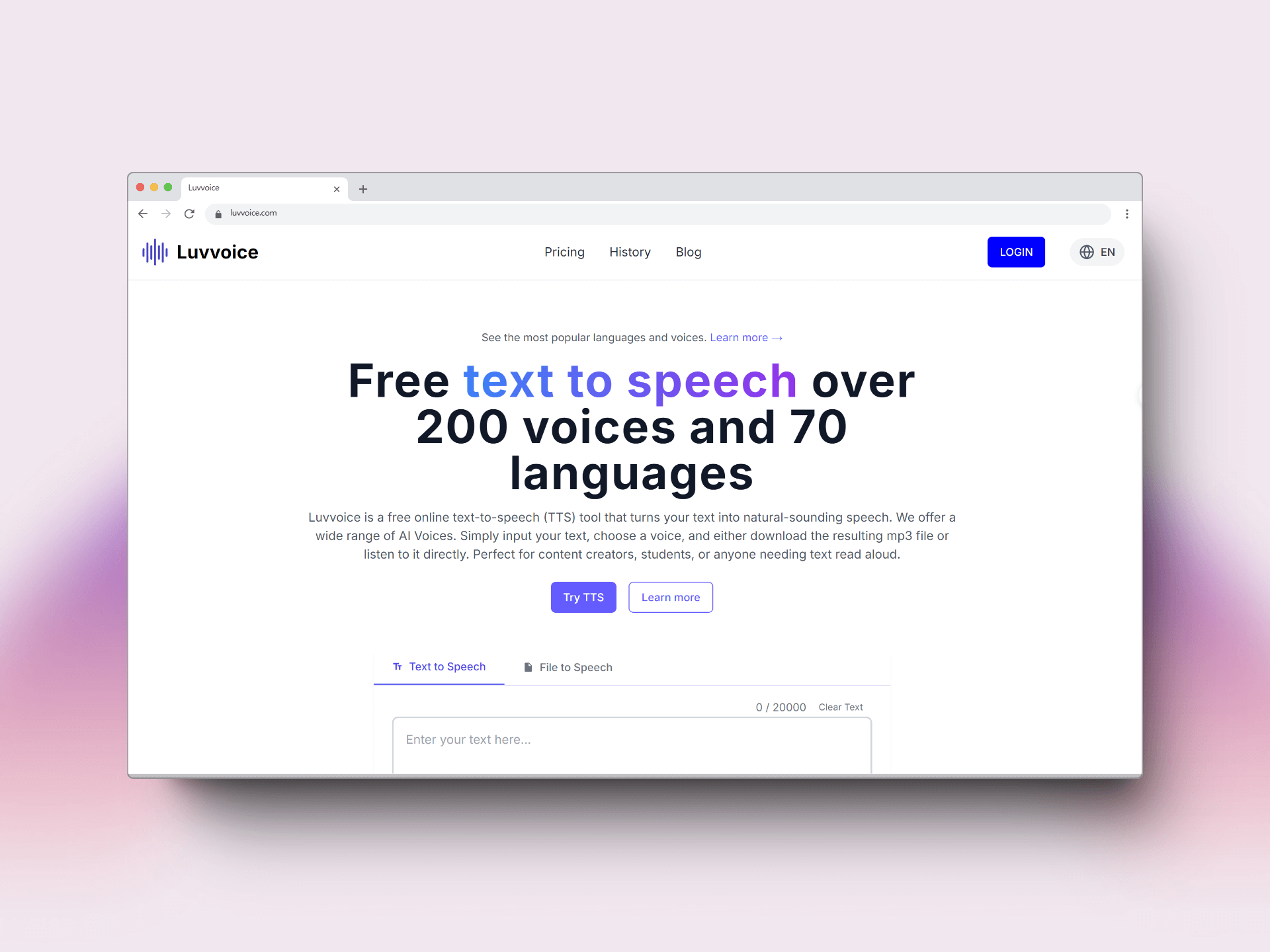
Luvvoice turns text, PDF and TXT files into spoken audio in about 70 languages, with roughly 200 AI voices, adjustable pitch and rate, MP3 downloads and 20,000 character conversions for signed-in users.
Luvvoice is a browser based text to speech service that converts written scripts into spoken audio and hands back an MP3 file. The library covers roughly 200 AI voices across more than 70 languages, including English, Spanish, Chinese, German, French, Japanese, Korean, Portuguese, Russian, Arabic, Hindi, Thai and Vietnamese. A short sample can be auditioned before committing, and speech rate and pitch are adjustable so a single voice can be tuned to different pacing needs. The workflow is deliberately plain. Paste or type a script into the editor, pick a language and a voice, then generate and either listen in the page or download the result. Beyond raw text, Luvvoice accepts PDF and TXT uploads and reads them aloud, and it includes an audiobook mode for longer material. Logged-in and paid users can push up to 20,000 characters in a single conversion, which matters for chapters, training scripts and long narration jobs. A pause control lets signed-in users insert silences of 0.5 to 5 seconds, useful for dialogue, lists and dramatic beats. Generated audio stays available for 30 days. The audience is broad: YouTubers and TikTok creators voicing shorts, podcasters producing intros, animators and game teams sketching character dialogue, educators building listening material, and accessibility teams turning web content into speech. A staff of public custom voices with named personas (Diego Herrera for documentary narration, Asher Lane for animation, Shu Ya for social media) sits alongside the standard voice list, and users can create their own custom voices. Apps for iOS and Android extend it beyond the desktop browser, and an API and MCP endpoint exist for programmatic use. Against dedicated voice synthesis platforms, Luvvoice leans on breadth and price rather than studio grade direction tools. It is a sensible first stop for creators who need multilingual narration quickly, and a weaker fit for teams that require granular per word editing, multi speaker timelines or voice cloning verified at scale.
A free tier exists with a monthly allowance of 10,000 characters, so the product can be evaluated at no cost before upgrading.
Learn moreLuvvoice is free to start. The free plan converts up to 10,000 characters per month, and the homepage notes a 3,000 character limit per conversion while signed out, rising to 20,000 characters at once for logged-in and paid users. Specific paid tiers and prices are not listed on the homepage.
Learn moreSupport runs through an FAQ on the homepage that covers pauses, character limits, MP3 export, commercial use and troubleshooting. No help centre or ticket portal is listed.
An API and MCP endpoint are offered for programmatic text to speech, alongside iOS and Android apps. No named third party integrations are listed.
Text to speech with around 200 voices in over 70 languages, adjustable rate and pitch, pause insertion, PDF and TXT document reading, an audiobook mode, MP3 download, 20,000 character conversions for account holders, custom voice creation, plus iOS and Android apps and API and MCP access.
 AI Angels400+ customizable AI girlfriends for NSFW chat, voice calls, and roleplay
 Candy AIExperience the future of companionship with AI friends who chat, role-play, and connect with you on a human level.
 ourdream.aiA vast AI roleplay platform with millions of characters for chat, images, video and voiceAI Angels400+ customizable AI girlfriends for NSFW chat, voice calls, and roleplayCandy AIExperience the future of companionship with AI friends who chat, role-play, and connect with you on a human level.ourdream.aiA vast AI roleplay platform with millions of characters for chat, images, video and voice


