Free trial
New accounts get 20 free credits, which the site presents as enough to generate a few images and assess output quality before paying.
Learn moreTrain a private AI model on your own photos, then generate new images and videos
Own Make Any Image? Verify ownership to get a dofollow link

Make Any Image is a generative image tool. A generative image and video platform that trains a custom model from your uploaded photos of a person, product or style, then renders new images from text prompts. Built for consistent likeness and product visuals rather than one off prompting, with pay as you go credits and a beta video mode.
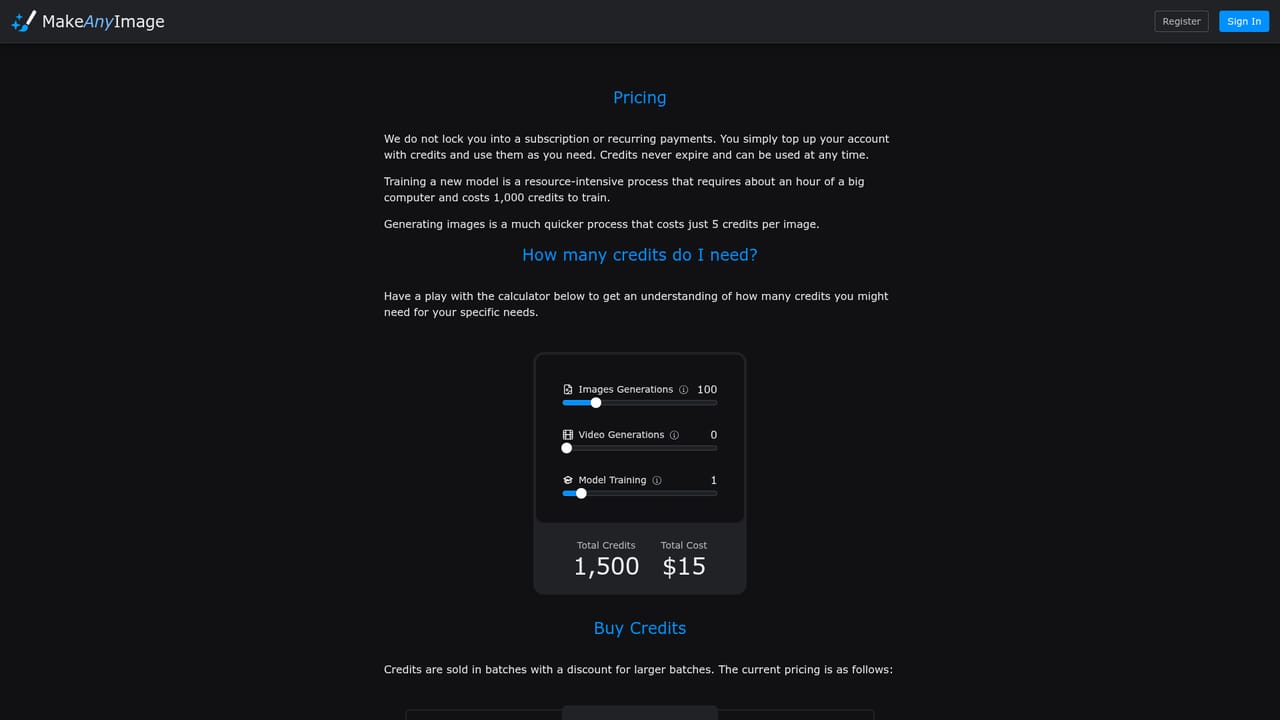
Make Any Image is a web based generative image and video service built around custom model training rather than one size fits all prompting. The premise is narrow and practical: supply a varied set of photos of yourself, a product, or a visual style, let the platform build a model from them, then describe what you want in text and receive studio quality renders. The gallery on the site covers portraits, corporate headshots, product photography, pet images, meme style output and playful character shots, and the company states that every example shown was produced through training and generation alone, with no retouching. The workflow runs in three stages. A user registers, uploads a diverse image set to teach the AI, and then generates from that trained model with text prompts. Because the model is tied to specific subjects, results tend to preserve likeness and product detail that generic generators lose. A beta video feature extends the same output into short clips with smooth motion, aimed at social media, presentations and creative projects. The site groups the use cases into avatars, product concepting, physical product visualization and video content, which points to a mixed audience of individuals who want portraits of themselves in different settings, and small brands that need campaign or catalog visuals without booking a shoot. Positioning is the most interesting part of the offer. Make Any Image explicitly contrasts itself with fast, low cost apps, describing its training as studio grade and aimed at professional results. That places it closer to bespoke model training services than to consumer prompt tools, and the pricing page carries a pay as you go structure for ongoing use. Buyers should read the pricing page before committing, because credit consumption per training run and per generation is where the real cost sits, and the homepage does not spell those numbers out. The most direct alternative is a general purpose image generator with a character or style reference feature, which removes the training step but often drifts from the subject across a larger batch. Make Any Image trades that convenience for consistency on a known face or product. It is best suited to people with a clear subject and a reason to render it repeatedly; casual users chasing one off novelty images will likely find the training step more effort than the result requires.
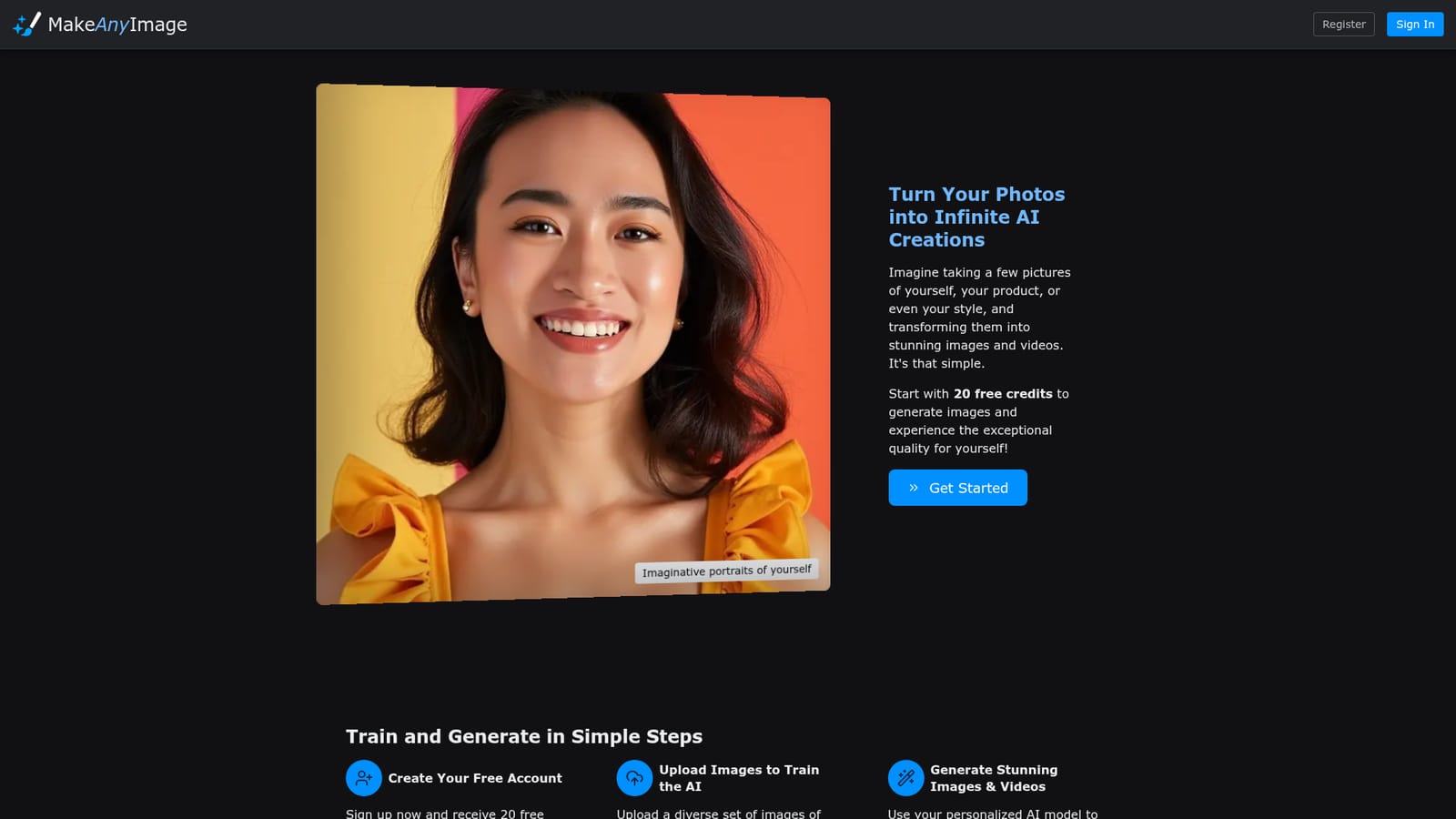
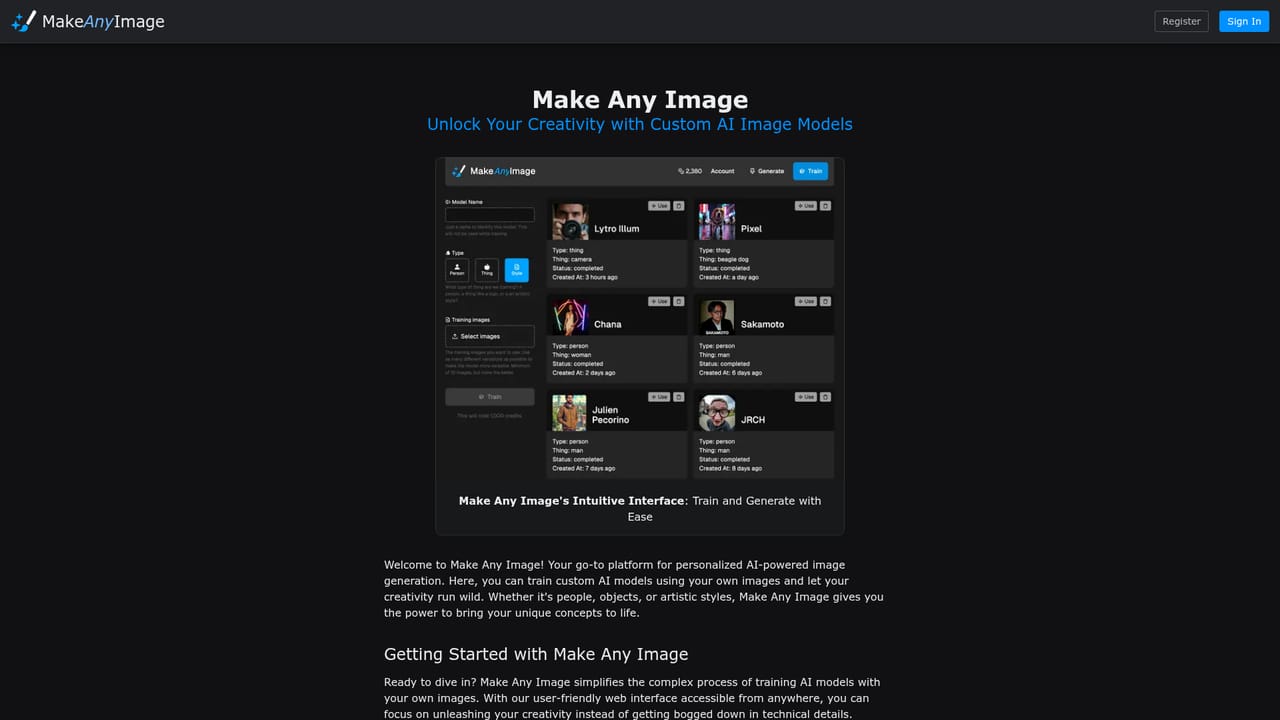
New accounts get 20 free credits, which the site presents as enough to generate a few images and assess output quality before paying.
Learn moreThe homepage describes a pay as you go system for ongoing use, with 20 free credits on sign up. Specific credit prices, per training costs and any subscription tiers are not stated on the homepage and sit on the pricing page.
Learn moreA support page and an FAQ are linked from the site footer, alongside the guide and pricing documentation. No response times or contact channels are described on the homepage.
Learn moreCustom model training from uploaded photos of people, products or styles, text to image generation from the trained model, and a beta video mode that animates generated stills. Documented uses include avatars, product concepting, product visualization, portraits in themed settings, memes and pet images.
Learn more AI Angels400+ customizable AI girlfriends for NSFW chat, voice calls, and roleplay
 Candy AIExperience the future of companionship with AI friends who chat, role-play, and connect with you on a human level.
 ourdream.aiA vast AI roleplay platform with millions of characters for chat, images, video and voiceAI Angels400+ customizable AI girlfriends for NSFW chat, voice calls, and roleplayCandy AIExperience the future of companionship with AI friends who chat, role-play, and connect with you on a human level.ourdream.aiA vast AI roleplay platform with millions of characters for chat, images, video and voice


