Free trial
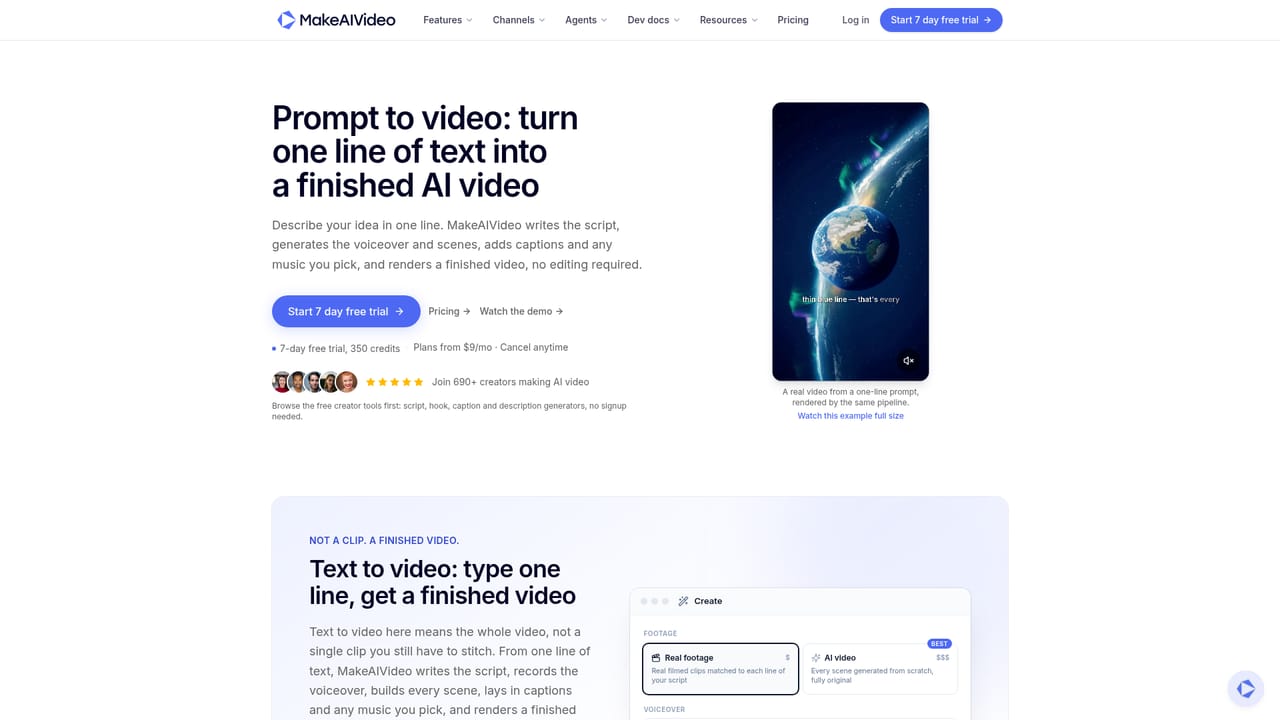
A 7 day free trial is offered from the homepage. The free idea and hook generators need no signup.
Learn moreTurn a prompt, script or photo into a captioned, postable AI video

MakeAIVideo is a text-to-video tool that turns a prompt, script or photo into a captioned, postable AI video. MakeAIVideo turns a prompt, script, photo or existing clip into a finished MP4 with AI voiceover, captions, scenes and optional music, then posts it to connected social accounts.
MakeAIVideo is a web-based AI video generator that runs a full production pipeline from a single starting point. A user can begin with a one-line prompt, a finished script, a still photo, or an existing clip, and the platform writes any missing script, records a voiceover, builds scenes, times captions, adds optional music and renders a finished MP4. Exports are described as watermark-free, and talking avatar and image-to-video outputs are delivered at 1080p. The product is aimed at social creators, faceless channel operators, marketers and small teams who need short vertical or widescreen clips without filming or editing by hand. Beyond the core modes (prompt to video, script to video, talking avatar, image to video and character swap), the create screen offers dedicated tools for ads, explainers, tips and lists, stories, UGC ads, product demos and article to video. Templates and a trends browser let users start from an existing structure, while an idea generator returns ten concepts for a niche. Free idea and hook generators are available without signup. In practice, the user picks a starting mode, chooses one of 15 visual styles and an aspect ratio (9:16, 1:1 or 16:9), and sets length, voice and caption style. Scenes can use real stock footage or be generated entirely by AI. Each render lands in a library where it can be reopened in a built-in editor to rewrite a caption, swap a voice or re-roll a scene, then downloaded or posted to connected TikTok, Instagram and YouTube accounts, immediately or on a schedule. Credit estimates are shown before each generation. Among alternatives, it sits between single-purpose avatar or text-to-video generators and full manual editors: the breadth is in the pipeline, with captions, voice and publishing handled in one place. It also exposes CLI, MCP and API access so ChatGPT, Claude, Grok or other agents can run video creation on a user's behalf, which suits automated content workflows.
A 7 day free trial is offered from the homepage. The free idea and hook generators need no signup.
Learn morePlans and pricing are listed on a dedicated pricing page. Generation uses credits, with an estimated cost shown before each render. Exact plan prices are not stated on the homepage.
Learn moreA help page is listed on the site, along with developer documentation for MCP and the API.
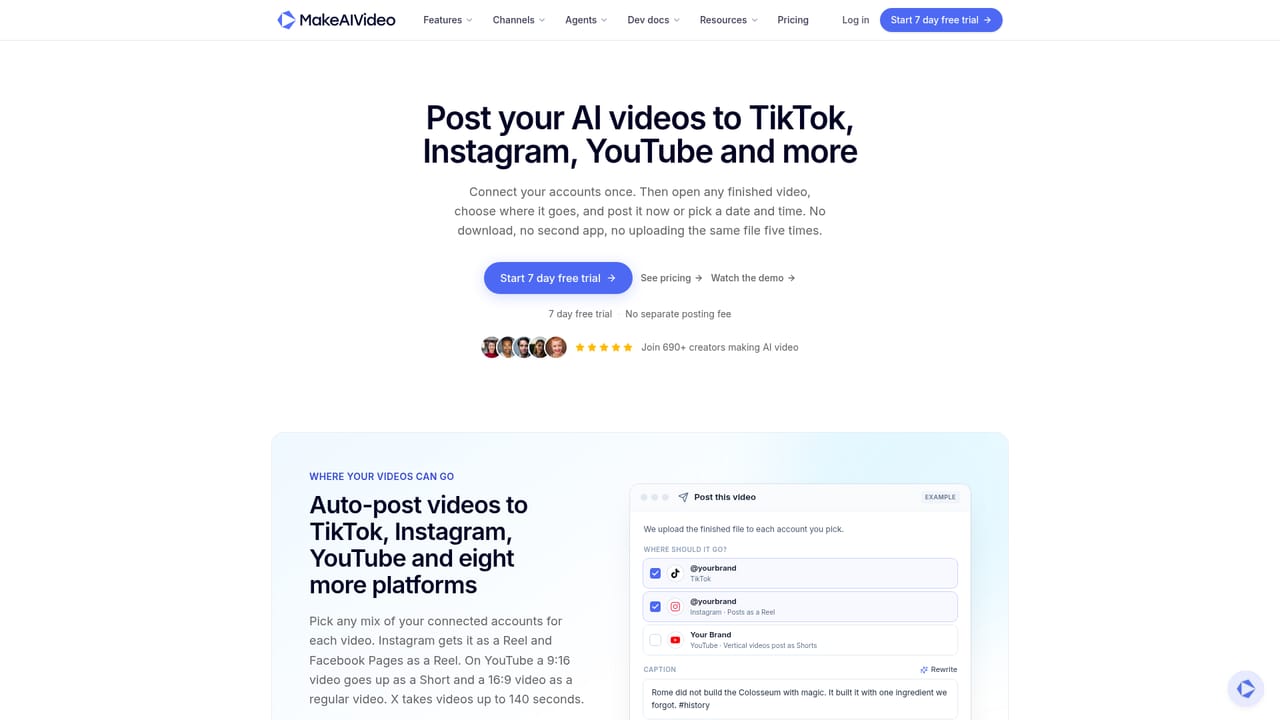
Learn morePosts to connected TikTok, Instagram, YouTube and other social accounts. ChatGPT, Claude, Grok or any agent can drive it through CLI, MCP or API.
Learn morePrompt, script, image and article to video; talking avatars; character swap; ad maker; explainers; templates; trends; idea generator; 15 visual styles; word-by-word captions; AI voices; music; built-in editor; scheduled social posting; watermark-free 1080p MP4 export.


