Pricing
The homepage states that Makeayo is free to use and that generations are unlimited at no additional cost. A dedicated pricing page exists for further detail.
Learn moreDesktop AI art studio with local generation, pose ControlNets and 4K upscaling

Makeayo is an AI image upscaler tool. A Windows desktop app for AI image generation that runs locally, offering text to image, image transformation, ControlNet pose matching, 4K upscaling and hundreds of community models with unlimited generations at no cost.
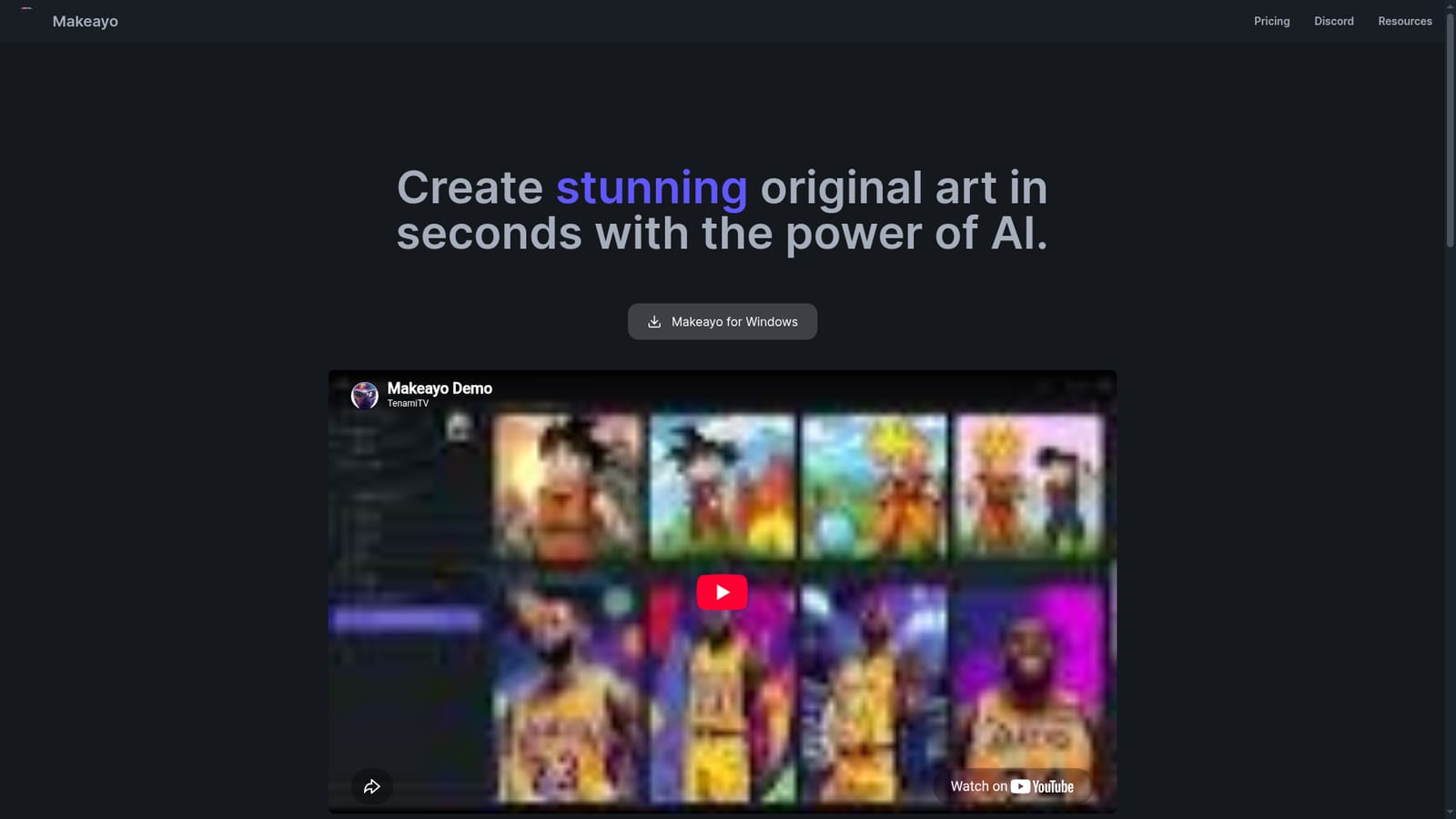
Makeayo is a desktop application for generating original artwork from text prompts and reference images, built for Windows 10 and Windows 11 with Mac and Linux versions stated as coming soon. Rather than pushing every render through a hosted service, it runs on the user's own machine, the same model as Photoshop or DaVinci Resolve. The site recommends at least an NVIDIA GeForce GTX 1050, which tells you the workload is local and the GPU matters. For anyone without suitable hardware, the site points to running Makeayo inside a cloud environment via RunDiffusion. The workflow is deliberately short. You pick a base image or model, describe the picture you want, and generate results. From there the tool offers image transformation into new styles, HD upscaling that reaches 4K and beyond, and pose matching through ControlNets so an input photo can drive the composition of an output. A library of hundreds of models from the community covers different looks and subjects, which is where most of the stylistic range comes from. It suits illustrators, hobbyists and concept artists who want repeatable, cost predictable image generation without per image billing, and who are comfortable installing software and managing a GPU. The pitch leans on unlimited generations at no additional cost, so heavy iteration is the intended use case rather than a premium tier upsell. Against browser based generators, Makeayo trades setup friction for local control and no generation caps. Against more technical local front ends, it positions itself as the approachable option: the site stresses that anyone can produce work in a few clicks. There is also an active Discord community for model discovery and feedback, and an affiliate program is listed as coming soon.
The homepage states that Makeayo is free to use and that generations are unlimited at no additional cost. A dedicated pricing page exists for further detail.
Learn moreSupport runs through email at contact@makeayo.com plus a public Discord community for creators.
No integrations are documented on the homepage. The only external route mentioned is running Makeayo in a cloud environment on RunDiffusion.
Text to image generation, image transformation into new styles, ControlNet pose matching, HD upscaling to 4K and beyond, hundreds of community models, unlimited generations and a community Discord, all inside a local desktop app.
 AI Angels400+ customizable AI girlfriends for NSFW chat, voice calls, and roleplay
 Candy AIExperience the future of companionship with AI friends who chat, role-play, and connect with you on a human level.
 ourdream.aiA vast AI roleplay platform with millions of characters for chat, images, video and voiceAI Angels400+ customizable AI girlfriends for NSFW chat, voice calls, and roleplayCandy AIExperience the future of companionship with AI friends who chat, role-play, and connect with you on a human level.ourdream.aiA vast AI roleplay platform with millions of characters for chat, images, video and voice


