Pricing
The homepage does not list prices or plan details. It only states that local execution removes usage based fees and generation limits, and points readers to a dedicated pricing page for the actual editions.
Learn moreOpen source AI video effects and masking that run on your own machine

DeepMake is an AI image upscaler tool. DeepMake bundles open source generative AI for video and image work into a local install: text-to-image, image-to-image, automatic face and object masking, and AI upscaling, with no per-use fees or cloud dependency.
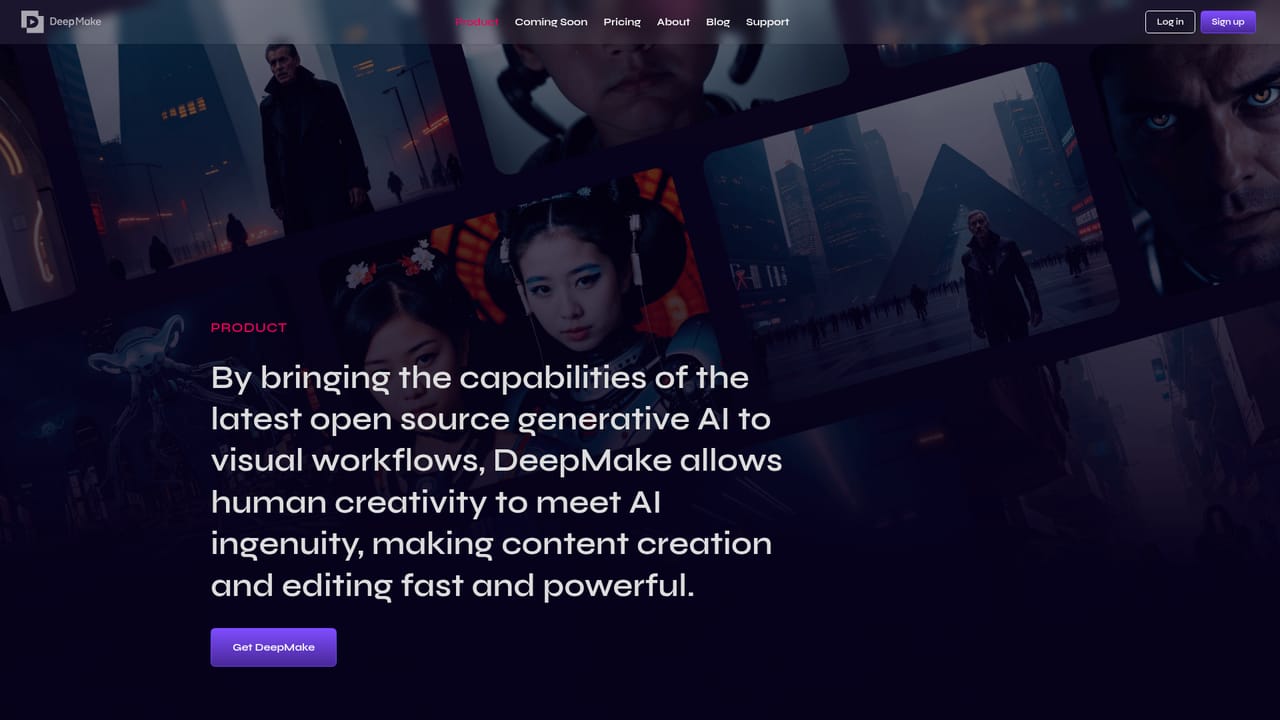
DeepMake puts a set of open source generative AI models behind a desktop interface, aimed at creators who want visual effects work done without sending footage to a cloud service. The pitch is straightforward: the models run locally on your computer, so there are no per-generation usage fees and no monthly cap on how much you produce. The homepage frames this as a control argument rather than a speed argument, positioning local execution as the way to get more predictable output and to keep working material on your own hardware. The feature set covers the core steps of a visual effects workflow. Text-to-image generation turns written prompts into stills, while image-to-image generation refines or augments existing images. On the video side, smart masking handles faces automatically and extends to characters, backgrounds and arbitrary objects, which is the layer segmentation work that normally eats hours in a compositing application. Image and video upscaling rounds out the set by using AI to raise the quality of lower resolution source material. The company says new tools are added monthly, so the list is treated as a moving target rather than a fixed product. The tool is aimed at editors, motion designers and small post production teams who already know their way around a timeline and want AI effects as a plugin style step rather than a separate web workflow. DeepMake has published tutorials for its After Effects plugins and for a web based AI masker, which suggests the intended pattern is to bring generated layers and mattes back into a conventional editing pipeline. Expect a local install, some dependence on your own GPU, and a learning curve tied to the underlying open source models rather than a polished one-click wizard. Among alternatives, DeepMake sits apart from hosted generators by trading convenience for ownership: no queue, no credits, no upload of client footage. The cost of that trade is that you manage the machine, the models and the output quality yourself, and the monthly release cadence means documentation can lag behind the toolset.
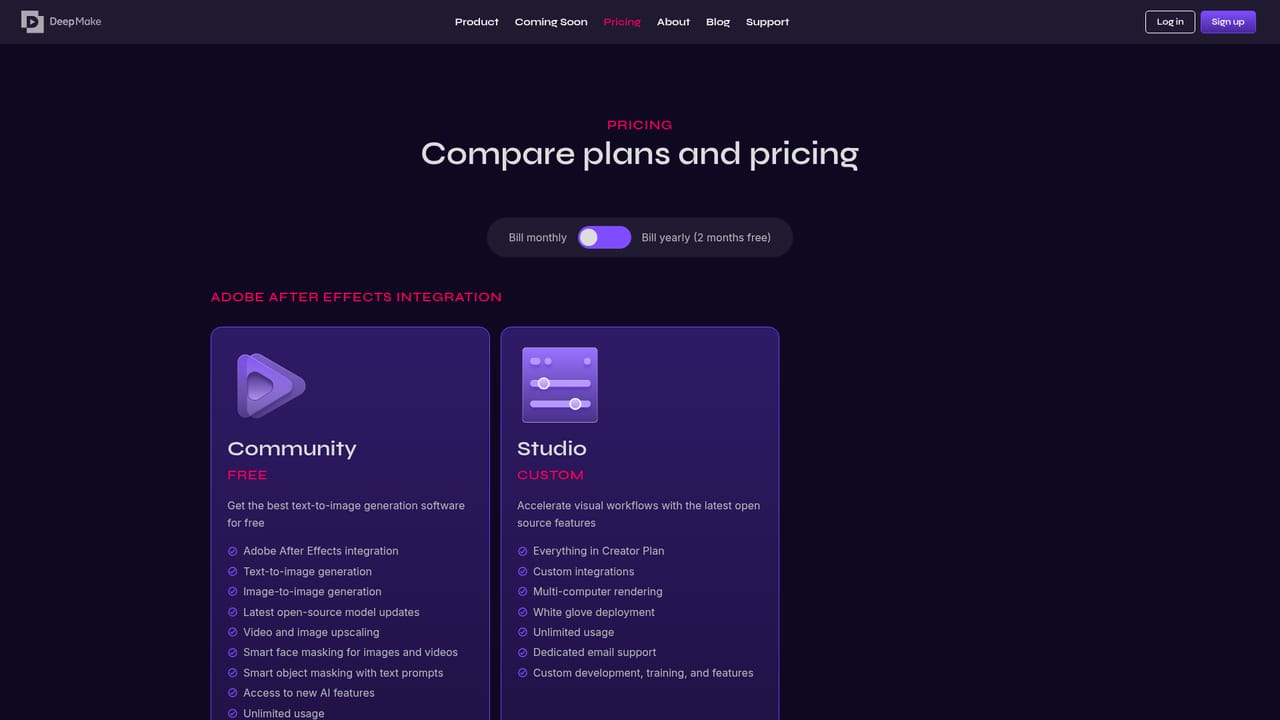
The homepage does not list prices or plan details. It only states that local execution removes usage based fees and generation limits, and points readers to a dedicated pricing page for the actual editions.
Learn moreSupport runs through a public Discord community plus video tutorials on DeepMake's YouTube channel, including setup guides for the After Effects plugins and the web based AI masker.
Text-to-image generation from written prompts, image-to-image refinement of existing images, automatic face masking, object and background masking for video, and AI upscaling for images and video. All models run locally, with no usage caps, and the company states new tools are added monthly.
Learn more AI Angels400+ customizable AI girlfriends for NSFW chat, voice calls, and roleplay
 Candy AIExperience the future of companionship with AI friends who chat, role-play, and connect with you on a human level.
 ourdream.aiA vast AI roleplay platform with millions of characters for chat, images, video and voiceAI Angels400+ customizable AI girlfriends for NSFW chat, voice calls, and roleplayCandy AIExperience the future of companionship with AI friends who chat, role-play, and connect with you on a human level.ourdream.aiA vast AI roleplay platform with millions of characters for chat, images, video and voice


