Free trial
The site describes the generator as free to use with no credit card required, but audio is still billed through your own OpenAI or ElevenLabs keys.
Learn moreTurn a written script into a finished podcast episode in minutes

MakePodcast is an AI narration tool that turns a written script into a finished podcast episode in minutes. MakePodcast turns a written script into podcast audio using OpenAI or ElevenLabs voices, with multi-host support, your own cloned voice, and multilingual output.
MakePodcast is a browser based studio that converts a written script into a finished podcast episode. The workflow is deliberately narrow: paste or upload a script, assign voices to one host or several, then generate the audio. The site says a typical episode renders in under a minute, and the output uses text to speech from OpenAI or ElevenLabs, depending on which provider you connect. The tool does not supply its own voice credits. Users bring API keys from OpenAI and ElevenLabs, enter them in the app, and pay those providers directly for the audio they consume. Keys are kept in browser storage rather than on MakePodcast servers. That arrangement keeps costs transparent and gives access to each provider's full voice catalog, including the ability to clone your own voice through ElevenLabs and select it like any other voice. The tradeoff is real setup work before the first episode exists. Use cases listed on the site cover full episodes, short ad reads, multilingual shows, and repurposing blog posts or articles as audio. Marketing teams also use it for voiceovers aimed at TikTok, Reels and Shorts. Scripts can include a single host or multiple co-hosts, and the page states there are no strict limits on script length or host count. A built-in script writer is not part of the product; the site points to ChatGPT or an imported text file as the practical starting point, provided hosts are formatted correctly. Compared with all-in-one podcast platforms that bundle hosting, editing and distribution, MakePodcast stays focused on generation. It is a sensible fit for creators who already produce scripts and want fast, repeatable audio, or for teams converting existing written material into episodes. Anyone expecting a turnkey subscription with included voice minutes will find the bring-your-own-key model and the separate provider accounts to be the main friction.
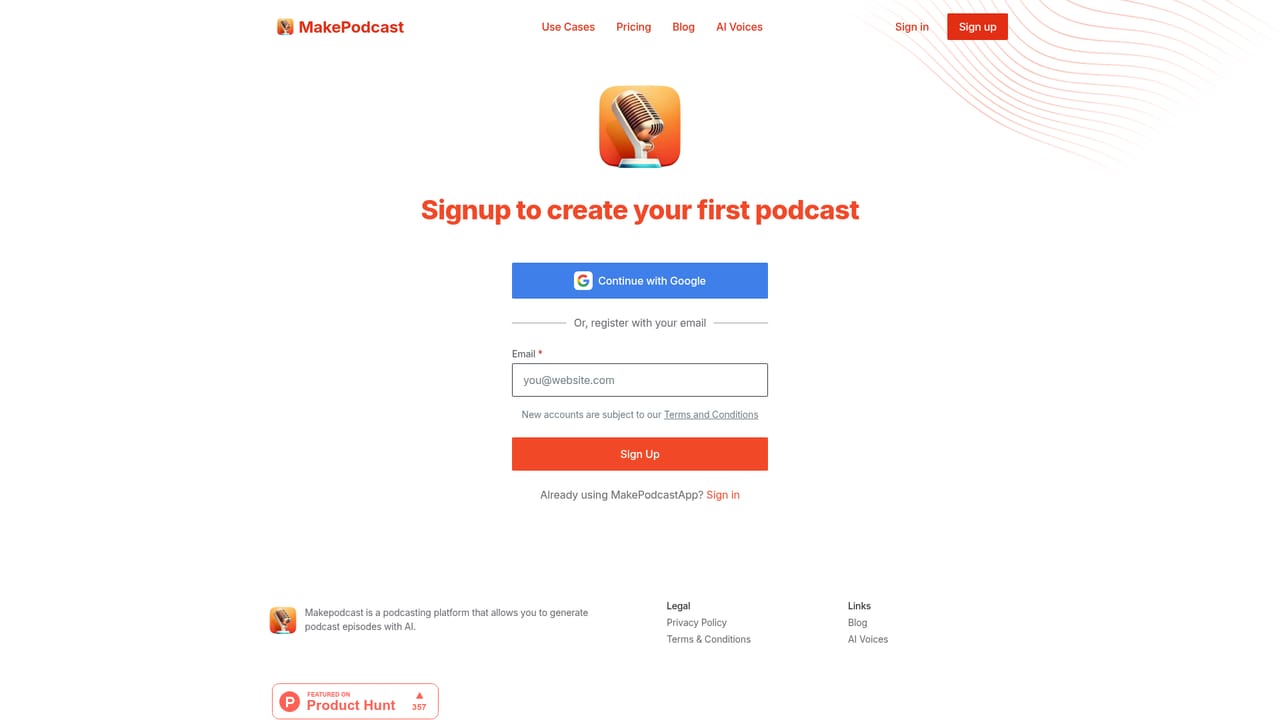
The site describes the generator as free to use with no credit card required, but audio is still billed through your own OpenAI or ElevenLabs keys.
Learn moreA single lifetime plan is listed at $99, currently discounted to $49 with the note that the price will rise. It covers unlimited episodes, 20 or more voices, your own voice via ElevenLabs, custom scripts and multiple languages. Voice costs are billed separately by OpenAI or ElevenLabs on your own accounts. Purchases are non-refundable.
Learn moreQuestions go to makepodcastapp@gmail.com, and a user testimonial on the site praises prompt support replies. No documentation portal or live chat is listed.
The product connects to OpenAI text to speech and ElevenLabs. You supply API keys for both, and usage is tracked on each provider's own dashboard.
Core features include script upload with one or many hosts, voice selection across OpenAI and ElevenLabs catalogs, custom voice cloning through ElevenLabs, multilingual episodes, ad read production and voiceovers for short form video. Generation is fast and episode counts are unlimited under the lifetime plan.
 AI Angels400+ customizable AI girlfriends for NSFW chat, voice calls, and roleplay
 Candy AIExperience the future of companionship with AI friends who chat, role-play, and connect with you on a human level.
 ourdream.aiA vast AI roleplay platform with millions of characters for chat, images, video and voiceAI Angels400+ customizable AI girlfriends for NSFW chat, voice calls, and roleplayCandy AIExperience the future of companionship with AI friends who chat, role-play, and connect with you on a human level.ourdream.aiA vast AI roleplay platform with millions of characters for chat, images, video and voice


