Pricing
Manzoni is sold as a one-time payment with no subscription. The homepage does not list a price figure, so check the purchase flow for the current amount.
Learn morePrivate AI writing help that works inside any app on your Mac.

Manzoni is a macOS word processor and AI writing assistant that runs models on-device. A hotkey overlay works over Google Docs, Gmail, Slack, Notion, Word and other apps, offering summarize, feedback, synonyms, translation, tone changes and message replies, with no account, no cloud processing and a one-time payment.
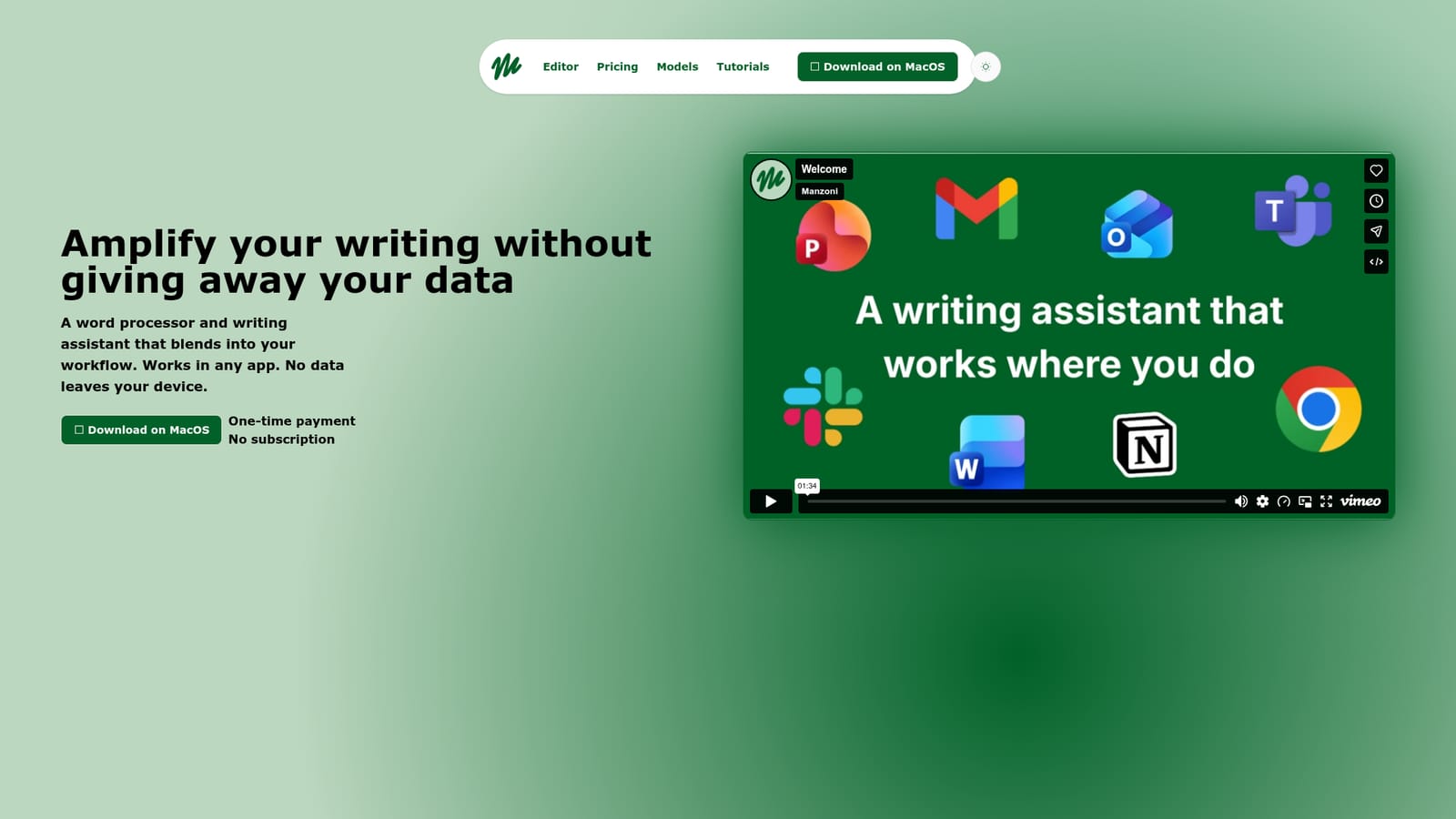
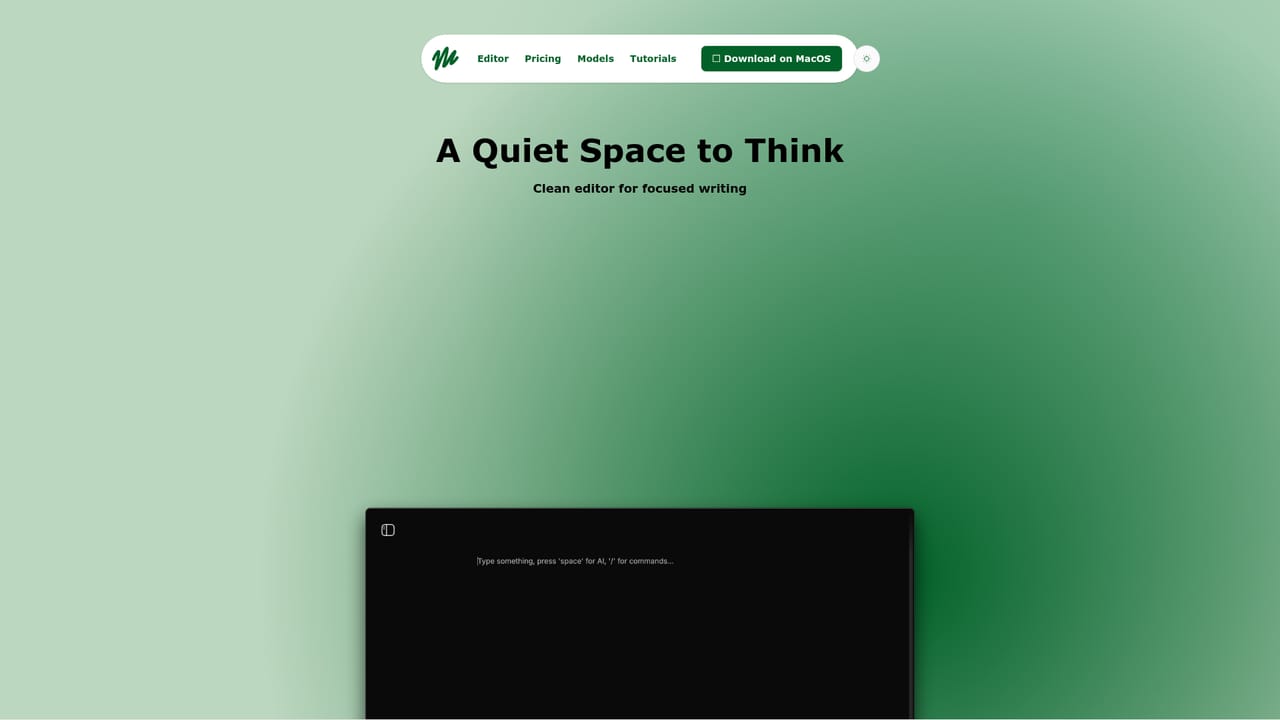
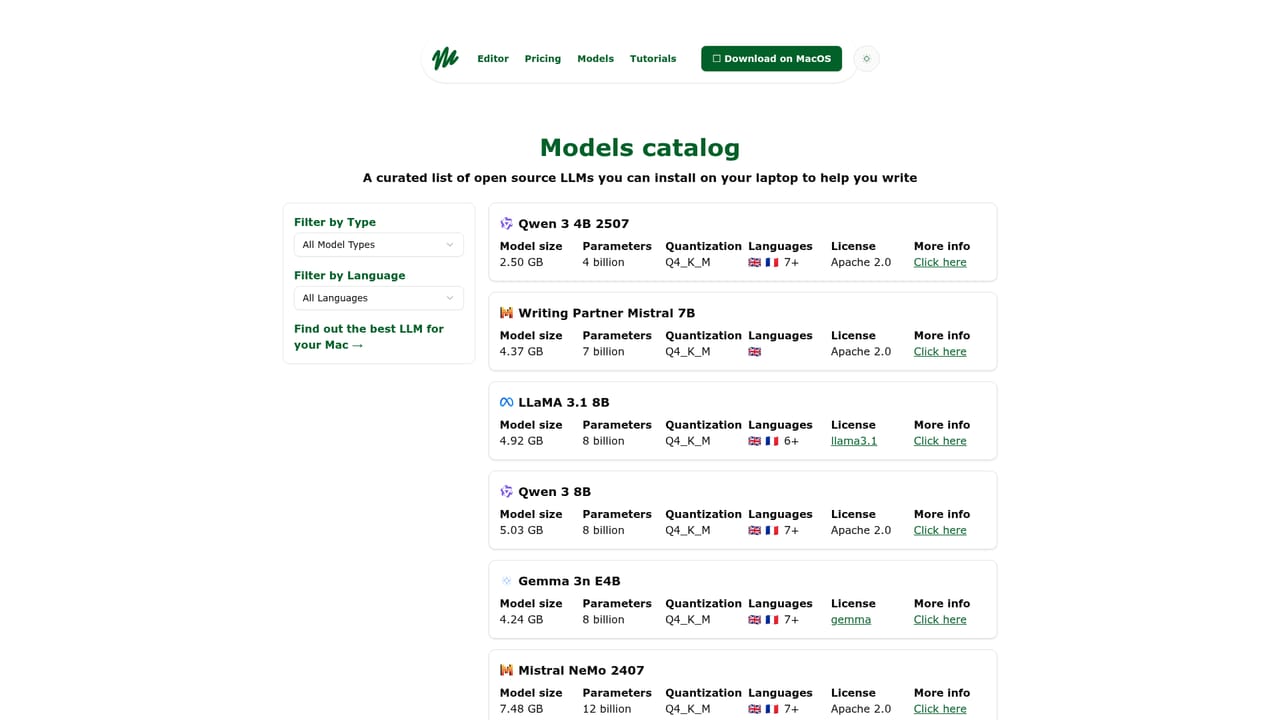
Manzoni is a macOS writing application that pairs a distraction-free word processor with an AI assistant running entirely on your own machine. The premise is straightforward: instead of sending drafts to a cloud service, the app processes writing suggestions locally, so documents and prompts never leave the laptop. There is no account to create and no internet connection required, which makes it unusually well suited to confidential material such as legal drafts, internal memos or unpublished manuscripts. The assistant is designed to follow you rather than the other way around. A hotkey summons it over whatever window has focus, and the site names Google Docs, Slides, Gmail, Outlook, Word, PowerPoint, Teams, Slack, Notion and Chrome as places where that overlay works. No browser extension or extra tab is involved, and text does not need to be copied into a separate chat panel. The available actions are practical rather than flashy: summarize a passage, request feedback, find synonyms, translate, adjust tone, or draft a reply to a message. A separate editor mode strips away toolbars for focused writing, with documents saved to the local disk. That split between an embedded helper and a standalone editor is the core of the product. Writers who want AI alongside their existing workflow can stay in their current tools; writers who want a quiet room can use the editor and ignore everything else. The models page catalogues which on-device models are available, which matters if you care about output quality or hardware requirements. Because everything runs locally, the ceiling is your Mac's hardware rather than a vendor's server farm, and there is no sync layer to move drafts between devices. Manzoni competes less with Google Docs or Word than with cloud writing assistants, and it wins or loses on that privacy trade. Buyers who need cross-device sync, browser access, collaboration or the largest hosted models will find it limiting. Buyers who want a capable assistant for sensitive writing, without subscriptions or uploads, get a focused tool with a one-time payment.
Manzoni is sold as a one-time payment with no subscription. The homepage does not list a price figure, so check the purchase flow for the current amount.
Learn moreWorks over Google Docs, Slides, Gmail, Outlook, Word, PowerPoint, Teams, Slack, Notion and Chrome through a hotkey overlay, with no extensions or extra tabs required.
Combines a hotkey AI overlay for other apps (including Google Docs, Gmail, Outlook, Word, PowerPoint, Teams, Slack, Notion and Chrome) with a distraction-free editor. Assistant actions include summarize, feedback, synonyms, translate, tone adjustment and message replies. Suggestions are processed on-device, the app works offline, requires no signup and offers light and dark modes.
Learn more AI Angels400+ customizable AI girlfriends for NSFW chat, voice calls, and roleplay
 Candy AIExperience the future of companionship with AI friends who chat, role-play, and connect with you on a human level.
 ourdream.aiA vast AI roleplay platform with millions of characters for chat, images, video and voiceAI Angels400+ customizable AI girlfriends for NSFW chat, voice calls, and roleplayCandy AIExperience the future of companionship with AI friends who chat, role-play, and connect with you on a human level.ourdream.aiA vast AI roleplay platform with millions of characters for chat, images, video and voice


