Support
The site offers LiveChat for direct questions and links to a page explaining how Markdown Capturer works. No documentation portal or ticket system is described on the homepage.
Turn AI chatbot answers into clean Word and PDF documents

Massivemark is a document formatting tool that turns AI chatbot answers into clean Word and PDF documents. A BibCit web tool that converts Markdown copied from AI chatbots such as ChatGPT, Claude and Gemini into editable Word documents and print-ready PDFs while preserving tables, formulas and code.
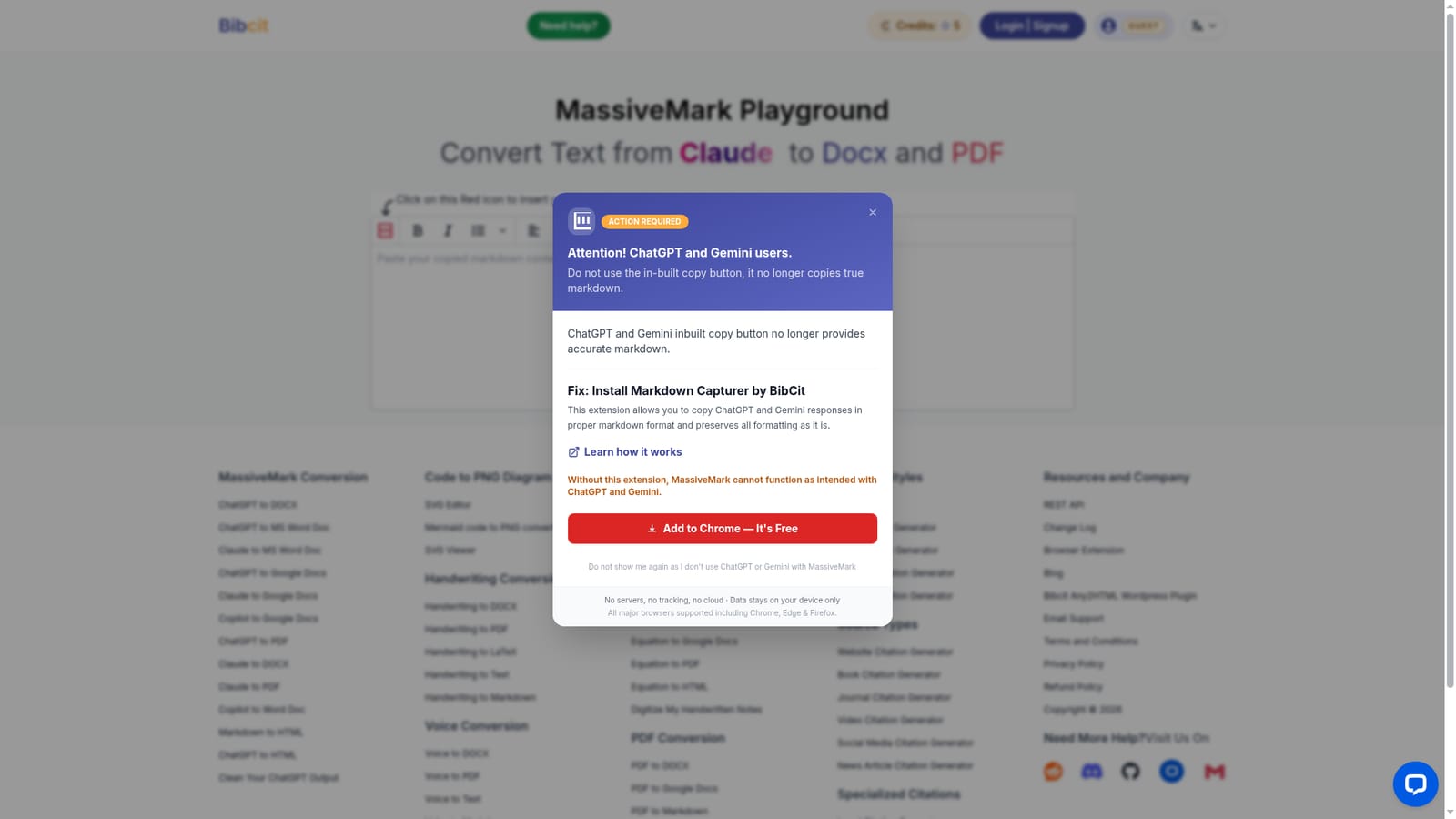
MassiveMark Playground is a browser-based converter from BibCit that takes Markdown text produced by AI chatbots and turns it into editable Word documents and print-ready PDFs. It supports output as DOCX, PDF and HTML. The tool is built around a specific frustration: chatbots such as ChatGPT, Claude, Deepseek, Grok, NotebookLM, Copilot and Gemini answer in Markdown, and that formatting tends to collapse when the text is pasted into a word processor. MassiveMark is designed to keep headings, tables, code snippets, mathematical formulas, equations and complex layouts intact through the conversion. The workflow is deliberately simple. The user copies the chatbot response, clicks the red icon on the Playground page to insert the copied content, and then generates the document. BibCit flags an important dependency: the built-in copy buttons in ChatGPT and Gemini no longer capture true Markdown, so the company distributes a separate Markdown Capturer browser extension that copies responses in proper Markdown. The company states that without the extension MassiveMark cannot work as intended with those two chatbots. MassiveMark sits in the gap between AI chat and traditional document work. People who use chatbots for drafting reports, study notes, technical explanations or research summaries usually need to hand the result to someone using Word, or to print it. General-purpose Markdown editors can do the conversion, but they expect the user to manage the formatting manually. MassiveMark targets that handoff directly, with a paste-and-convert flow rather than a full authoring environment. The product is aimed at students, researchers, analysts, technical writers and office workers who regularly move AI text into formal documents. Privacy is presented as a selling point: BibCit says there are no servers, no tracking and no cloud, and that data stays on the user device. Questions are handled through LiveChat on the site.
The site offers LiveChat for direct questions and links to a page explaining how Markdown Capturer works. No documentation portal or ticket system is described on the homepage.
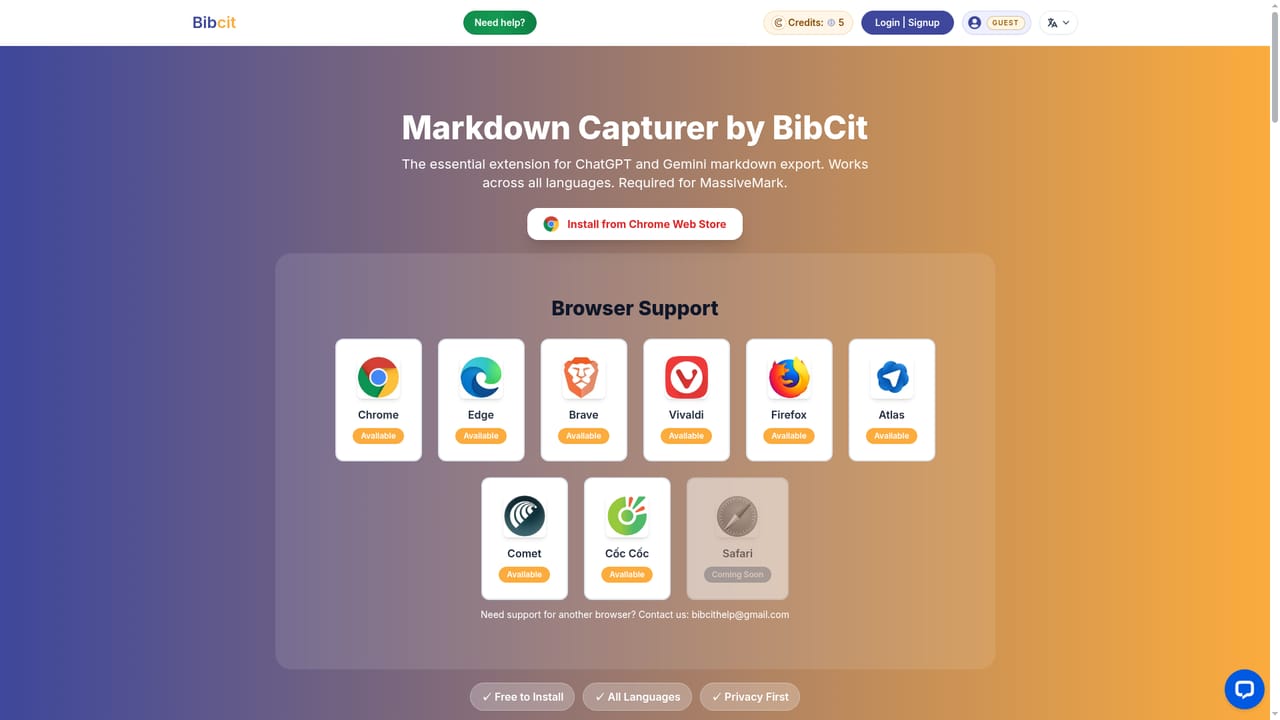
Works with text produced by ChatGPT, Claude, Deepseek, Grok, NotebookLM, Copilot and Gemini, and pairs with BibCit's Markdown Capturer extension for Chrome, Edge and Firefox. No other integrations are described on the homepage.
Learn moreConverts AI-generated Markdown into editable Word documents, print-ready PDFs and HTML. It preserves formatting including mathematical formulas, equations, tables, code snippets and complex layouts. The Playground accepts pasted content through a red insert icon, and BibCit pairs it with the Markdown Capturer extension for accurate copying from ChatGPT and Gemini.
 AI Angels400+ customizable AI girlfriends for NSFW chat, voice calls, and roleplay
 Candy AIExperience the future of companionship with AI friends who chat, role-play, and connect with you on a human level.
 ourdream.aiA vast AI roleplay platform with millions of characters for chat, images, video and voiceAI Angels400+ customizable AI girlfriends for NSFW chat, voice calls, and roleplayCandy AIExperience the future of companionship with AI friends who chat, role-play, and connect with you on a human level.ourdream.aiA vast AI roleplay platform with millions of characters for chat, images, video and voice


