Free trial
The site offers a Start free path with no credit card and a claimed 90-second setup, though it does not label this as a time-limited trial.
Learn moreAn agent workforce that finds your work, ranks it, and ships it

MetaSpark is a proactive AI assistant tool. MetaSpark runs an agent workforce across Linear, GitHub, Slack, Notion, Gmail and Calendar: it scores every task against your day and drafts or files the work that does not need a human, and it can write its own connector for tools it does not cover.
MetaSpark frames itself as an agent workforce rather than another notification layer. The pitch is blunt: Linear, Slack, Notion and Gmail are described as boards that track work without doing it, and MetaSpark adds agents that read across those boards, score each item against the day ahead, and then carry out the portions that do not require a person. The queue view is the core artifact. Tasks arrive with a numeric score, a status such as Up next or Stuck, and a source, so the top of the list is meant to be the next action rather than whatever produced the loudest alert. The connector story is the most distinctive part. Native connections exist for Linear, GitHub, Slack, Notion, Gmail, Calendar, Stripe and Salesforce, with OAuth handled directly. For anything outside that set, a user can point an agent at a system's public documentation and have it draft the connector, including resource mapping, auth flow and a webhook listener. The site shows this running against Stripe's API reference and reports a working connector in under a minute. That claim is ambitious, and it is the feature most worth testing before committing a team. In practice the product is aimed at founders, small engineering teams and operators who already live across several tools and lose time to morning triage. Execution is scoped to work that can be drafted or filed without a human decision: replying to an investor follow-up, refreshing a board document from commits, flagging a failing deploy. Outputs are written back to the source tool, and the agent tags a person only when a judgment call is needed. That places MetaSpark closer to an orchestration and execution layer than to a chat assistant or a task manager, and it competes with the automation features bundled into those same tools. The setup is advertised at roughly 90 seconds with no credit card, and the positioning targets solo users and small teams. The main open questions are how reliably agent-written connectors survive API changes and how much trust a team is willing to hand to automated drafting on sensitive threads.
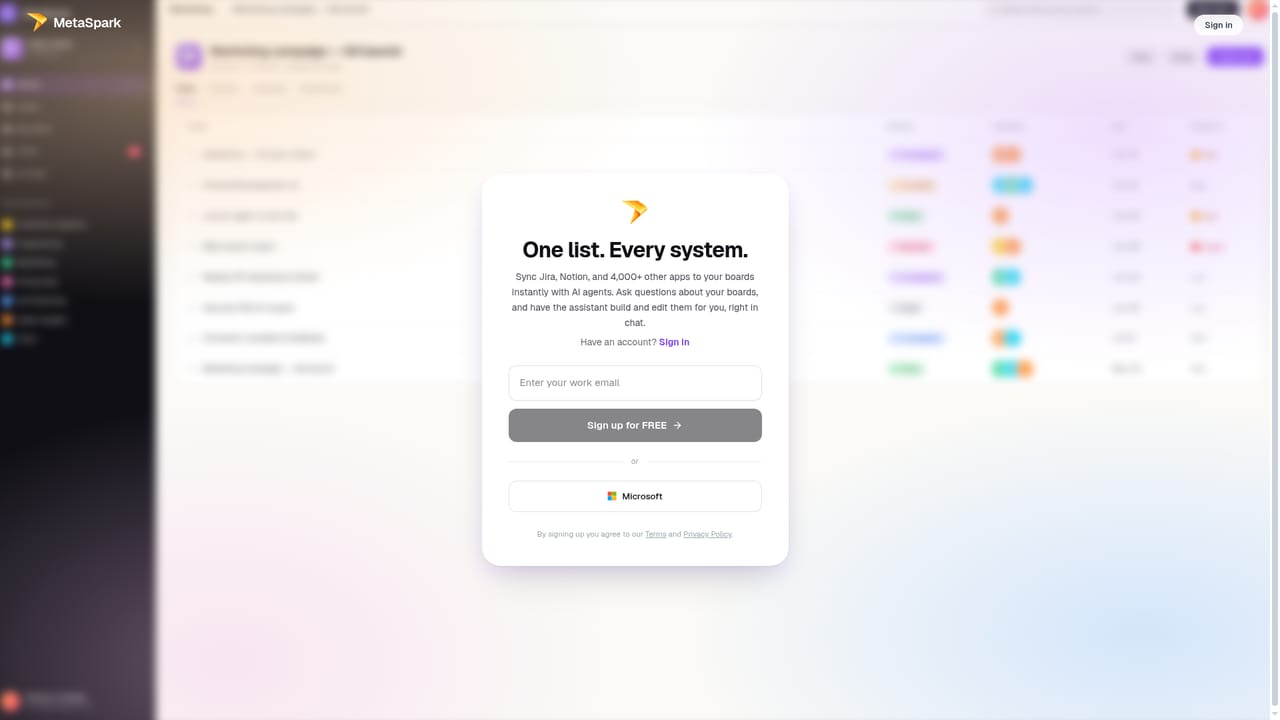
The site offers a Start free path with no credit card and a claimed 90-second setup, though it does not label this as a time-limited trial.
Learn moreThe homepage states that MetaSpark is free for solo and small teams, with a 90-second setup and no credit card required. No paid tiers, per-seat rates or usage limits are listed on the page.
Learn moreNative connectors cover Linear, GitHub, Slack, Notion, Gmail, Calendar, Stripe and Salesforce. For any other system, an agent reads the documentation and drafts the connector, including auth flow and webhook handling.
Agents connect to the tools a team already runs on, including Linear, GitHub, Slack, Notion, Gmail, Calendar, Stripe and Salesforce, plus agent-written connectors for anything else. Every task is scored against the calendar, dependencies and completed work, then sorted into a single ranked daily queue. Agents draft replies, update documents and file tickets, write the results back to the source system, and tag a human only when a decision is needed.
 AI Angels400+ customizable AI girlfriends for NSFW chat, voice calls, and roleplay
 Candy AIExperience the future of companionship with AI friends who chat, role-play, and connect with you on a human level.
 ourdream.aiA vast AI roleplay platform with millions of characters for chat, images, video and voiceAI Angels400+ customizable AI girlfriends for NSFW chat, voice calls, and roleplayCandy AIExperience the future of companionship with AI friends who chat, role-play, and connect with you on a human level.ourdream.aiA vast AI roleplay platform with millions of characters for chat, images, video and voice


