Free trial
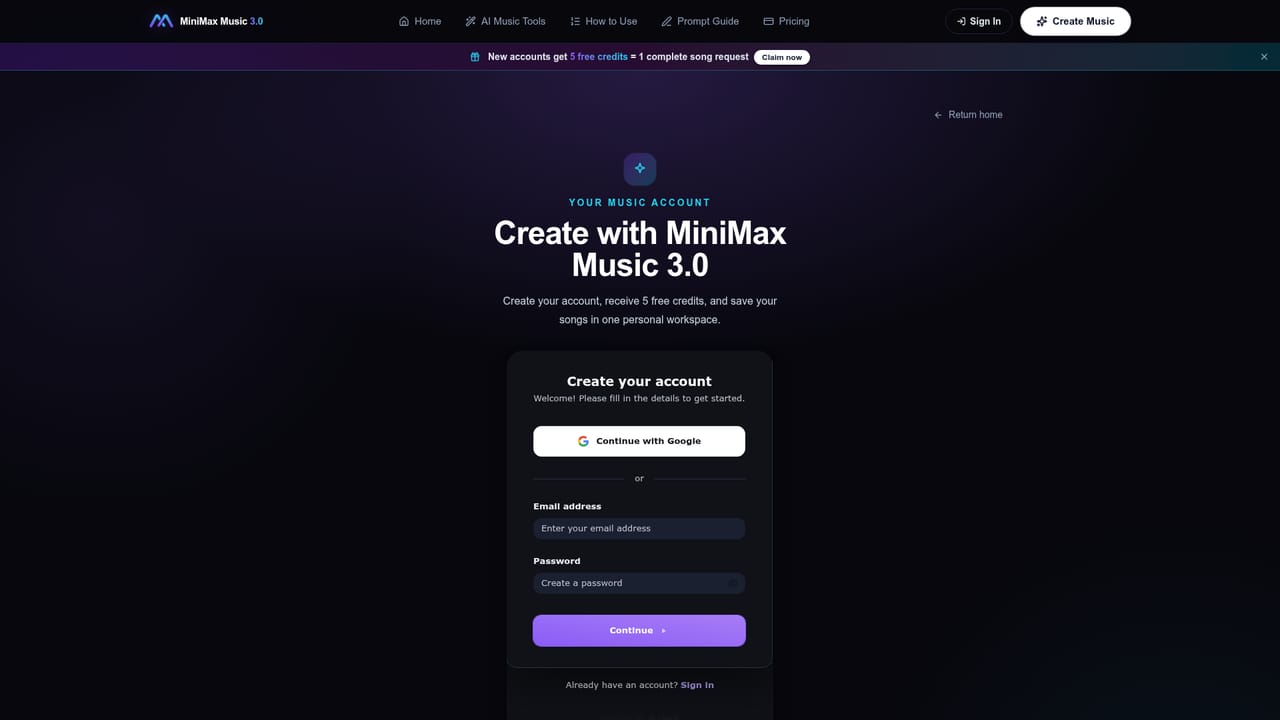
New sign-ups get 5 free credits, enough for one complete song generation, with no credit card required to claim them.
Learn moreTurn a written prompt or your own lyrics into a finished vocal or instrumental track.
Own MiniMax Music 3.0? Verify ownership to get a dofollow link

MiniMax Music 3.0 is a death metal generator tool that turns a written prompt or your own lyrics into a finished vocal or instrumental track. A web based AI music generator that turns text prompts and optional lyrics into vocal or instrumental tracks, with controls for genre, mood, instruments, and arrangement.
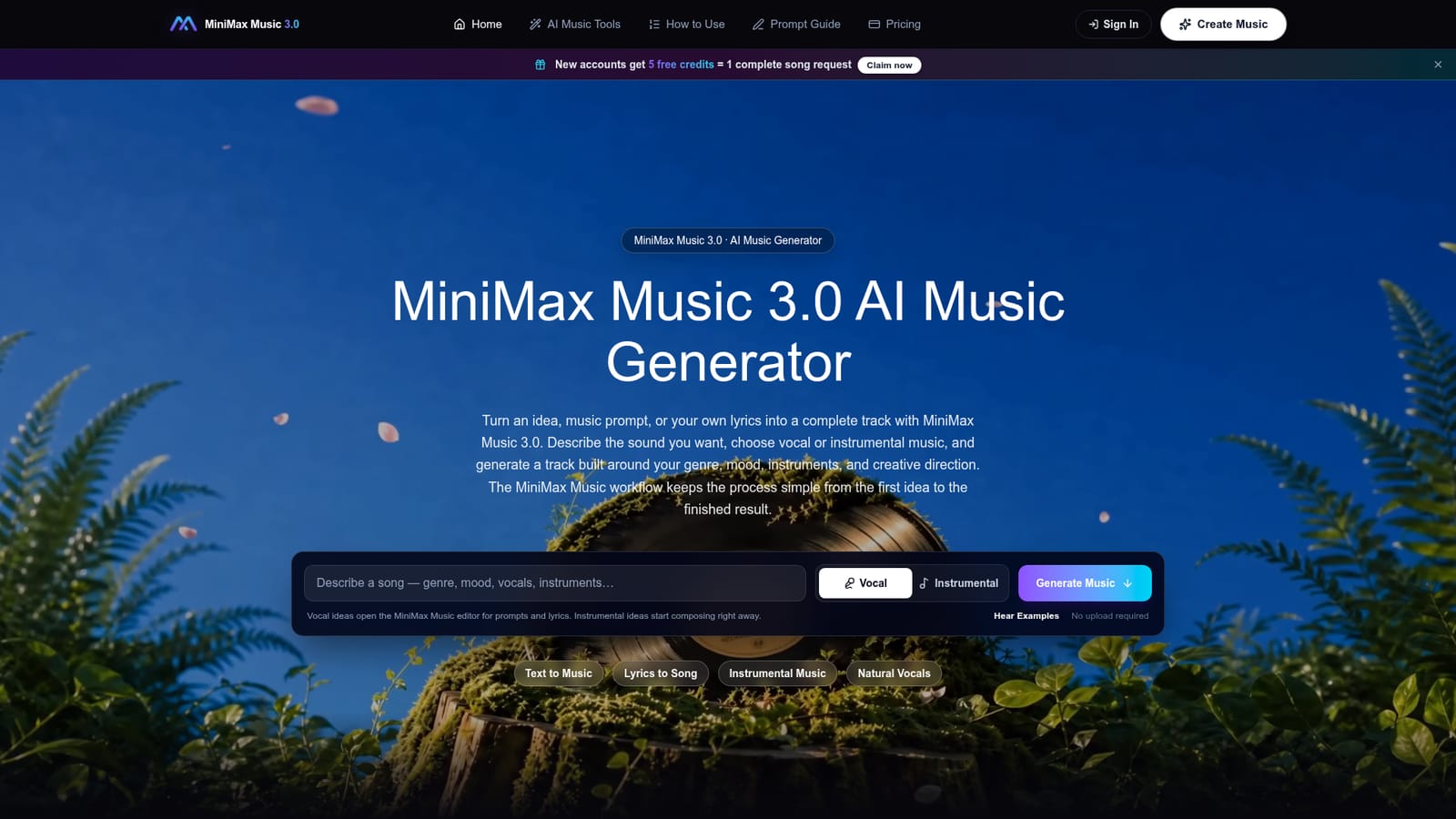
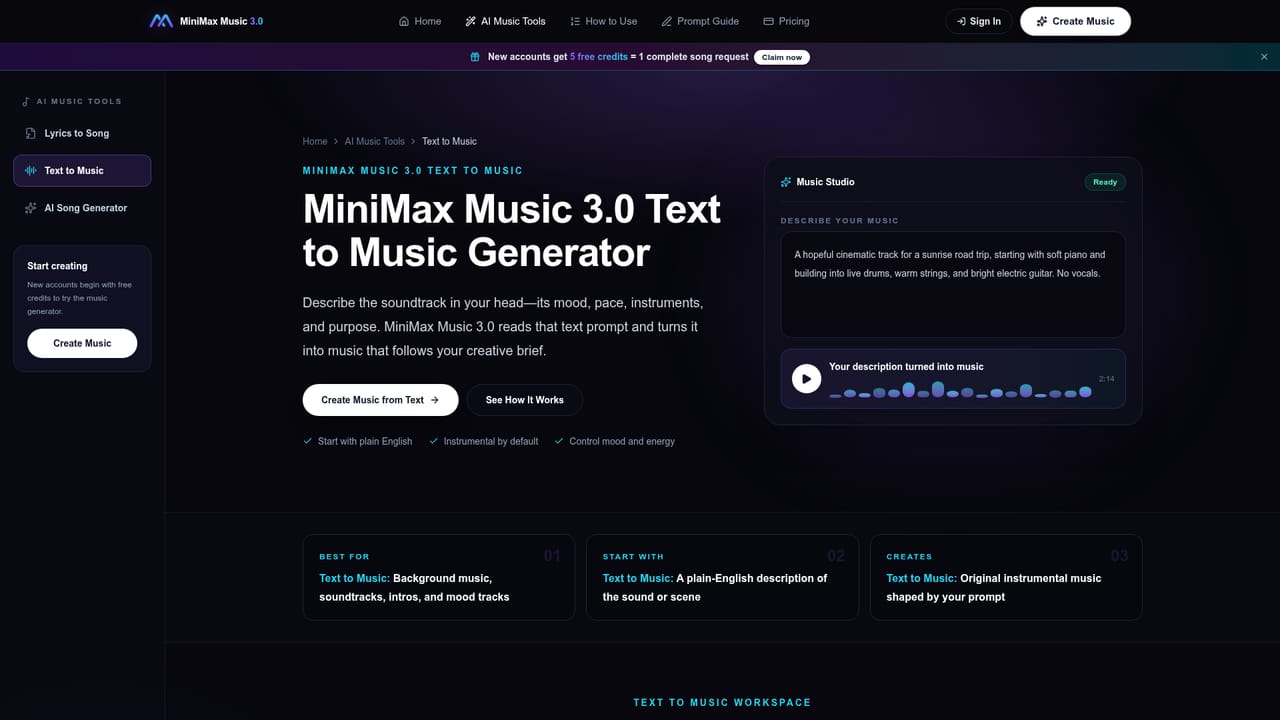
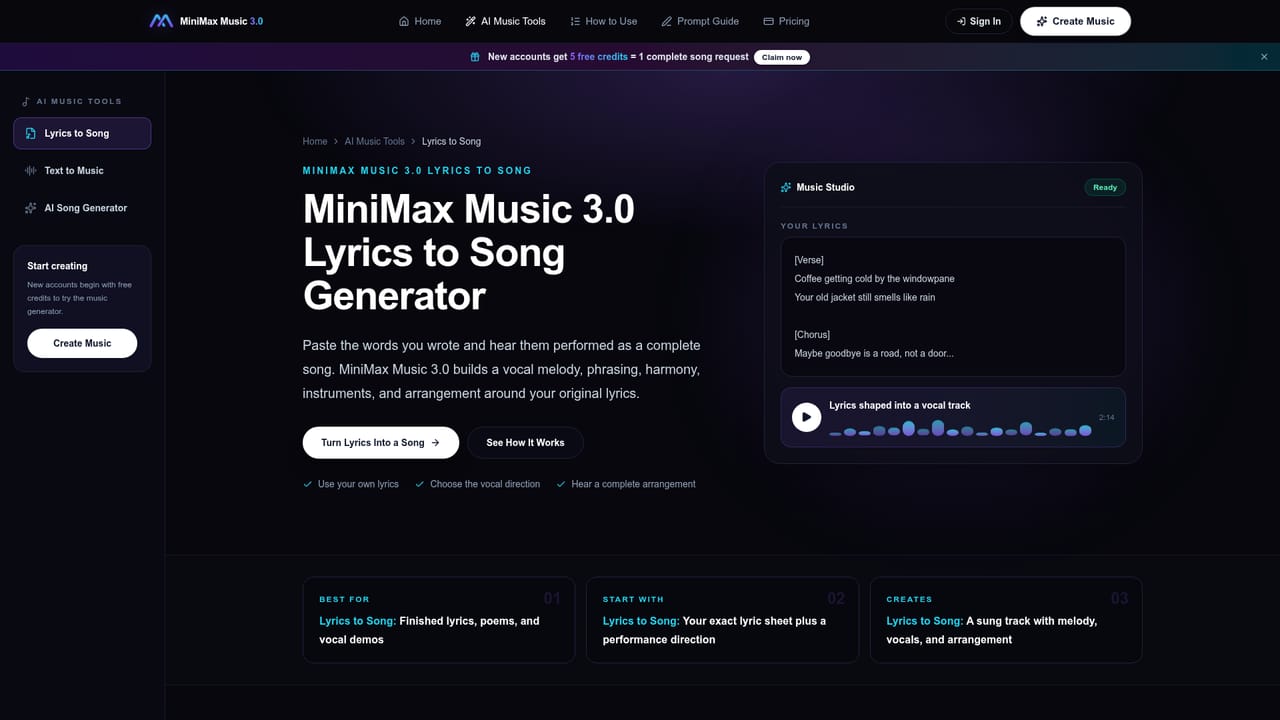
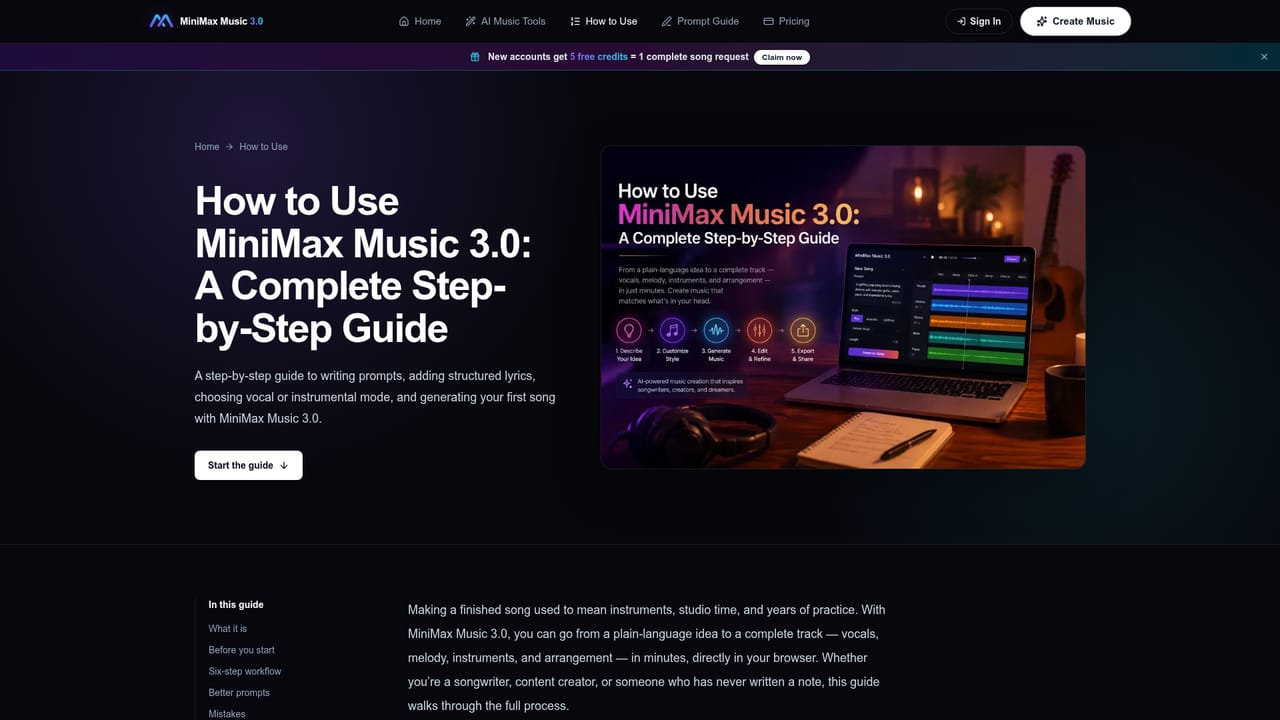
MiniMax Music 3.0 is a web based AI music generator that converts a written prompt, or a prompt paired with lyrics, into a complete track. Users choose between vocal mode, which produces a sung song with a lead voice, and instrumental mode, which builds an arrangement without vocals. Direction covers genre, mood, instrumentation, vocal character, energy, and arrangement, and the tool can also generate lyrics from a prompt if none are supplied. The tool is aimed at people who need a usable track quickly rather than a full production suite: songwriters testing a chorus or arrangement idea, video and social content creators who need music matched to pace and mood, game developers prototyping themes, and podcasters looking for restrained instrumental beds. No music production background is required, since the workflow runs on plain language descriptions rather than technical terminology. In practice, a session starts with describing the sound, deciding whether lyrics are involved, generating a first version, and then listening back before making one focused change (vocal style, mood, or instrumentation) and generating again. This create, listen, adjust cycle is built around comparing small variations rather than starting over each time. Supporting pages cover prompt writing, lyrics formatting, and worked examples for both vocal and instrumental tracks. Within the AI music generation space, MiniMax Music 3.0 positions itself against tools like Suno, Udio, and ElevenLabs Music, and the site includes direct comparison pages against those as well as against an earlier MiniMax Music version. It is run as an independent service built around the MiniMax Music 3.0 model rather than being operated directly by MiniMax itself.
New sign-ups get 5 free credits, enough for one complete song generation, with no credit card required to claim them.
Learn moreMiniMax Music 3.0 runs on a credit system. New accounts receive 5 free credits, equal to one song request, and additional credit packs are sold on the pricing page, though exact prices and pack sizes are not stated on the homepage.
Learn moreSupport is handled by email at support@minimaxmusic3.net; no live chat, phone line, or dedicated help center is mentioned.
Generates vocal or instrumental tracks from text prompts, accepts user-written lyrics, offers a prompt guide and lyrics format guide, includes playable examples, and supports iterative refinement across use cases like demos, video music, social content, game music, and podcast backgrounds.
Learn more AI Angels400+ customizable AI girlfriends for NSFW chat, voice calls, and roleplay
 Candy AIExperience the future of companionship with AI friends who chat, role-play, and connect with you on a human level.
 ourdream.aiA vast AI roleplay platform with millions of characters for chat, images, video and voiceAI Angels400+ customizable AI girlfriends for NSFW chat, voice calls, and roleplayCandy AIExperience the future of companionship with AI friends who chat, role-play, and connect with you on a human level.ourdream.aiA vast AI roleplay platform with millions of characters for chat, images, video and voice


