Free trial
No time-limited trial is needed: the free tier grants 10 credits every month with no credit card, no expiry and no hidden fees. Credits reset monthly and do not roll over.
Learn moreFree AI upscaler that pushes photos to 4K, 8K or 16K

Monipix is a 4K upscale tool. Browser-based AI image upscaler with 2x to 16x factors, 4K to 16K output, portrait, landscape and anime handling, plus a Creative Upscale mode. 10 free credits monthly, paid plans from $19.90/month.
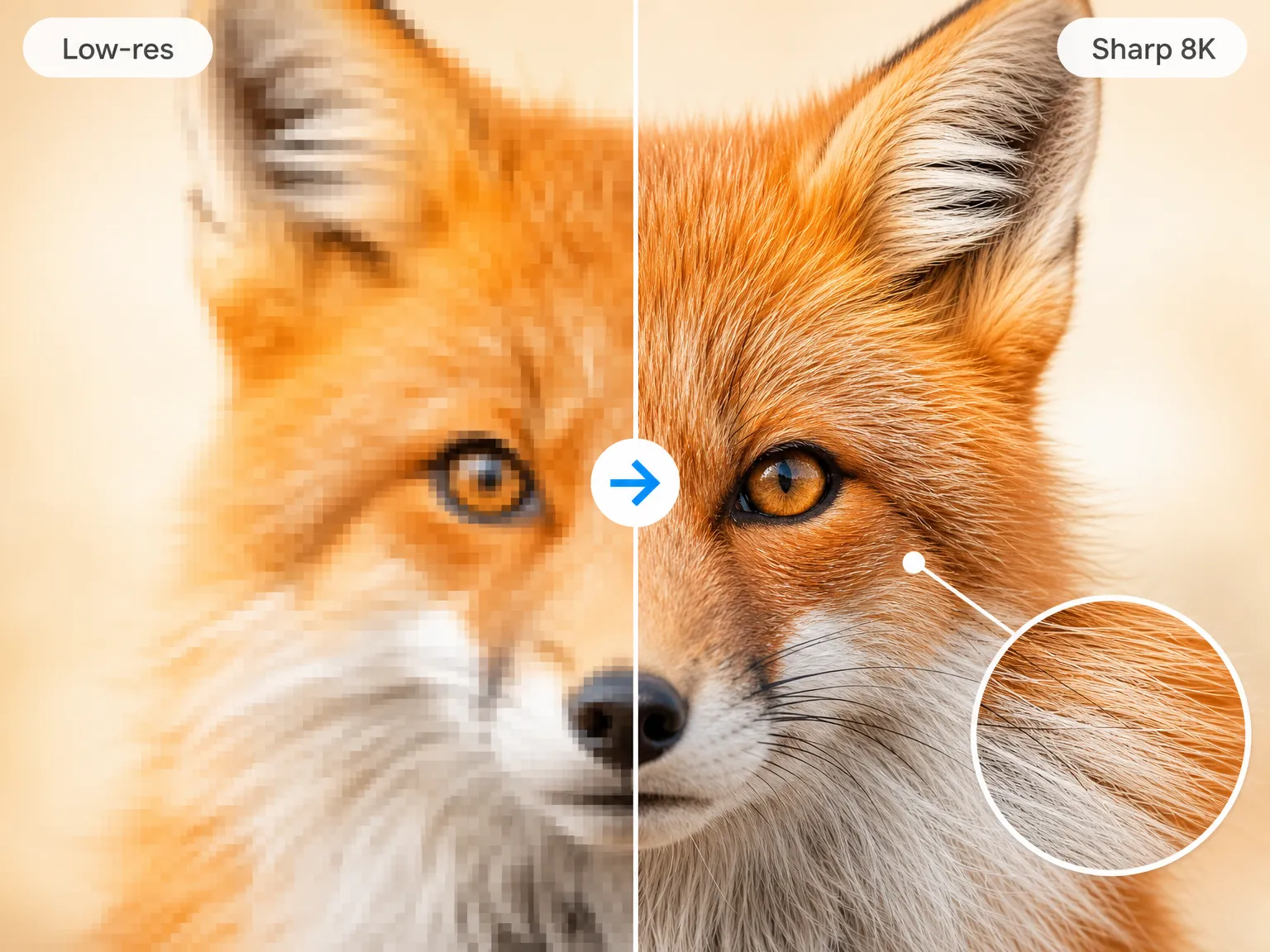
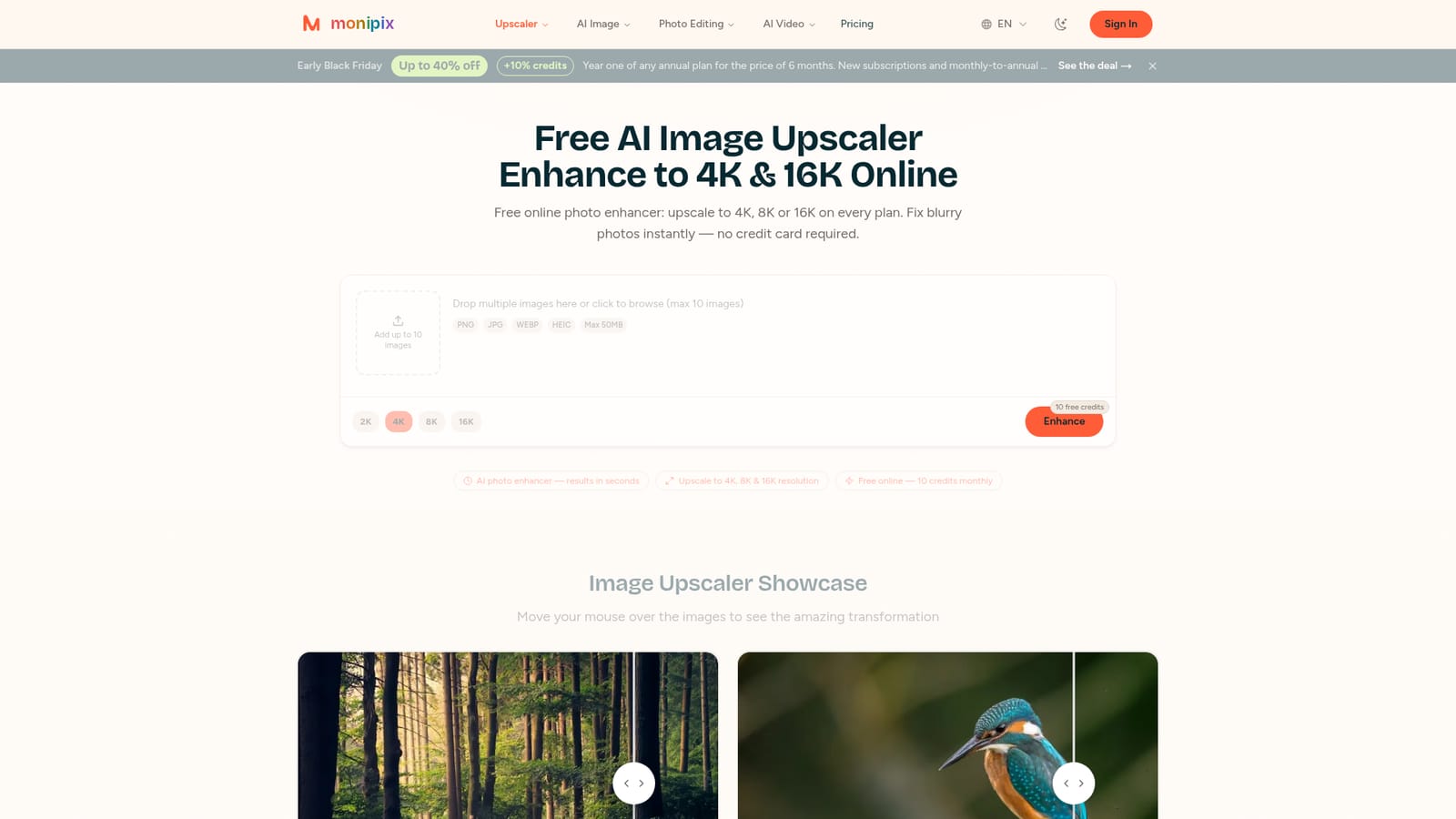
Monipix is a browser-based AI image upscaler built for enlarging photos without the soft, smeared look that comes from stretching pixels. It accepts JPG, PNG, HEIC and WebP files up to 50MB and offers scaling factors of 2x, 4x, 8x or 16x, which means a 1000 by 1000 pixel source can reach 16000 by 16000. Neural networks rebuild textures, sharpen edges and reduce noise during enlargement, and colour depth is enhanced along the way, which helps most on old or faded photos. There is no application to install; the tool runs in desktop, tablet and mobile browsers. The workflow is deliberately short. You load an image (up to ten at once), pick a factor, and let the model process it, with results arriving in seconds. Every factor costs a single credit, so the resolution choice is not a cost decision. A separate Creative Upscale mode offers a more artistic interpretation with sliders for creativity and resemblance, which is useful for stylised or damaged sources where exact reconstruction is not the goal. Content types have their own behaviour: portraits get facial detail and eyes sharpened while skin tones stay natural, landscapes pull out foliage, rock and haze detail, and anime, manga and AI-generated art keep clean lines and flat colour. The audience is broad rather than specialist. E-commerce sellers fixing product shots, people restoring family photos, designers preparing assets for print, and creators cleaning up Midjourney or other generator output all fit. Anyone with a casual need can stay on the free tier, since 2x through 16x is available on every plan including free. Output is yours to use commercially on all tiers, provided you hold the rights to the original. Against dedicated desktop upscalers, Monipix trades fine-grained model selection and local processing for convenience and a low entry price. The FAQ is candid that detail never captured cannot be recovered, so tiny or badly damaged images gain less. For routine web, social and print enlargement it covers the job without a subscription commitment, and one-time credit packs suit occasional users who do not want a recurring bill.
No time-limited trial is needed: the free tier grants 10 credits every month with no credit card, no expiry and no hidden fees. Credits reset monthly and do not roll over.
Learn moreFree tier with 10 credits monthly and no card. Paid plans: Starter at $19.90/month for 600 credits, Professional at $39.90/month for 1,800 credits, Premium at $69.90/month for 3,600 credits. One-time credit packs that never expire are also sold. Every upscale costs 1 credit at any factor.
Learn moreUpscaling from 2x to 16x (up to 16K), neural detail reconstruction, colour and vibrancy enhancement, noise reduction, and dedicated handling for portraits, landscapes and anime. Creative Upscale adds creativity and resemblance sliders, batch uploads take up to ten images, and output supports JPG, PNG, HEIC and WebP.
 AI Angels400+ customizable AI girlfriends for NSFW chat, voice calls, and roleplay
 Candy AIExperience the future of companionship with AI friends who chat, role-play, and connect with you on a human level.
 ourdream.aiA vast AI roleplay platform with millions of characters for chat, images, video and voiceAI Angels400+ customizable AI girlfriends for NSFW chat, voice calls, and roleplayCandy AIExperience the future of companionship with AI friends who chat, role-play, and connect with you on a human level.ourdream.aiA vast AI roleplay platform with millions of characters for chat, images, video and voice