Support
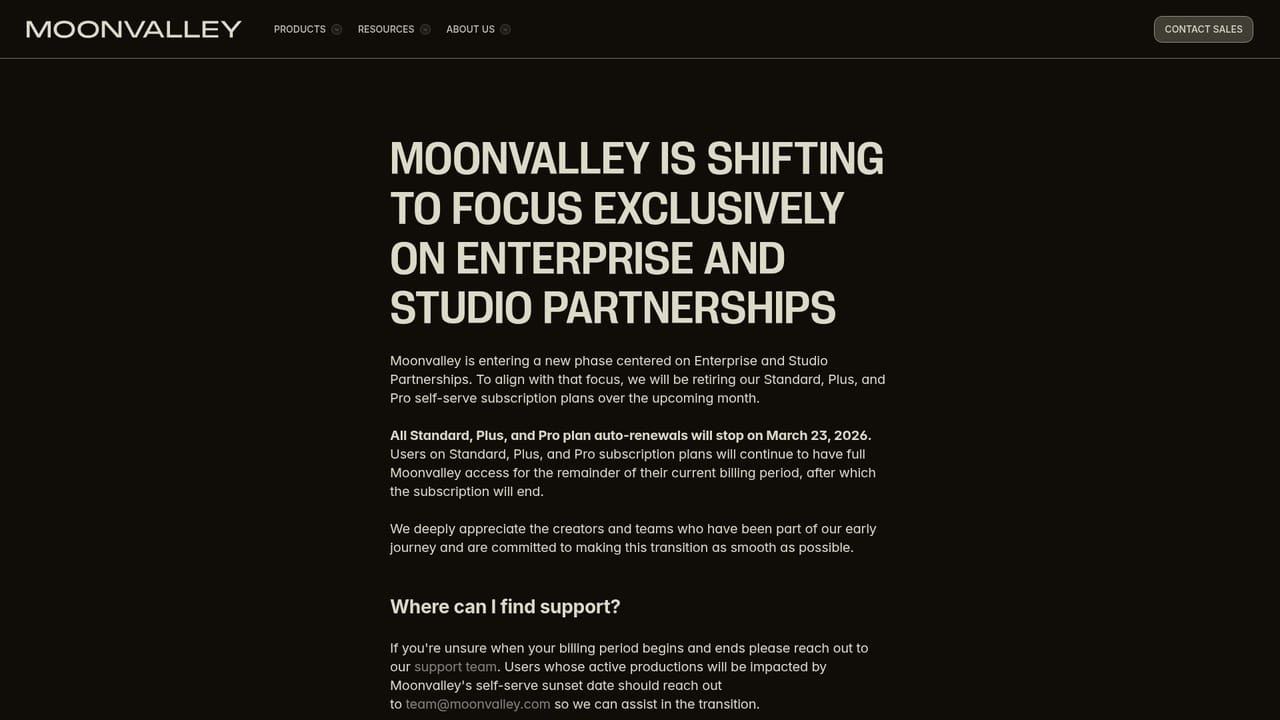
Support channels listed on the site include a Discord community, a legal and trust safety page, and a press contact for media inquiries. No help centre or ticket system is published.
Cinematic AI video generation with frame-level director controls

Moonvalley is an AI narration tool. Moonvalley's Marey model generates image-to-video and text-to-video with a filmmaker's control set: pose transfer, camera moves from a single still, motion transfer from reference clips, and drawn object trajectories. Trained on licensed cinematic footage and pitched as commercially safe for studio and agency work.
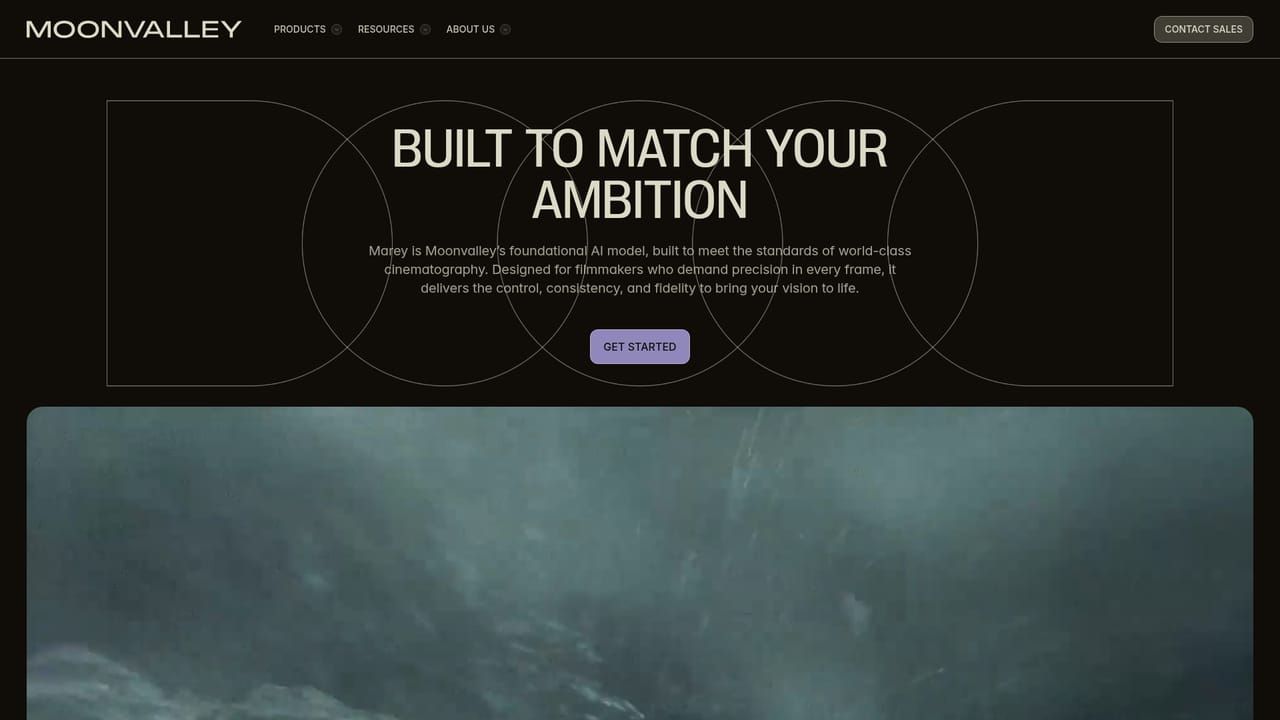
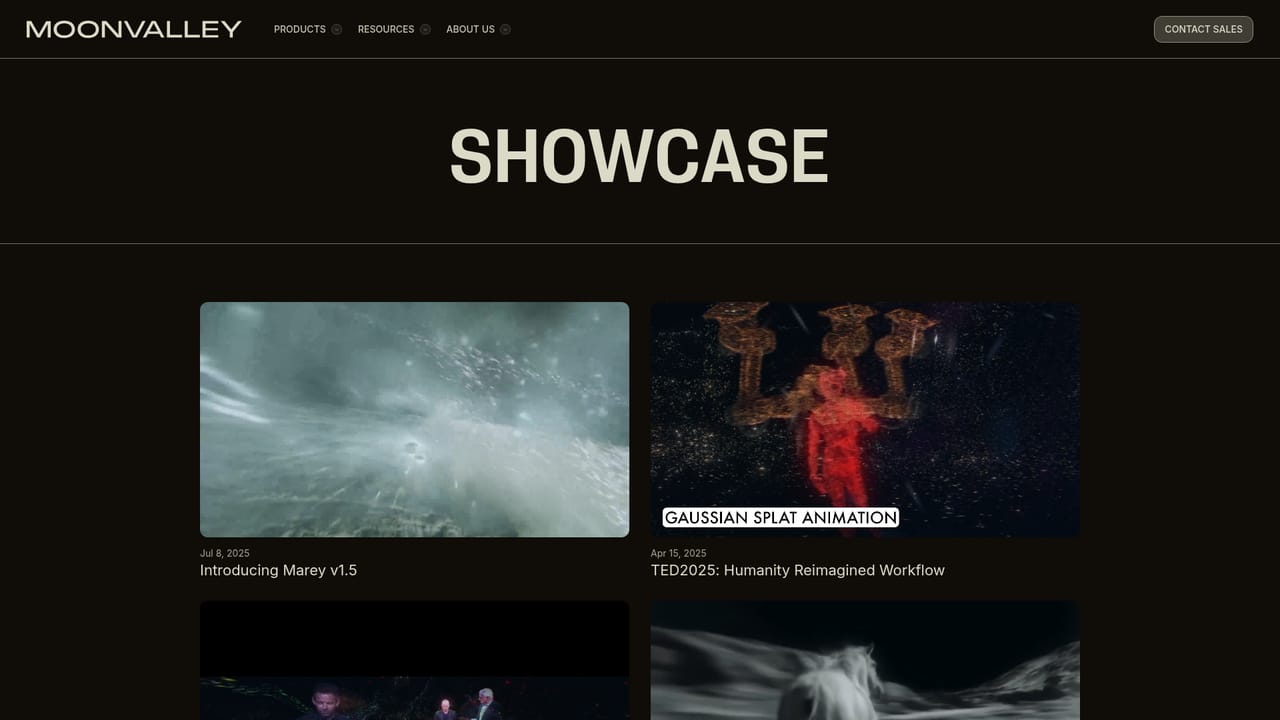
Moonvalley is a research lab that builds generative video models, and its flagship product is Marey, a model that produces image-to-video and text-to-video clips with an emphasis on cinematic realism. The pitch is aimed squarely at people who care about how footage holds up on a large screen: fine textures, clean edges, believable contrast, and motion that respects weight and timing rather than sliding around the frame. The company states the model was trained on licensed, high-resolution cinematic footage, which it positions as a commercial safety argument for studios and agencies that cannot take licensing risk with generated assets. The defining feature is not raw output quality but control. Marey accepts layered inputs so motion, style, or camera direction can be adjusted without collapsing the rest of the composition. Pose transfer uses reference images or performance inputs to drive timing and intent on a new subject. Camera control turns a single still image into a simulated 3D space so the camera can be moved as if on set. Motion transfer lifts movement from a reference clip and applies it to a different subject while keeping the rhythm. Trajectory control lets you draw a path for an object and get that action without prompt wrangling or repeated rerolls. In practice, this makes Moonvalley a fit for filmmakers, motion designers, VFX and post houses, advertising teams, and previsualization work rather than casual social clip generation. The workflow assumes you bring a still, a reference clip, or a written prompt, then iterate on direction until the shot lands. A public signup exists, and the model is also reachable through third-party inference routes, including ComfyUI and fal.ai, plus an API waitlist for teams that want to wire it into their own pipeline. Against general-purpose video generators, Moonvalley competes on directability and provenance rather than breadth of one-click templates. Buyers who want fast, cheap volume will find it heavier. Buyers who need shots they can grade, edit, and license with confidence are the intended audience.
Support channels listed on the site include a Discord community, a legal and trust safety page, and a press contact for media inquiries. No help centre or ticket system is published.
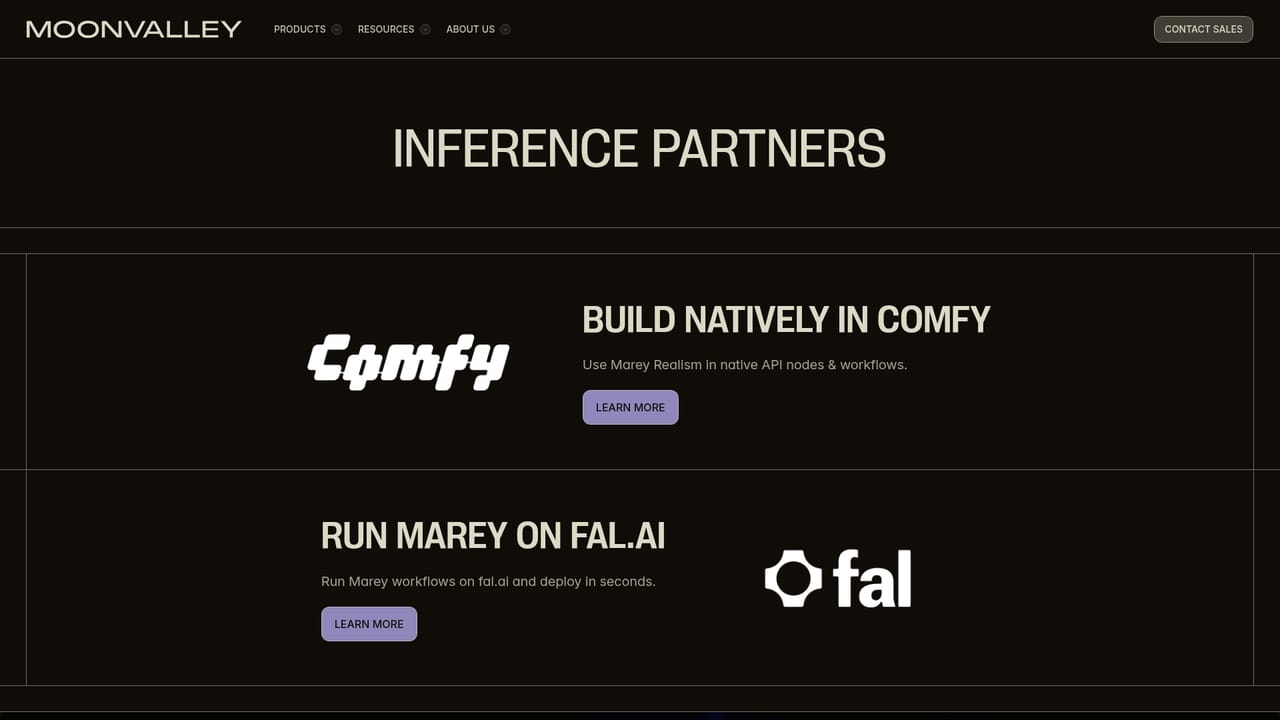
Marey can be run through ComfyUI and fal.ai as third-party inference partners. A native Moonvalley API is offered via a waitlist.
Learn moreMarey generates image-to-video and text-to-video with cinematic detail. Control features include pose transfer from reference images or performance inputs, camera control that converts a single 2D image into a 3D space for on-set style moves, motion transfer from reference clips, trajectory control for drawn object paths, composable input layers, and lighting continuity across frames.
Learn more AI Angels400+ customizable AI girlfriends for NSFW chat, voice calls, and roleplay
 Candy AIExperience the future of companionship with AI friends who chat, role-play, and connect with you on a human level.
 ourdream.aiA vast AI roleplay platform with millions of characters for chat, images, video and voiceAI Angels400+ customizable AI girlfriends for NSFW chat, voice calls, and roleplayCandy AIExperience the future of companionship with AI friends who chat, role-play, and connect with you on a human level.ourdream.aiA vast AI roleplay platform with millions of characters for chat, images, video and voice


