Free trial
The homepage offers a free track creation link and asks whether free royalty-free music is available, but does not state trial length or limits.
Learn moreRoyalty-free AI music, generated to fit your content's mood and length

Mubert generates royalty-free AI music for videos, podcasts and apps by rearranging samples from contributing artists, with a creator tool (Render), a listening app, a musician program and an API for developers.
Mubert is an AI music platform built around a simple idea: a track should match the project it sits under, in both feel and exact duration. The homepage splits the product into four distinct surfaces. Mubert Render is the core creation tool aimed at video makers, podcasters and social media producers, where a soundtrack is assembled from chosen parameters (mood, style, length) and delivered in seconds. Mubert Play is a listening app for iOS and Android that streams endless mood-based channels, from calm meditation to high-intensity sports. Mubert Studio flips the model for musicians, who contribute loops, riffs and sample packs and earn money when the system uses them. Mubert API targets developers and brands who want generated music embedded inside their own apps, games or products under a commercial license. The engine behind all of this is a hybrid of human artistry and automation. Rather than synthesising audio from nothing, Mubert draws on a large library of samples recorded by hundreds of contributing artists and reassembles them into new tracks. That design choice matters for quality: the raw material is professionally played, and the AI handles arrangement and sequencing. The company describes the result as royalty-free, meaning creators can publish videos on YouTube, TikTok or podcast feeds without worrying about claims or licensing paperwork. In practice, Render is the entry point most people want. You pick the parameters for the soundtrack you need, generate, preview, and regenerate until the track fits, then use it in your edit. It suits solo creators on tight deadlines more than studios with bespoke scoring needs, and it is a faster alternative to browsing traditional stock music libraries where you audition track after track hoping for a length and mood match. The platform also carries social proof, listing brands and organisations including Adidas, PwC, BBDO and Restream as users, alongside press coverage from Forbes, Wired and VentureBeat. The homepage FAQ raises licensing and commercial use questions but does not spell out pricing tiers on the page itself, so check the Render and API pages directly for current terms.
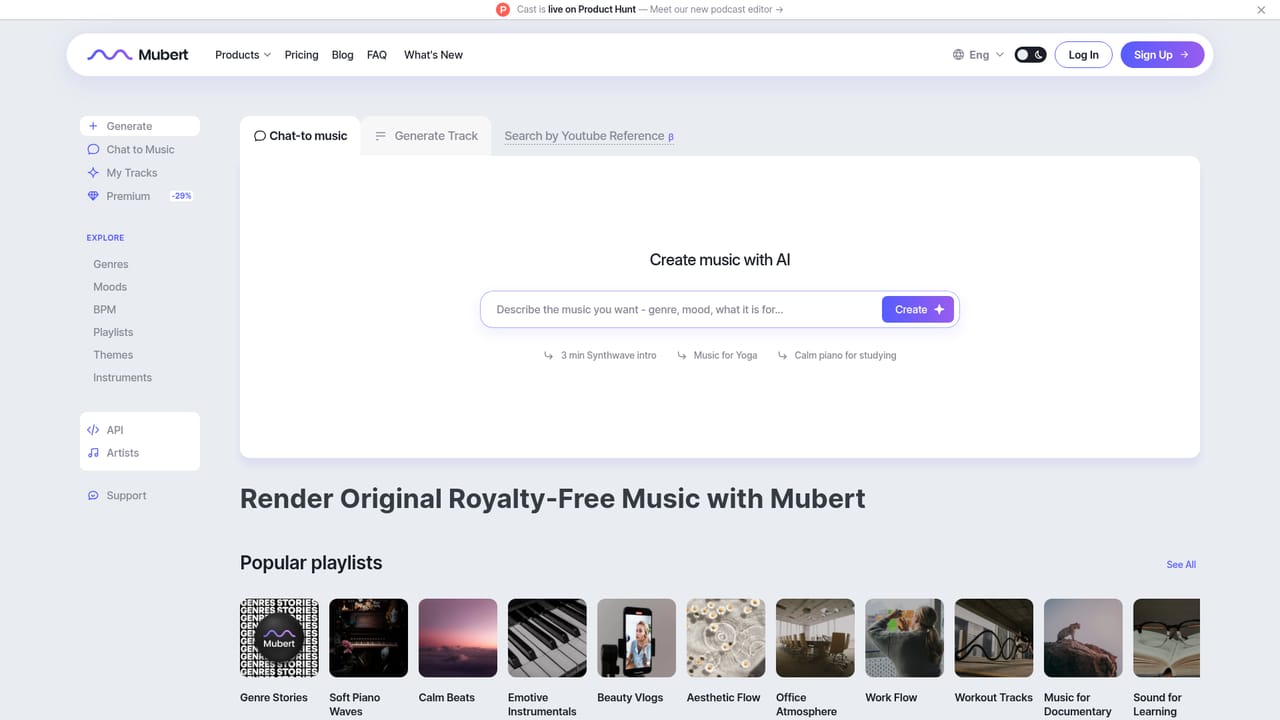
The homepage offers a free track creation link and asks whether free royalty-free music is available, but does not state trial length or limits.
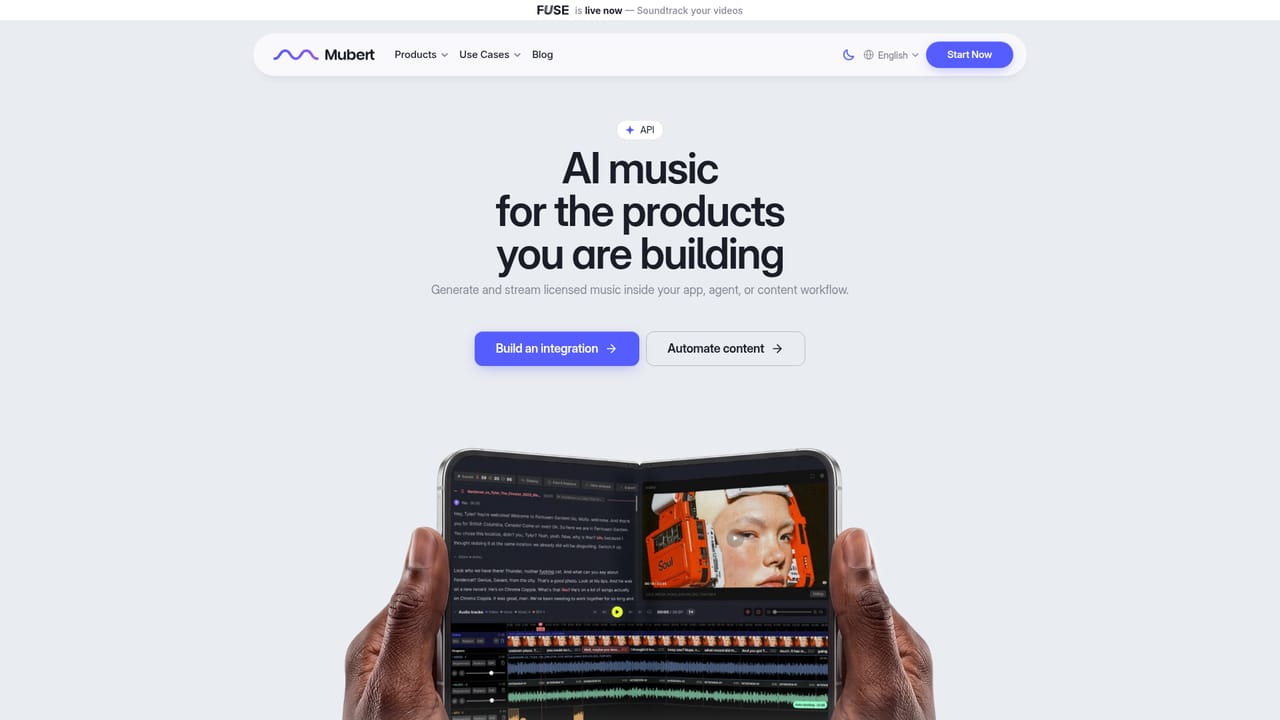
Learn moreA dedicated API is offered for developers and brands who want generated music inside their own products; a demo is required to discuss terms.
Learn moreRender builds royalty-free soundtracks to a chosen mood, style and exact duration. Play streams infinite mood-based channels on iOS and Android. Studio lets musicians contribute samples and earn. The API embeds generated music in apps, games and branded products under commercial terms.
Learn more AI Angels400+ customizable AI girlfriends for NSFW chat, voice calls, and roleplay
 Candy AIExperience the future of companionship with AI friends who chat, role-play, and connect with you on a human level.
 ourdream.aiA vast AI roleplay platform with millions of characters for chat, images, video and voiceAI Angels400+ customizable AI girlfriends for NSFW chat, voice calls, and roleplayCandy AIExperience the future of companionship with AI friends who chat, role-play, and connect with you on a human level.ourdream.aiA vast AI roleplay platform with millions of characters for chat, images, video and voice


