TinyMusic

AI music generator built for publishing workflows, not just one-off songs

Beginner
Screenshot of TinyMusic, AI music generator built for publishing workflows, not just one-off songs

What is TinyMusic?

TinyMusic generates royalty-free original music from text prompts or lyrics, with tools for lyrics writing, text to song conversion and vocal removal. Commercial use is included on every plan, from a limited free tier up to 600 generations per month, aimed at video creators, podcasters, indie game developers and brand teams.

TinyMusic is an AI music platform aimed at people who need to publish audio, not just play with a generator. It bundles several related tools under one roof: a text prompt music generator, a lyrics writer, a lyrics to song converter, a text to song converter that can sing an essay or poem, and a vocal remover that splits an existing track into instrumental and vocal stems. Each tool sits on its own page and shares the same credit system. The practical difference from a generic music generator is the control layer. Tracks can be shaped by genre, mood, tempo, key and instrumentation, so a lo-fi cue for a coding tutorial and a sing-along rock anthem are configured rather than merely prompted. The homepage calls out dedicated modes for content creators, game music packs and podcast audio branding, plus a brand jingle generator and basic editing and export. Downloads come in practical formats for editing, review and delivery. Commercial use is included on every tier including Free, which is the strongest argument for the tool: buyers are paying for volume and credits rather than for usage rights. The audience is clearly production-side. Video editors needing background scores, short-form creators wanting hooks for TikTok and Reels, indie developers building scene-based music packs, podcasters after intros and transitions, and marketing teams producing campaign audio. None of these users need a hit single; they need a usable track quickly with clear rights. Competitively, TinyMusic sits alongside Suno and Udio style generators but leans on workflow framing and rights clarity rather than model novelty. The free tier is a genuine trial rather than a demo (one generation and six credits per month). Teams needing API access should look at the top tiers, and the FAQ labels the plan structure inconsistently (Creator and Pro appear in the FAQ while the pricing table shows Starter, Hobby and Professional), so confirm entitlements before committing to a higher tier.

How do you use TinyMusic?

  1. 1Pick the tool that matches your starting point
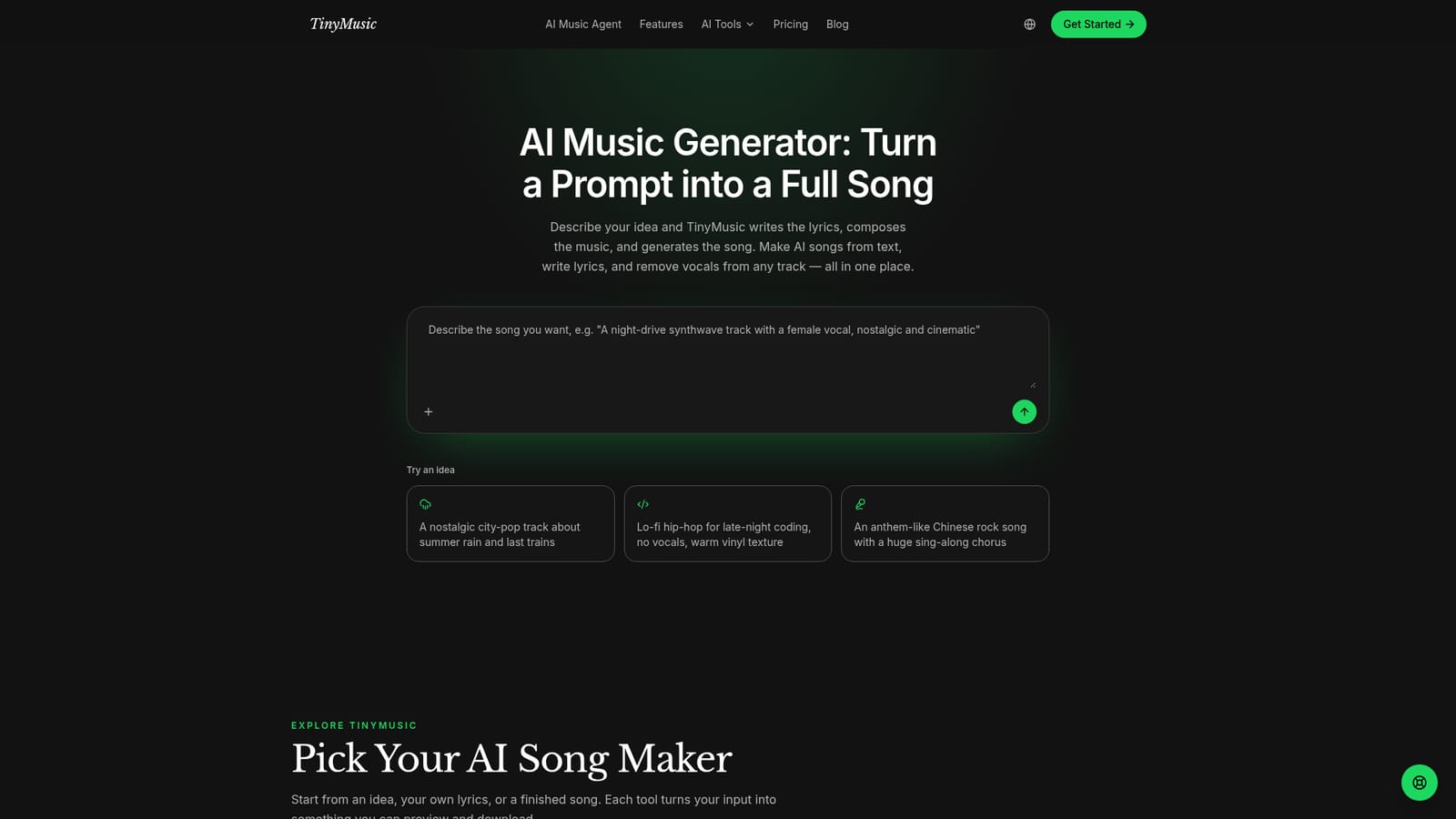
    The homepage lists six tools. Choose the AI Music Generator for prompt-based tracks, the AI Lyrics Generator if you only need words, or Lyrics to Song if you already have a finished lyric sheet.
    TinyMusic — Pick the tool that matches your starting point
  2. 2Draft or paste your lyrics
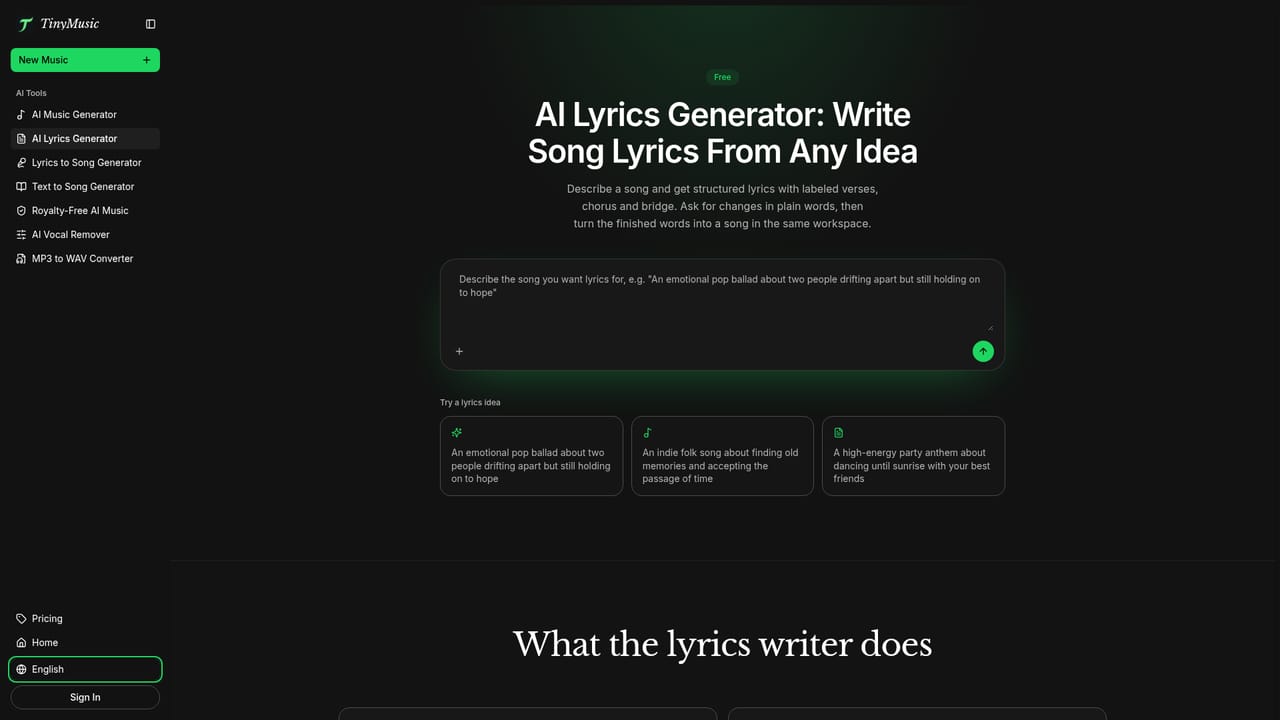
    Use the lyrics generator to build structured verses, hooks and choruses from a short idea, then edit the text before it goes to the song stage so the phrasing fits your tempo.
    TinyMusic — Draft or paste your lyrics
  3. 3Set style, mood and tempo
    In the generator, describe the scene or use case in plain language and refine it with genre, mood, BPM, key and instrumentation controls until the direction is tight.
  4. 4Generate and review the track
    Run the generation, listen against your edit or scene, and regenerate if the fit is wrong. Each run consumes credits, so shortlist the best direction before spending more.
  5. 5Export for your workflow
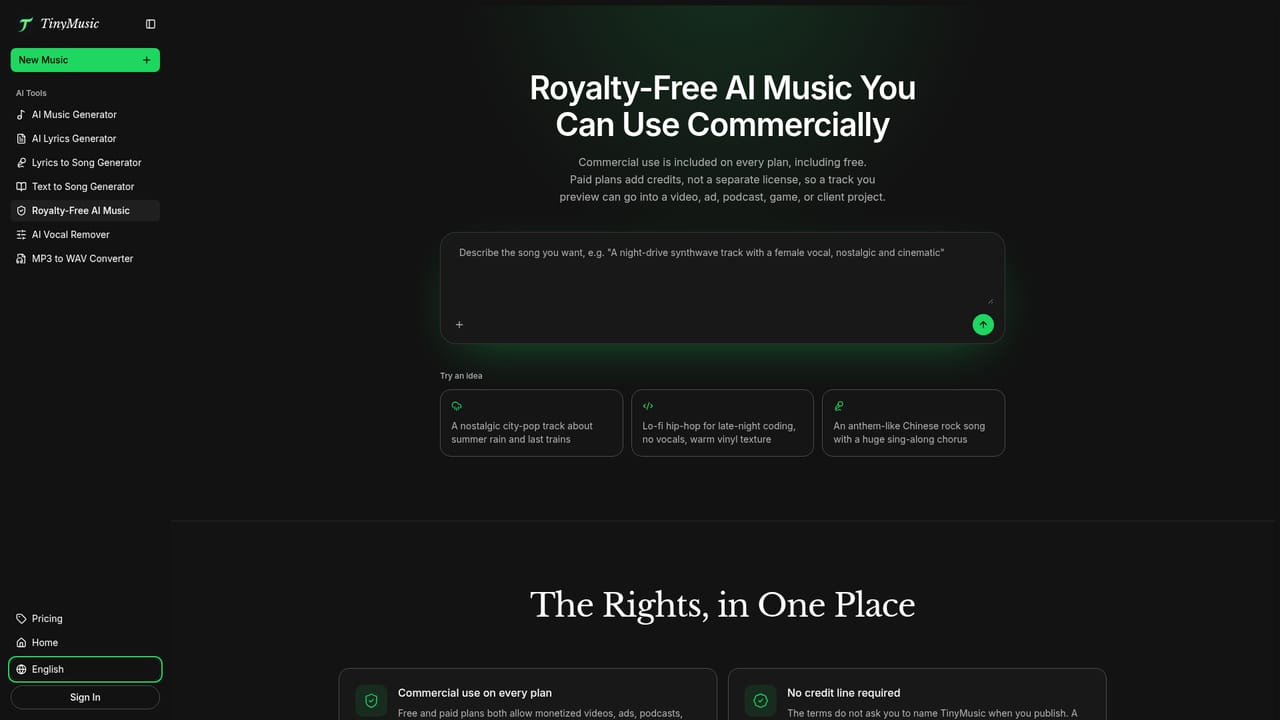
    Download the finished audio in the available export formats and drop it into your video editor, game build or podcast timeline. Commercial use is covered on every plan.
    TinyMusic — Export for your workflow
  6. 6Clean up existing audio if needed
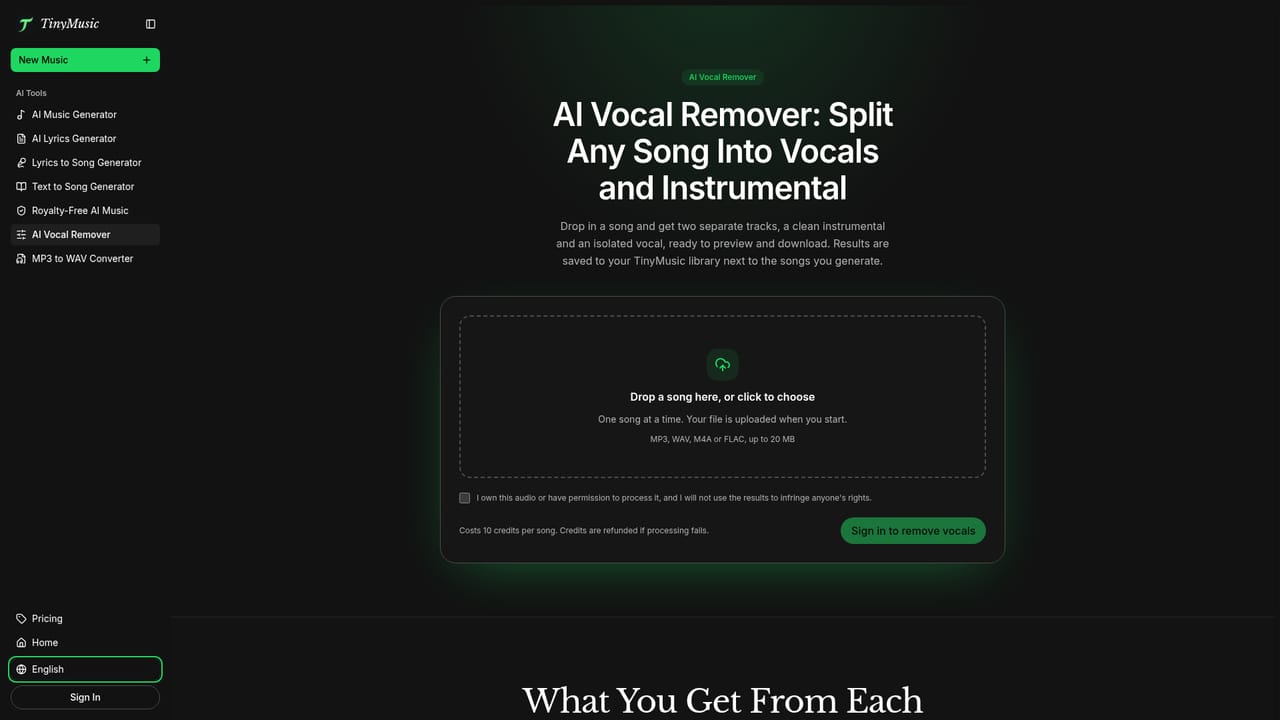
    Run an existing song through the AI Vocal Remover to split it into an instrumental and a vocal track you can preview and download separately.
    TinyMusic — Clean up existing audio if needed

Pros and cons

Pros

  • Commercial use is included on every plan, including the free tier, with no separate licence to buyAI
  • Style, mood, BPM, key and instrumentation controls give more direction than prompt-only generatorsAI
  • Separate tools for lyrics, lyrics to song, text to song and vocal removal cover the whole content workflowAI
  • Use case modes (content creator, game music pack, podcast branding, brand jingle) map to real production jobsAI
  • Exports are described as ready for editing, review and publishing rather than raw previews onlyAI

Cons

  • Free tier allows just one music generation and six credits per month, which is barely enough to judge output qualityAI
  • Credit allowance and generation counts differ widely between tiers, so cost per finished track is hard to predict up frontAI
  • The FAQ names Creator, Pro and Business plans while the pricing table lists Starter, Hobby and Professional, which is confusingAI
  • No stated integrations with editing suites; the Premiere Pro and Final Cut mention is a use case, not a pluginAI
  • Vocal removal and music analysis are listed only as basic tools, with no detail on stem quality or file formatsAI

How much does TinyMusic cost?

Free trial

A permanent free tier covers the core workflow: one AI music generation and six credits per month, plus the lyrics generator, basic music analyzer and basic song cover generator. No card details are mentioned for the free start.

Learn more

Pricing

Free tier with 1 generation and 6 credits per month. Starter is $15.99 monthly for 100 generations and 600 credits, Hobby $29.99 for 250 generations and 1500 credits, Professional $59.99 for 600 generations and 3600 credits. Yearly billing saves up to 20 percent. Commercial use is included on all tiers.

Learn more

Support

Email support is listed from the Starter plan upward, with 24/7 email support on Hobby and Professional and 24/7 priority email support on Professional. General enquiries go to support@tinymusic.ai. The free tier lists no support channel.

Features

Text-to-music generation from prompts or lyrics, plus genre, mood, BPM, key and instrumentation controls. Companion tools cover AI lyrics writing, lyrics to song with vocals, text to song for essays and poems, and vocal removal into instrumental and vocal stems. Use case modes target content creators, game music packs, podcast branding and brand jingles, with basic editing and export-ready audio files.

Learn more

Frequently asked questions about TinyMusic

  • How much does TinyMusic cost?
    Free tier with 1 generation and 6 credits per month. Starter is $15.99 monthly for 100 generations and 600 credits, Hobby $29.99 for 250 generations and 1500 credits, Professional $59.99 for 600 generations and 3600 credits. Yearly billing saves up to 20 percent. Commercial use is included on all tiers.
  • Does TinyMusic offer a free trial?
    A permanent free tier covers the core workflow: one AI music generation and six credits per month, plus the lyrics generator, basic music analyzer and basic song cover generator. No card details are mentioned for the free start.
  • How do you use TinyMusic?
    The walkthrough on this page covers 6 steps: 1. Pick the tool that matches your starting point 2. Draft or paste your lyrics 3. Set style, mood and tempo 4. Generate and review the track 5. Export for your workflow 6. Clean up existing audio if needed.
  • What platforms does TinyMusic support?
    TinyMusic is available on Web App.
  • What are the limitations of TinyMusic?
    Free tier allows just one music generation and six credits per month, which is barely enough to judge output quality. Credit allowance and generation counts differ widely between tiers, so cost per finished track is hard to predict up front. The FAQ names Creator, Pro and Business plans while the pricing table lists Starter, Hobby and Professional, which is confusing.

Status

StatusActive
Views0
Outbound clicks0
Added10/22/2026

Platforms

Web App

Pricing

FreemiumSubscriptionFree