Free trial
Beta trials run for 60 days at no cost and default to the Pro plan, so all features are available. Entry is through the sign-up page, and the company describes onboarding as guided.
Learn moreTurn raw data into visual business narratives without SQL

Narraviz.ai is an AI narration tool that turns raw data into visual business narratives without SQL. NarraViz.ai connects CSV, Excel or warehouse data and returns AI-written narratives plus auto-selected charts. A conversational layer answers questions in plain language, and results export as PDF or shareable links.
NarraViz.ai is a data visualization and insight platform built around the idea that most business data questions should not require a dashboard builder or a SQL writer. You connect a CSV, an Excel file or a data warehouse, and the product does the interpretive work: it analyses the dataset, recommends chart types and writes a plain-language account of what the numbers show and why they moved. The pitch is aimed at marketers, analysts, sales teams and executives who need a decision quickly rather than a reporting artefact. The platform is organised around two named components. NarraterAI is a conversational layer that accepts natural-language questions about the connected data and returns answers directly, without a chart-building step. NarraSense sits underneath as the analysis engine, converting dense or fragmented datasets into structured, narrative-led summaries that surface trends, drivers and opportunities. A data prep layer interprets raw input with what the company describes as a human-in-the-loop approach, so messy source files are parsed rather than rejected outright. In practice the workflow is short. A dataset is connected, the adaptive visualization engine proposes line, bar, pie, heatmap and similar chart forms, and the generated output is exported as a PDF report or shared by link. That makes it closest to conversational analytics tools and AI report generators rather than to full BI suites: there is no mention of scheduled refreshes, embedded analytics or a semantic modelling layer, which matters if your team already lives inside a traditional warehouse-first BI stack. NarraViz is currently running a beta programme with free access and hands-on onboarding, and the company positions data security as a first-order concern. It suits small and mid-sized teams that want fast, readable answers from spreadsheets, and less so organisations that need deep governance tooling or pre-built warehouse connectors.
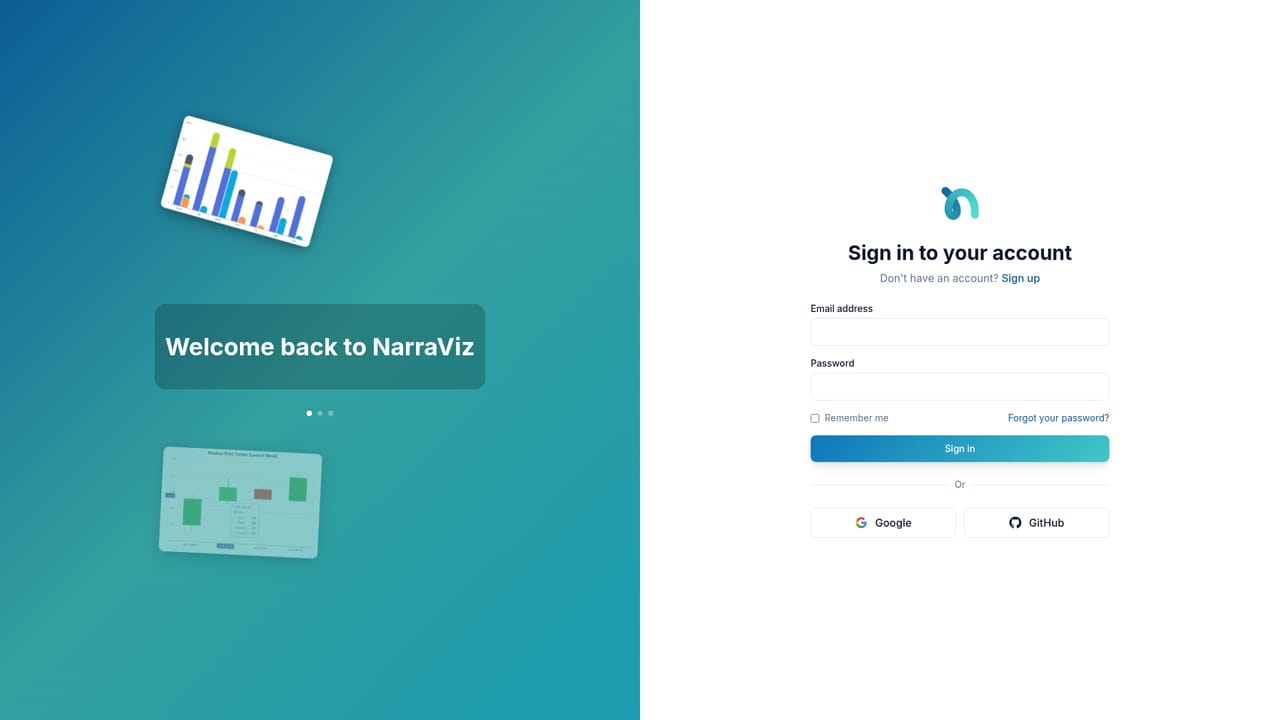
Beta trials run for 60 days at no cost and default to the Pro plan, so all features are available. Entry is through the sign-up page, and the company describes onboarding as guided.
Learn moreThe homepage does not publish prices or plan tiers. It states that beta participants receive 60 days of free access on the Pro plan, with early adopter consideration for future plans and pricing once the product launches publicly.
Learn moreBeta participants get guided onboarding and prioritised support, and the company offers a demo booking call. No help centre or documentation portal is linked from the homepage.
Learn moreThe site names CSV files, Excel files and data warehouses as data sources. No specific warehouse vendors or third-party integrations are listed.
NarraterAI answers natural-language questions about connected data without SQL. NarraSense turns datasets into narrative summaries of trends and drivers. An adaptive engine recommends chart types, a data prep layer interprets raw files with human review, and outputs export to PDF or shareable links.
 AI Angels400+ customizable AI girlfriends for NSFW chat, voice calls, and roleplay
 Candy AIExperience the future of companionship with AI friends who chat, role-play, and connect with you on a human level.
 ourdream.aiA vast AI roleplay platform with millions of characters for chat, images, video and voiceAI Angels400+ customizable AI girlfriends for NSFW chat, voice calls, and roleplayCandy AIExperience the future of companionship with AI friends who chat, role-play, and connect with you on a human level.ourdream.aiA vast AI roleplay platform with millions of characters for chat, images, video and voice


