Free trial
The homepage promotes starting with a free video editing agent with no credit card required, which indicates a free entry point before subscribing.
Learn moreA chat driven video editing agent built for short form virality

NemoVideo is a chat based AI video editing agent that turns a description or uploaded media into short form video, backed by a large template gallery and trend research aimed at creators chasing viral output.
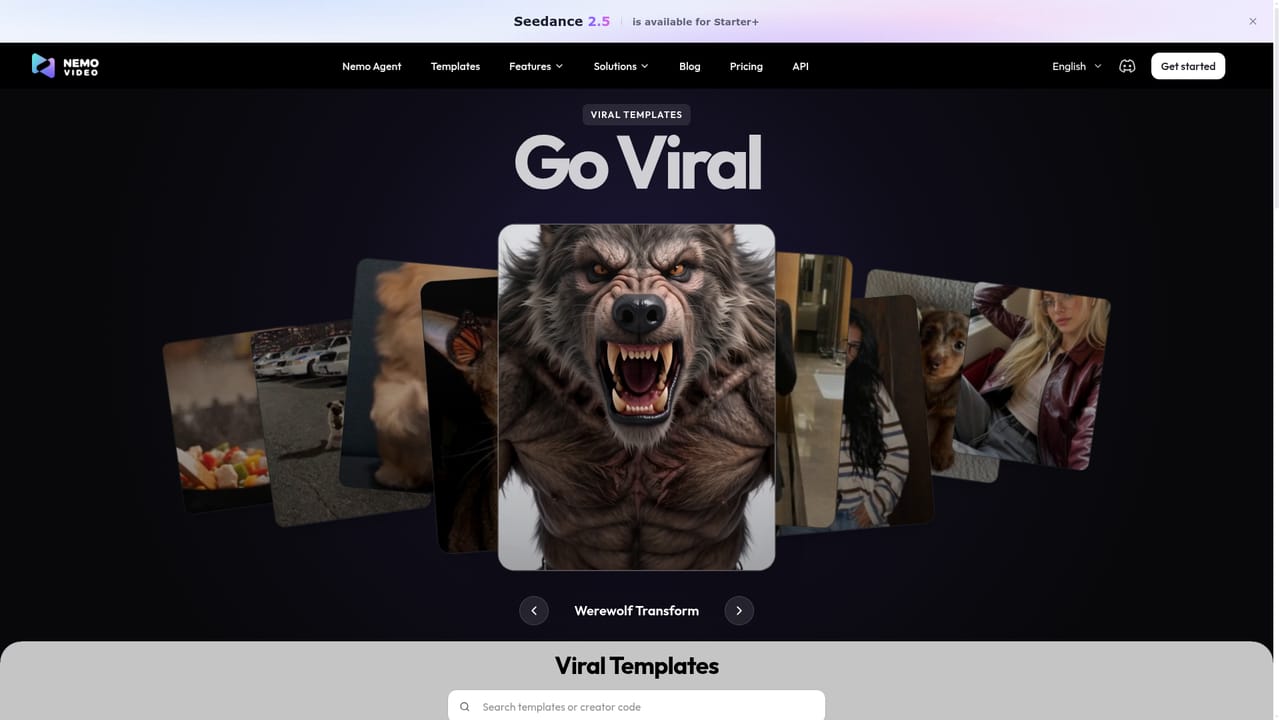
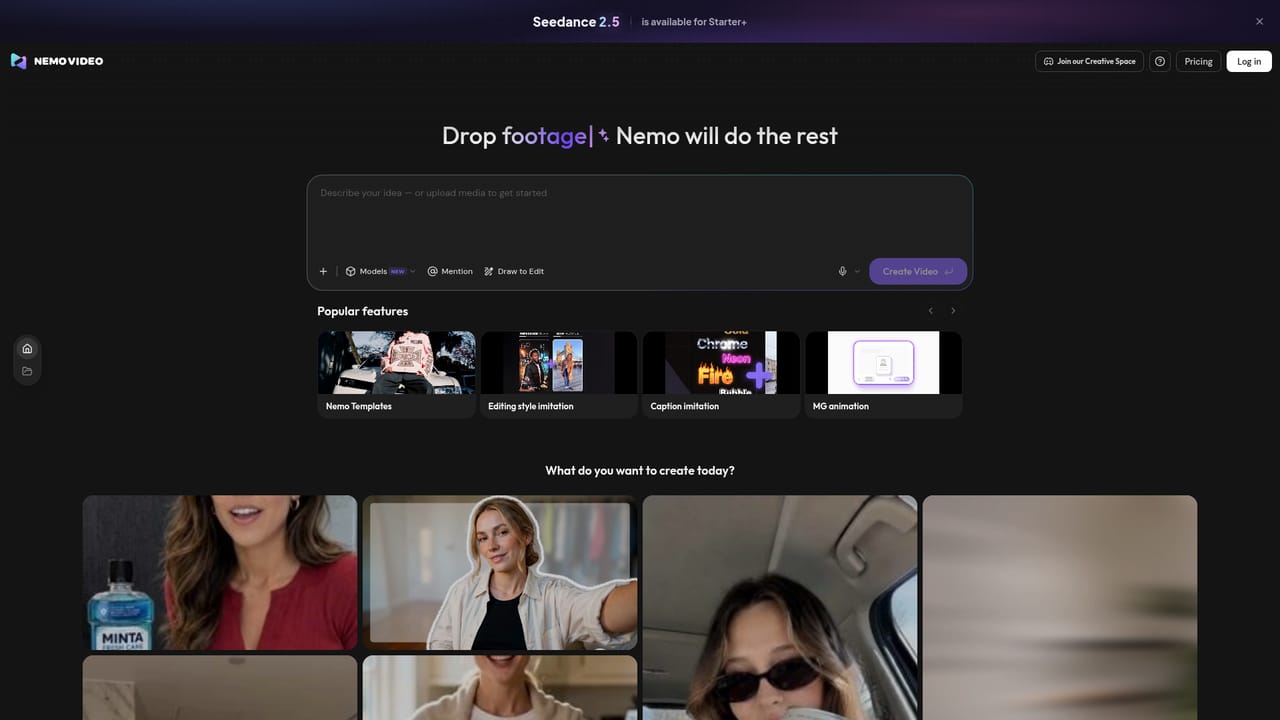
NemoVideo is an AI video editing agent that works through conversation rather than a timeline. Instead of cutting clips by hand, the user describes the result they want or uploads existing media, and the agent handles the assembly work. The homepage frames the product around short form output for platforms such as TikTok, YouTube, Meta, Shopify and Amazon, and it positions the workflow as requiring no editing skills. It also mentions hunting viral videos and analyzing trends, so the tool is aimed at research and idea sourcing as much as the edit itself. The build surface is a library of templates grouped into categories including travel, viral, commercial, classic, divination, pics, TVC, flow edit and Halloween. Each template card shows a usage count, and some have been used thousands of times, which gives a rough signal of what other creators pick. A template gallery sits alongside a personal gallery for work already produced. Available languages cover a wide spread of locales, from English and Simplified Chinese through Spanish, Japanese, Korean, Russian, German, French, Portuguese, Arabic script markets are not listed, and Nordic and Southeast Asian options appear as well, which suggests an international creator base rather than a single market. In practice the loop is simple: choose a starting point or upload footage, describe the change or the video you want, and let the agent produce the cut. The homepage does not spell out export formats, aspect ratios or render limits, so those details need checking in the product. A separate desktop prompt appears on the page, implying some work is intended to continue on a computer even when the site is reached from a small screen. Where it fits: NemoVideo competes with clip repurposing tools and chat style editors rather than professional NLEs. It is for social teams, solo creators and small brands that need volume and speed more than frame level control. Anyone who needs precise multicam work, color grading or audio mixing should treat it as a first pass generator, not a replacement for a full editor.
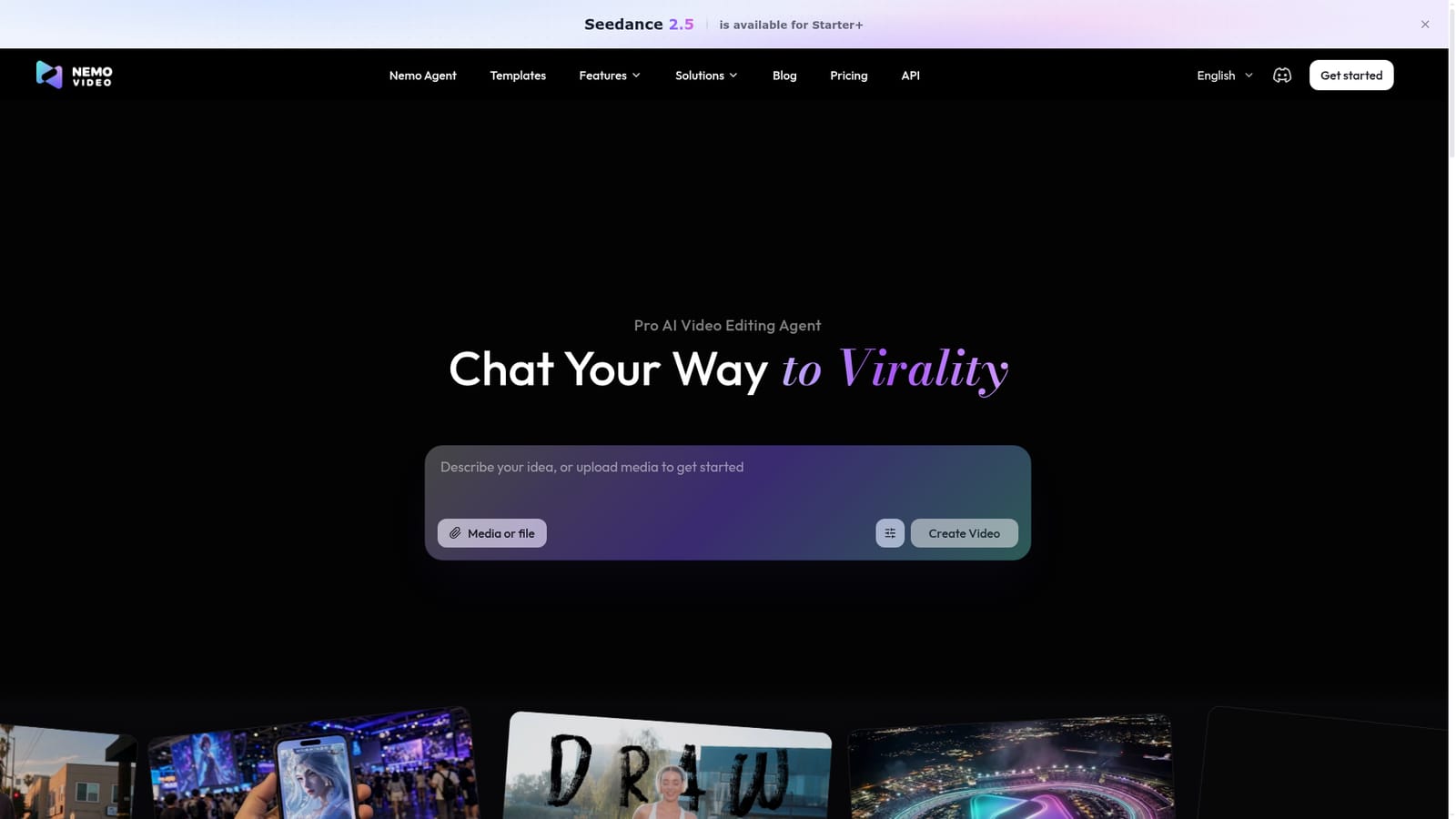
The homepage promotes starting with a free video editing agent with no credit card required, which indicates a free entry point before subscribing.
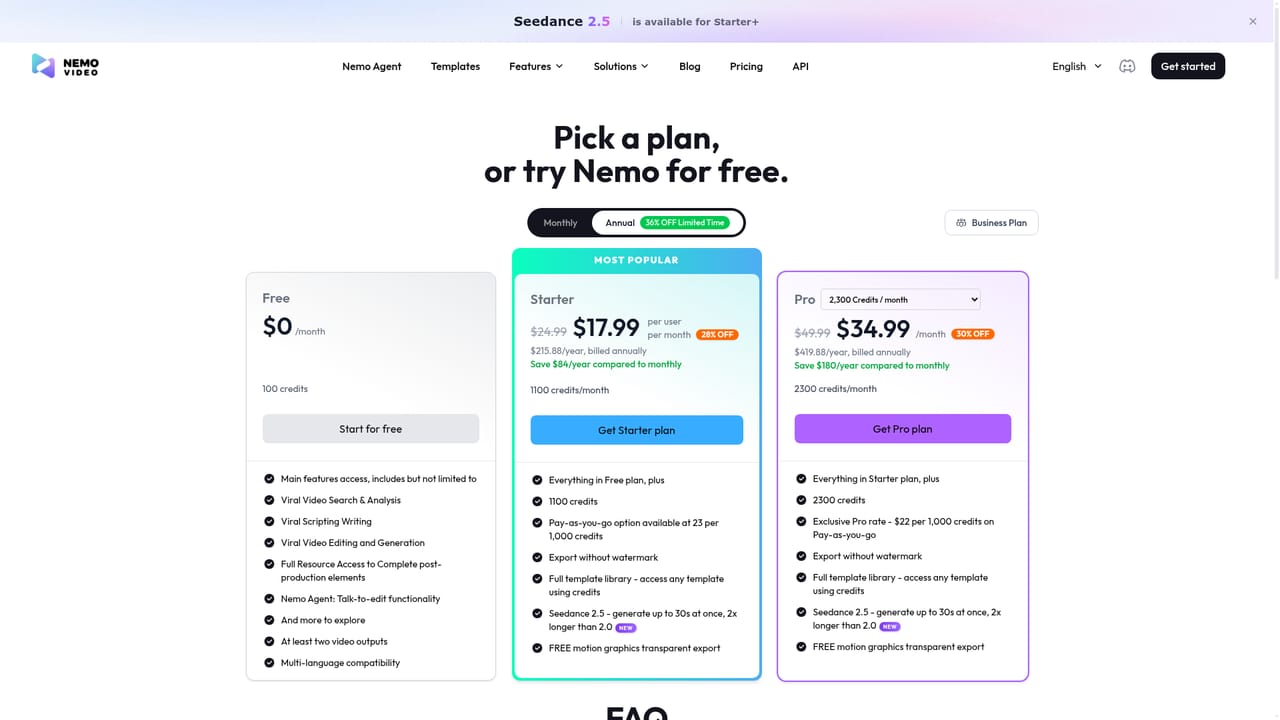
Learn moreTiered subscriptions are referenced, with at least a Starter level that unlocks specific generation models such as Seedance 2.5. Exact prices, credits and limits are not stated on the homepage and need to be checked on the pricing page.
Learn moreConversational video editing from a text prompt or uploaded media, trend and viral video research, a categorized template gallery covering viral, commercial, travel, TVC, flow edit and seasonal styles, a personal gallery for saved work, support for a range of generation models at higher tiers, and an interface localized into many languages.
Learn more AI Angels400+ customizable AI girlfriends for NSFW chat, voice calls, and roleplay
 Candy AIExperience the future of companionship with AI friends who chat, role-play, and connect with you on a human level.
 ourdream.aiA vast AI roleplay platform with millions of characters for chat, images, video and voiceAI Angels400+ customizable AI girlfriends for NSFW chat, voice calls, and roleplayCandy AIExperience the future of companionship with AI friends who chat, role-play, and connect with you on a human level.ourdream.aiA vast AI roleplay platform with millions of characters for chat, images, video and voice


