Free trial
A 7 day free trial is advertised on the homepage and in the meta description, with a Try For Free button on both paid plan cards.
Learn moreAI-powered short video editor for creators who publish daily.

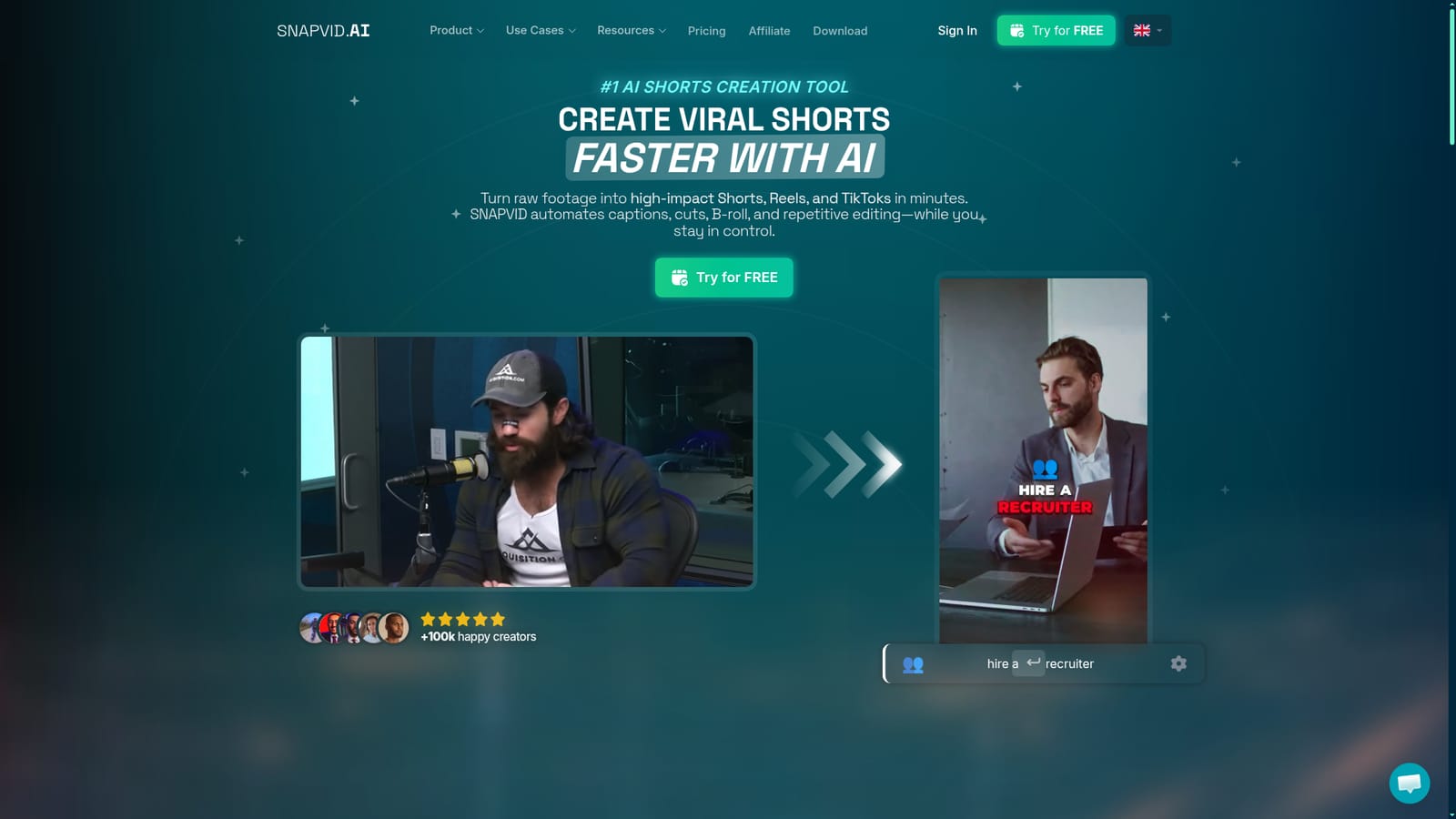
SNAPVID is an AI short video editor that auto-generates animated captions, removes silences and bad takes, inserts stock B-roll and cuts long recordings into editable vertical clips for TikTok, Reels and Shorts.
SNAPVID is a browser-based video editor built for the specific job of turning footage into short vertical videos for TikTok, Reels and Shorts. The pitch is narrow and practical: upload a clip or a long recording, and the platform handles the repetitive work that normally eats an evening. That includes automatic transcription and synchronized captions in multiple languages, removal of silence and verbal fillers, bad-take cleanup, emoji placement and AI-selected B-roll drawn from a stock library of more than 100,000 videos and images. Creators can still adjust every cut, caption style and visual choice on a full timeline, so the automation is a starting point rather than a locked template. The feature that matters most for podcasters, interviewers and course sellers is Smart Cut. Feed in a long recording and SNAPVID identifies the strongest moments and produces several editable clips from the same source; Multi-Export then lets you send the chosen shorts out together. Captions can be corrected and restyled with custom fonts, colors, highlights, line breaks and animations, and exports cover 9:16 portrait, 1:1 square, 4:5 portrait and 16:9 landscape. The free tier exports at 1080p, while paid plans reach up to 4K. A separate dubbing and translation feature is promoted for creators repurposing content across languages. SNAPVID suits solo creators, social media managers and small editing teams who publish frequently and want volume without hiring an editor for every clip. Team workspaces with shared projects and shared credits appear on eligible plans, and the company states that more than 100,000 creators use the tool. It competes with caption-first editors like Submagic and with repurposing tools like Opus Clip, and its differentiation is the combination of captioning, cleanup, B-roll and long-to-short cutting inside one editor rather than across separate subscriptions. The trade-off is a credit model that constrains the entry plan, so heavy publishers will need to weigh the jump to an unlimited tier.
A 7 day free trial is advertised on the homepage and in the meta description, with a Try For Free button on both paid plan cards.
Learn moreBasic is €19 per month for 20 videos, a 1 minute 30 maximum length, two custom subtitle styles and 4K exports. Pro is €49 per month with unlimited videos, 30 minute maximum length, Auto Cleanup and Smart Cut long-to-short cutting. Yearly billing saves up to 40 percent and a Creator tier is mentioned without published pricing.
Learn moreA Discord community invite is linked from the FAQ for further answers, and a separate team page lists company staff. No email, chat or ticketing support channel is stated on the homepage.
Learn moreAWS, Deepgram and Google Cloud are listed as technology partners, and a discount deal with VoiceCheap.AI is offered. No third-party publishing or editing integrations are described.
Automatic transcription and synchronized multi-language captions with custom fonts, colors, highlights and emoji; silence and filler-word cleanup; bad-take removal; AI Auto B-roll from a 100,000 asset stock library; Smart Cut for turning long videos into several shorts; Multi-Export; dubbing and translation; full timeline editor; 9:16, 1:1, 4:5 and 16:9 exports up to 4K.
 AI Angels400+ customizable AI girlfriends for NSFW chat, voice calls, and roleplay
 Candy AIExperience the future of companionship with AI friends who chat, role-play, and connect with you on a human level.
 ourdream.aiA vast AI roleplay platform with millions of characters for chat, images, video and voiceAI Angels400+ customizable AI girlfriends for NSFW chat, voice calls, and roleplayCandy AIExperience the future of companionship with AI friends who chat, role-play, and connect with you on a human level.ourdream.aiA vast AI roleplay platform with millions of characters for chat, images, video and voice


