Free trial
The homepage invites visitors to start for free, but does not state how many images or credits the free tier includes or whether a card is required.
Learn moreAI product photography built for catalog-level consistency
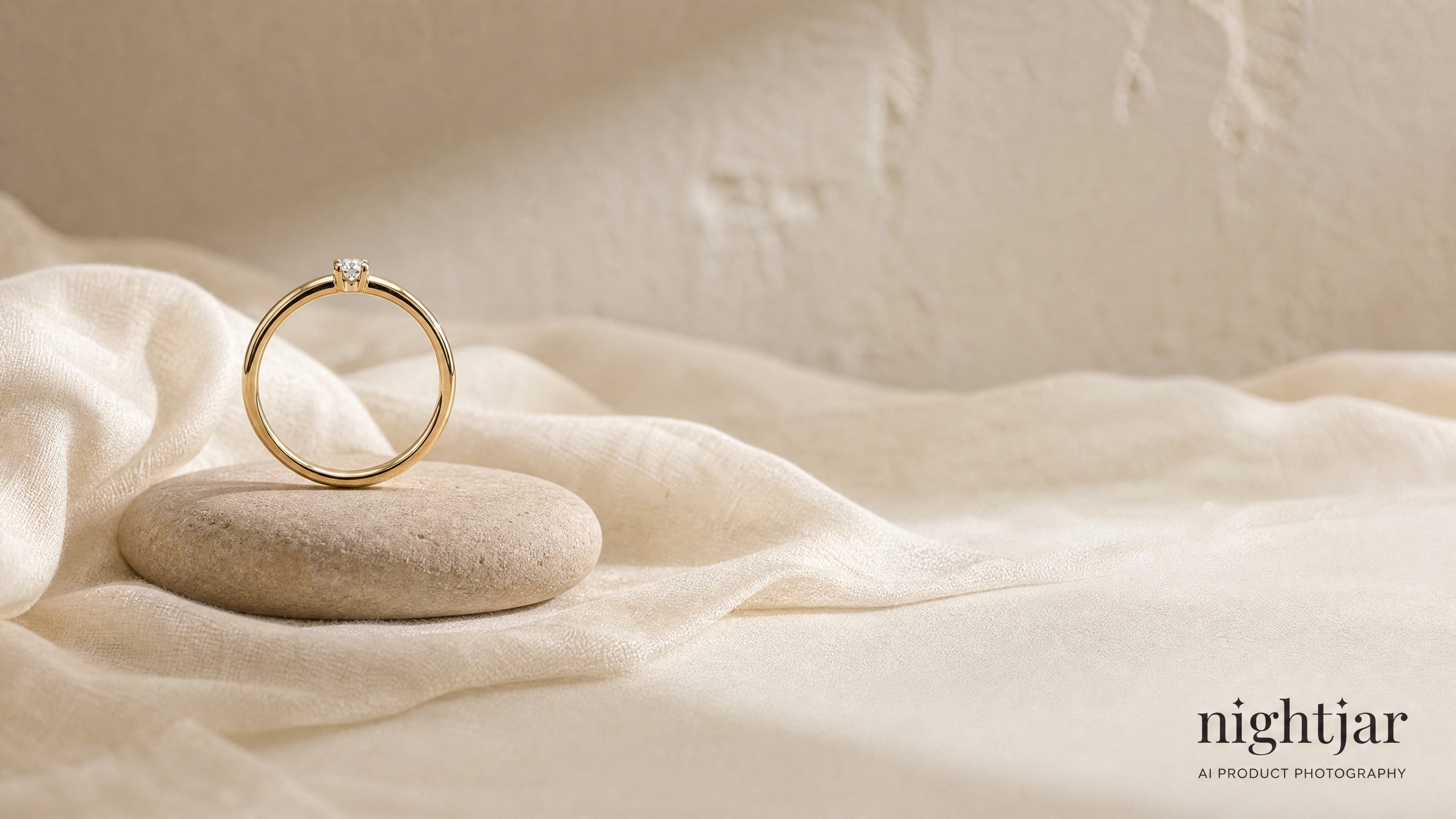
Nightjar generates e-commerce product photography from reusable ingredients (product, model, pose, style, scene), so hundreds of images share one look. It covers photoshoots, text edits, virtual try-on, recoloring, 4K upscaling and an API, and is aimed at brands, sellers and agencies rather than casual image hobbyists.
Nightjar is an AI product photography platform aimed at e-commerce brands, marketplace sellers and agencies that need many images to look like they came from one shoot. The core idea is modularity: each photograph is assembled from ingredients such as the product, the model, the pose, the photography style and the scene. Every ingredient can be saved, swapped and reused, so the same visual direction carries across an entire catalog instead of being rebuilt for each listing. The workflow starts with product intake. Pasting a product URL pulls the listing photos, angles and stated dimensions into the system, giving the generator reference material before the first image is made. From there, users pick from more than 80 studio faces (or create their own), hundreds of poses and framings, and over 100 photography styles. A custom style can be built from three uploaded reference images, which is the main route for matching photography a brand already has on its site. Photoshoot extends one generated image into a full set of angles and crops, while text edits, virtual try-on, background and scene changes, hex-precision recoloring, 4K upscaling and reframing cover the retouching work that usually follows a shoot. The product targets teams rather than lone hobbyists: seats are unlimited and the library is shared, so a catalog's creative decisions live in one place. Nightjar states that generated images are owned by the user and can be used on sites, ads and packaging. A visual review step compares output against the product references and can retry obvious failures at no extra credit cost, which matters when a missing product or a broken logo would otherwise slip into a live listing. Compared with general image generators such as Midjourney or the built-in tools in ChatGPT and Leonardo, Nightjar trades open-ended creativity for product fidelity and repeatability. That narrowness is the point, and it is why the platform also exposes an API and an MCP integration for teams that want to generate from their own pipeline or from Claude.
The homepage invites visitors to start for free, but does not state how many images or credits the free tier includes or whether a card is required.
Learn moreA public help desk and documentation site are available. The homepage does not state response times, live chat or dedicated account support.
Learn moreA REST API covers generation, editing and upscaling from an existing pipeline, and a Claude MCP integration lets the platform be driven from Claude. No other third-party integrations are listed on the homepage.
Learn morePhotoshooot sets from one image, text-based editing, virtual try-on for any garment, background and scene swaps, hex recoloring, 4K upscaling and generation, AI image search by description, and canvas reframing. Reusable Recipes and saved ingredients keep a catalog consistent, with visual review against product references.
 AI Angels400+ customizable AI girlfriends for NSFW chat, voice calls, and roleplay
 Candy AIExperience the future of companionship with AI friends who chat, role-play, and connect with you on a human level.
 ourdream.aiA vast AI roleplay platform with millions of characters for chat, images, video and voiceAI Angels400+ customizable AI girlfriends for NSFW chat, voice calls, and roleplayCandy AIExperience the future of companionship with AI friends who chat, role-play, and connect with you on a human level.ourdream.aiA vast AI roleplay platform with millions of characters for chat, images, video and voice


