Pricing
Marketed as a free download for macOS, Linux and Windows. Agents use your own Claude or ChatGPT plan, which is billed separately by those providers. No paid tiers are listed on the homepage.
Learn moreDual-pane file manager that runs Claude Code, Codex and more
Own Nuclr Commander? Verify ownership to get a dofollow link

Nuclr Commander is a free, keyboard-first dual-pane file manager that also hosts AI coding agents such as Claude Code, Codex, Pi and OpenCode, beside local and remote files, with credentials kept away from the agents.
Nuclr Commander is a desktop workspace that pairs a keyboard-first, dual-pane file manager with a home for AI coding agents. Rather than keeping each agent in its own terminal window, it places Claude Code, Codex, Pi and OpenCode next to the files, servers and cloud storage they work on, all inside one window. The file side covers a wide range of locations. Two panes can browse local folders, archives, SSH hosts, S3, Docker, GitHub and databases, with previews for code, media, binaries and 3D models. Operations are meant to be one key away, and a built-in terminal opens in whichever folder is current. Plugins extend the app further, with Google Cloud and Git named as examples. The agent side adds reusable profiles, a choice between cloud models and local ones through LM Studio, a diff of every change an agent makes, and agents that can work together as a team. Sessions can also be watched, prompted, approved or stopped from a phone. Credential handling is a central part of the design. Agents sign in with the Claude or ChatGPT plan the user already pays for, so the app never asks for an API key or token and does not store one. Agents reach servers and databases through Commander, and the passwords behind those connections stay hidden from them. Commands are displayed in full before approval, incognito chats leave no history, and plugins are signed and verified before they load. The app runs on macOS, Linux and Windows and is offered as a free download. It suits developers who already rely on coding agents but find a terminal-only routine awkward, particularly those who move between remote machines, containers and cloud buckets during a normal day. Compared with editor-embedded assistants, it behaves more like a file manager that hosts agents, which gives it a different center of gravity from IDE-based tools.
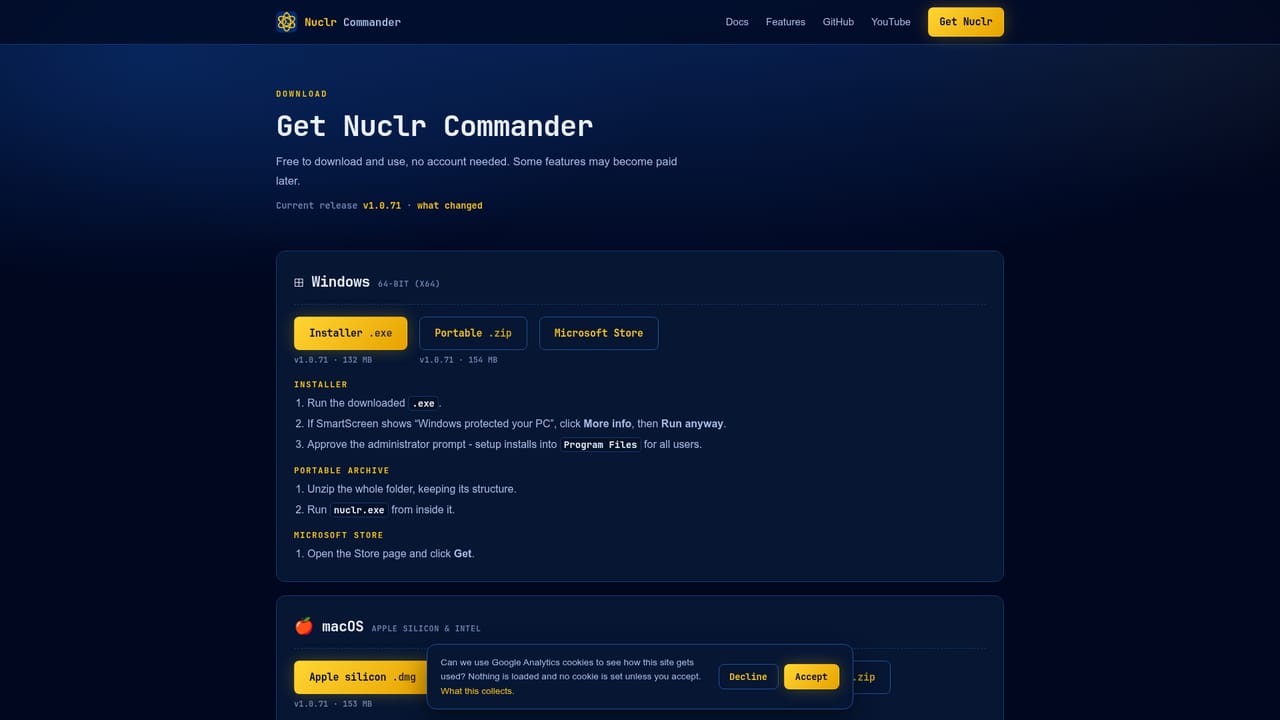
Marketed as a free download for macOS, Linux and Windows. Agents use your own Claude or ChatGPT plan, which is billed separately by those providers. No paid tiers are listed on the homepage.
Learn moreWorks with Claude Code, Codex, Pi and OpenCode, plus local models through LM Studio. Connects to SSH, S3, Docker, GitHub and databases, with Google Cloud, Git and more available through plugins.
Learn moreDual-pane file manager for local files, archives, SSH, S3, Docker, GitHub and databases, with code, media, binary and 3D previews and a built-in terminal. Agent tools include reusable profiles, change diffs, team agents, local models via LM Studio, phone control, incognito chats and signed plugins.
Learn more


