Pricing
Billed on views delivered from clips Overlap's agents publish on accounts you own, at a rate agreed up front and under a ceiling you set. Nothing posted means nothing billed. No fixed price list appears on the homepage.
Learn moreAI clipping agents that post to your accounts and bill per view

Overlap turns long videos into edited, captioned clips and publishes them to social accounts you own. Agents run on set rules with approval controls, and billing is based on views delivered rather than seats or credits.
Overlap is an AI video clipping and publishing platform built around one idea: long-form video should turn into short, captioned clips without a human editor in the loop for every cut. It watches the sources where a team already keeps content, such as a drive, a channel or a feed, detects new uploads, selects moments, edits and formats them, and sends the finished clips to a posting queue for the social accounts the customer owns. The product is aimed at media networks, podcasters, radio brands, creators and marketing teams that publish hours of long-form material and cannot afford to cut it all by hand. Customers set the rules once: how a clip opens, how tightly it is cut, what caption style and branding it carries, and which posting persona writes the copy. Every agent then inherits those settings. Each clip lands in an editor before it goes anywhere, so a reviewer can recut, reframe, rewrite the caption or drop it, and a social calendar with approval states keeps scheduled, pending and posted items visible. Publishing targets include TikTok, Instagram, YouTube, X, LinkedIn, Facebook, Threads, Snapchat and Bluesky, with export available for anything else. Pricing is what separates Overlap from most editing software. Instead of seat or credit fees, billing follows the views the platform reports on posts that Overlap's agents published, at a rate agreed up front and under a ceiling the customer sets. Posting nothing means paying nothing, and there is no limit on connected accounts. Handles, followers and posts remain the customer's if the relationship ends. Among alternatives, Overlap sits between self-serve clipping apps and managed clipping agencies. It offers the automation of the former with the outcome-based commercial model usually associated with the latter, while keeping ownership of channels with the brand. Case studies on the site cite large media groups, though those figures are vendor-reported and onboarding runs through a demo rather than self-signup.
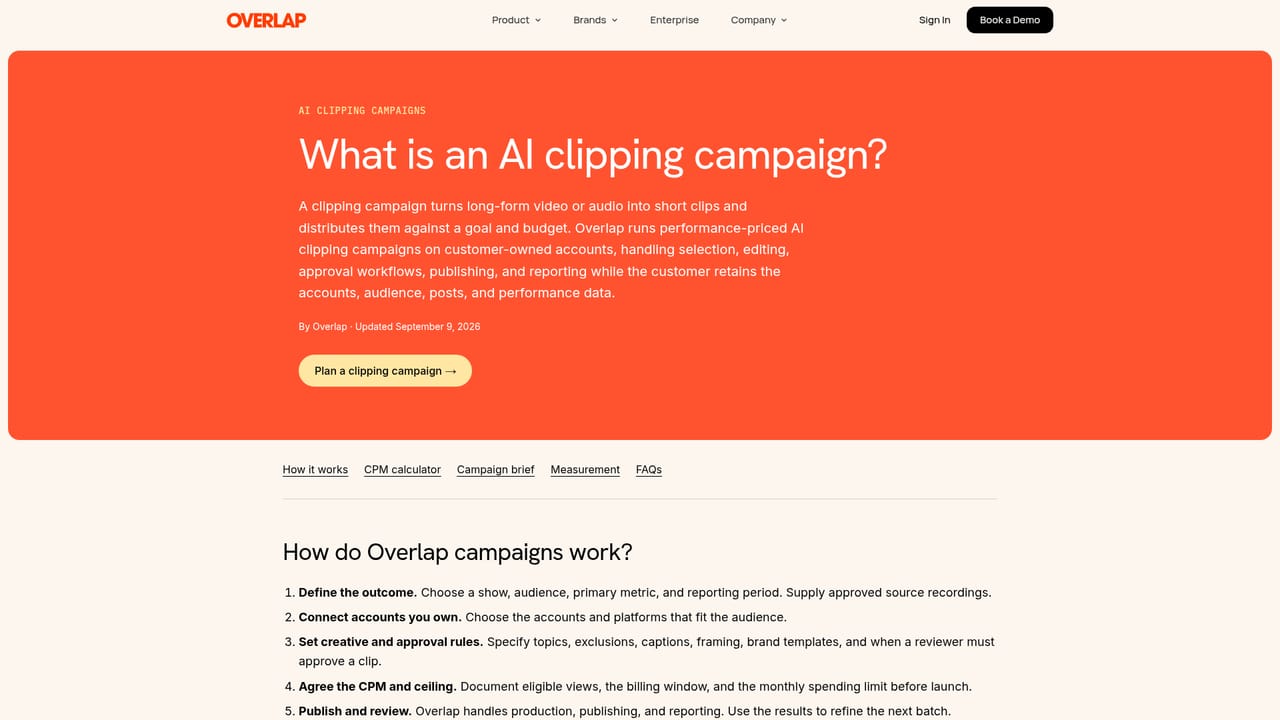
Billed on views delivered from clips Overlap's agents publish on accounts you own, at a rate agreed up front and under a ceiling you set. Nothing posted means nothing billed. No fixed price list appears on the homepage.
Learn morePublishes to TikTok, Instagram, YouTube, X, LinkedIn, Facebook, Threads, Snapchat and Bluesky from one queue, with export for other destinations. It also watches connected drives, channels and feeds for new uploads.
AI clip selection, editing, captioning and formatting, a clip editor for manual overrides, brand kits, posting personas, workflow automation, a social calendar with approval states, multi-platform auto-publishing, analytics reporting and a self-improving agent.
 AI Angels400+ customizable AI girlfriends for NSFW chat, voice calls, and roleplay
 Candy AIExperience the future of companionship with AI friends who chat, role-play, and connect with you on a human level.
 ourdream.aiA vast AI roleplay platform with millions of characters for chat, images, video and voiceAI Angels400+ customizable AI girlfriends for NSFW chat, voice calls, and roleplayCandy AIExperience the future of companionship with AI friends who chat, role-play, and connect with you on a human level.ourdream.aiA vast AI roleplay platform with millions of characters for chat, images, video and voice


