Free trial
A free trial is available for Spaces, the real estate product. Showcase and Studio begin with a booked demo instead of a self-serve trial.
Learn moreStage rooms with real, shoppable furniture from your own catalog
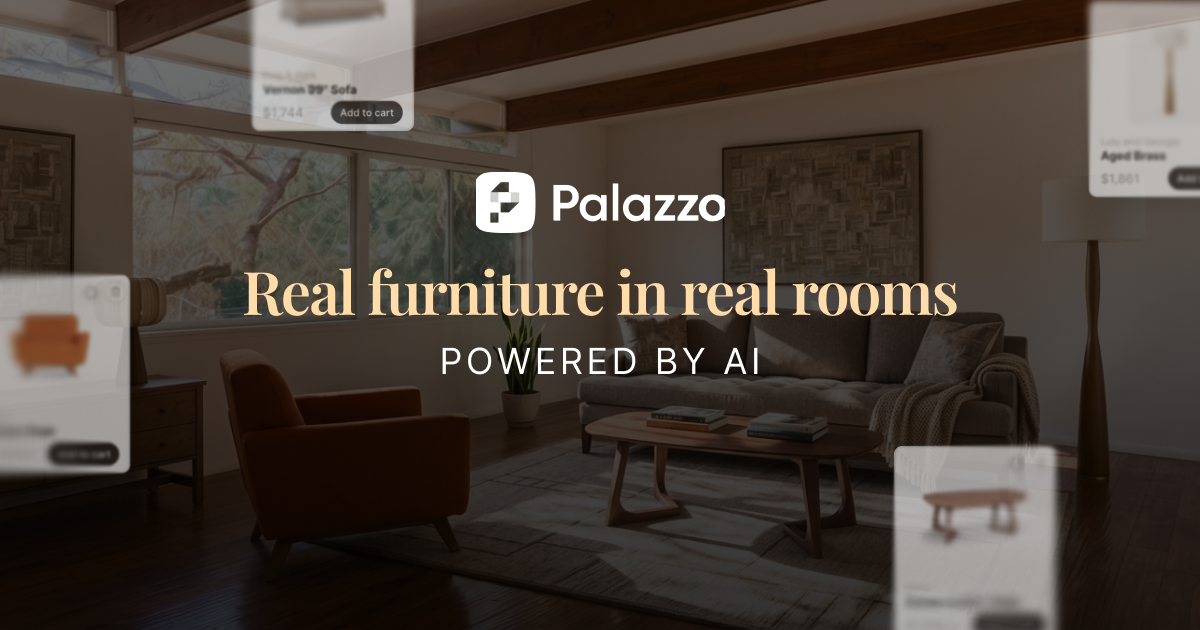
Palazzo is a generative image tool. Palazzo stages interior rooms with real, purchasable furniture. Spaces restages listing photos for agents in about 60 seconds, Showcase puts a retailer's catalog into a shopper's own room, and Studio produces lifestyle product photography from existing images.
Palazzo is a room visualization platform split into three products that share one rendering engine. Spaces handles virtual staging for real estate: an agent uploads a photo of an empty or furnished room, Palazzo removes what is there, and returns a finished, furnished version of the same walls, windows and layout in about 60 seconds. Showcase does the same job for furniture retailers, placing a brand's catalog items into a shopper's own room at true scale so the whole look can be added to cart. Studio generates lifestyle product photography for every SKU and colorway, built from existing product images rather than a photoshoot. The defining constraint is that nothing is invented. Every piece in every rendered room is a real product with a real SKU, and where inventory and pricing are available they flow through. That separates Palazzo from generic AI staging tools that fill rooms with furniture a buyer can never purchase. Setup leans on assets a brand already has: a product feed with SKUs, images, pricing and availability. The company states that no 3D models or CAD files are required. Audiences differ by product. Agents and brokerages use Spaces on a per-seat basis, multifamily operators are priced by building and builders by project. Furniture retailers, manufacturers and home brands use Showcase and Studio, typically after a sales demo. Add-on modules called Stylist and Vinci extend Showcase with room recommendations and a question-answering shopping guide. The company also offers a done-for-you staging service for teams that would rather send photos than learn software. Competitively, Palazzo positions against physical staging (thousands per room, weeks of lead time) and traditional product shoots ($300 to $1,000 per product, one to three weeks). It is a business tool aimed at brokerages, marketing teams and merchandisers, not a consumer design toy, and the real estate free trial is the main self-serve entry point.
A free trial is available for Spaces, the real estate product. Showcase and Studio begin with a booked demo instead of a self-serve trial.
Learn moreThe only published price is $50 per month with unlimited staging for individual agents on Spaces. Multifamily is priced by building and builders and BTR by project, both requiring a demo. Showcase and Studio pricing is not listed and starts with a sales conversation.
Learn moreSupport runs through a booked demo for Showcase, Studio, multifamily and builder accounts. A managed service is also offered where the team stages client photos and returns finished rooms.
Palazzo ingests the product feed a brand already maintains, covering SKUs, images, pricing and availability. No 3D models or CAD files are needed. No named third-party integrations are listed on the homepage.
Three products on one engine: Spaces restages listing photos in about 60 seconds, Showcase places a retailer's catalog in the shopper's own room with the full set addable to cart, and Studio generates lifestyle product photography for every SKU. Optional Stylist recommends rooms and Vinci answers shopper questions.
Learn more AI Angels400+ customizable AI girlfriends for NSFW chat, voice calls, and roleplay
 Candy AIExperience the future of companionship with AI friends who chat, role-play, and connect with you on a human level.
 ourdream.aiA vast AI roleplay platform with millions of characters for chat, images, video and voiceAI Angels400+ customizable AI girlfriends for NSFW chat, voice calls, and roleplayCandy AIExperience the future of companionship with AI friends who chat, role-play, and connect with you on a human level.ourdream.aiA vast AI roleplay platform with millions of characters for chat, images, video and voice


