Free trial
A free account needs no credit card and includes 5 AI actions. Paid plans come with a 7-day full-access trial that requires a card, with cancellation available at any time.
Learn moreOne connected AI assistant for briefings, planning, writing and research

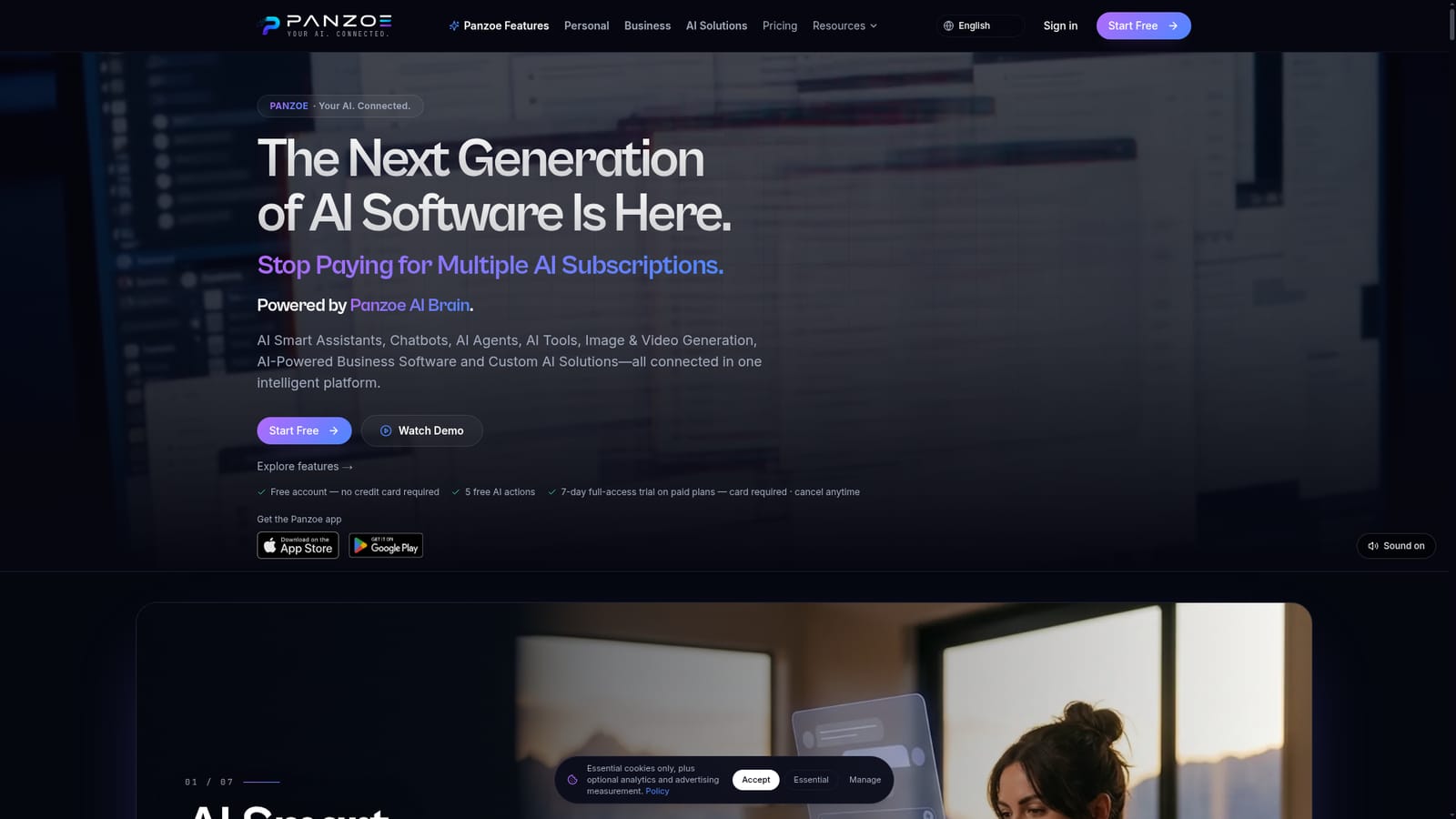
Panzoe is a proactive AI assistant tool. Panzoe bundles a daily briefing, email and calendar assistant, writing help, document analysis, deep research and image or video generation into one subscription, aimed at people and small businesses replacing several separate AI tools.
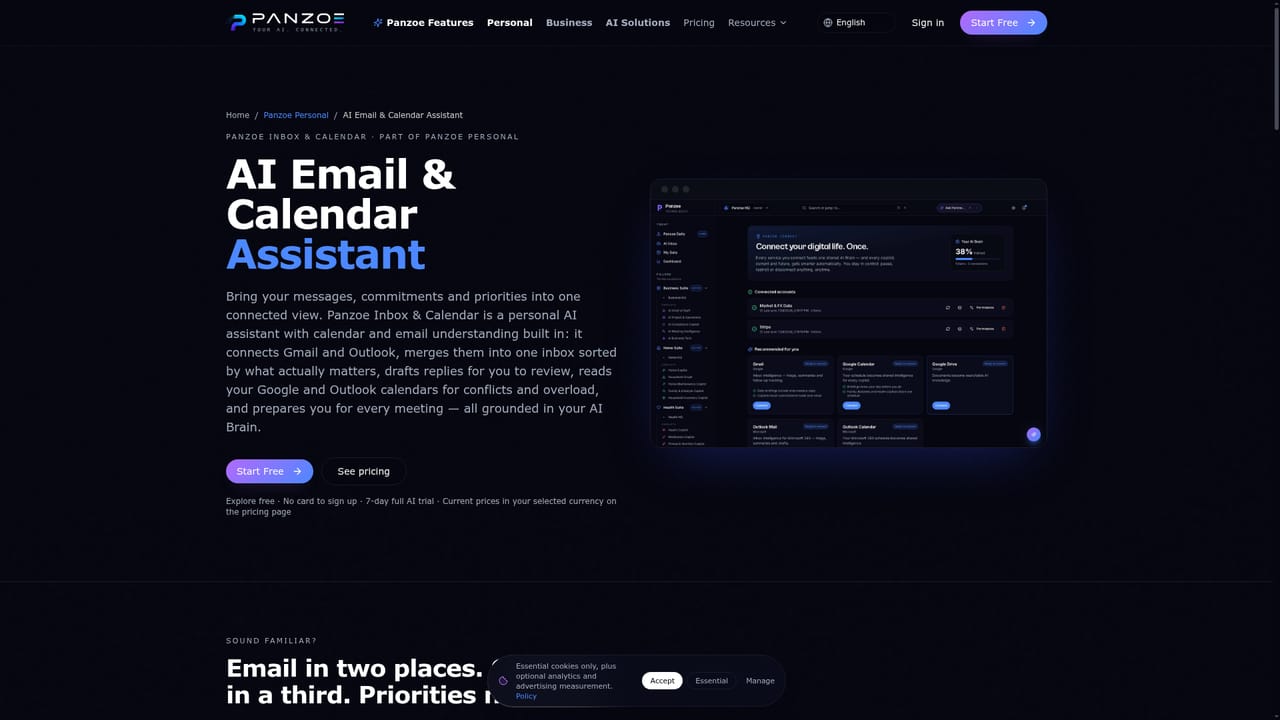
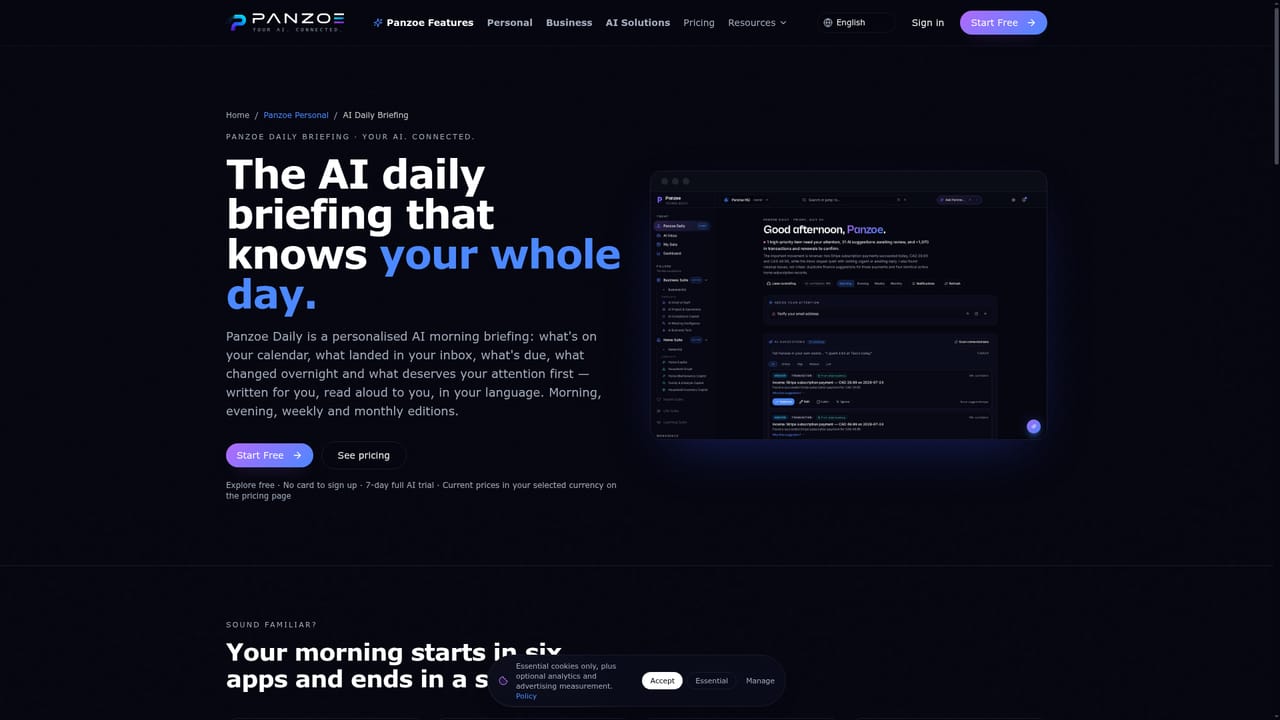
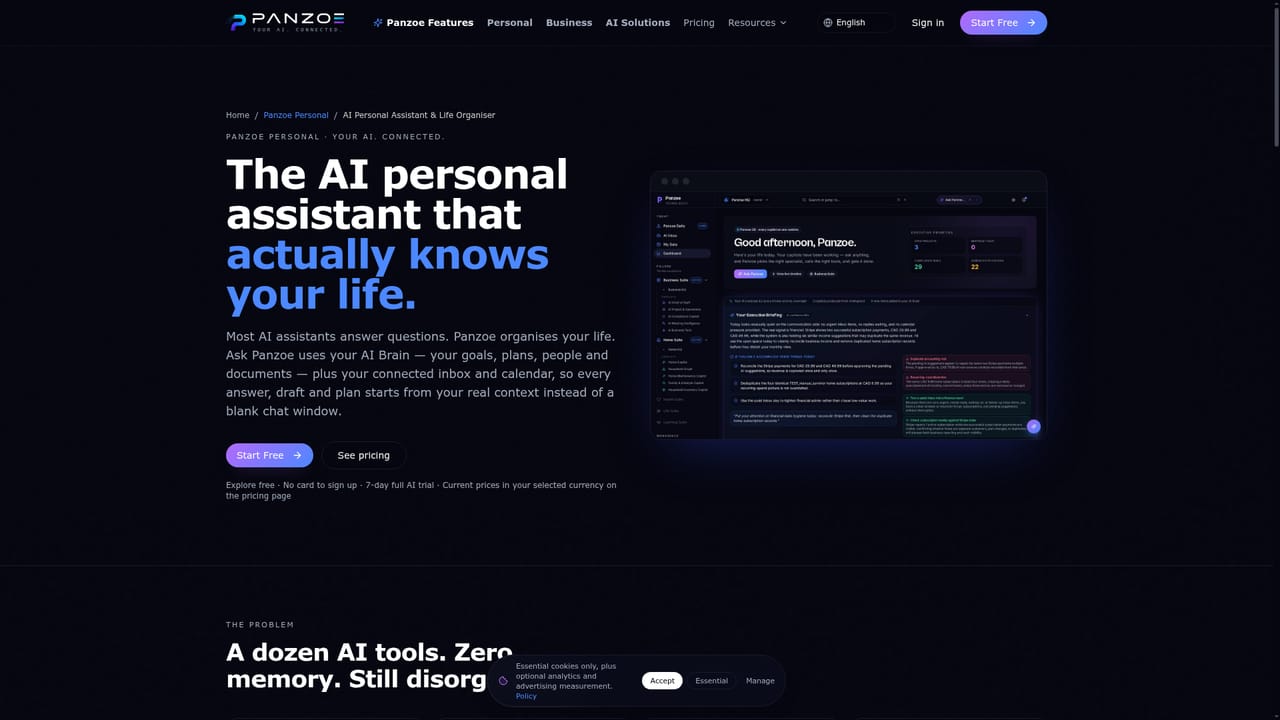
Panzoe is an AI platform that bundles a personal assistant, business tooling, creative generators and research functions under a single subscription. Its pitch is consolidation: instead of maintaining separate chat, writing, image and productivity subscriptions, users get one login that spans a morning briefing, an email and calendar assistant, writing help, document analysis, deep research and image or video creation. The company describes the product as an AI operating system for daily life, and the site lists Personal, Business and AI Solutions tracks for different audiences. The practical core is a daily briefing that pulls calendar, inbox, tasks and priorities into one summary, available as text and as a spoken voice briefing in the user's language. An AI Brain stores context the user chooses to keep, so a later question can draw on a saved fact rather than starting cold. Connected assistants handle drafted email replies, scheduling by voice, document summarising and rewriting dense legal language into plainer wording. On the business side, Panzoe markets an AI Chief of Staff with executive briefs, KPI anomaly alerts, project and compliance assistants, meeting intelligence and a business dashboard it calls a Business Twin. It suits individuals juggling too many apps (parents, professionals, students, travellers, seniors) as much as small businesses that want reporting and decision support without dedicated ops staff. Onboarding leans on the mobile apps and free trial rather than a technical setup, so the typical path is to connect Google or Microsoft accounts and let the briefing populate. Positioning matters here: Panzoe competes less with a single chatbot and more with the stack of tools a user already pays for. The trade-off is that breadth invites scrutiny of each module, and users with a favourite specialist tool may find individual Panzoe features shallower. The site states data is never sold or used for training, and lists GDPR, PIPEDA and SSL compliance.
A free account needs no credit card and includes 5 AI actions. Paid plans come with a 7-day full-access trial that requires a card, with cancellation available at any time.
Learn moreThe homepage says Panzoe is sold as one subscription covering the platform, positioned against paying for several AI tools. A free account gives 5 AI actions, and paid plans include a 7-day full-access trial that requires a card. Specific prices are not stated on the homepage.
Learn moreA help centre is available on the site. No live chat hours, phone support or response time commitments are stated on the homepage.
Learn moreThe site lists Gmail, Google Calendar, Google Drive, Google Contacts, Microsoft 365, Outlook Mail and Calendar, Notion, GitHub, Slack and Dropbox, with more integrations added over time. Google and Microsoft sign-in are supported.
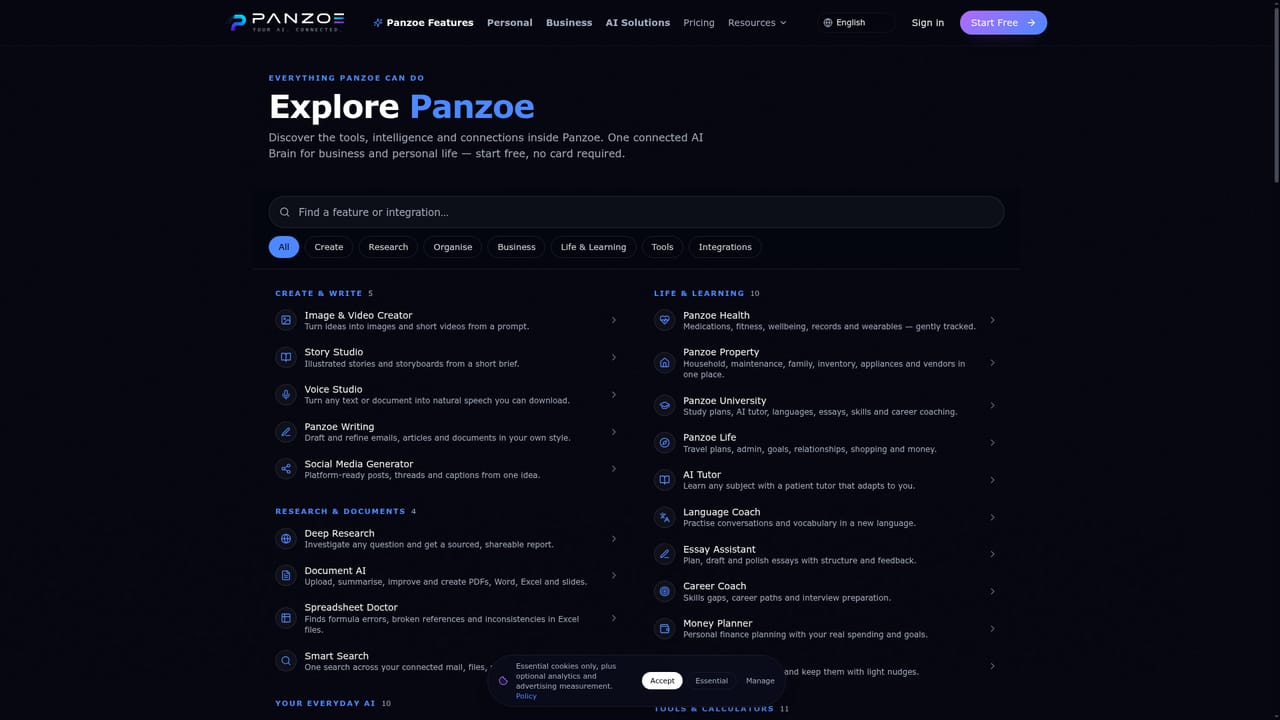
Learn moreCore features include a daily text and voice briefing, personal assistant with shared memory, email and calendar triage with drafted replies, deep research reports, document summarising and rewriting, a writing assistant, image and video generation, plus business tools such as executive briefs, project and compliance assistants and a live business dashboard.
Learn more AI Angels400+ customizable AI girlfriends for NSFW chat, voice calls, and roleplay
 Candy AIExperience the future of companionship with AI friends who chat, role-play, and connect with you on a human level.
 ourdream.aiA vast AI roleplay platform with millions of characters for chat, images, video and voiceAI Angels400+ customizable AI girlfriends for NSFW chat, voice calls, and roleplayCandy AIExperience the future of companionship with AI friends who chat, role-play, and connect with you on a human level.ourdream.aiA vast AI roleplay platform with millions of characters for chat, images, video and voice


