Free trial
The homepage advertises the converter as free with no sign up and no credit card required, though no plan tiers or usage caps are described.
Learn moreTurn dense PDFs into short, TikTok style study videos.
Own PDF To Brainrot AI? Verify ownership to get a dofollow link

PDF To Brainrot AI is an exam preparation tool that turns dense PDFs into short, TikTok style study videos. A web tool that turns PDFs and pasted text into short TikTok style study videos. Three output modes (Brainrot, Quiz, Raw), selectable narration voices, and custom or library background music and video.
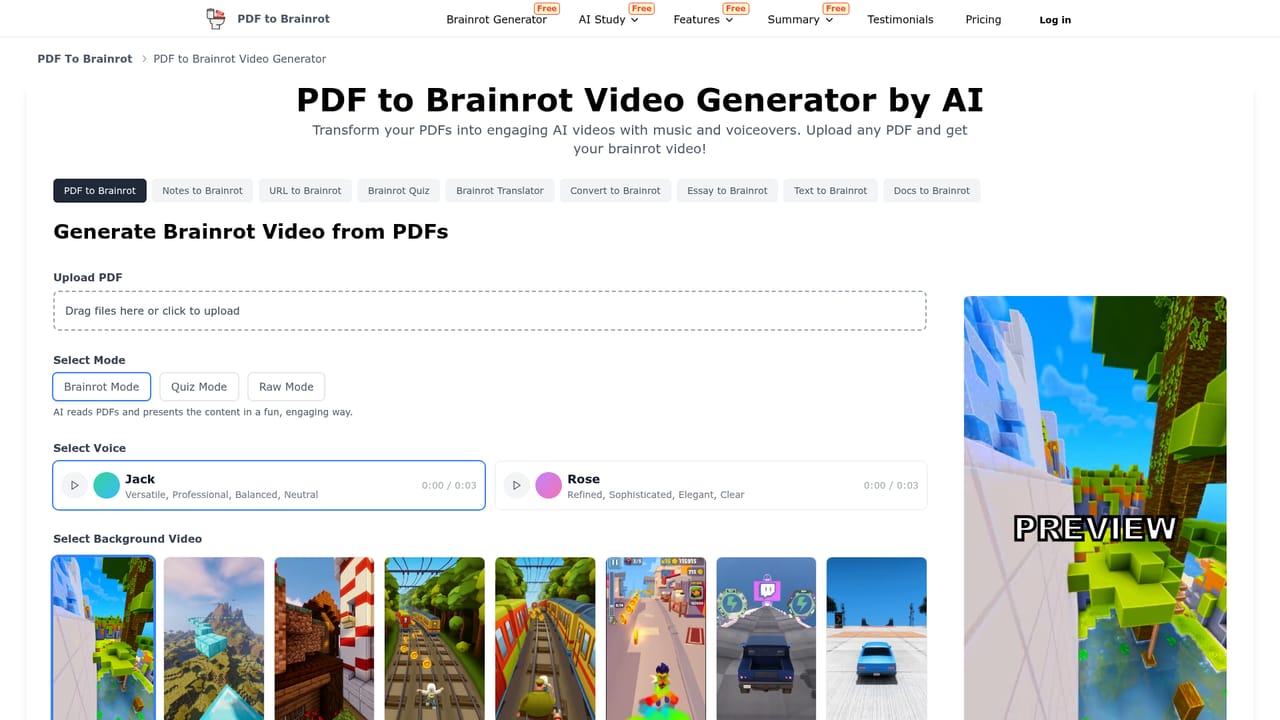
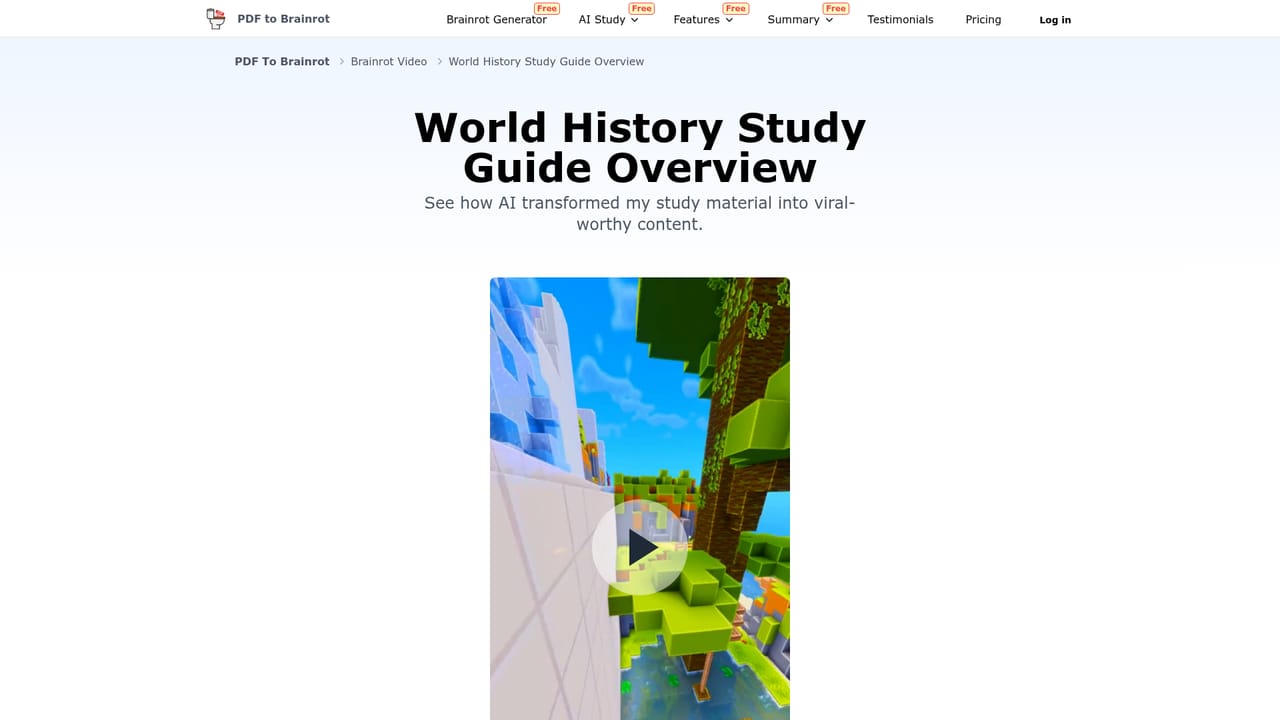
PDF To Brainrot converts uploaded documents into short vertical videos built around the fast, meme heavy visual language of TikTok. You hand the site a PDF (a textbook chapter, a research paper, a set of lecture notes) or paste raw text, pick a few output settings, and the service generates a clip that narrates and illustrates the material in a deliberately unserious style. The premise is that a dense wall of text gets skimmed and forgotten, while a punchy 60 second clip with a voiceover and gameplay footage behind it holds attention long enough to stick. The working controls sit in a short preference panel. Three video modes are offered: Brainrot Mode for the quirky TikTok treatment, Quiz Mode which frames the source material as questions and answers, and Raw Mode for a plain, no frills video. Voice narration can be switched by accent, tone and gender, and the visual layer accepts either tracks from a royalty free library or your own uploaded music and background video. A Text to Brainrot path handles pasted passages when no PDF is involved, which is useful for pulling one paragraph out of a longer document. The tool is aimed squarely at students revising for exams, teachers building remote or online lesson material, and trainers who need corporate content that people will actually finish. Public share links show finished examples across subjects such as world history, psychology, XML, animal feed resources and audiovisual critique, so the range is wider than the usual science and history demo. Among study tools, most competitors stay in text: notes, flashcards, quizzes, summaries. PDF To Brainrot is unusual in choosing video as the output format, which makes it a companion to those tools rather than a replacement. The tradeoff is that the meme framing will not suit every subject or every audience, and the homepage makes no claims about accuracy checking or source fidelity, so the summary quality of any given PDF is something a user has to verify by watching the result.
The homepage advertises the converter as free with no sign up and no credit card required, though no plan tiers or usage caps are described.
Learn morePDF and text input, three video modes (Brainrot, Quiz, Raw), selectable narration voices by accent, tone and gender, royalty free background music library plus custom uploads, custom background video, fast conversion, and playback on phones, tablets and desktops through shareable links.
 AI Angels400+ customizable AI girlfriends for NSFW chat, voice calls, and roleplay
 Candy AIExperience the future of companionship with AI friends who chat, role-play, and connect with you on a human level.
 ourdream.aiA vast AI roleplay platform with millions of characters for chat, images, video and voiceAI Angels400+ customizable AI girlfriends for NSFW chat, voice calls, and roleplayCandy AIExperience the future of companionship with AI friends who chat, role-play, and connect with you on a human level.ourdream.aiA vast AI roleplay platform with millions of characters for chat, images, video and voice


