PetDesk Scribe

AI scribe that turns vet appointments into SOAP notes

Beginner
Screenshot of PetDesk Scribe, AI scribe that turns vet appointments into SOAP notes

What is PetDesk Scribe?

PetDesk Scribe records veterinary appointments and turns them into formatted SOAP notes and client summaries. It reads the daily schedule from Avimark, Cornerstone, Impromed, ezyVet, or Pulse, supports pausing and multiple recordings per visit, and is tuned for clinical veterinary language.

PetDesk Scribe is an AI transcription tool built specifically for veterinary practices. A doctor or support staff member opens the Scribe app on a phone or the web, records the client appointment, and the service converts the conversation into a formatted SOAP note plus a plain-language patient summary. The stated goal is to remove the lunch-break and late-night note writing that follows a full day of visits, so clinicians finish documentation while the details are still fresh. The product is aimed at clinics already running a practice information management system. Scribe pulls the day's schedule directly from Avimark, Cornerstone, Impromed, ezyVet, or Pulse and refreshes the appointment list every five minutes, so the user taps a patient name rather than typing it. Recording can be paused, restarted, and split into several recordings under one appointment to handle multiple participants. When the visit ends, the transcript is filtered for relevance and written up as structured documentation that follows standard SOAP formatting, with the option to review and edit before saving. The veterinary focus is the main differentiator. PetDesk says its engine is calibrated for clinical terminology, procedures, and exam conversation, and that it handles a wide range of accents and speech patterns. Vendors in this space often bundle a general-purpose transcription model; Scribe is positioned against those tools on lower editing effort for veterinary language specifically. Practices that also use the wider PetDesk platform get a consistent experience across booking, reminders, and charting. The practical workflow is light. Install the app, let it read your schedule, record each appointment, then copy the generated summary into the client record or a follow-up message. The company cites a survey figure that 39 percent of veterinarians who use AI already apply it to record-keeping and administrative work, and pitches the tool at reducing staff stress as much as saving clinician hours. Pricing is quoted through a demo rather than published on the site.

How do you use PetDesk Scribe?

  1. 1Book a demo and confirm PIMS compatibility
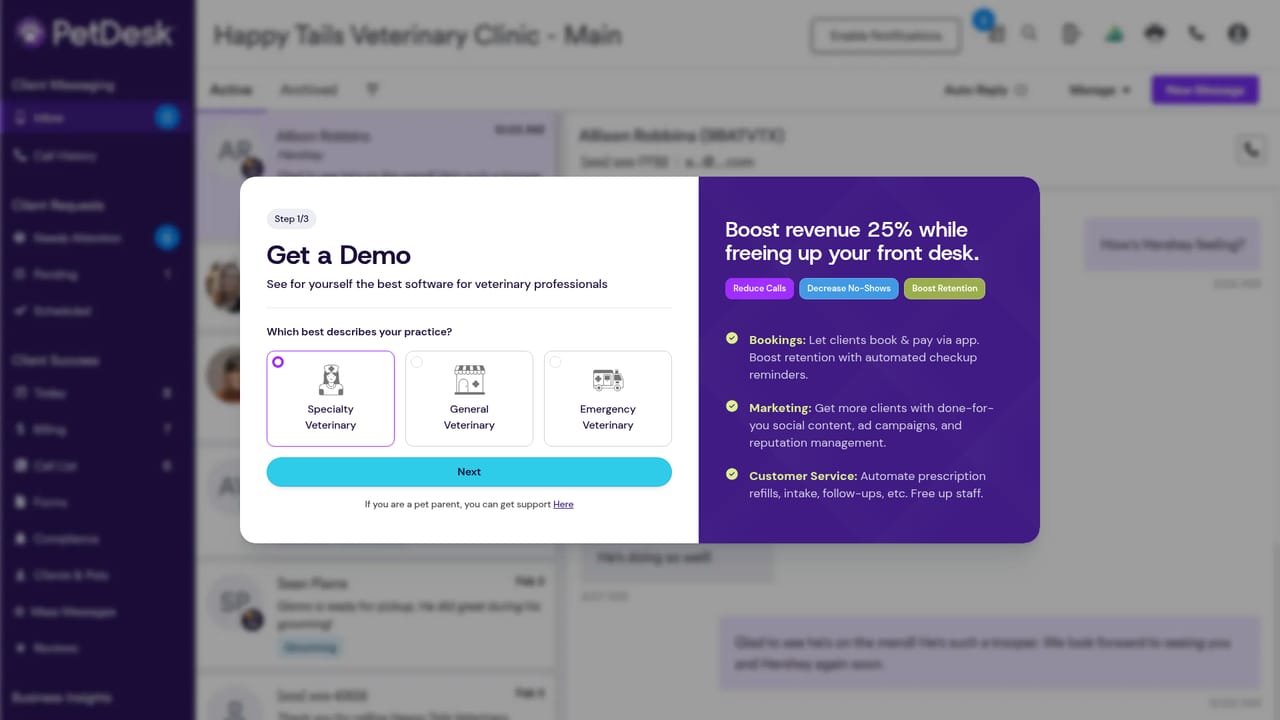
    Start with the demo request so the team can confirm your practice management system is on the supported list and walk through setup expectations.
    PetDesk Scribe — Book a demo and confirm PIMS compatibility
  2. 2Take the Scribe product tour
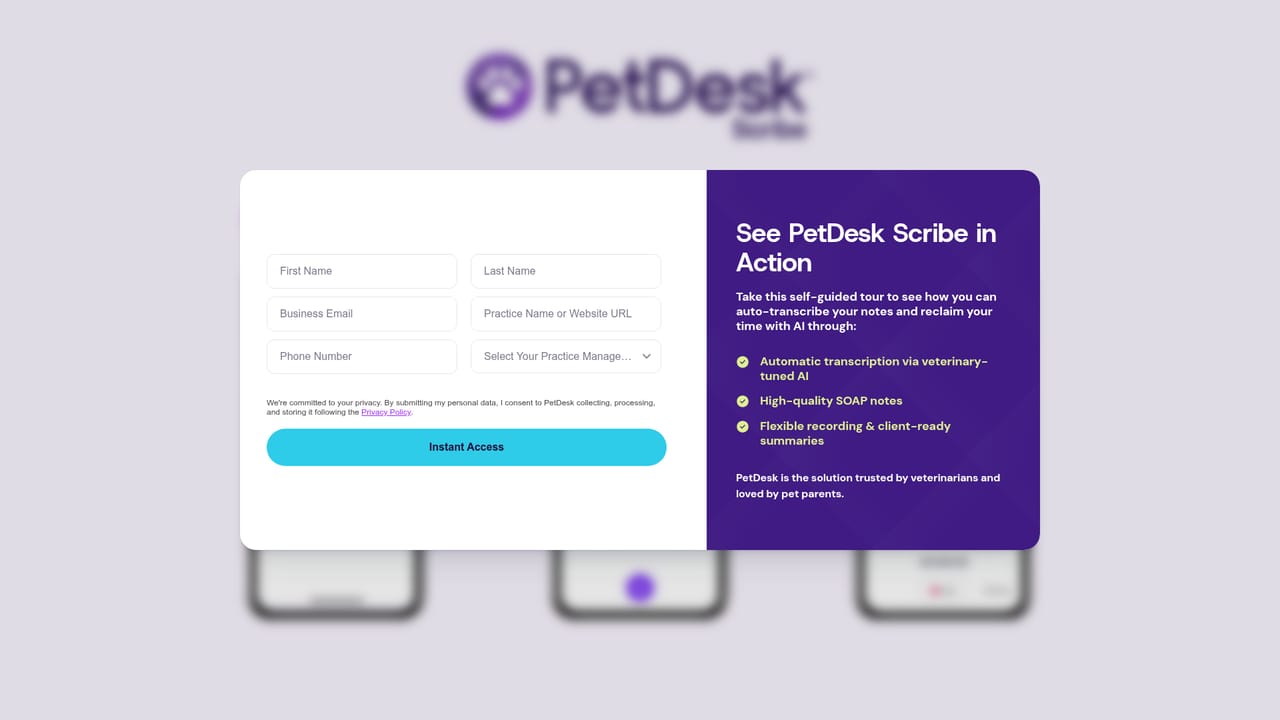
    The online tour shows the recording screen, the appointment list, and a finished SOAP note so you can judge output quality before committing.
    PetDesk Scribe — Take the Scribe product tour
  3. 3Connect your practice management system
    During onboarding, link Avimark, Cornerstone, Impromed, ezyVet, or Pulse so Scribe can pull the daily schedule. The appointment list refreshes every five minutes.
  4. 4Record an appointment
    Open the mobile or web app, tap the patient from today's schedule, and record. Pause or start new recordings as needed when several people join the conversation.
  5. 5Review the SOAP note and summary
    Finish the recording and check the generated note against what happened in the visit. Make edits where needed, then save to the record and copy the client summary.
  6. 6Read the charting guide for rollout habits
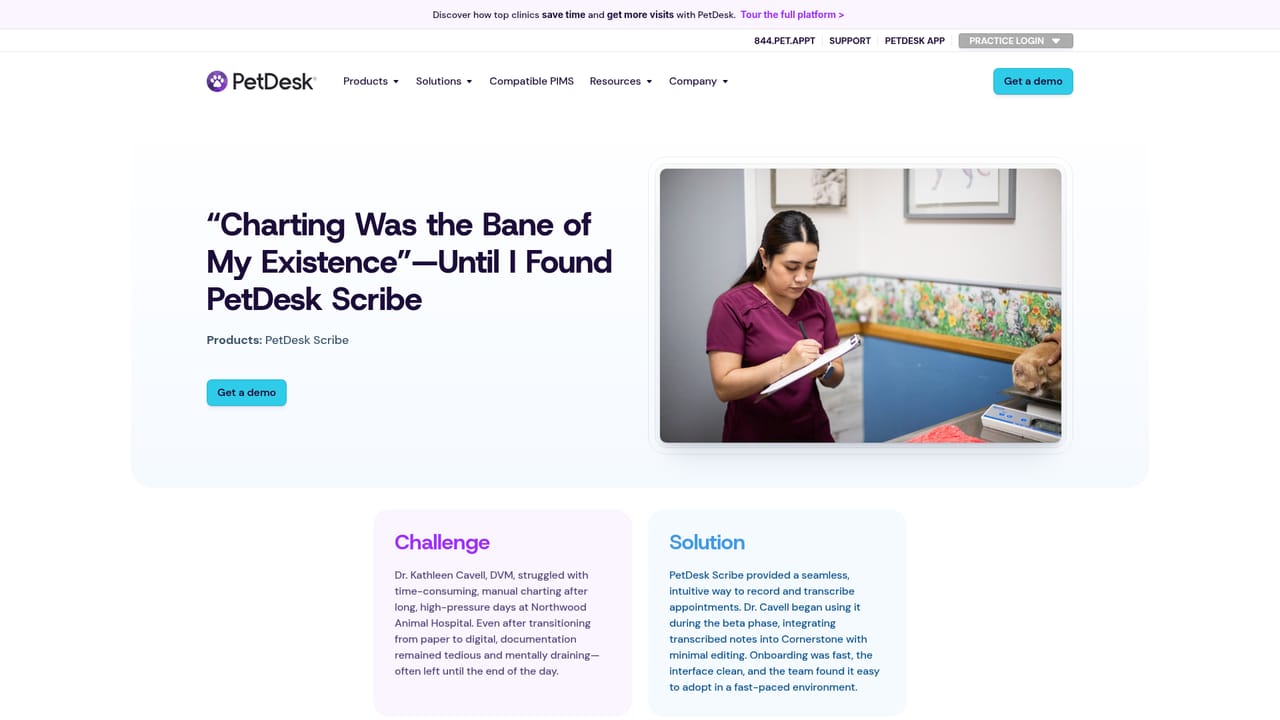
    The charting resource covers how practices fold Scribe into daily routines, useful for setting expectations with associates and technicians.
    PetDesk Scribe — Read the charting guide for rollout habits

Pros and cons

Pros

  • Purpose-built for veterinary terminology and clinical conversation, which the vendor says means less editing than general scribesAI
  • Schedule sync pulls the day's appointments from Avimark, Cornerstone, Impromed, ezyVet, or Pulse and refreshes every five minutesAI
  • Recording controls are practical: pause, restart, and split one appointment into several recordings for multiple speakersAI
  • Outputs both a structured SOAP note and a client-friendly summary that can be copied into follow-up messagesAI
  • Works on phone and web, so recording does not depend on sitting at a desk terminalAI

Cons

  • No pricing is published on the site; cost is only available through a demo request, which slows budget comparisonAI
  • SOAP notes still need human review and editing before saving, so the time saving is a reduction rather than elimination of documentation workAI
  • Value depends on a supported PIMS; the schedule sync list is limited to five named systemsAI
  • Little public detail on data retention, recording storage, or consent handling for client conversationsAI
  • No API or developer documentation is described, so custom workflow integration looks unavailableAI

How much does PetDesk Scribe cost?

Integrations

Scribe pulls the daily appointment schedule from Avimark, Cornerstone, Impromed, ezyVet, and Pulse. The site also displays logos for a wider set of practice systems on its compatibility page, but the FAQ names only those five for schedule sync.

Learn more

Features

Core features include automatic appointment recording through mobile and web apps, schedule sync from Avimark, Cornerstone, Impromed, ezyVet, and Pulse with a five-minute refresh, pause and multi-recording controls per visit, a veterinary-tuned transcription engine, formatted SOAP note output, and copy-ready client patient summaries. Transcripts can be reviewed and edited before saving, and the model is described as improving with continued use.

Learn more

Frequently asked questions about PetDesk Scribe

  • How do you use PetDesk Scribe?
    The walkthrough on this page covers 6 steps: 1. Book a demo and confirm PIMS compatibility 2. Take the Scribe product tour 3. Connect your practice management system 4. Record an appointment 5. Review the SOAP note and summary 6. Read the charting guide for rollout habits.
  • What platforms does PetDesk Scribe support?
    PetDesk Scribe is available on Web App, iOS and Android.
  • What does PetDesk Scribe integrate with?
    Scribe pulls the daily appointment schedule from Avimark, Cornerstone, Impromed, ezyVet, and Pulse. The site also displays logos for a wider set of practice systems on its compatibility page, but the FAQ names only those five for schedule sync.
  • What are the limitations of PetDesk Scribe?
    No pricing is published on the site; cost is only available through a demo request, which slows budget comparison. SOAP notes still need human review and editing before saving, so the time saving is a reduction rather than elimination of documentation work. Value depends on a supported PIMS; the schedule sync list is limited to five named systems.

Status

StatusActive
Views0
Outbound clicks0
Added10/21/2026

Platforms

Web AppiOSAndroid

Pricing

Paid