Free trial
Signup includes free credits for a first AI pet video, and the homepage states no credit card is needed. No time limit or credit amount is published.
Learn moreTurn one pet photo into viral TikTok-style AI pet videos

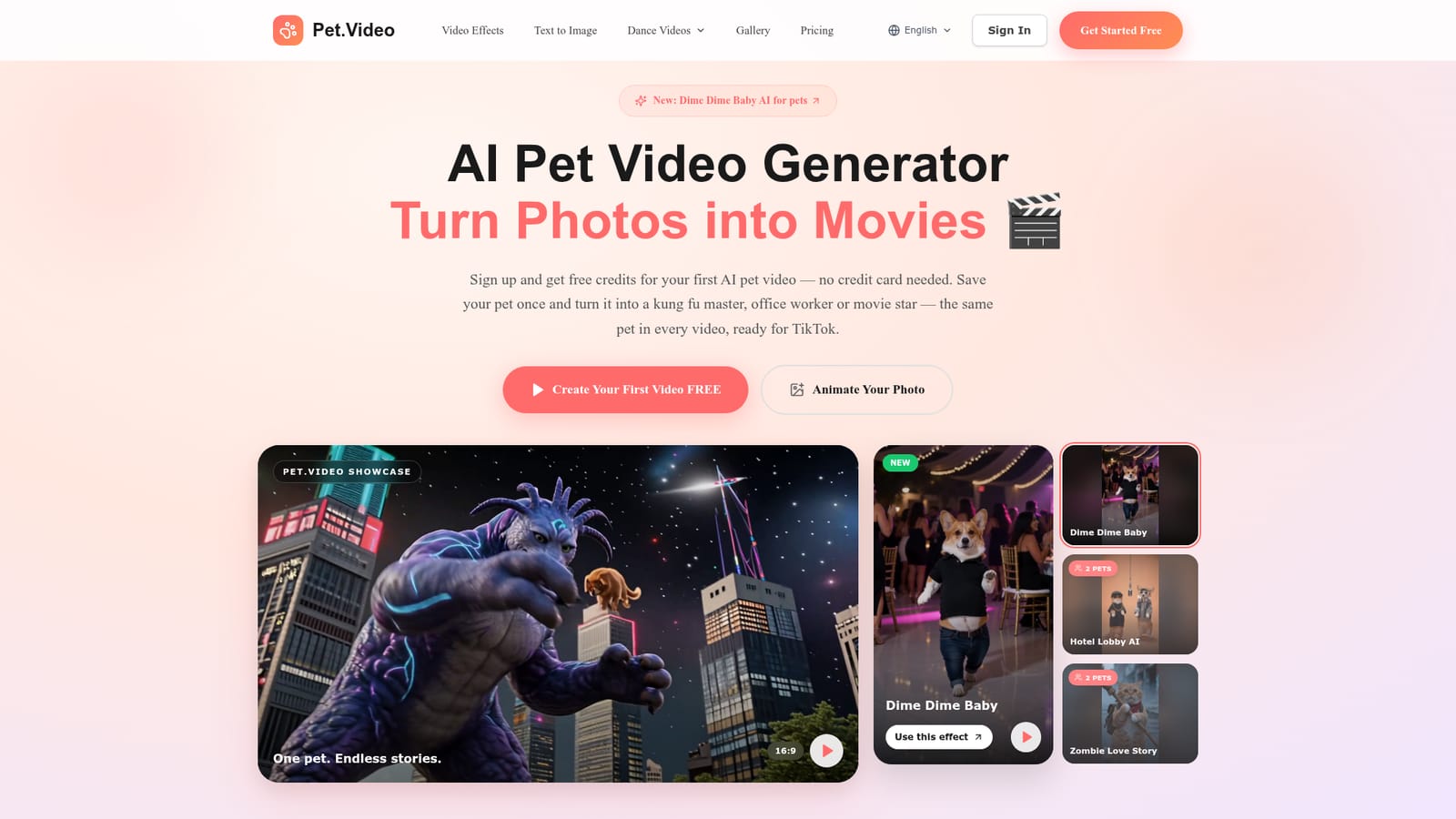
Pet.Video is a generative video tool that turns one pet photo into viral TikTok-style AI pet videos. A focused AI video maker that saves your cat or dog as a reusable character and drops it into 50+ trending pet effects, exporting vertical HD clips for TikTok, Reels and Shorts.
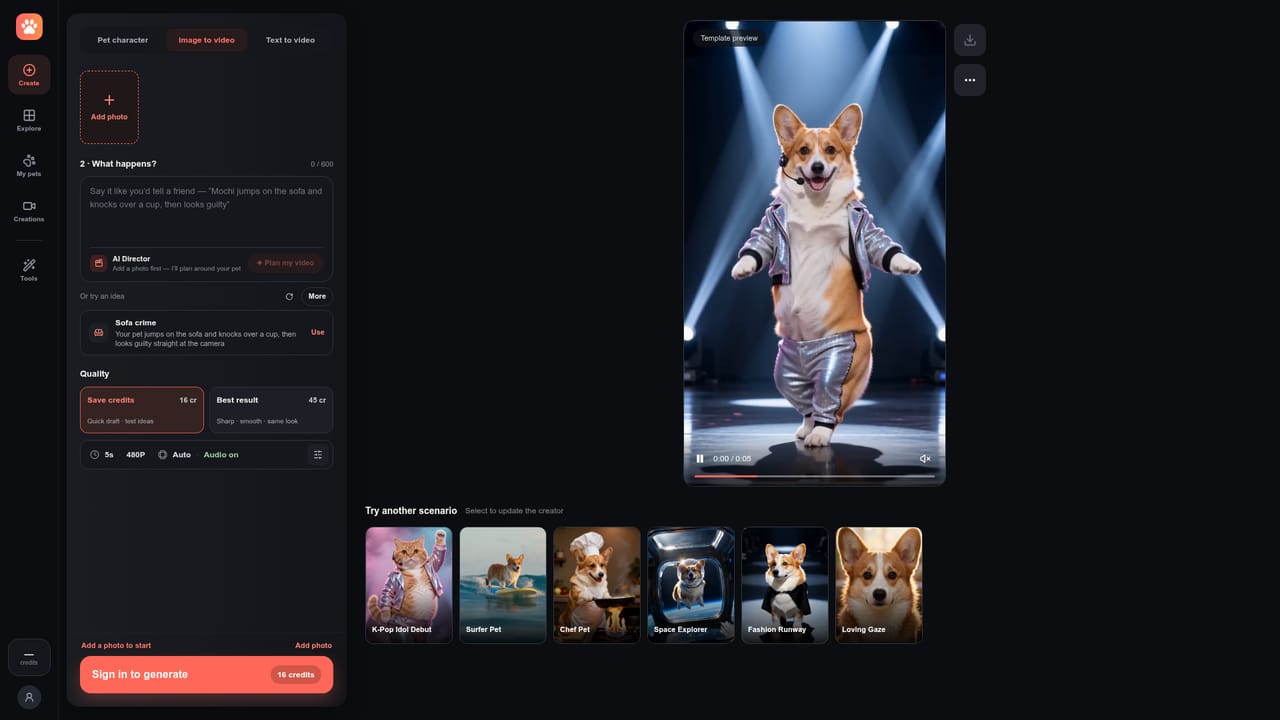
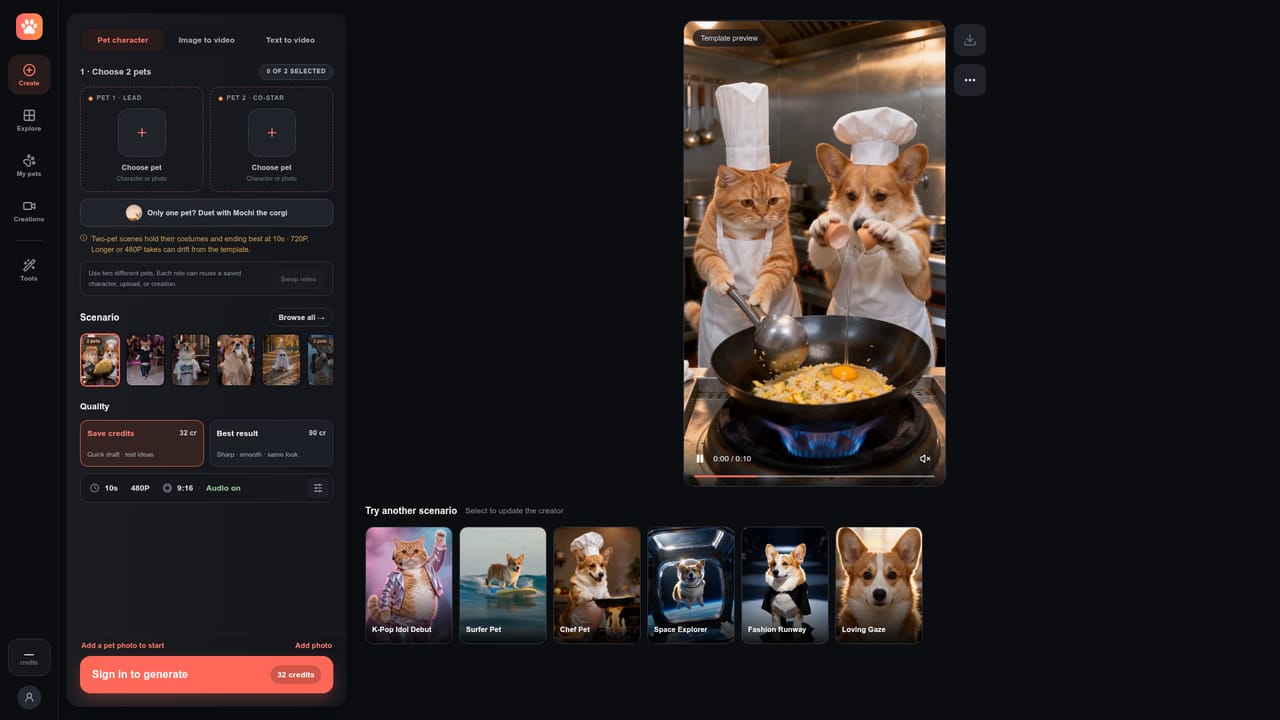
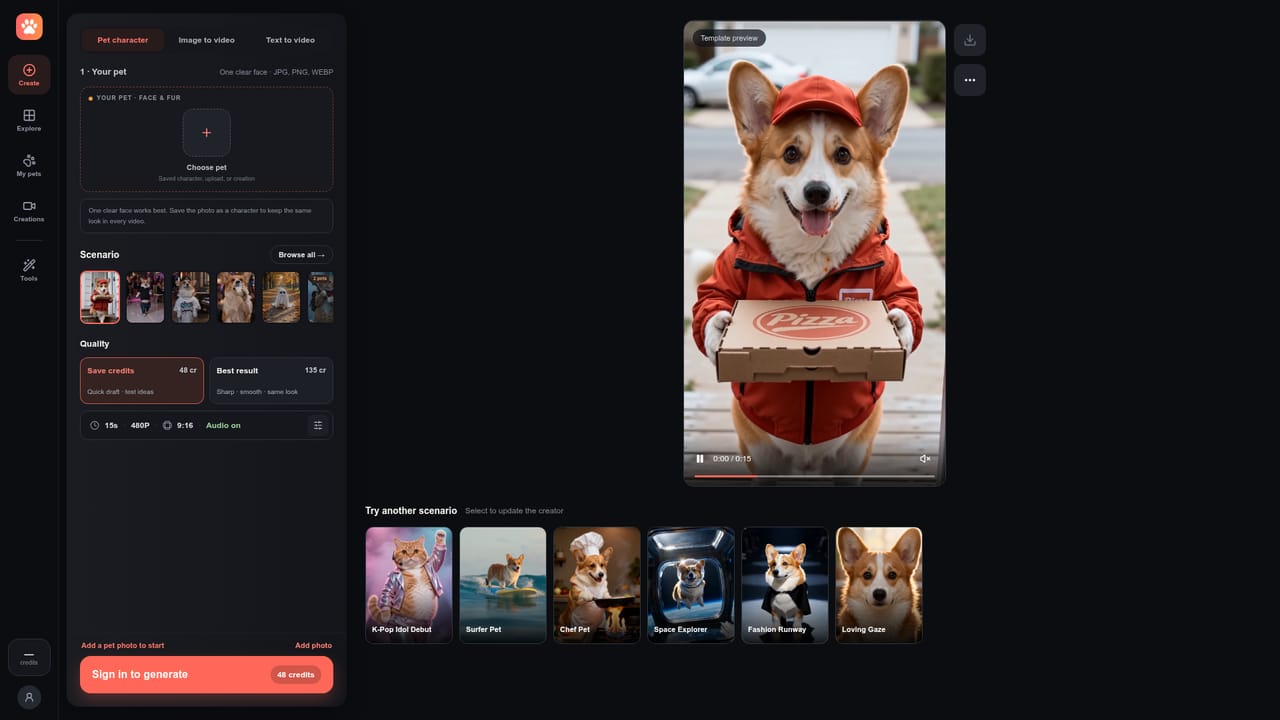
Pet.Video is a browser based generator built around a single, narrow idea: your pet as a recurring character in short AI videos. You upload a photo of a cat, dog or other animal, the service registers that pet as a saved character, and then you apply one of the available effects to place it in a scenario. The homepage lists more than 50 styles, with previews for titles such as Pizza Delivery, Firefighter Rescue, Night Shift Guard, Ghost Photoshoot, Barista Mode, Drunk Cat Milk Shot, Pet Dance Battle and Smalltown Boy Dance. Some effects are built for two pets at once, so a pair of animals can appear together in the same clip. The workflow is aimed at people who post short form video rather than at editors. There is no timeline to learn: you pick an effect, supply the photo, and the output comes back in vertical 9:16 framing sized for TikTok, Instagram Reels and YouTube Shorts, downloadable in HD. A dedicated photo to video page handles the general case, while separate cat and dog sections speak to owners who want the tool tuned to a particular animal. The persistent character feature is the part that separates it from one off novelty apps, since the same pet keeps its appearance across multiple effects instead of being regenerated from scratch each time. Practically, Pet.Video competes with general purpose image animation tools and with the built in effect libraries inside social apps. Its edge is curation: the effects are chosen for pet content and pre-formatted for vertical feeds, which saves the trial and error of adapting a generic model. Its limits are equally clear. The catalogue is fixed, so anyone wanting a scenario that is not on the list has no path to build it. Effects rotate in and out, and the trending counters on the homepage are social proof rather than a guide to what will work for a specific animal. Best suited to pet owners, small pet brands and social media managers producing steady short video output. Expect a fast, guided experience rather than a studio.
Signup includes free credits for a first AI pet video, and the homepage states no credit card is needed. No time limit or credit amount is published.
Learn moreSaved pet characters that keep a consistent look across videos, more than 50 trending effect styles including woolen pet, giant pet and K-Pop dance, two pet scenes, dedicated cat and dog generators, a general photo to video tool, HD export in vertical 9:16 format for TikTok, Reels and Shorts.
Learn more AI Angels400+ customizable AI girlfriends for NSFW chat, voice calls, and roleplay
 Candy AIExperience the future of companionship with AI friends who chat, role-play, and connect with you on a human level.
 ourdream.aiA vast AI roleplay platform with millions of characters for chat, images, video and voiceAI Angels400+ customizable AI girlfriends for NSFW chat, voice calls, and roleplayCandy AIExperience the future of companionship with AI friends who chat, role-play, and connect with you on a human level.ourdream.aiA vast AI roleplay platform with millions of characters for chat, images, video and voice


