PoseMix

Blend, remix and fuse AI styles into images and video

Beginner
Screenshot of PoseMix, Blend, remix and fuse AI styles into images and video

What is PoseMix?

PoseMix is a generative image tool. A web based AI creative studio that fuses photos, text prompts and 437+ art styles into images and video, with 14+ support tools for background removal, restoration and portrait edits.

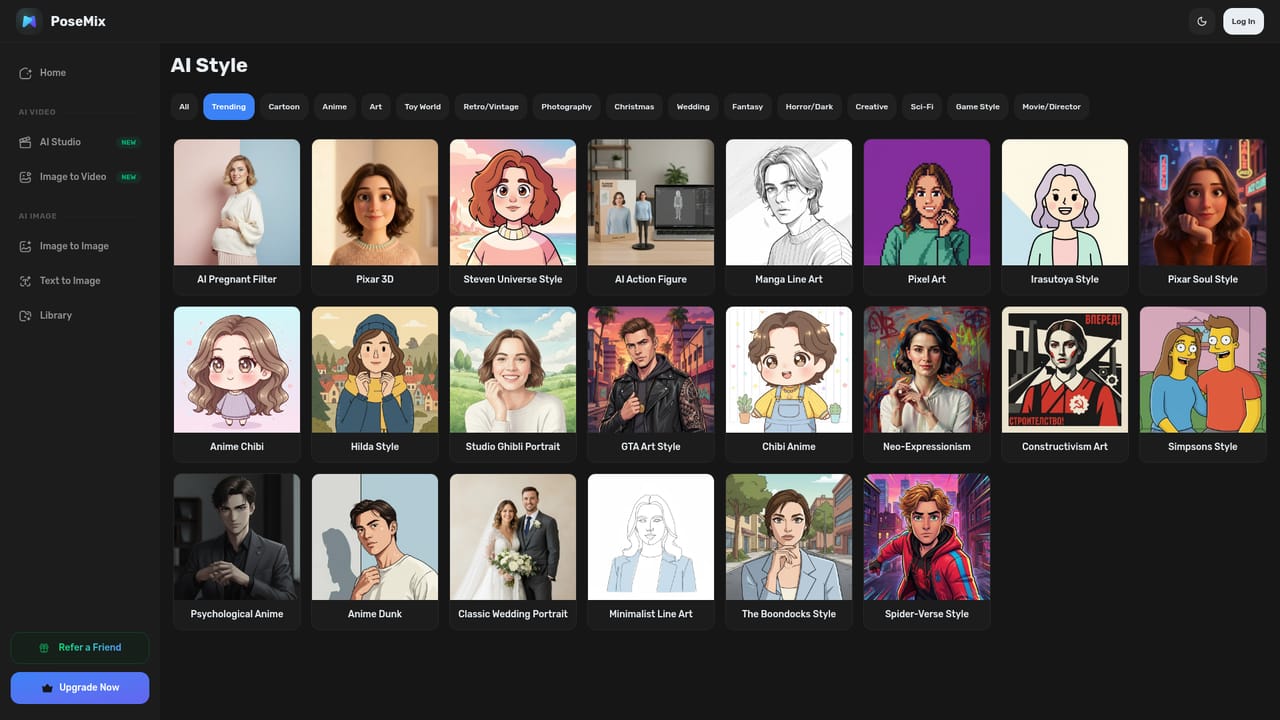
PoseMix is a browser based creative studio built around the idea of mixing styles rather than picking a single preset. Its core tools are an image mixer and a video mixer. The image side takes your photos and fuses them with generative art styles, text prompts or artistic filters, so a portrait can take on cartoon aesthetics or painterly brushwork while keeping the sitter recognizable. The video side works in three directions: text to video, image to video, and a text to image to video route where you generate frames first, choose the one that matches your vision, then animate it into a clip. The platform leans on a very large style library, which it lists as 437+ artistic styles spanning manga line art, Pixar style 3D, pixel art, Van Gogh brushwork and more. Styles can be browsed through a carousel and previewed by hovering a thumbnail, and the pitch is explicitly about combining them in ways that have not been done before. Alongside the mixers sit 14+ utility tools for background removal, object erasing, watermark removal, recoloring, image expansion, photo restoration and colorization. A separate cluster handles people editing: clothes changes, hairstyle previews, facial expression edits, age progression, gender swap, virtual makeup and ID photo creation. The product is aimed at creators, designers and small businesses who want expressive output without a heavy editing suite. The workflow is prompt first and skill light: upload or describe, preview options, generate, then run the result through another tool for a layered effect. Because everything runs in the web app and the toolset is broad rather than deep, PoseMix sits closer to consumer creative platforms than to professional retouching software. Creative image and creative video are the two main entry points. Pricing details are not published on the homepage, so buyers should check inside the app before committing.

How do you use PoseMix?

  1. 1Pick an entry point
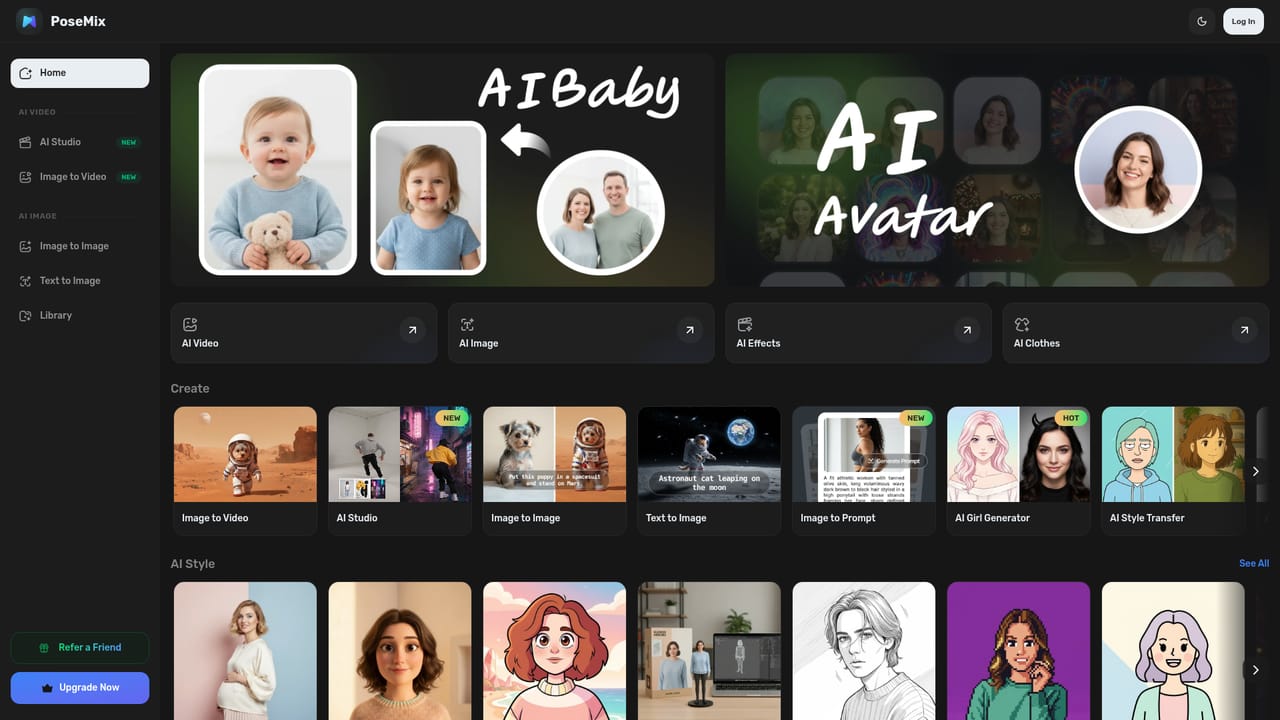
    Open the app hub and choose Creative Image or Creative Video depending on whether you want a still or a clip.
    PoseMix — Pick an entry point
  2. 2Generate or upload your base
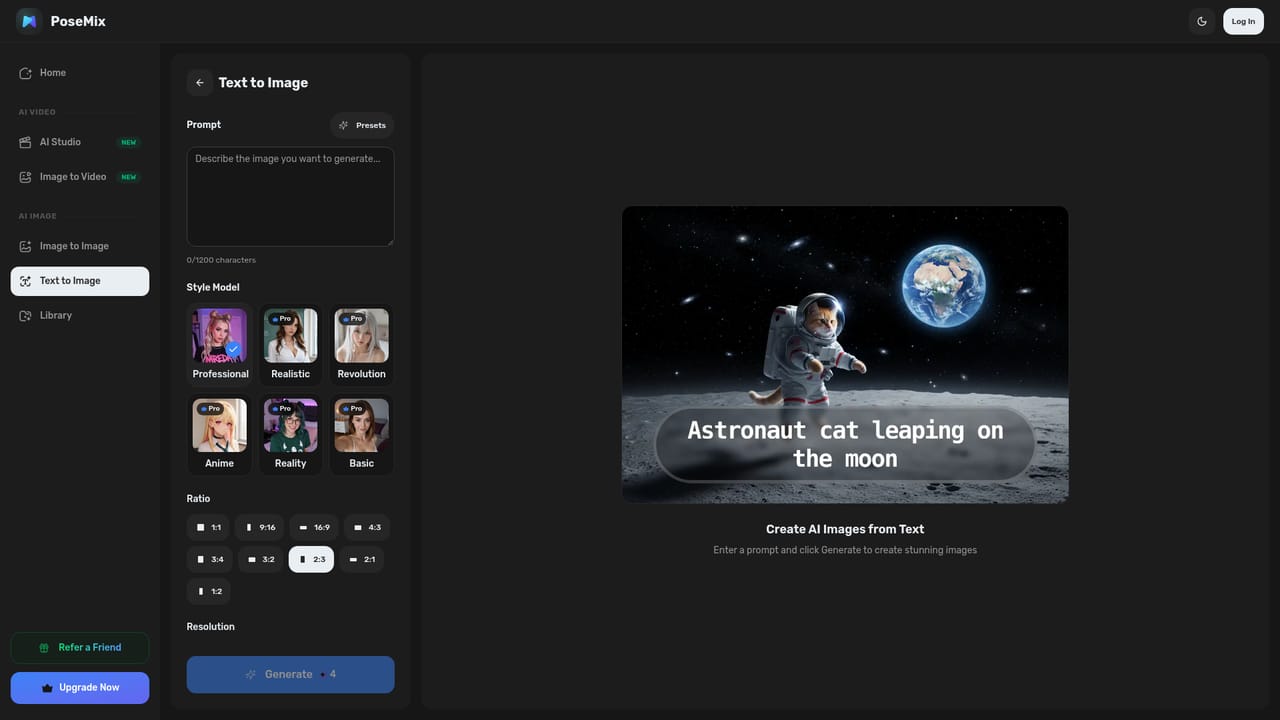
    For images, go to the text to image generator and describe the scene you want, or bring your own photo for style blending.
    PoseMix — Generate or upload your base
  3. 3Blend a style
    Browse the style carousel, hover thumbnails to preview looks, then apply and combine styles on your image.
    PoseMix — Blend a style
  4. 4Build a video
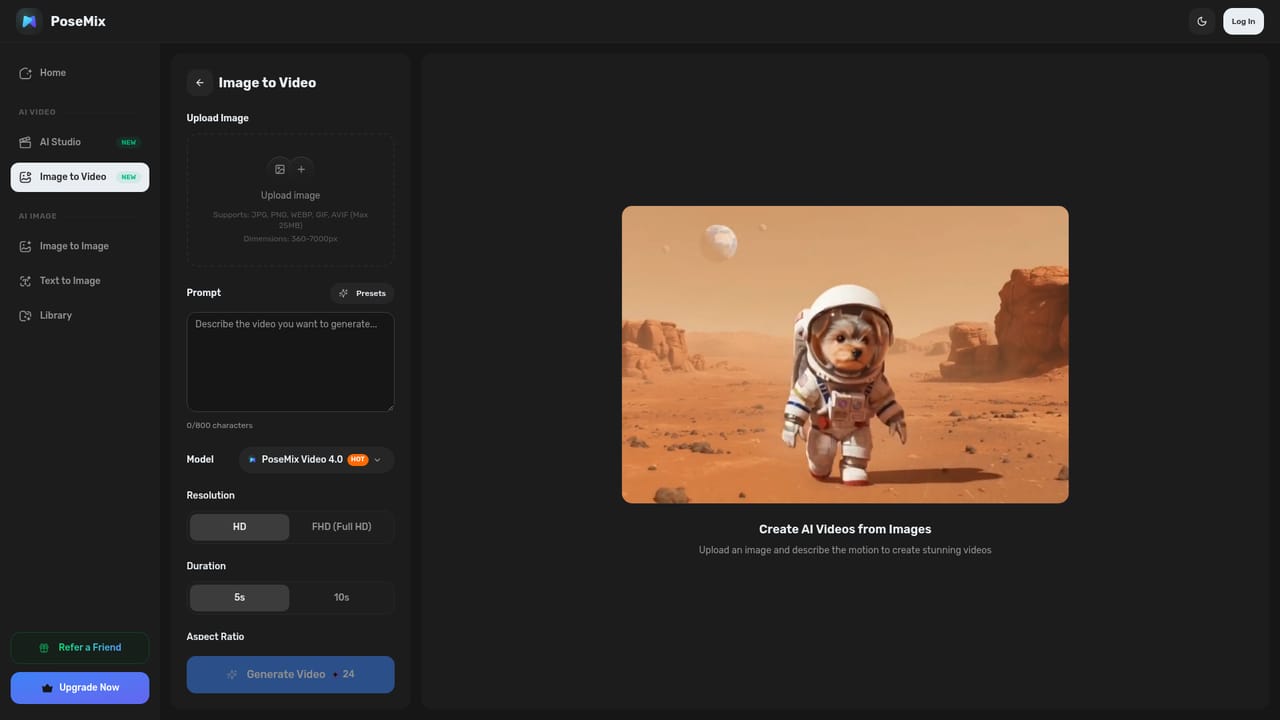
    Use text to video for written ideas, image to video to animate an existing photo, or generate frames and pick one to clip.
    PoseMix — Build a video
  5. 5Layer in utility edits
    Run the result through supporting tools such as background removal or object removal to clean up the composition.

Pros and cons

Pros

  • Style mixing is the organizing principle, letting users combine presets instead of accepting one fixed lookAI
  • Very large style catalogue (437+) with hover previews before committing to a generationAI
  • Covers both image and video creation, including a text to image to video path with frame selectionAI
  • 14+ utility tools like background, object and watermark removal sit alongside the generatorsAI
  • No design skills required, so beginners can produce styled output quicklyAI

Cons

  • Pricing, credits and limits are not stated on the homepage, so costs are opaque before signing upAI
  • Style blending quality and character preservation are marketing claims with no published benchmarksAI
  • Output leans heavily on preset effects, which can make results feel recognizably template drivenAI
  • No mention of batch processing, API access or commercial licensing terms for generated mediaAI
  • Some portrait tools (gender swap, age progression) raise consent and misuse questions the site does not addressAI

How much does PoseMix cost?

Features

An image mixer and video mixer form the core, supporting text to image, image to video, text to video and a text to image to video path. Add a library of 437+ blendable art styles plus 14+ utilities: background remover, object remover, watermark removal, recoloring, image expansion, photo restoration, colorization, clothes changer, hairstyle changer, expression changer, age progression, gender swap, makeup generator and ID photo maker.

Learn more

Frequently asked questions about PoseMix

  • How do you use PoseMix?
    The walkthrough on this page covers 5 steps: 1. Pick an entry point 2. Generate or upload your base 3. Blend a style 4. Build a video 5. Layer in utility edits.
  • What platforms does PoseMix support?
    PoseMix is available on Web App.
  • What are the limitations of PoseMix?
    Pricing, credits and limits are not stated on the homepage, so costs are opaque before signing up. Style blending quality and character preservation are marketing claims with no published benchmarks. Output leans heavily on preset effects, which can make results feel recognizably template driven.

Status

StatusActive
Views0
Outbound clicks0
Added11/3/2026

Platforms

Web App

Pricing

Freemium