Free trial
A free trial gives access to core features including sourcing, automated outreach and interview scheduling, and no credit card is required to start.
Learn moreAI recruiting platform that sources, screens and schedules on autopilot

Pin is an AI recruiting platform that searches 850M+ profiles, ranks candidates by fit, runs multi-channel outreach sequences and books interviews, with sync to 120+ applicant tracking systems.
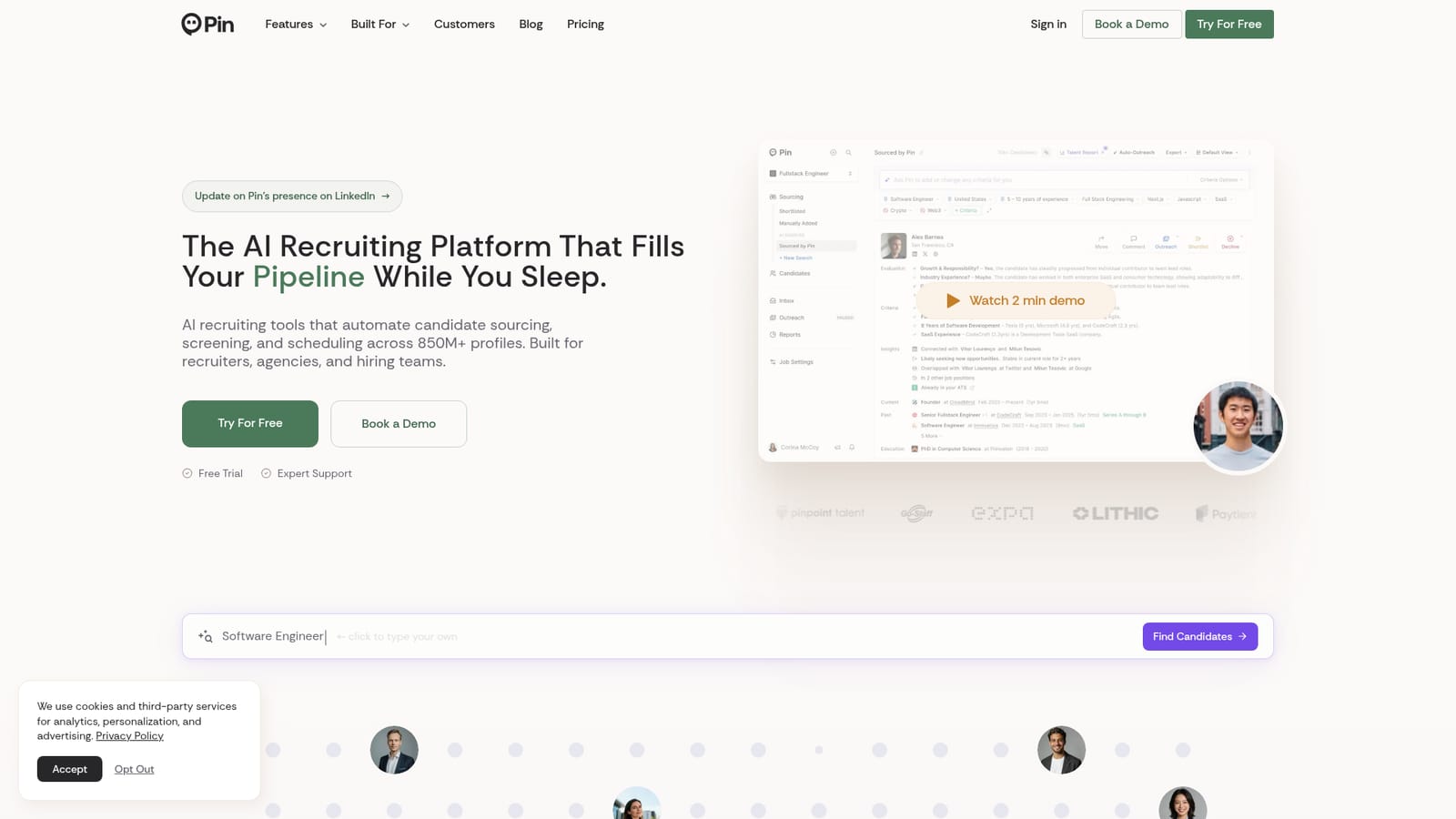
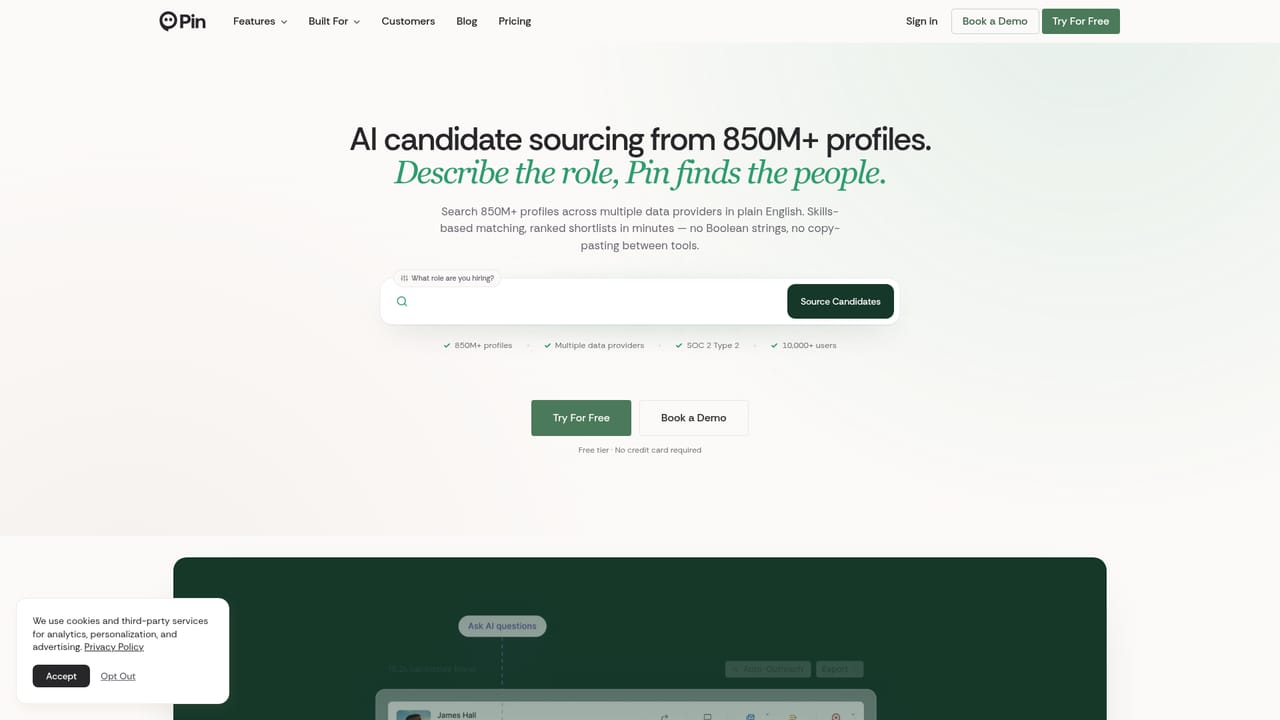
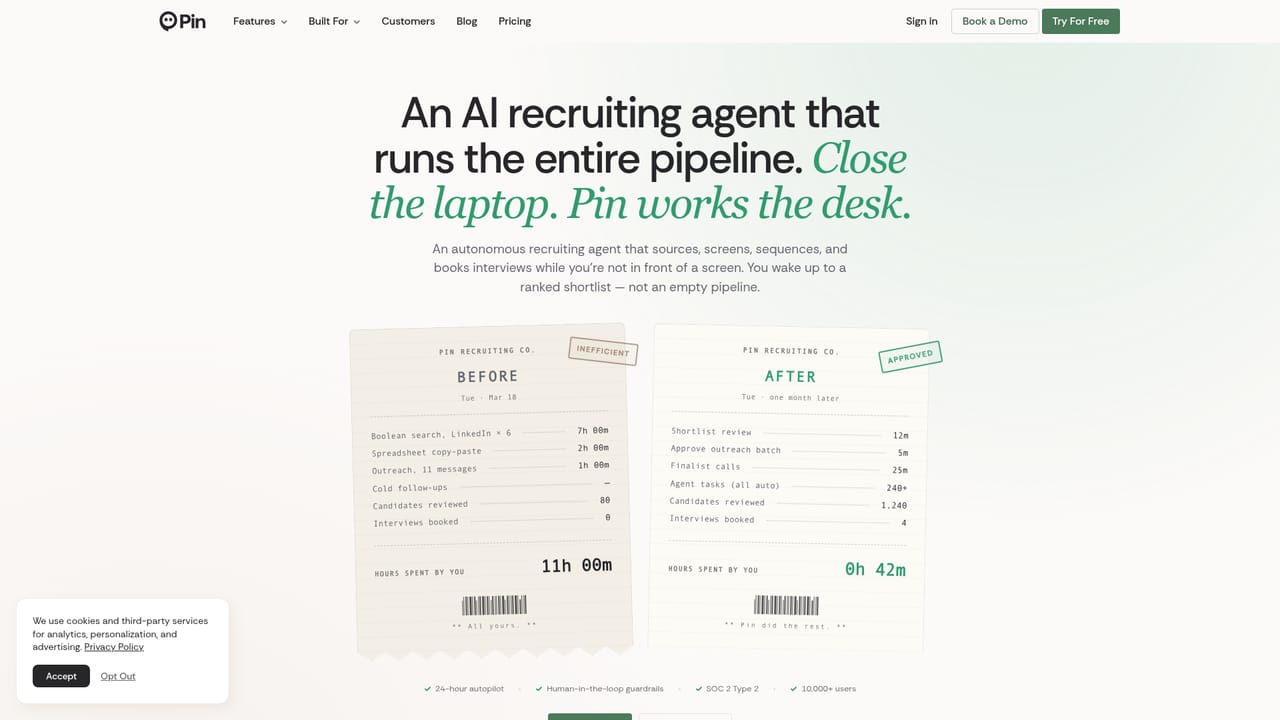
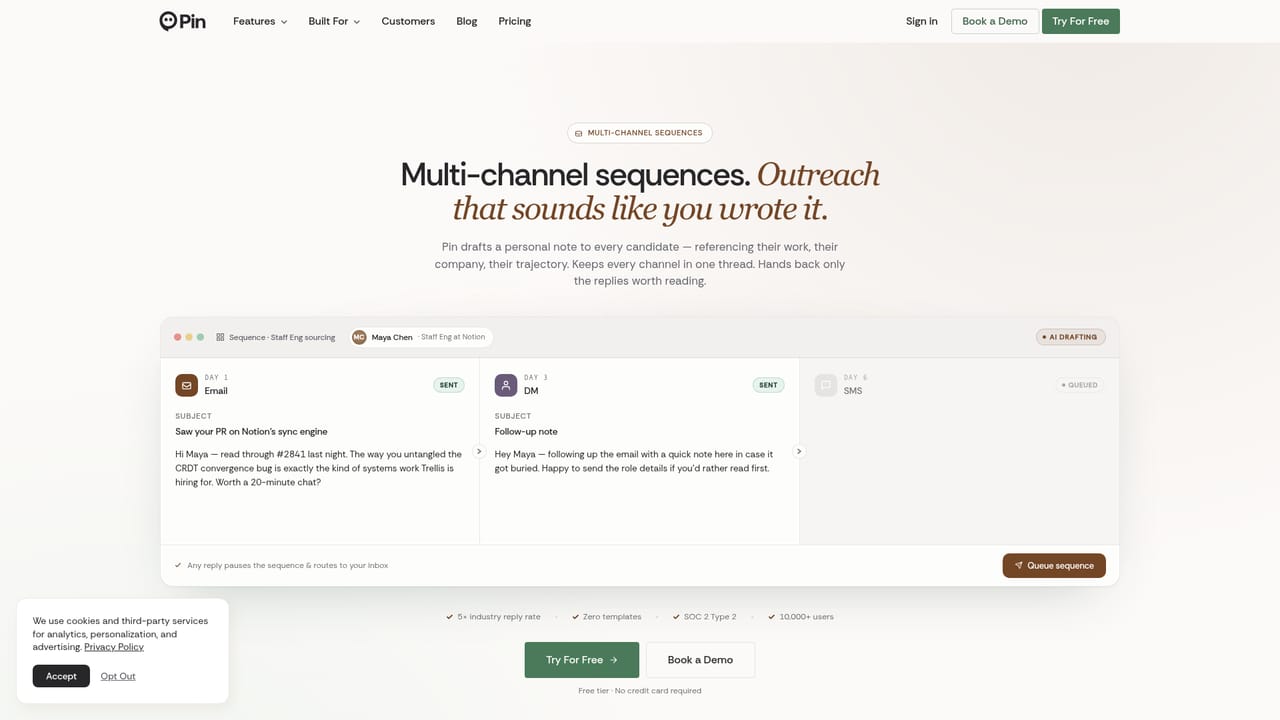
Pin is an AI recruiting platform built around a simple premise: the pipeline should keep moving whether or not a recruiter is at the keyboard. Its centerpiece is an AI recruiting agent that works across a database of 850M+ candidate profiles, searching, ranking and shortlisting talent without manual Boolean strings or hours of scrolling. A recruiter describes the ideal candidate in plain language or pastes a job description, and Pin returns a ranked list within seconds. Matching goes past keyword overlap. The system reads full profiles, including skills, experience and career trajectory, and produces a written justification for why each person does or does not fit the role. Criteria can be adjusted on the fly and the pipeline refreshes immediately, and the model learns from the feedback it receives, so shortlists tighten over repeated searches. Outreach sits on top of that shortlist: multi-channel sequences are drafted from each candidate's profile, follow-ups stay on cadence, and replies land in a shared inbox where the AI drafts responses in the team's own style. Interview scheduling then coordinates availability and books meetings without a back-and-forth thread. The product is aimed at recruiting agencies, in-house talent teams, founders hiring without a dedicated recruiter and hiring managers who need to run searches themselves. Agencies get separate pipelines per client, and teams share an inbox with real-time updates. A Chrome extension lets users add candidates from LinkedIn and the web in one click, and candidates, notes and activity sync with 120+ applicant tracking systems including Greenhouse, Lever, Ashby, Bullhorn, iCIMS and Jobvite. The positioning is consolidation. Most competing tools cover sourcing, screening or outreach in isolation, whereas Pin bundles all four plus scheduling and a recruiter CRM. Teams that already pay for a LinkedIn Recruiter seat will find the multi-source search and automated follow-up the main draw; smaller shops may find the credit allowances on lower tiers the binding constraint.
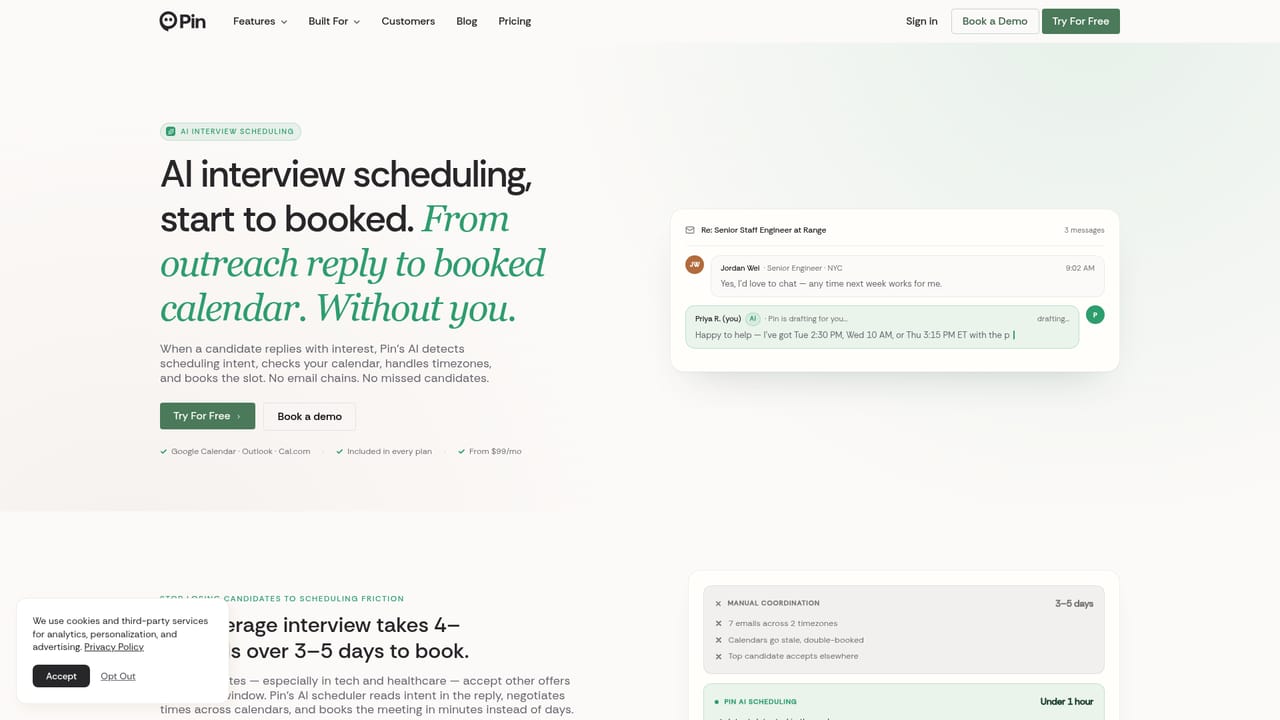
A free trial gives access to core features including sourcing, automated outreach and interview scheduling, and no credit card is required to start.
Learn moreFree tier at $0 forever with 5 contact lookup credits per week, 1 job position, 1 AI Agent and email-only sequences. Solo is $99 per user per month billed annually. Professional is $135 per user per month billed annually (listed at $179), with 1,000 credits per seat monthly and 2 AI Agents per user. Business is custom priced.
Learn moreExpert support is listed alongside the trial on the homepage. Business plans add a dedicated account manager, and a trust centre publishes SOC 2 Type 2 documentation.
Learn moreSyncs with 120+ applicant tracking systems, including Greenhouse, Lever, Ashby, Bullhorn, iCIMS and Jobvite, so candidates, notes and activity transfer automatically. An MCP server is also offered.
Learn moreAI candidate sourcing across 850M+ profiles with instant ranked shortlists, fit-based matching that goes beyond keywords, written match reasoning, an AI recruiting agent that works continuously, multi-channel outreach sequences with AI drafting and proofreading, a shared multi-channel inbox, AI interview scheduling, a recruiter CRM, and a Chrome extension for adding candidates from LinkedIn and the web.
Learn more AI Angels400+ customizable AI girlfriends for NSFW chat, voice calls, and roleplay
 Candy AIExperience the future of companionship with AI friends who chat, role-play, and connect with you on a human level.
 ourdream.aiA vast AI roleplay platform with millions of characters for chat, images, video and voiceAI Angels400+ customizable AI girlfriends for NSFW chat, voice calls, and roleplayCandy AIExperience the future of companionship with AI friends who chat, role-play, and connect with you on a human level.ourdream.aiA vast AI roleplay platform with millions of characters for chat, images, video and voice


