Free trial
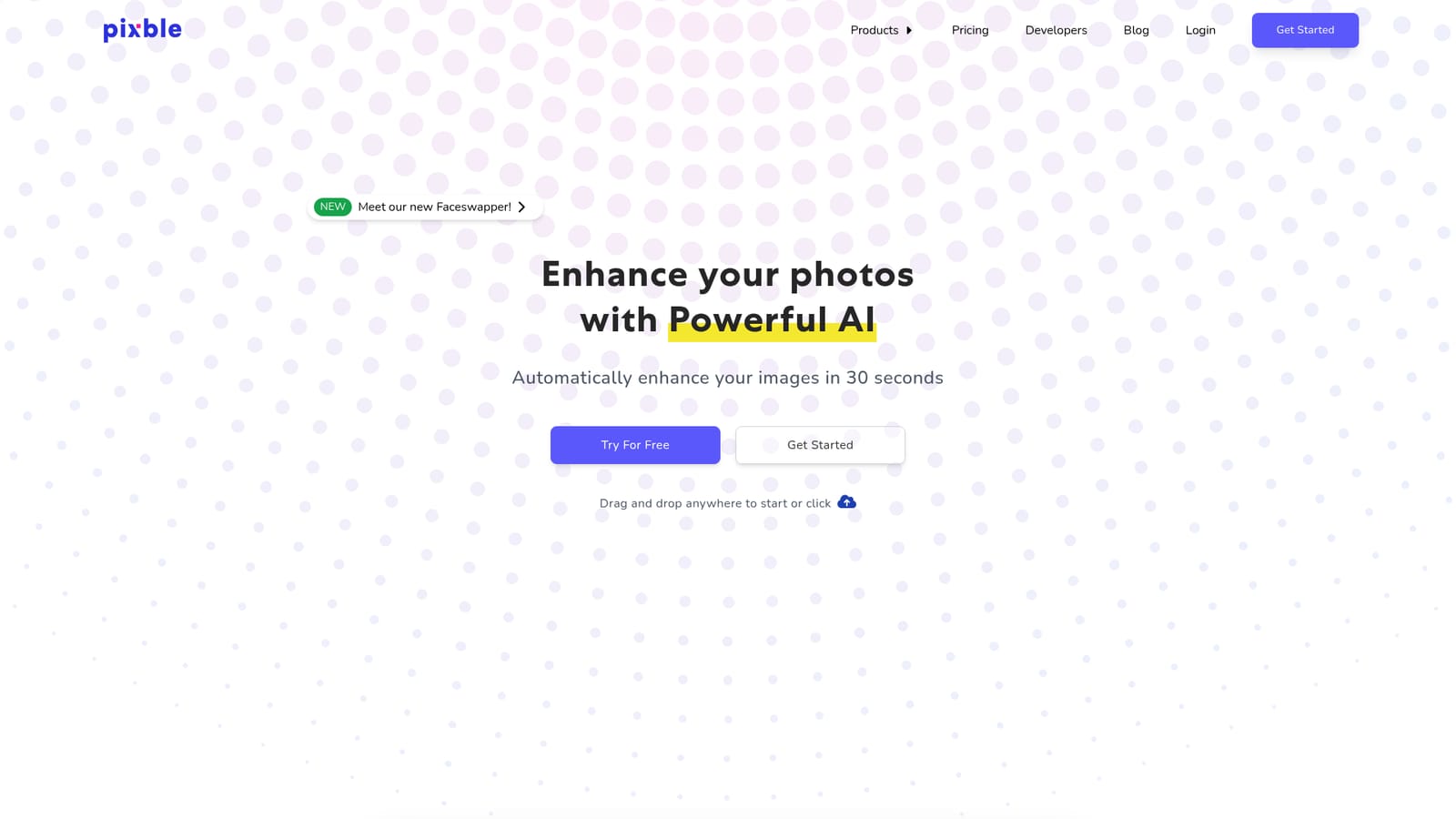
The homepage invites visitors to try the enhancer for free and shows a Try For Free button, but it does not state how many images the free allowance covers or what limits apply.
Learn moreAutomatic AI photo enhancement in about 30 seconds

Pixble is a browser based AI photo enhancer that automatically fixes lighting, color, noise and blur in around 30 seconds, with an API for developers. It targets marketers, ecommerce sellers, real estate and creative professionals who want corrected images without learning editing software.
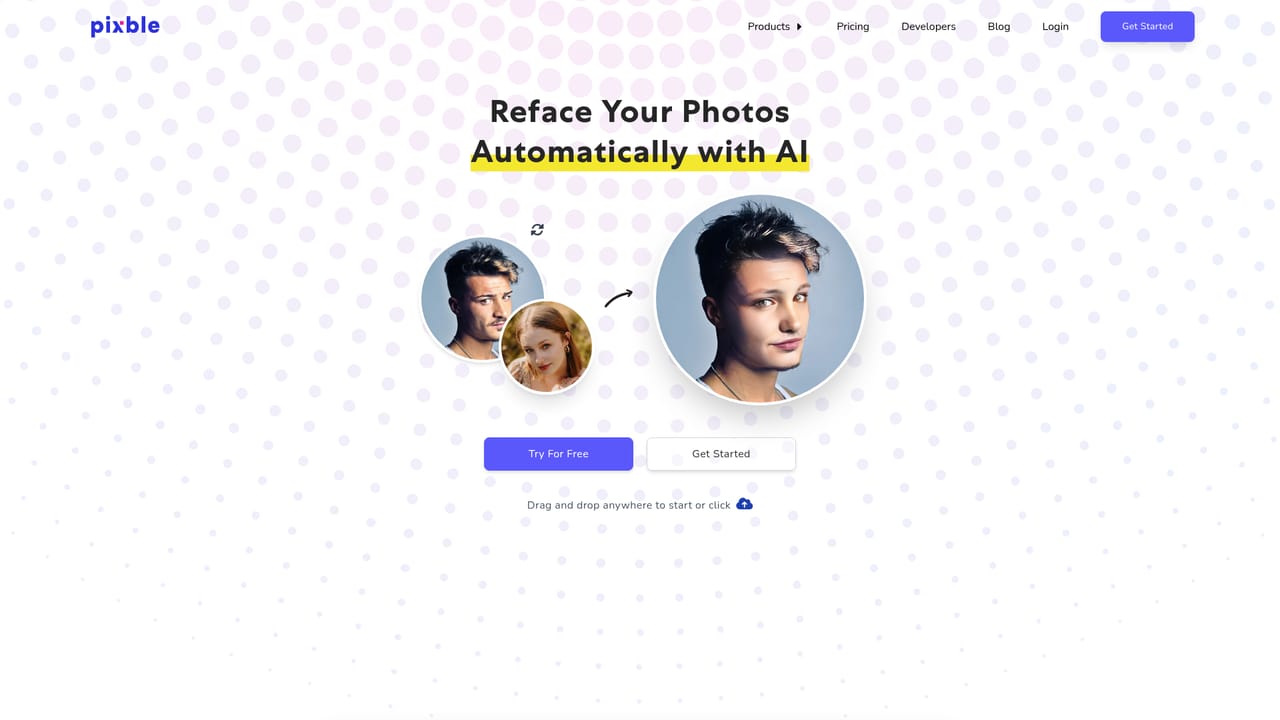
Pixble is a browser based photo enhancement tool that runs uploaded images through an AI pipeline to correct the problems most people cannot fix by hand. The site positions it around four core repairs: rebalancing low light and overexposed shots, pulling colors back toward what the scene actually looked like, cutting noise without smearing detail, and reducing blur in soft or fuzzy frames. The whole pass is presented as a roughly 30 second job, which puts it in the quick cleanup bracket rather than the full editing suite bracket. The workflow is deliberately shallow. You drag a photo onto the page or click to browse, the service processes it, and you compare the original against the result. There are no layers, masks, curves or selection tools to learn, and the marketing leans hard on that absence of controls: the pitch is professional looking output without digital photography know-how. That makes it a reasonable fit for marketers assembling blog and social visuals, ecommerce sellers who need product shots to compete with reviews in a buying decision, real estate agents polishing listing photos, and creative professionals who would rather hand off routine correction than spend an afternoon on it. Pixble also sells an API for developers who want the same automatic processing inside their own applications, with the signup form doubling as the API request channel. The company claims the service costs significantly less than hiring an editing agency and quotes an average delivery time of about one minute. Outside help is thin on the page: there is no visible pricing table, no documentation, and no stated support channel. Where it fits: Pixble sits between one click phone enhancers and full desktop editors like Photoshop or Lightroom. Anyone who needs color grading control, batch rules or raw file handling will find it too automatic. Anyone who wants a corrected image with almost no decisions to make will find it fast. A face swap feature is also promoted from the app, though it is a separate function from the enhancement flow.
The homepage invites visitors to try the enhancer for free and shows a Try For Free button, but it does not state how many images the free allowance covers or what limits apply.
Learn moreAn API is offered for embedding Pixble's automatic enhancement into your own application. Access is requested through the signup page; no named third party integrations or documentation are listed on the homepage.
Enhancement covers exposure correction for low light and overexposed shots, color repair toward true to life tones, noise reduction that aims to preserve detail, and blur reduction on soft images. Processing is automatic and quoted at about 30 seconds. A face swap tool is offered alongside the enhancer, and an API handles the same processing inside other applications.
 AI Angels400+ customizable AI girlfriends for NSFW chat, voice calls, and roleplay
 Candy AIExperience the future of companionship with AI friends who chat, role-play, and connect with you on a human level.
 ourdream.aiA vast AI roleplay platform with millions of characters for chat, images, video and voiceAI Angels400+ customizable AI girlfriends for NSFW chat, voice calls, and roleplayCandy AIExperience the future of companionship with AI friends who chat, role-play, and connect with you on a human level.ourdream.aiA vast AI roleplay platform with millions of characters for chat, images, video and voice


