Free trial
No time limited trial is described. A free Basic tier provides 3 image generations per day with basic enhancement, plus limited credits.
Learn moreAI upscaling and restoration built for old, blurry face photos

Rentoor is a simple AI image upscaler aimed at old and blurry face photos. Super-resolution, noise reduction and sharpening handle the work, results download as normal files, and the free tier allows 3 generations per day. A $15 Pro plan adds 200 generations, a saved photo dashboard and commercial usage rights.
Rentoor is a browser based image enhancement tool focused on one job above all others: rescuing old, blurry face photos so family memories stay viewable. The pitch is deliberately narrow. Instead of positioning itself as a general photo editor, it targets portraits and personal snapshots that have lost clarity over the years, then leans on AI super-resolution to rebuild detail that the original file no longer carries. The feature set is short and specific. Super-resolution restores clarity and detail, noise reduction cleans up grain and artefacts, and image sharpening adds crispness to the result. Processed files can be downloaded directly once generation finishes, so the output is a normal image asset rather than something locked inside the platform. The workflow is equally simple: open the enhance page, upload a portrait, spend a generation, review the result and download it. There are no layers, masks or manual retouch controls to learn, which is why the tool sits comfortably at beginner level. It is aimed at ordinary users rather than working retouchers: people digitising family albums, scanning prints of grandparents, or trying to recover a favourite photo taken on an old phone. Testimonials on the site lean heavily on this emotional use case, with users describing restored portraits of relatives. Anyone needing composites, colour grading or batch pipelines should look at broader image editors or dedicated upscaling suites instead; Rentoor trades flexibility for speed and simplicity. The free tier sets the real ceiling. Visitors get 3 generations per day with basic enhancement, which is enough to test whether the model handles a particular photo well but not enough for a large archive. The Pro plan at $15 adds 200 generations, a dashboard for saving photos, commercial usage rights, early access to new features and the ability to request features. Payment runs through Gumroad rather than an in-app checkout.
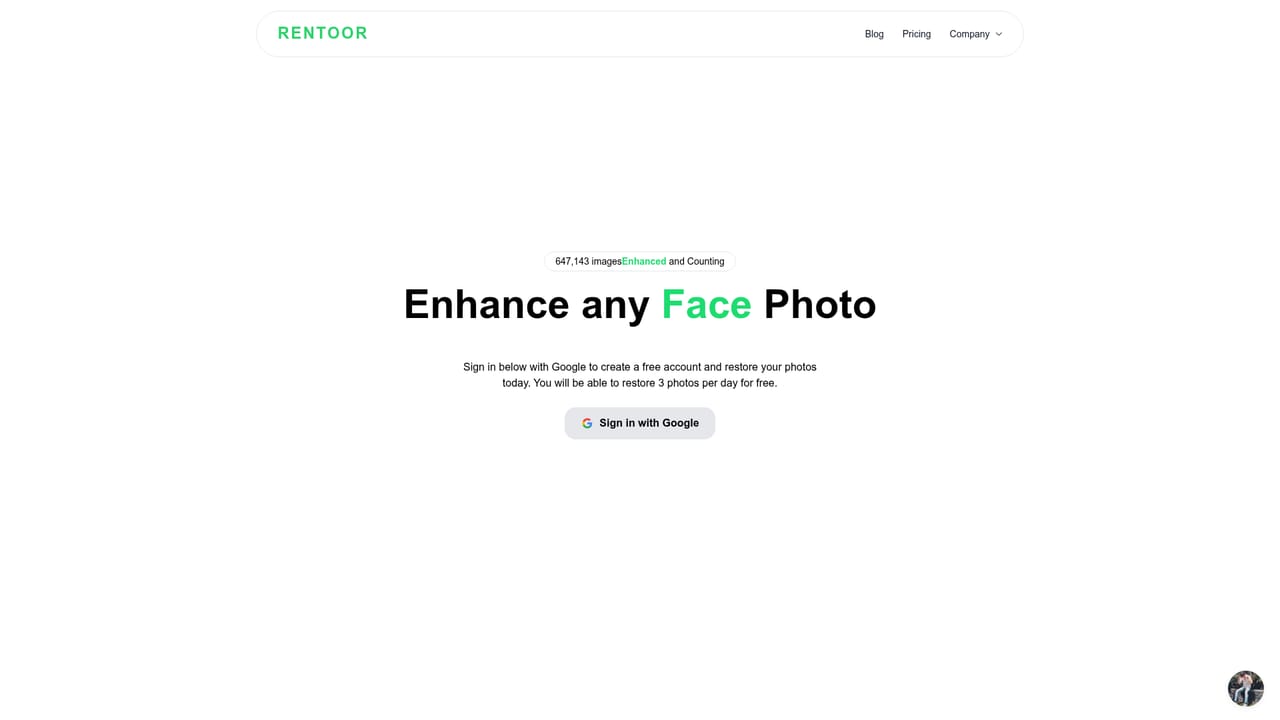
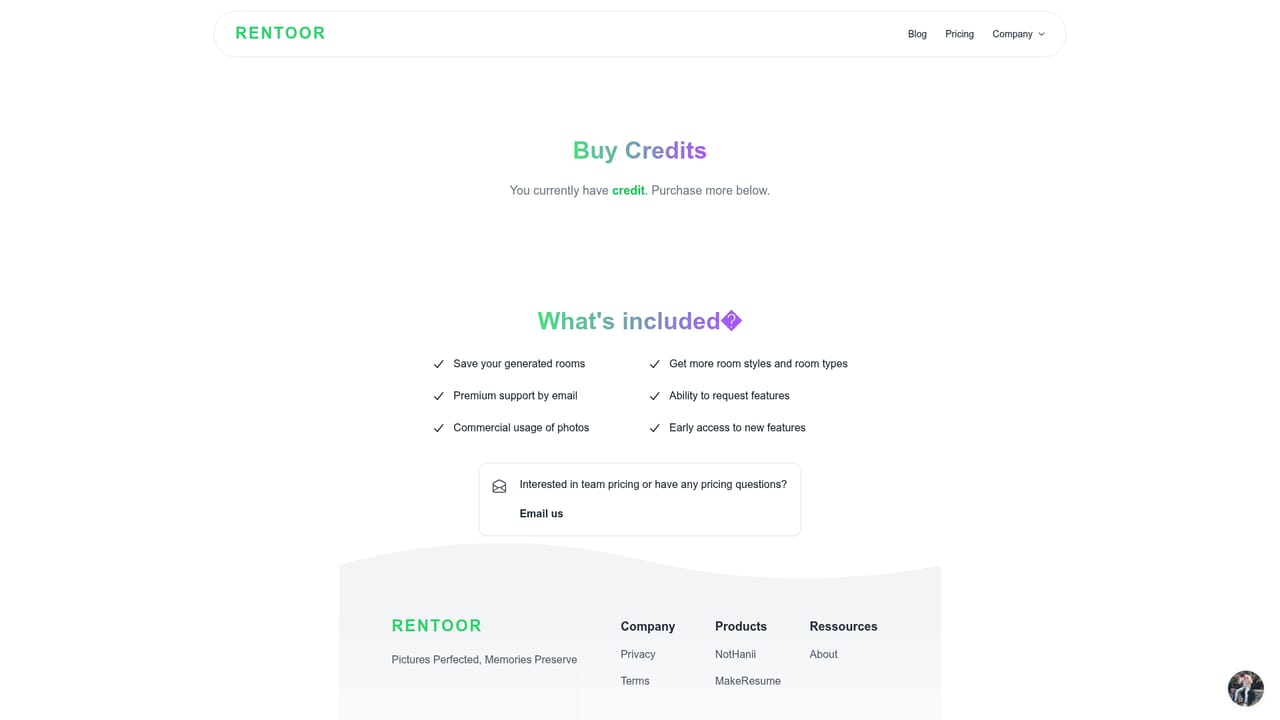
No time limited trial is described. A free Basic tier provides 3 image generations per day with basic enhancement, plus limited credits.
Learn moreTwo tiers. The Basic plan is $0 with limited credits, 3 image generations and basic image enhancement. The Pro plan is $15 and includes 200 image generations, commercial usage of photos, early access to new features, a dashboard for saving photos and the ability to request features. Pro credits are purchased via Gumroad.
Learn moreSuper-resolution restores clarity and detail to images, noise reduction removes unwanted grain and artefacts, and image sharpening adds crispness. Finished photos can be downloaded, so the enhanced file is yours to keep. Pro users also get a dashboard for saving photos, commercial usage rights and early access to new features.
 AI Angels400+ customizable AI girlfriends for NSFW chat, voice calls, and roleplay
 Candy AIExperience the future of companionship with AI friends who chat, role-play, and connect with you on a human level.
 ourdream.aiA vast AI roleplay platform with millions of characters for chat, images, video and voiceAI Angels400+ customizable AI girlfriends for NSFW chat, voice calls, and roleplayCandy AIExperience the future of companionship with AI friends who chat, role-play, and connect with you on a human level.ourdream.aiA vast AI roleplay platform with millions of characters for chat, images, video and voice


