Free trial
A free start is advertised (Try Free Now) and new accounts receive 30 sign-up credits, though the homepage gives no duration or usage caps for free access.
Learn moreOne canvas for AI video, image, and audio, across top models

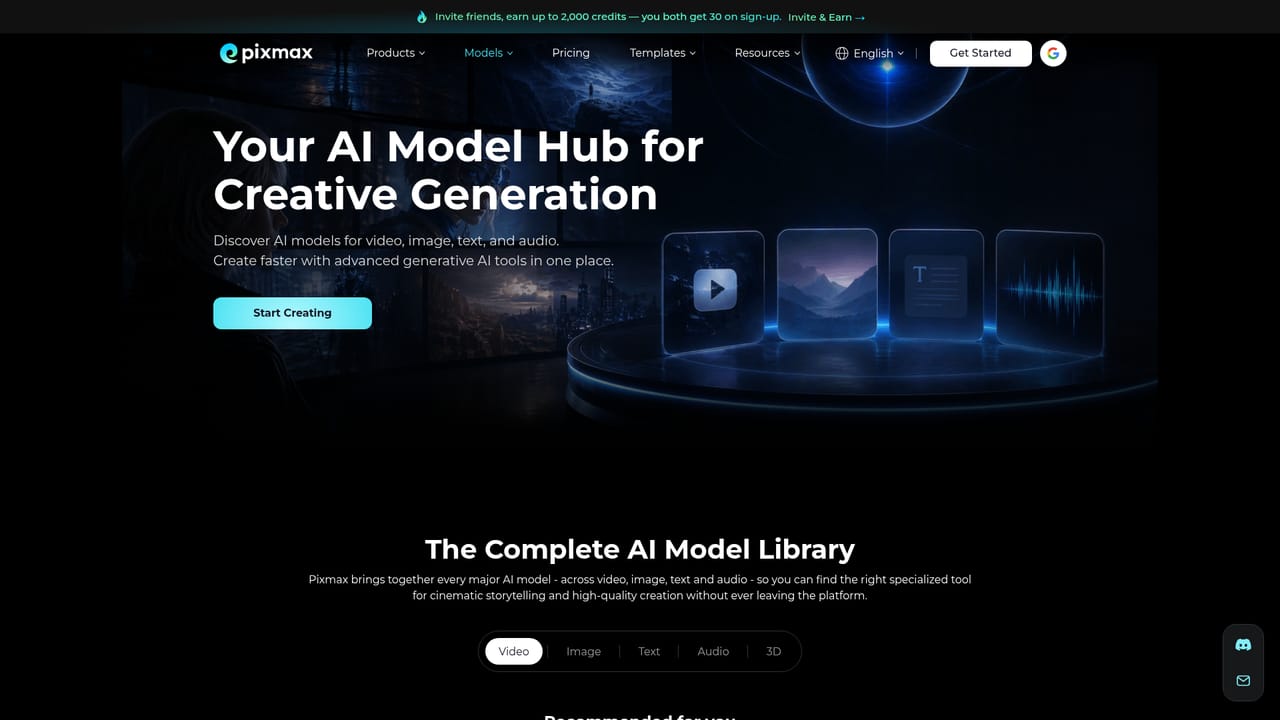
Pixmax AI is a generative image tool. Pixmax AI bundles leading video, image, text, and audio models into one canvas workspace with reusable workflows, script to storyboard generation, and team collaboration, aimed at creators producing ads, short dramas, and other branded video content.
Pixmax AI is a web based creative platform that puts multiple generative models behind one interface. Instead of subscribing to each video, image, text, or audio service separately, members work from a single credit balance and a single workspace. The model roster is unusually broad: Seedance 2.5, Kling 3.0 omni, VEO 3.1, Hailuo 2.3, Vidu Q3 Pro, Wan 2.6 and 2.7, and PixVerse V6 handle video, while GPT Image 2, Nano Banana, Seedream 5.0 Lite and Pro, and Hunyuan3D Pro 3.1 cover stills and 3D. Language models such as Claude Opus 5, Gemini 3.1 Pro, DeepSeek V4 Pro, Doubao Seed2.0, and Minimax M3 are available for scripting and prompt work. Audio is covered by ElevenLabs V3, Eleven Music, Seed Audio 1.0, MiniMax Music 2.6, and Minimax Speech 2.8. The workspace is built around an infinite canvas and a visual workflow system. Members can chain text, image, video, and audio steps into reusable pipelines, keep scripts, storyboards, references, and model settings in one place, and swap models per task without leaving the project. A script to video flow generates characters, scenes, and storyboard panels from a pasted idea or screenplay, then lets users preview clips, adjust prompts, add voiceover and captions, and export a finished video. Saved characters, scenes, and brand styles can be reused across projects, and teammates can be invited to co-create and review in real time. Pixmax is aimed at creators producing ads, short dramas, game trailers, and animated content, plus teams that want production assets and workflows organized rather than scattered across tools. Pre-built templates for commercials and AI avatars, short dramas, game cinematics, and cinematic animation can be cloned as starting points. The main trade-off is that it is a routing layer over other companies' models: quality depends on the chosen model, and the breadth of options means beginners face real decisions about which model fits a shot.
A free start is advertised (Try Free Now) and new accounts receive 30 sign-up credits, though the homepage gives no duration or usage caps for free access.
Learn moreThe homepage does not publish plan prices. It describes a credit based model where one balance covers all listed models, and mentions that inviting friends can earn up to 2,000 credits, with 30 credits given to both parties on sign-up.
Learn moreUnified hub for video, image, text, and audio models; infinite canvas for scripts, references, and storyboards; visual workflows that chain tasks; reusable characters, scenes, and brand styles; team collaboration; one-click video export; templates for commercials, short dramas, game cinematics, and animation.
Learn more AI Angels400+ customizable AI girlfriends for NSFW chat, voice calls, and roleplay
 Candy AIExperience the future of companionship with AI friends who chat, role-play, and connect with you on a human level.
 ourdream.aiA vast AI roleplay platform with millions of characters for chat, images, video and voiceAI Angels400+ customizable AI girlfriends for NSFW chat, voice calls, and roleplayCandy AIExperience the future of companionship with AI friends who chat, role-play, and connect with you on a human level.ourdream.aiA vast AI roleplay platform with millions of characters for chat, images, video and voice


